Home SOFTWARE Resource
Java

Feather Patched Launcher

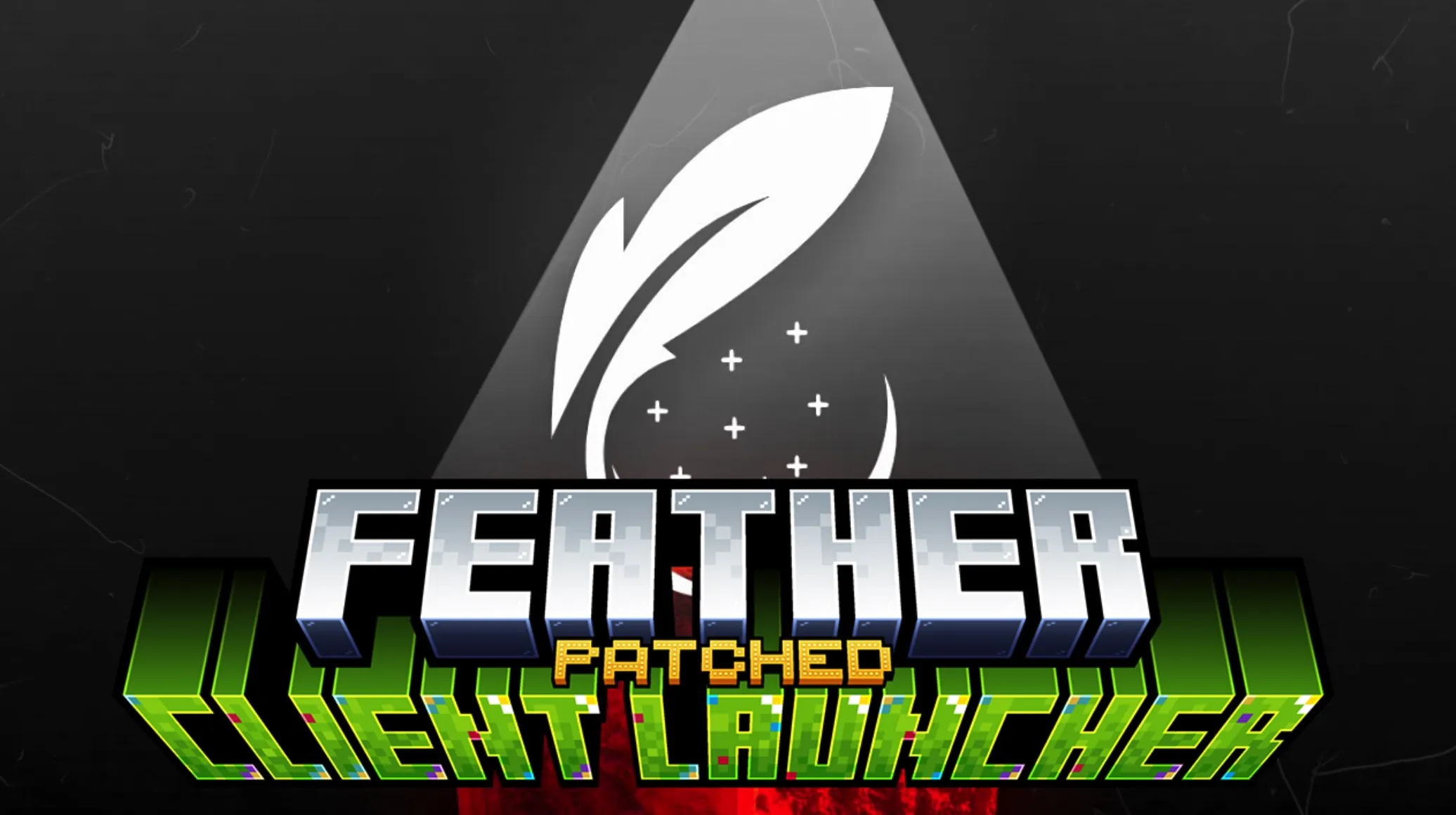
Feather Patched Launcher – Get Full Features with No License Feather Patched Launcher allows you to play Minecraft with a variety of premium features without th

Publisher

Klodus

Downloads

2

Top category

SOFTWARE

Updated

2026-06-19
Feather Patched Launcher
4 gallery images Java Edition

Gallery

Resource preview set

4 images

Overview

Resource description

Feather Patched Launcher – Get Full Features with No License

Feather Patched Launcher allows you to play Minecraft with a variety of premium features without the need for a licensed account. It supports a comprehensive range of game versions, spanning from legacy releases to the latest updates. You can effortlessly customize your character with any skin or cape you desire, all directly through the launcher's interface. Additionally, this client provides a straightforward method for hosting servers, making it simple to invite friends to join your world. With an integrated mod manager, you can install popular mods like Sodium and Iris directly, while the built-in account switcher allows for seamless management of multiple player names.
Key Features:

  • Easy Server Hosting: Create a server for your friends with just a few clicks. Share your IP address directly without relying on external software like Hamachi or a VPN.
  • Full Customization: Personalize your avatar with custom skins and capes. The launcher supports loading skins via local files, licensed nicknames, or various other skin systems.
  • Built-in Mod Manager: Effortlessly discover and install popular modifications such as Sodium and Iris directly within the client.
  • Account Switcher: Quickly add, store, and switch between different in-game player names.
  • Wide Version Support: The launcher is compatible with numerous Minecraft versions, ranging from 1.8 up to the most recent releases.
  • Slim Player Model: Option to select the slim player model style for your skin if you prefer thinner arm segments.

Usage Instructions:

  1. Execute the installation file you have downloaded.
  2. Follow the on-screen setup instructions and opt to create a desktop shortcut.
  3. Once the installation is complete, launch the program.
  4. To add a player identity, click on "Guest user Account" and create a new profile.
  5. Navigate to the "Skins" or "Capes" section to customize your character's appearance.
  6. To play with friends, go to the "Server" tab and select "Create Server" to initiate your own private world.

More in category

Latest SOFTWARE resources