Minecraft Consoles Launcher
Minecraft Consoles Launcher Minecraft Consoles Launcher brings the classic Legacy Console Edition to your modern computer. This utility allows you to enjoy the
Publisher
MCLCE
Downloads
2
Top category
SOFTWARE
Updated
2026-06-19
Resource preview set
Resource description
Minecraft Consoles Launcher
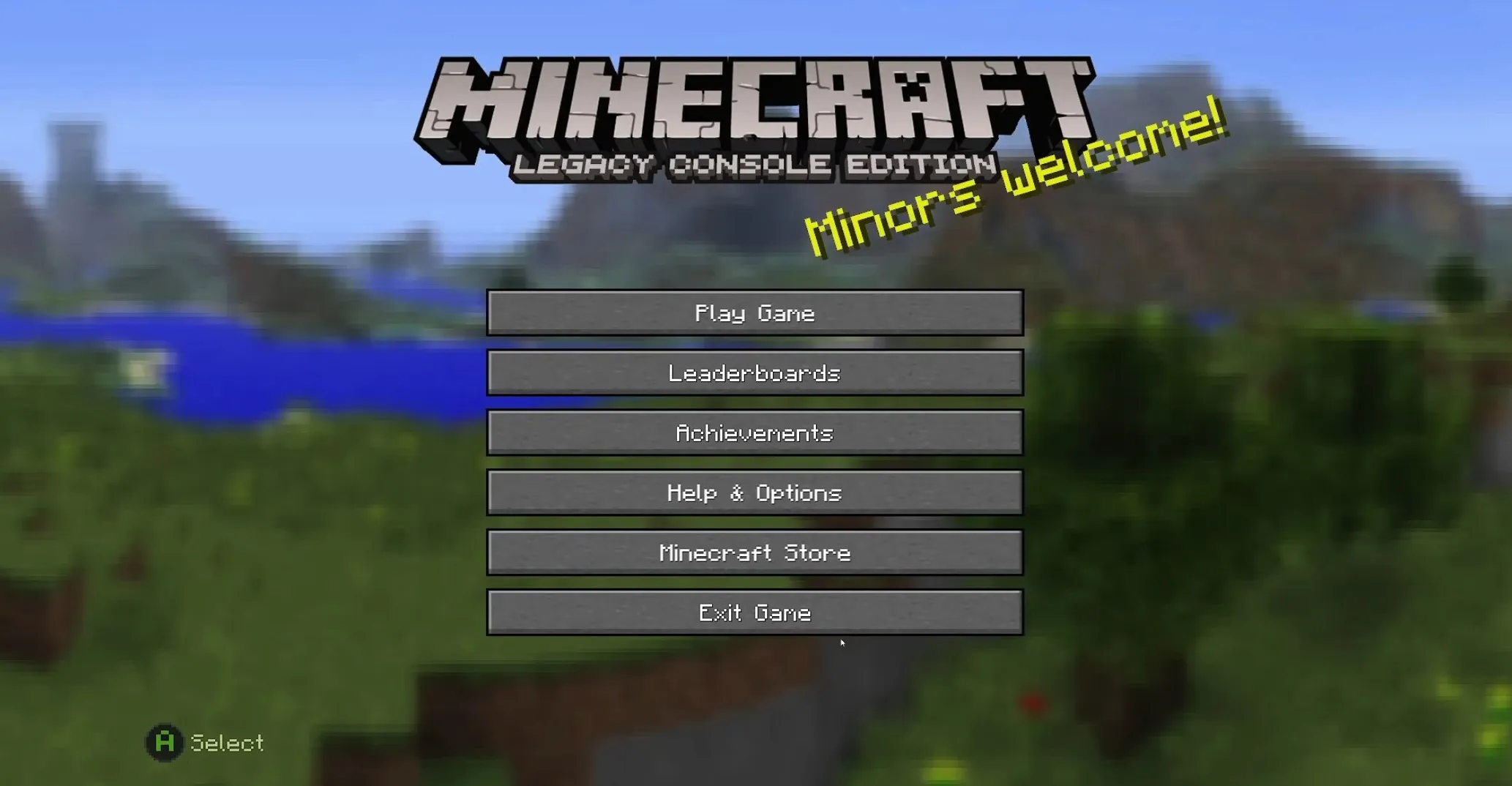
Minecraft Consoles Launcher brings the classic Legacy Console Edition to your modern computer. This utility allows you to enjoy the original console experience on your PC without the need for outdated television sets or specific hardware. By providing both keyboard-mouse and gamepad compatibility, it ensures a seamless transition for players, preserving the nostalgic interface while enabling easy multiplayer connectivity with friends.
Features:
- Enables the Legacy Console Edition to run smoothly on modern Windows operating systems.
- Features comprehensive keyboard and mouse key-bindings for those who prefer not to use a controller.
- Includes a built-in server tool for hosting worlds and inviting friends.
- Supports local split-screen multiplayer directly on your PC monitor.
- Automatically adjusts the game resolution to suit your display settings.
- Improves overall performance by patching legacy bugs found in the original source code.
- Provides an in-game server interface for managing and saving custom server addresses.
- Allows for simple username customization via a basic text file configuration.
Keyboard Controls:
- W, A, S, D: Navigate through the game world.
- Space: Jump or fly upwards.
- Shift: Sneak or fly downwards.
- E: Access your inventory.
- C: Open the crafting interface.
- F11: Toggle full-screen mode.
- F5: Switch between camera perspectives.
- TAB: View the player list and hosting configuration menu.
Configuration:
- Include
-name [YourName]in the launch arguments to define your in-game nickname. - Use the
-fullscreenargument to launch the game directly into full-screen mode. - Modify the
server.propertiesfile to customize server settings, such as port configuration, player capacity, and world size.
How to Use:
- Extract the downloaded archive into a designated folder on your PC.
- Create a file named
username.txtin that folder and input your preferred display name. - Launch the client executable to start the game.

- Host a world to make it automatically visible to other players on your local area network (LAN).
- Select the "Join Game" menu to find and connect to your friends' worlds on the same network.