DroidBridge Launcher – Play the Full Java Edition on Mobile
DroidBridge Launcher allows you to experience the full version of Minecraft: Java Edition directly on your Android smartphone or tablet. By providing a legitimate method to run the desktop version of the game on mobile platforms, this launcher ensures that you can access your favorite titles provided you own the game. You are empowered to manage diverse game versions, integrate various mods, and tailor on-screen controls to refine your gameplay. The tool requires authentication via your official Microsoft account to verify ownership, enabling you to enjoy your preferred Java worlds and servers wherever you go.
Features:
- Java Edition on Android: Run the complete desktop version of Minecraft on your mobile hardware.
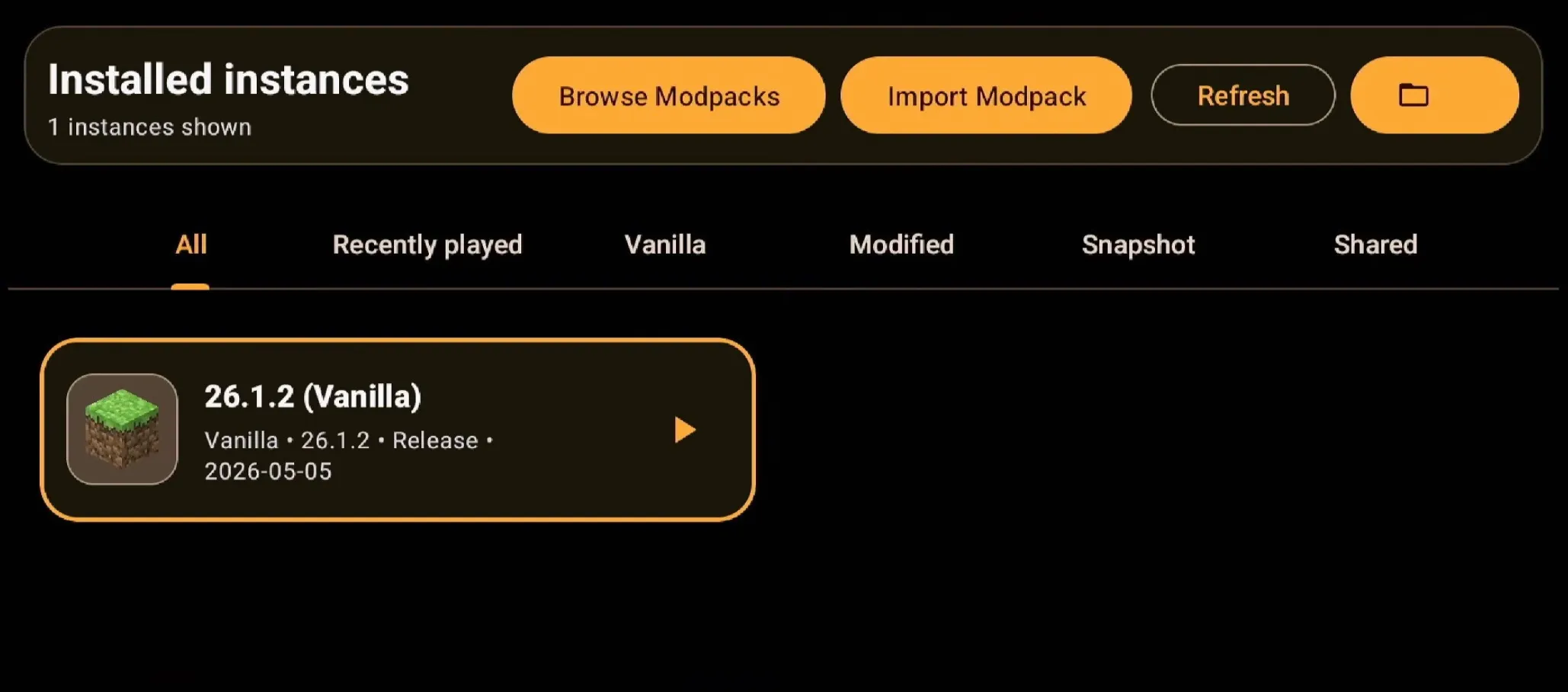
- Instance Management: Effortlessly create, organize, and toggle between multiple versions of Minecraft.
- Mod Support: Seamlessly install and utilize mods with full compatibility for loaders such as Fabric, Forge, and NeoForge.
- Custom On-Screen Controls: Provides a default touch interface that can be edited, repositioned, and resized to suit your personal playstyle.
- Gamepad Support: Enhance your experience by connecting a physical Bluetooth or USB controller.
- Renderer Plugins: Features support for custom renderers like MobileGlues to boost performance and compatibility, especially for more recent versions of Minecraft.
- World & Pack Management: Simplifies the process of importing and managing your worlds, resource packs, and shader packs.
- Hotbar Touch Hitbox: Adjust the touch sensitivity area for the in-game hotbar to improve item selection accuracy across various screen sizes.
How to Use:
- Download and install the DroidBridge Launcher application on your Android device.
- Open the app and allow it to complete the installation of its internal files.
- Accept the Minecraft End-User License Agreement (EULA) when prompted.
- Navigate to the ‘Account’ section within the settings and sign in using your Microsoft account that owns Minecraft: Java Edition.
- Return to the main screen and tap the ‘+’ button to initialize a new instance.
- Select your preferred Minecraft version, and optionally choose a mod loader like Fabric or Forge.
- Once the launcher finishes downloading the necessary game files, tap the play button to start Minecraft.