Java 1.20.6 SHADER

TAA-Distant Horizons port

TAA-Distant Horizons port This is a specialized fork of the TAA project, engineered specifically to provide integrated support for the Distant Horizons mod. Bui

Publisher

hello_there

Top category

SHADER

Updated

2026-06-16
TAA-Distant Horizons port
4 gallery images Java Edition

Gallery

Resource preview set

4 images

Overview

Resource description

TAA-Distant Horizons port

This is a specialized fork of the TAA project, engineered specifically to provide integrated support for the Distant Horizons mod.

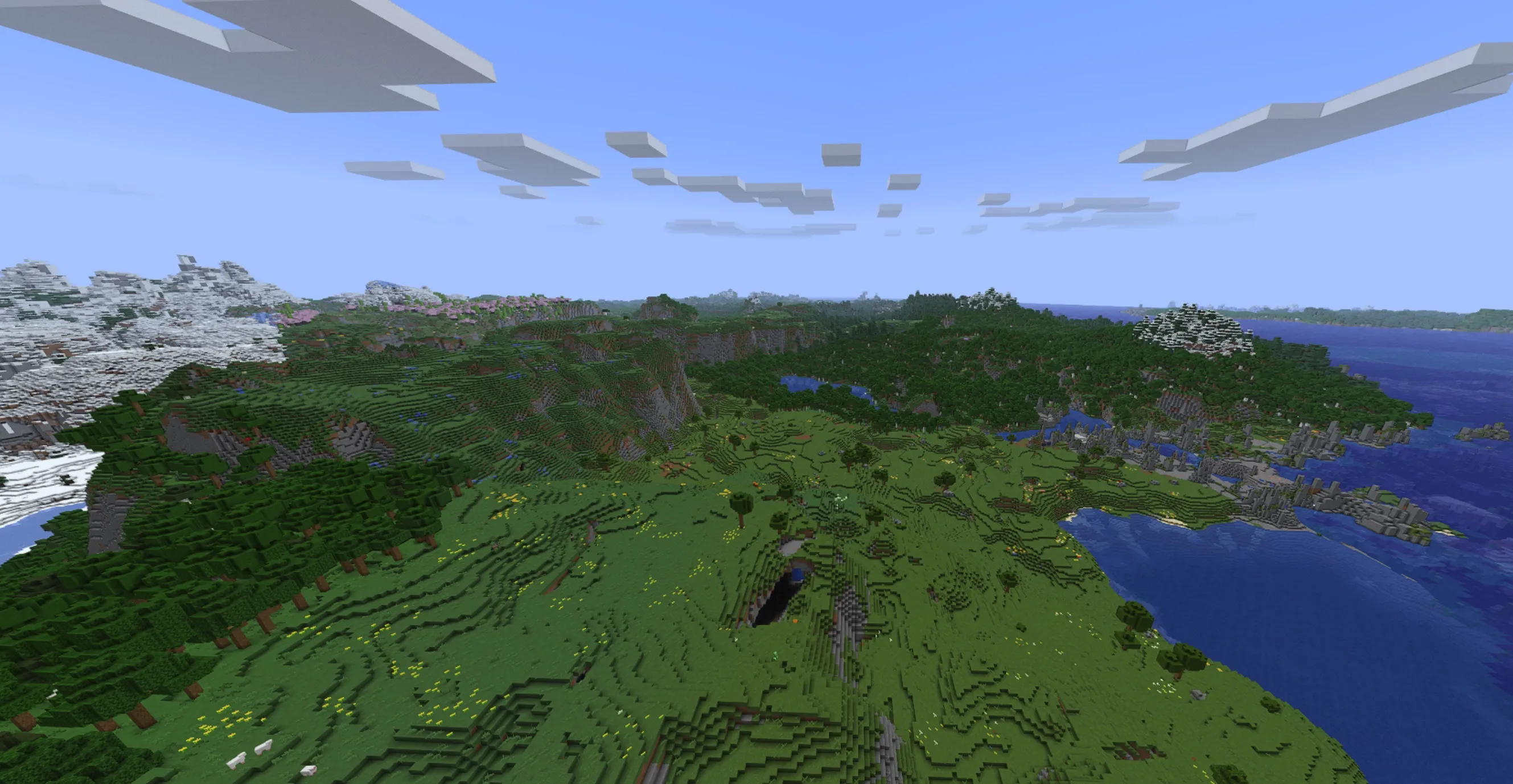
Built upon the foundation of the original TAA, this version focuses on seamless Distant Horizons compatibility. It has been thoroughly tested on version 1.20.1 and achieves nearly 1:1 parity with the vanilla Ambient Occlusion (AO) experience.

Regarding performance, you can expect an approximate 5% impact at 4 samples; if you opt for the highest configuration of 12 samples, the performance overhead is roughly 13%.

Features:

  • Compatibility: Fully works with Iris and Colorwheel (please ensure "fallbackmode" is enabled within Colorwheel settings).
  • TAA (Temporal Anti-Aliasing): The core feature, which effectively smooths edges while eliminating flickering and noise on distant terrain.
  • Sharpening:
    • Unsharp Mask: Provides effective sharpening but may produce trails behind fast-moving entities.
    • CAS (Contrast Adaptive Sharpening): Offers a more stable visual result while still retaining some minor trade-offs.
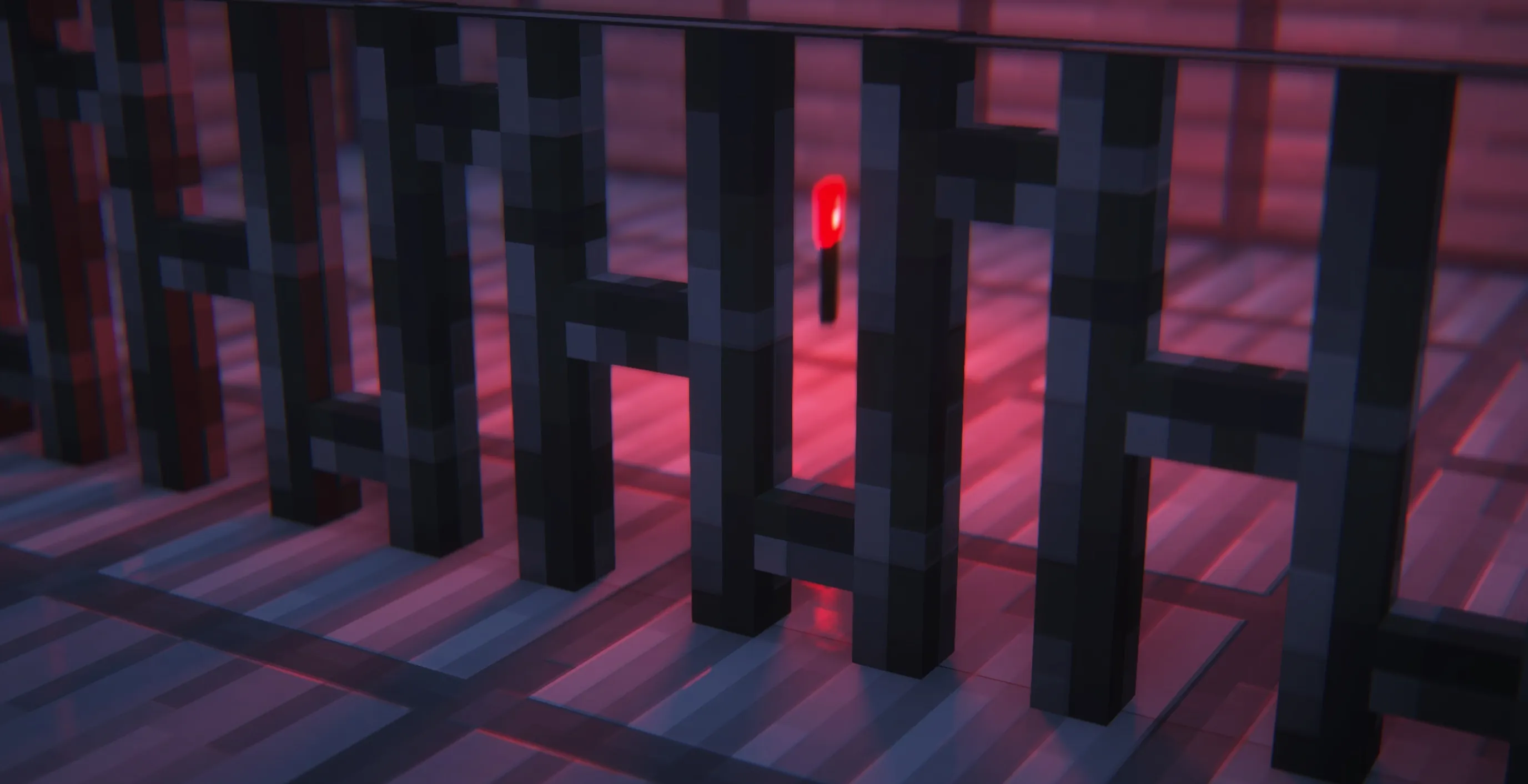
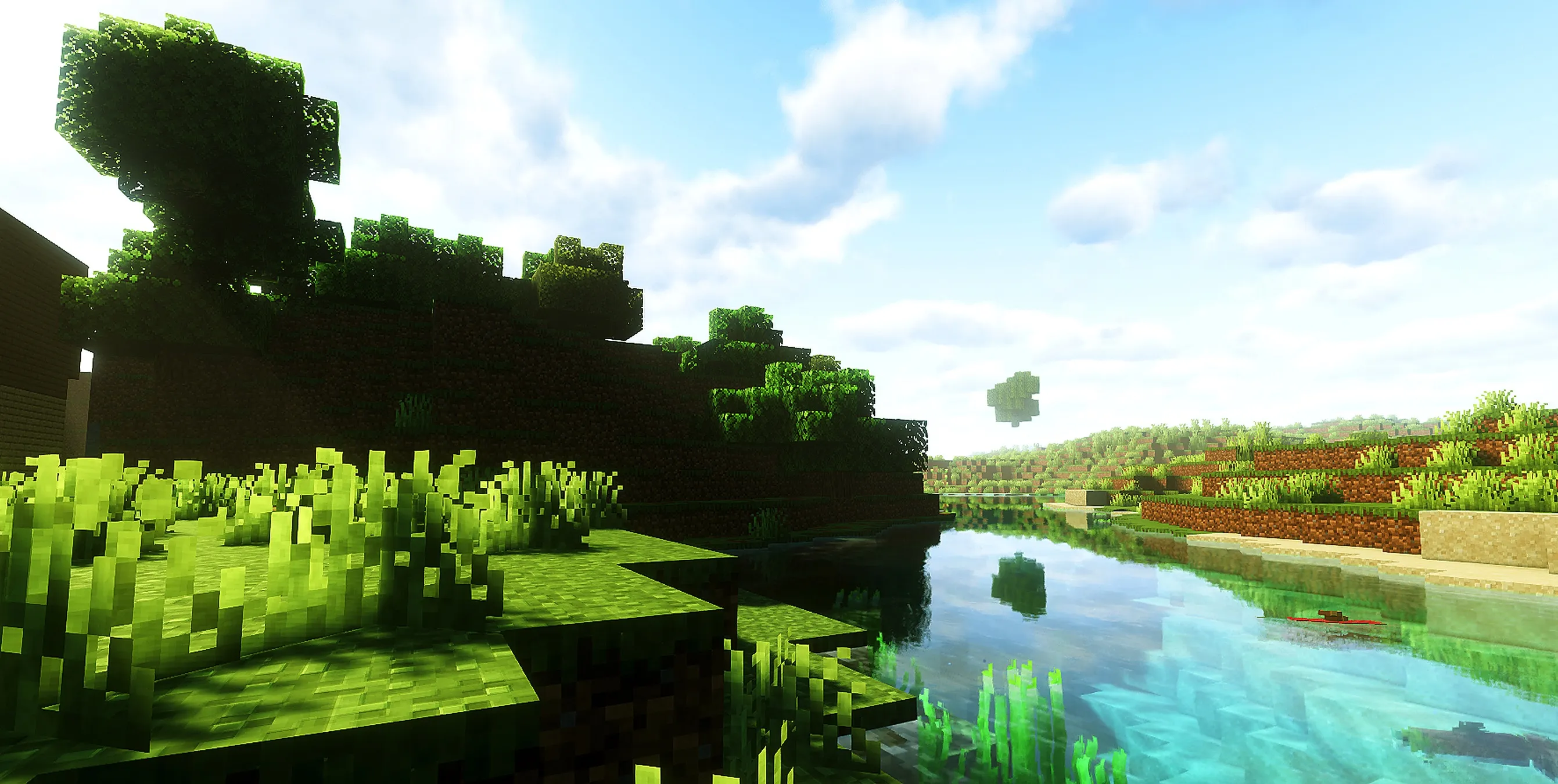
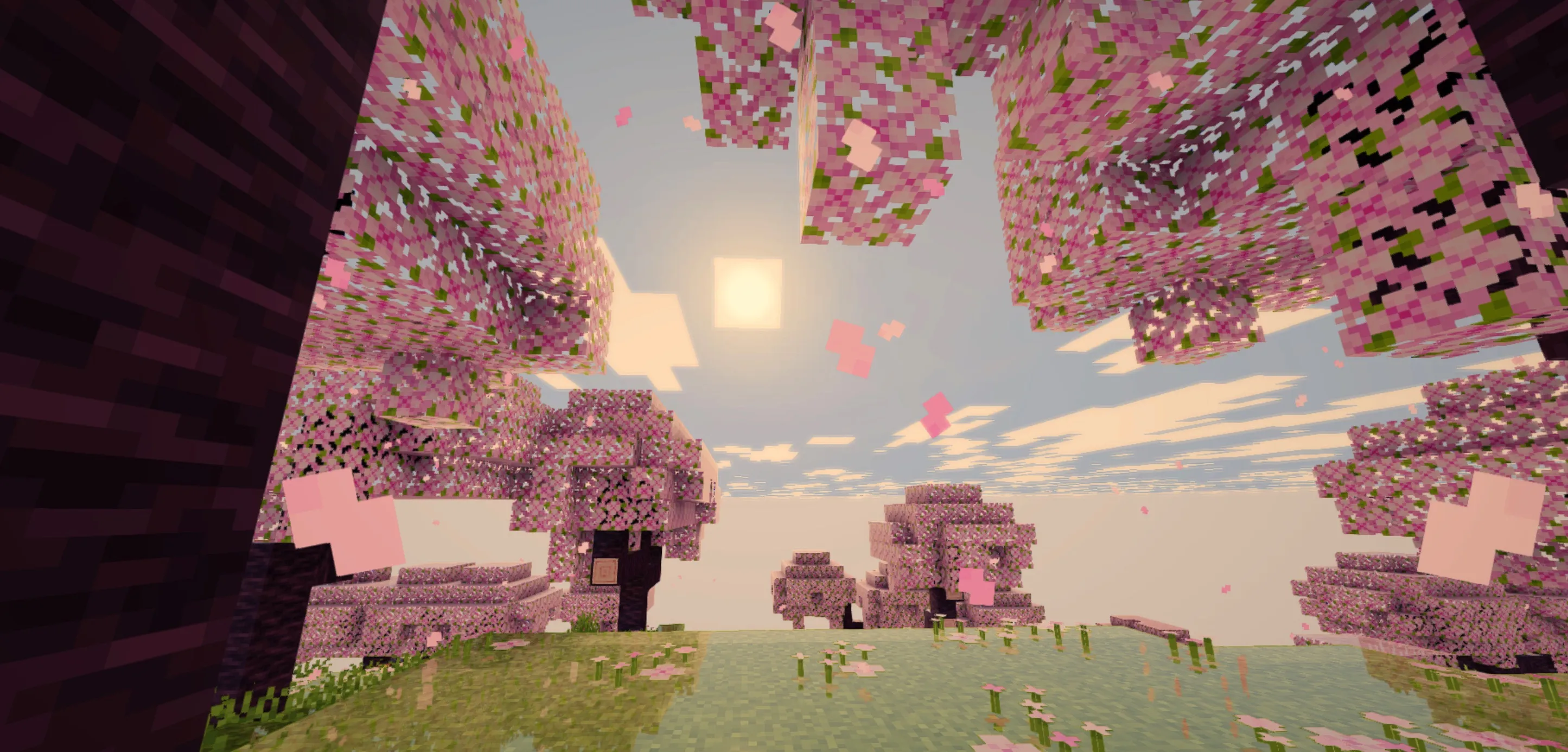
  • Water Border Fix: Completely resolves the aesthetic issues involving ugly water borders between Distant Horizons and vanilla-rendered chunks (see the gallery for visual comparisons).
  • Fog Start Distance: Allows for configurable fog start points for Distant Horizons, calculated as a ratio of your render distance.
  • Vanilla-like Ambient Occlusion:
    • Configurable Samples: Higher sample counts yield better quality at the cost of performance (diminishing returns are noticeable beyond 6).
    • Configurable Radius and Intensity: Preference-based settings; feel free to experiment to achieve your desired look, as default values are calibrated to mimic the vanilla experience.

Note: If you notice that certain patches of your Distant Horizons terrain appear darker than intended, please set "LOD shading" to "Disabled" or simply reload the world.
More in category

Latest SHADER resources