Java
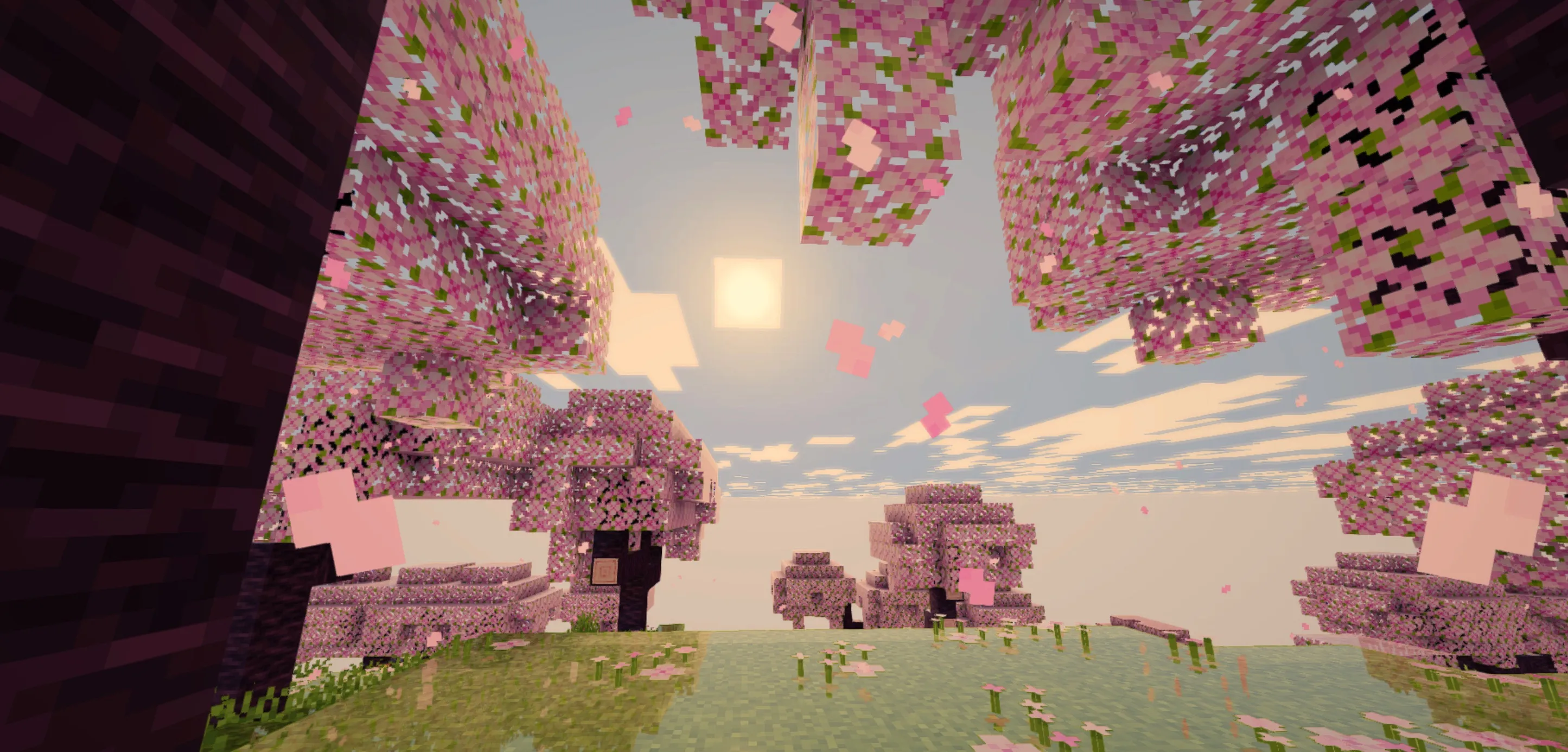
Lumeau Shader Lumeau is a lightweight shader pack that introduces shadows, dynamic lighting, and ripple effects, specifically engineered to be efficient enough
Publisher
Neoz30
Downloads
20
Top category
SHADER
Updated
2026-06-19
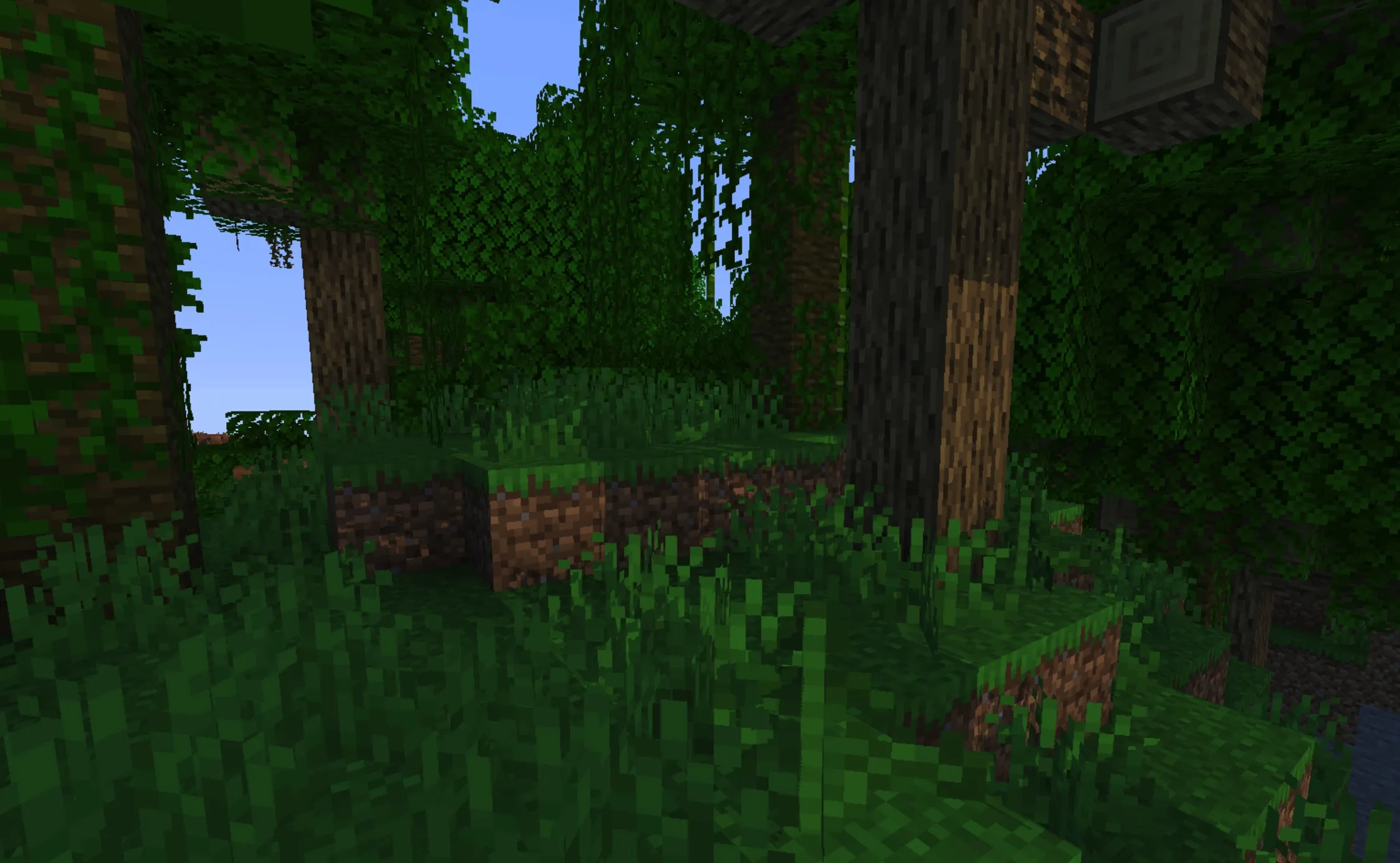
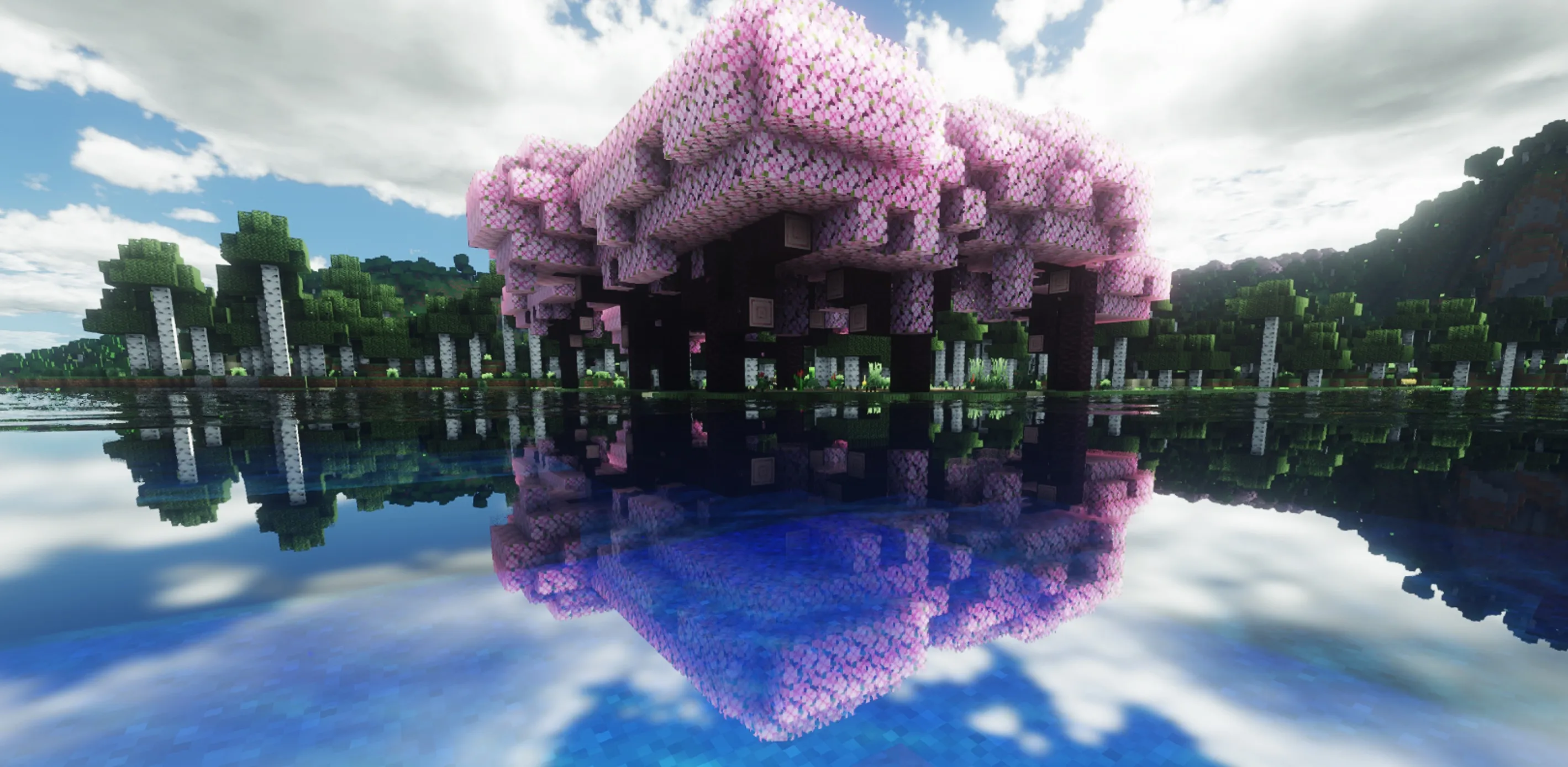
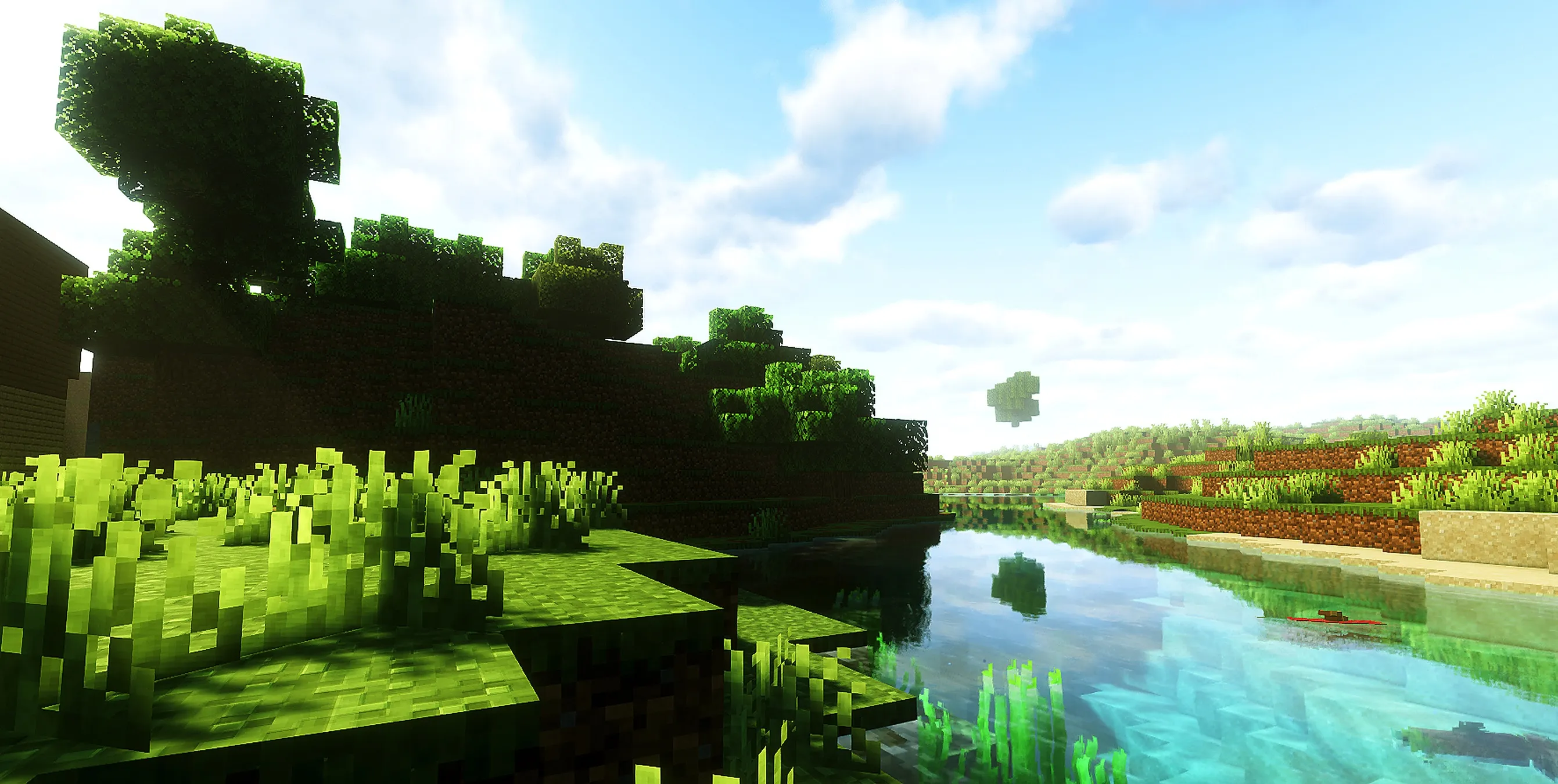
Lumeau is a lightweight shader pack that introduces shadows, dynamic lighting, and ripple effects, specifically engineered to be efficient enough to maintain a healthy frame rate on older hardware.
Description
As a lightweight shader, Lumeau is built to emulate the core aesthetic and lighting palette of vanilla Minecraft while incorporating the author's own stylistic choices. The result is a more polished and visually pleasing experience that feels both familiar and refreshed.
Key Features
Additions brought by Lumeau:
Goal
Lumeau was designed with performance on aging hardware in mind, motivated by the author's use of a GTX 960.
The primary goal is to ensure that Lumeau remains highly efficient while delivering the highest visual quality achievable within those performance constraints.
Installation
Lumeau requires the Sodium and Iris loaders to function. You can source these mods via Modrinth. Once installed, simply place the Lumeau file into the shaderpacks folder within your .minecraft directory and select it through the Iris menu to activate the effects.