Bedrock
CH Motion CH Motion is a simple yet high-performance motion blur pack that enhances your vanilla experience! CH Motion is a lightweight motion blur pack that el
Publisher
thompiejompie
Downloads
2
Top category
SHADER
Updated
2026-06-26
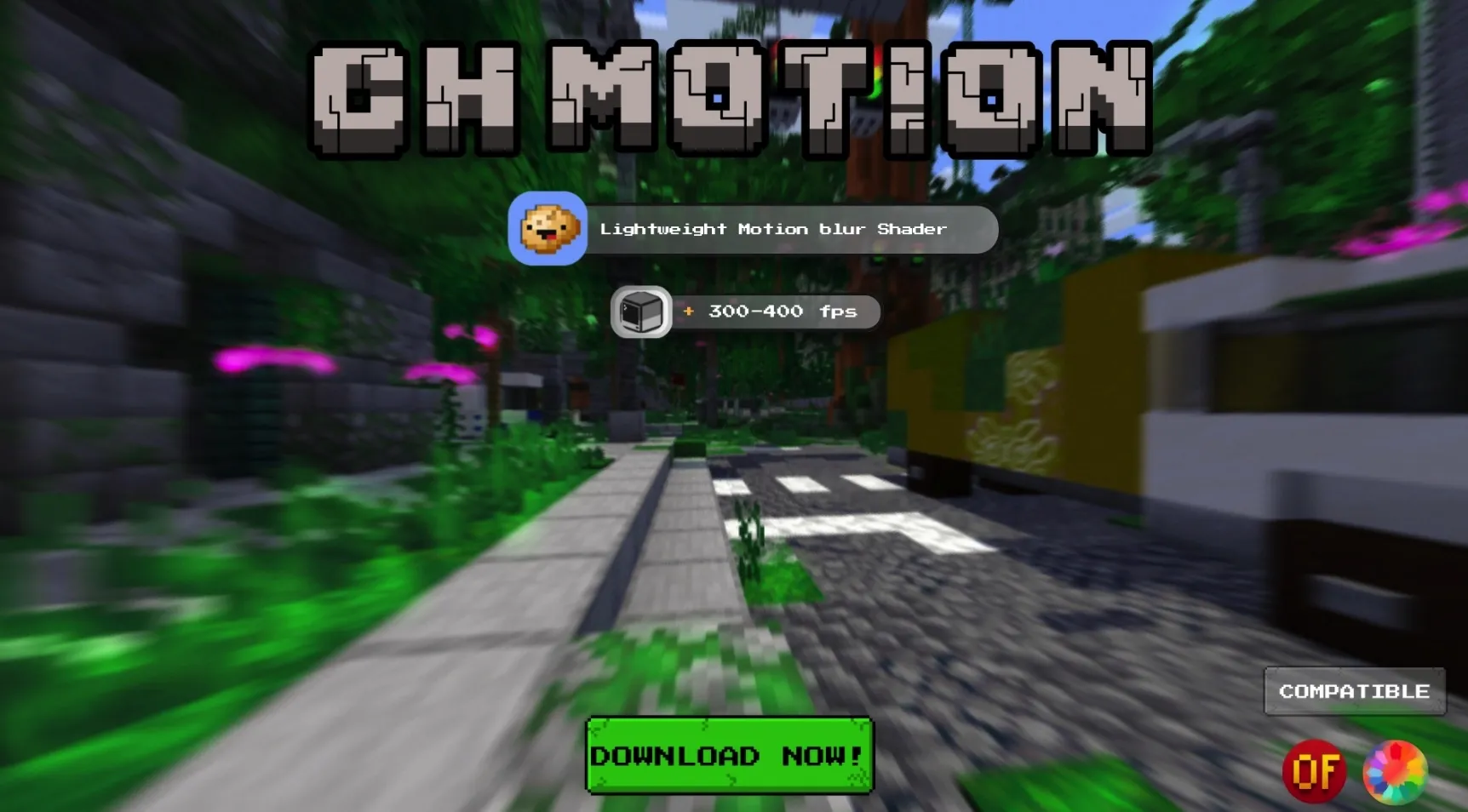
CH Motion is a simple yet high-performance motion blur pack that enhances your vanilla experience!
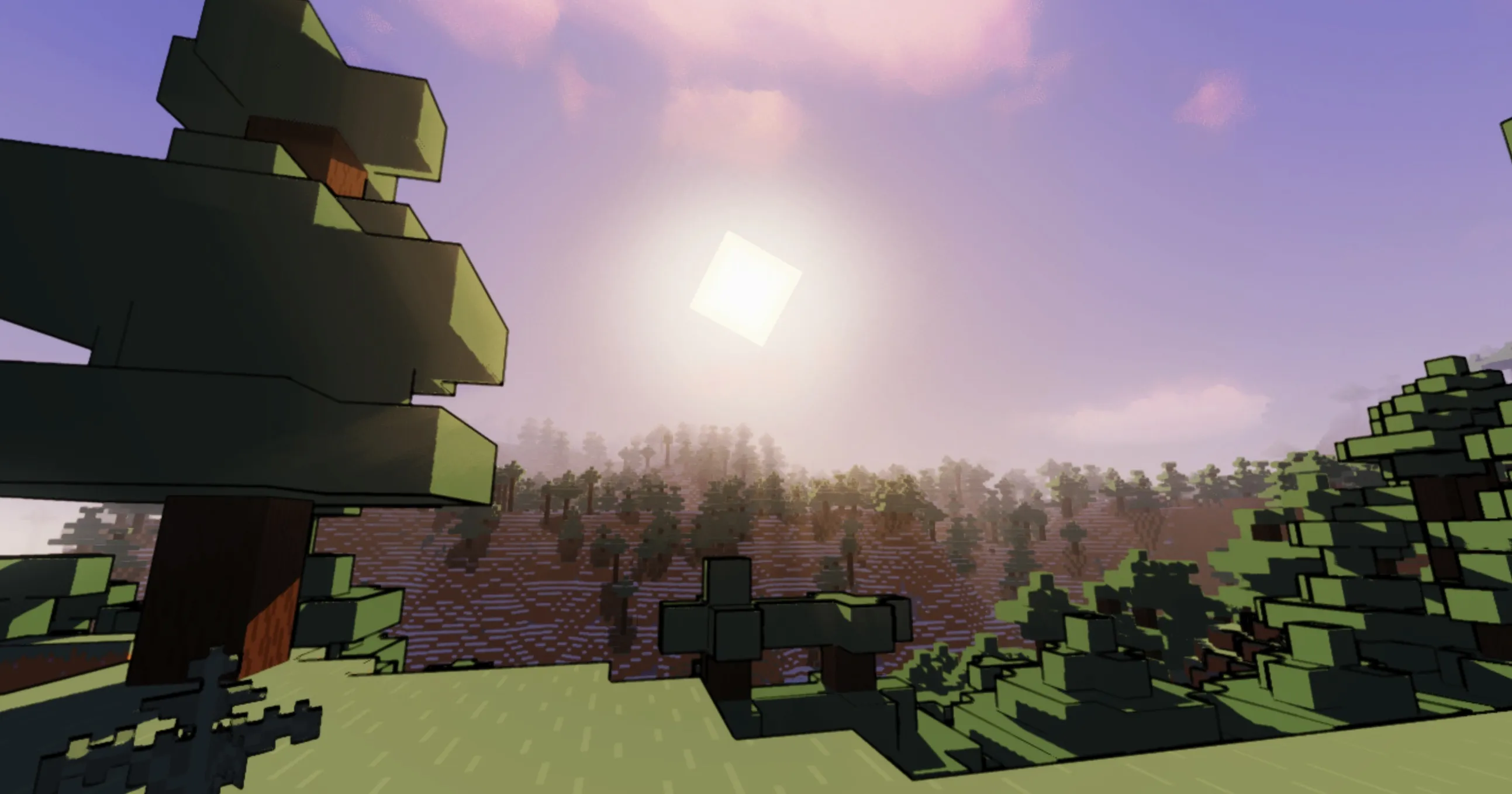
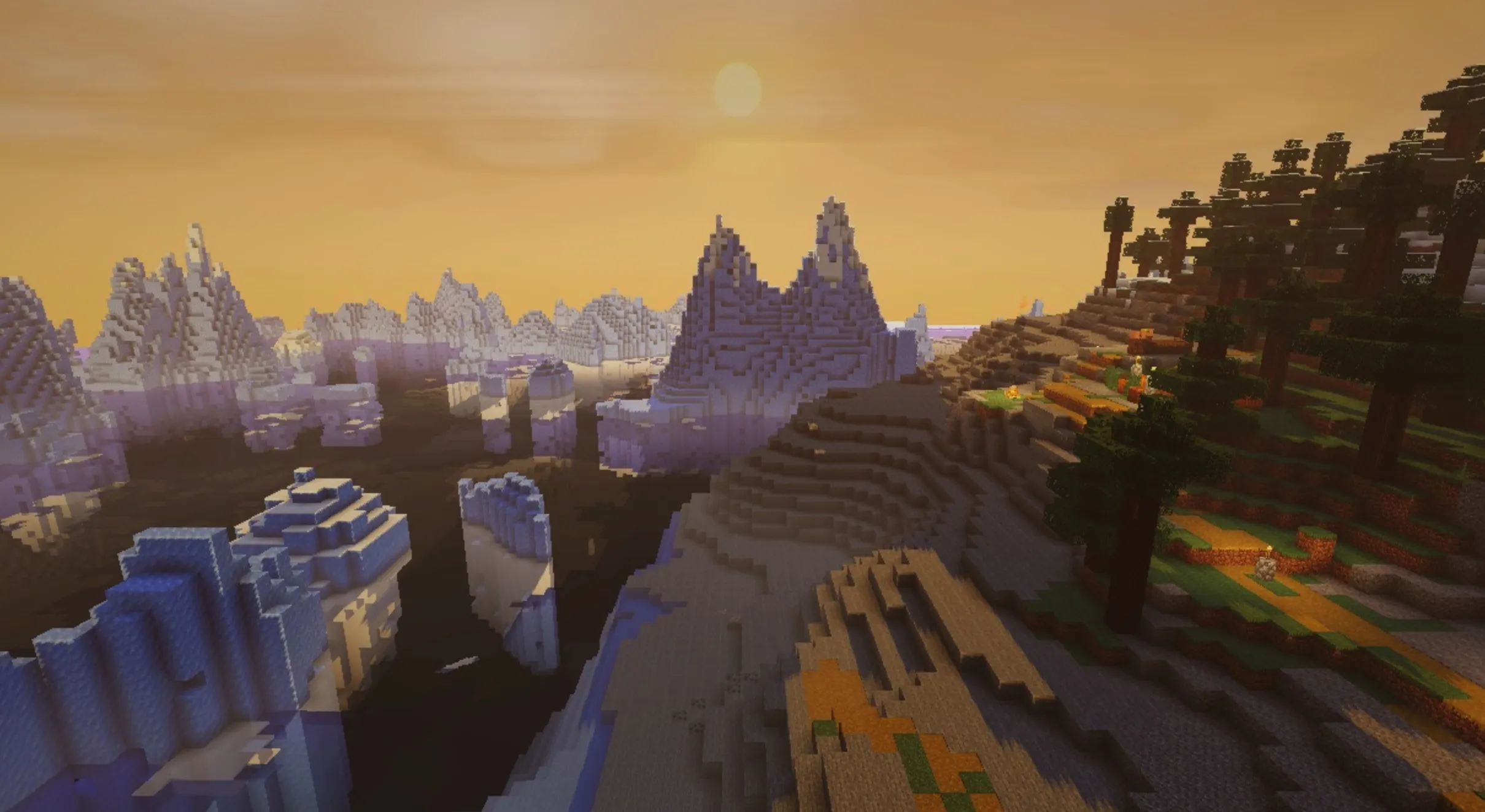
CH Motion is a lightweight motion blur pack that elevates your vanilla journey, offering beautiful, seamless motion blur with negligible impact on your system's performance.
By acting as a post-processing effect, it adds a satisfying layer of motion blur to your camera movements while keeping the authentic, beloved feel of vanilla Minecraft intact. Every turn and movement becomes smoother, creating a polished, cinematic visual layer over your gameplay.
| Option | Description |
|---|---|
| Motion Blur | Toggles the entire effect on or off. |
| Motion Blur Strength | Controls the intensity of the effect—higher settings provide a more pronounced look. |
| Motion Blur Samples | Controls the smoothness of the blur—higher values result in finer quality at a slight performance cost. |
| Motion Blur Noise | Adds subtle dithering to keep the blur effect clean and free from visual banding. |
Enjoy! Feedback and suggestions are always welcome in the comments.