Java 26.1.2 SHADER

AuraLite Shaders

AuraLite Shaders AuraLite Shaders is a lightweight, highly optimized OpenGL 4.6 shader pack for Minecraft 1.20.1, featuring fly-through 3D volumetric clouds and

Publisher

AlexanderNyr

Top category

SHADER

Updated

2026-06-16
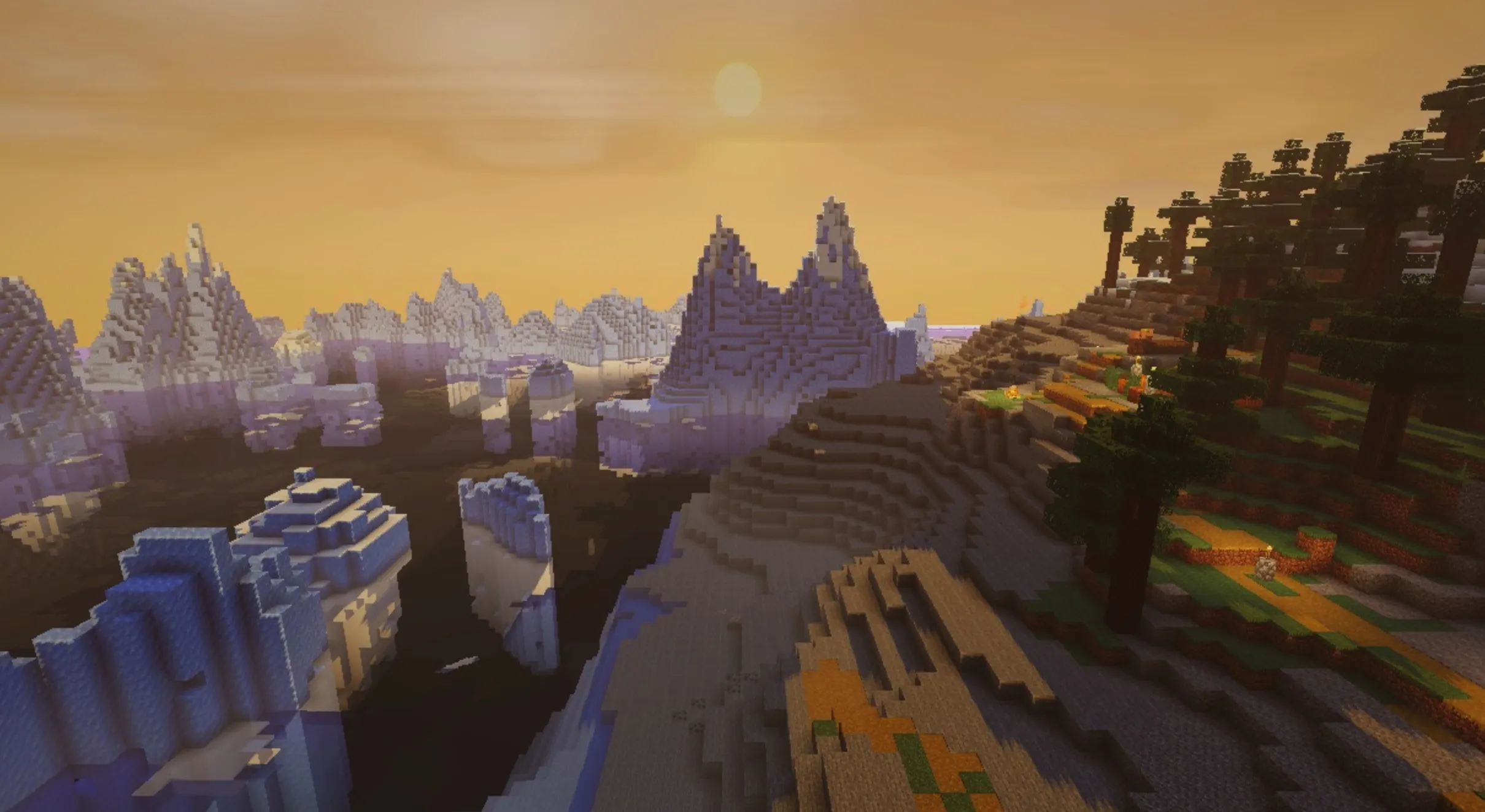
AuraLite Shaders
4 gallery images Java Edition

Gallery

Resource preview set

4 images

Overview

Resource description

AuraLite Shaders

AuraLite Shaders is a lightweight, highly optimized OpenGL 4.6 shader pack for Minecraft 1.20.1, featuring fly-through 3D volumetric clouds and full LabPBR support.

🌌 AuraLite Shaders (Minecraft 1.16.5 – 26.1.2)

AuraLite Shaders is a modern, lightweight, and highly optimized shader pack built upon the OpenGL 4.6 / GLSL 460 standard, specifically designed for Minecraft 1.16.5 – 26.1.2 running Sodium + Iris or OptiFine.

It delivers a breathtaking, realistic visual experience without bloating the screen with excessive post-processing. In v1.0.1, we introduced lightweight HDR bloom, which adds soft glowing effects to emissive sources without muddying the scene. Features like FXAA/SMAA anti-aliasing, Screen-Space Reflections (SSR), Temporal Anti-Aliasing (TAA), godrays, and Screen-Space Ambient Occlusion (SSAO) are profile-scaled to ensure high FPS and smooth frametimes on modern GPUs.


ℹ️ Note: Historical changelogs are preserved below.

πŸ†• What's New in v1.0.5 β€” Expanded Localization

Version 1.0.5 focuses on localization, adding 10 new in-game languages, bringing the total to 69 supported locales. This is a pure translation/metadata update with no changes to shader logic or default profiles.

🌐 New Languages

We have added fully translated .lang files for every option, label, and tooltip, ensuring 100% key parity with the original English source:

Code Language Code Language
gl_es Galician sw_ke Swahili
ga_ie Irish nn_no Norwegian Nynorsk
gd_gb Scottish Gaelic tt_ru Tatar
af_za Afrikaans hy_am Armenian
az_az Azerbaijani zh_hk Cantonese (Hong Kong)
  • Translations for minor locales may contain errors; please check against the English version if in doubt.
  • No rendering logic or behavior was changed in this version.

πŸ†• What's New in v1.0.4 β€” Profile Rebalance & Translucent Rendering

Version 1.0.4 introduces a complete quality-profile rebalance for smoother performance progression, improves translucent rendering for ice and glass, and resolves GLSL compatibility issues across different vendors.

πŸ”„ Profile Rebalancing

All six quality profiles have been adjusted for a more logical progression:

  • VERY_LOW: Sun intensity reduced for performance.
  • LOW: Ambient brightness lowered, cozy lights disabled, ACES tone mapping enabled.
  • MED: Godrays enabled (Fast quality), PBR strength elevated to Standard.
  • HIGH: SSAO (Subtle) enabled, godrays bumped to Balanced.
  • ULTRA: Godrays increased to High, TAA strength set to Balanced.
  • EXTREME: Water wave scale set to Stormy, underwater night set to Pitch Dark for realism.

🧊 Translucent Block Rendering

  • Regular ice now renders with proper texture and semi-transparency.
  • Packed and Blue ice are now opaque with distinct textures.
  • Glass blocks have been fixed to eliminate "invisible" issues against bright sky backgrounds, ensuring proper transparency for all variants.

πŸ†• What's New in v1.0.3 β€” Anti-Aliasing & PBR Performance

1.0.3 adds spatial anti-aliasing (FXAA/SMAA) and a new PBR render distance controller to skip expensive reflection calculations on distant terrain.

πŸ–ΌοΈ Spatial Anti-Aliasing (FXAA / SMAA)

Added to the [Post-Processing] menu, these modes help smooth out jagged edges, with SMAA providing superior geometric edge detection where luminance contrast is low.

⚑ PBR Render Distance

A new PBR_DISTANCE setting allows you to limit PBR specular calculations (16m to Unlimited), saving GPU performance on distant terrain.


✨ Features At A Glance

☁️ 1. Meteorological 3D Volumetric Clouds

Driven by 12-step Raymarching:

  • True 3D depth allows for immersive fly-through experiences.
  • Independent layers with wind-shear ensure dynamic movement.
  • Beer’s Law self-shadowing provides deep undersides and brilliant highlights.

🌠 2. Living Night Sky

  • Aurora Borealis: Volumetric rendering for realistic, flowing northern lights.
  • Meteors: Physically-based falling stars with moon-phase awareness and ionization trails.

β˜€οΈ 3. Analytical Kelvin Sun & Moon

  • Uses Tanner Helland blackbody curves to calculate real-time color temperatures.
  • Atmospheric extinction based on the Beer-Lambert law creates stunning transitions during sunrise and sunset.

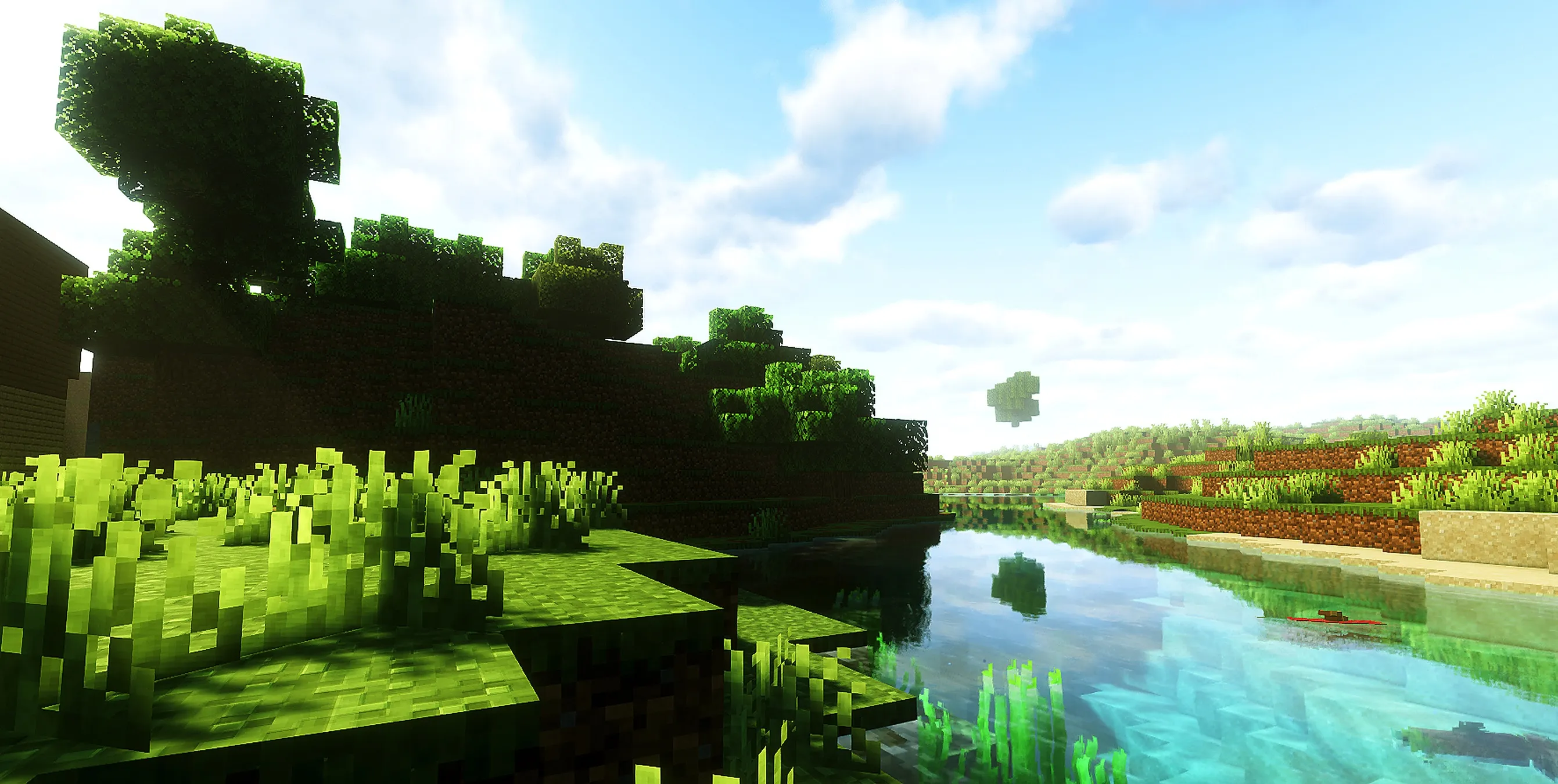
🌊 4. Physical Reflections & Dynamic Weather

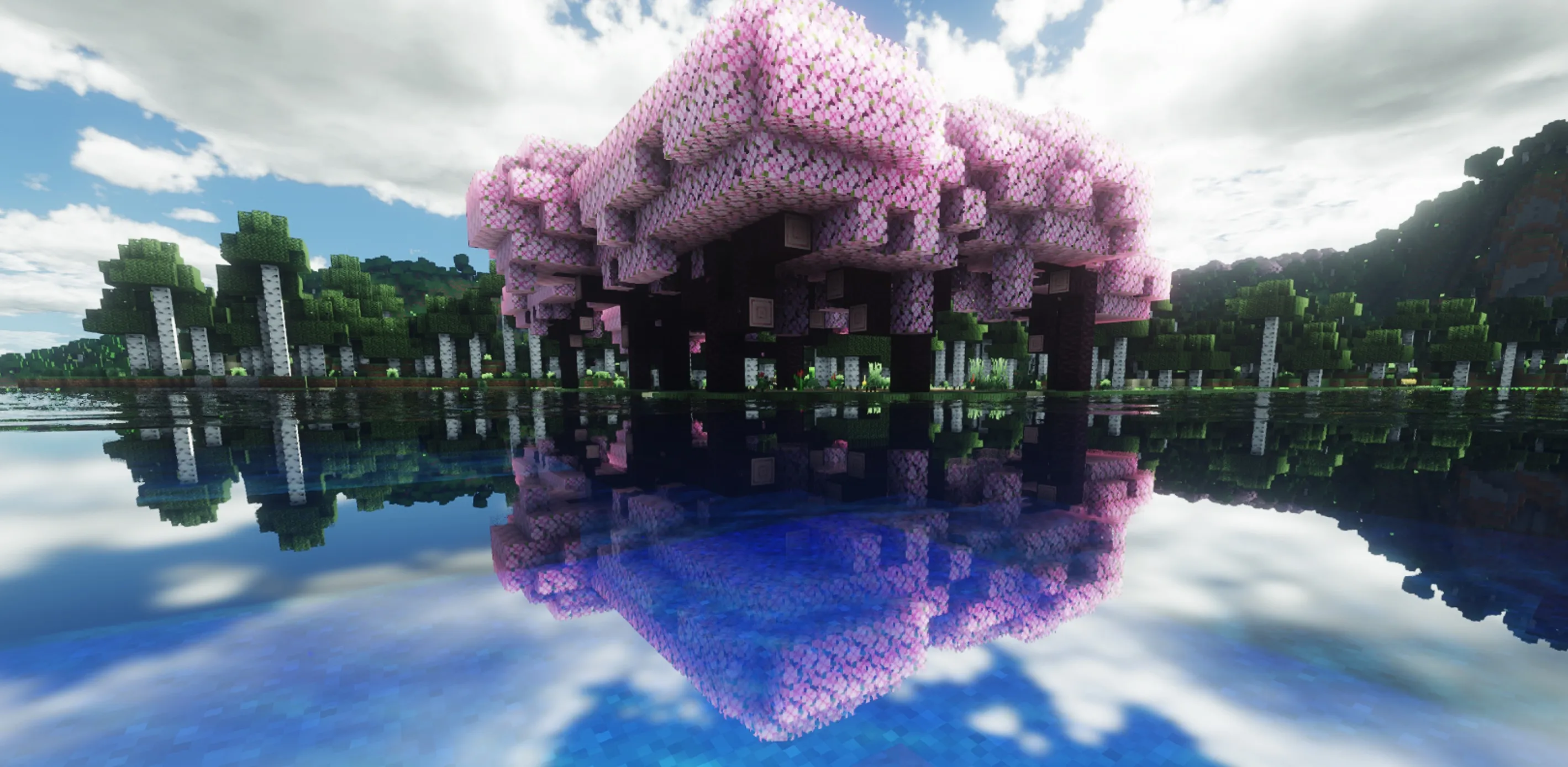
  • Fresnel Water: Reflections adapt to your viewing angle.
  • Wet Reflections: Ground surfaces become glossy after rain, with persistent ground mist based on humidity.

🌿 5. Immersive Foliage & Materials

  • Foliage SSS (Subsurface Scattering): Plants glow softly when backlit by the sun.
  • LabPBR Support: Includes 3D normal maps and Parallax Occlusion Mapping (POM) for enhanced block depth.

πŸ“₯ Installation

  1. Download AuraLite-Shaders-v1.0.5.zip from the Releases section.
  2. Place the file inside your .minecraft/shaderpacks folder (Do not unzip).
  3. Launch Minecraft with Sodium + Iris or OptiFine.
  4. Go to Options -> Video Settings -> Shader Packs, select AuraLite, and hit Apply.
πŸ“„ License & Compatibility

  • AuraLite Shaders is licensed under the Creative Commons Attribution-NonCommercial-ShareAlike 4.0 International License.
  • Copyright (c) 2026 AlexanderNyr.
  • Supported Platform: Minecraft 1.16.5 – 26.1.2.

More in category

Latest SHADER resources