Java
Zayko Shaders Zayko Shaders is a shader pack built for Minecraft Java Edition, designed to harmonize top-tier visual quality with optimal gameplay performance.
Publisher
SkyNexus
Downloads
28
Top category
SHADER
Updated
2026-04-26
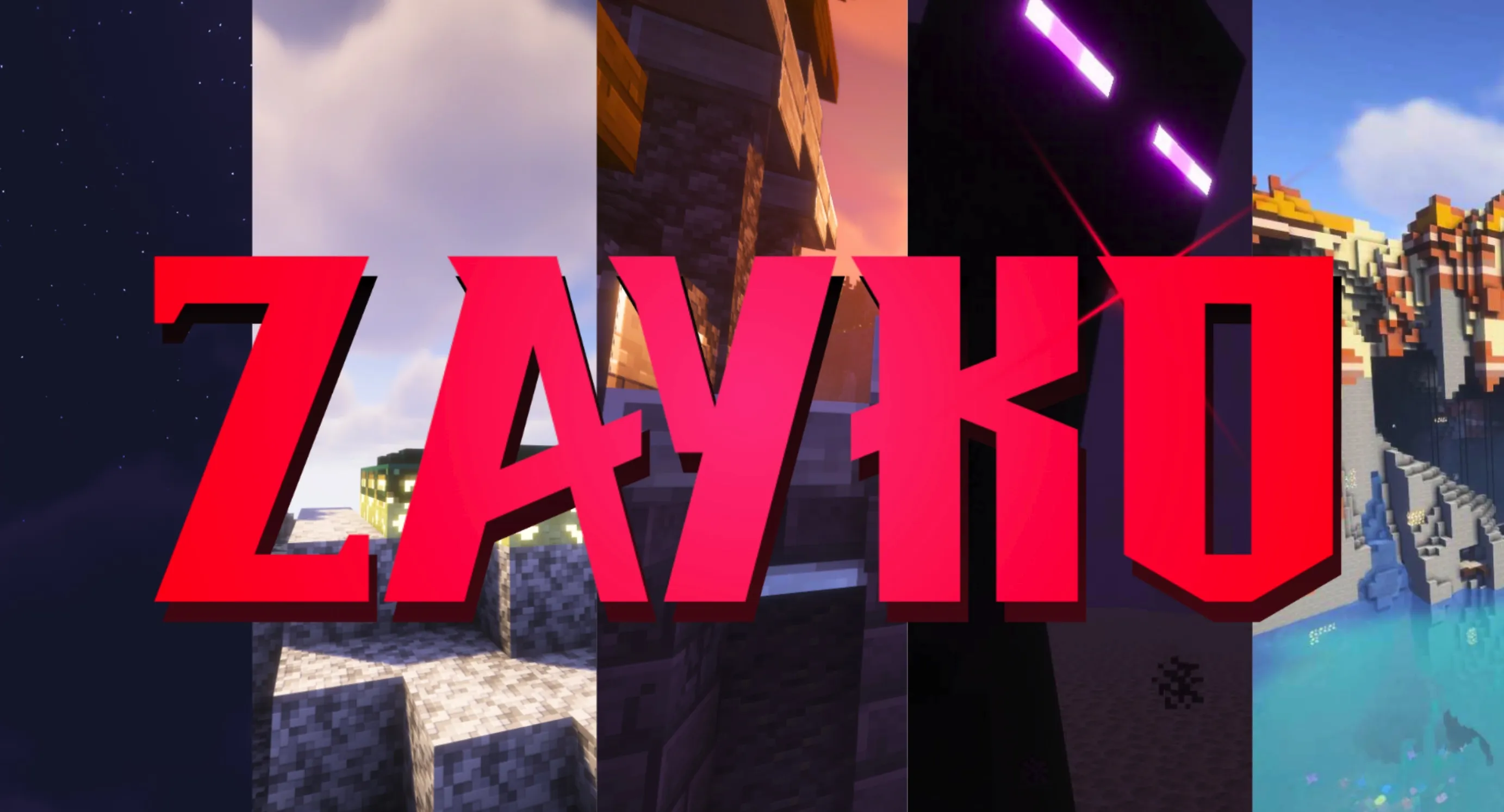
Zayko Shaders
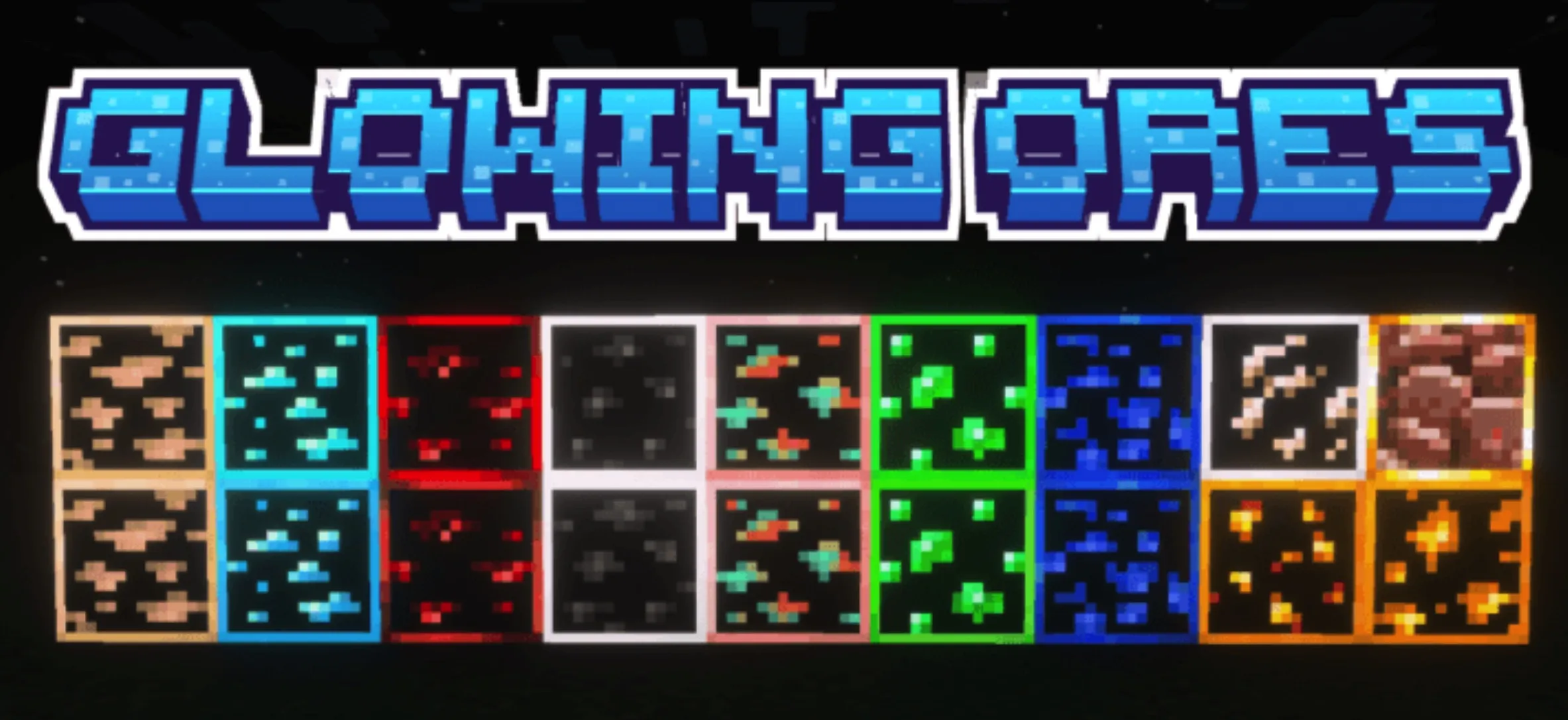
Zayko Shaders is a shader pack built for Minecraft Java Edition, designed to harmonize top-tier visual quality with optimal gameplay performance. It features built-in Physically Based Rendering (PBR), emissive textures, and extensive customization options.
Important Notice Regarding V7.2 V7.2 will be released next week. As the developer plans to rebuild the core architecture of the pack, this will be the last update for some time.
Overview Zayko is a shader pack for Minecraft Java Edition, crafted with an emphasis on attention to detail, superior quality, and meticulous optimization. It offers a suite of PBR effects, emissive textures for mobs, blocks, and various items, alongside a broad spectrum of presets ranging from "Very Low" to "Ultra." The pack maintains a stable frame rate while allowing you to tweak settings to fit any hardware requirement.
Whether you prefer a simple "click-and-play" experience or enjoy granular customization, Zayko has you covered. Thanks to its compatibility with Optifine and Iris, you can leverage PBR features seamlessly. For those who want to avoid manual configuration, we provide calibrated profiles to ensure an amazing visual experience without sacrificing performance.
Safety Notice: Download Sources We take the security of our community seriously. Downloading files from unauthorized or malicious sources puts your system at risk and misrepresents our work. Please strictly avoid untrusted sites to prevent malware infections. We list these sites only to inform you of the potential dangers.
Our verification process is simple: sites that redirect to Modrinth are considered trusted. Sites that host files directly are deemed untrusted because we cannot verify if the files have been modified. Additionally, we check if file sizes differ from our official releases or if they trigger positive results on VirusTotal. Please protect your device and stick to official download channels.
Installation Guide If you are new to shaders, follow these steps to get started:
Using Modrinth Launcher: Click "Install" -> Select or create an instance -> Wait for the process to complete -> Launch the game and enjoy the shaders.
Using Other Launchers (Manual Installation): Download the zip file -> Launch the game with Optifine or Iris -> Navigate to Options -> Shaders -> Click "Open shaderpack folder" -> Drag and drop the file into the folder -> Close the folder, select the shader pack in-game, and you are ready to go.