Bedrock
Toggle Night Vision Looking to explore dark caves with ease, but tired of the tedious task of carrying and constantly placing torches? This resource pack is tai
Publisher
T1M0THY
Downloads
105
Top category
RESOURCEPACK
Updated
2026-04-27
Toggle Night Vision
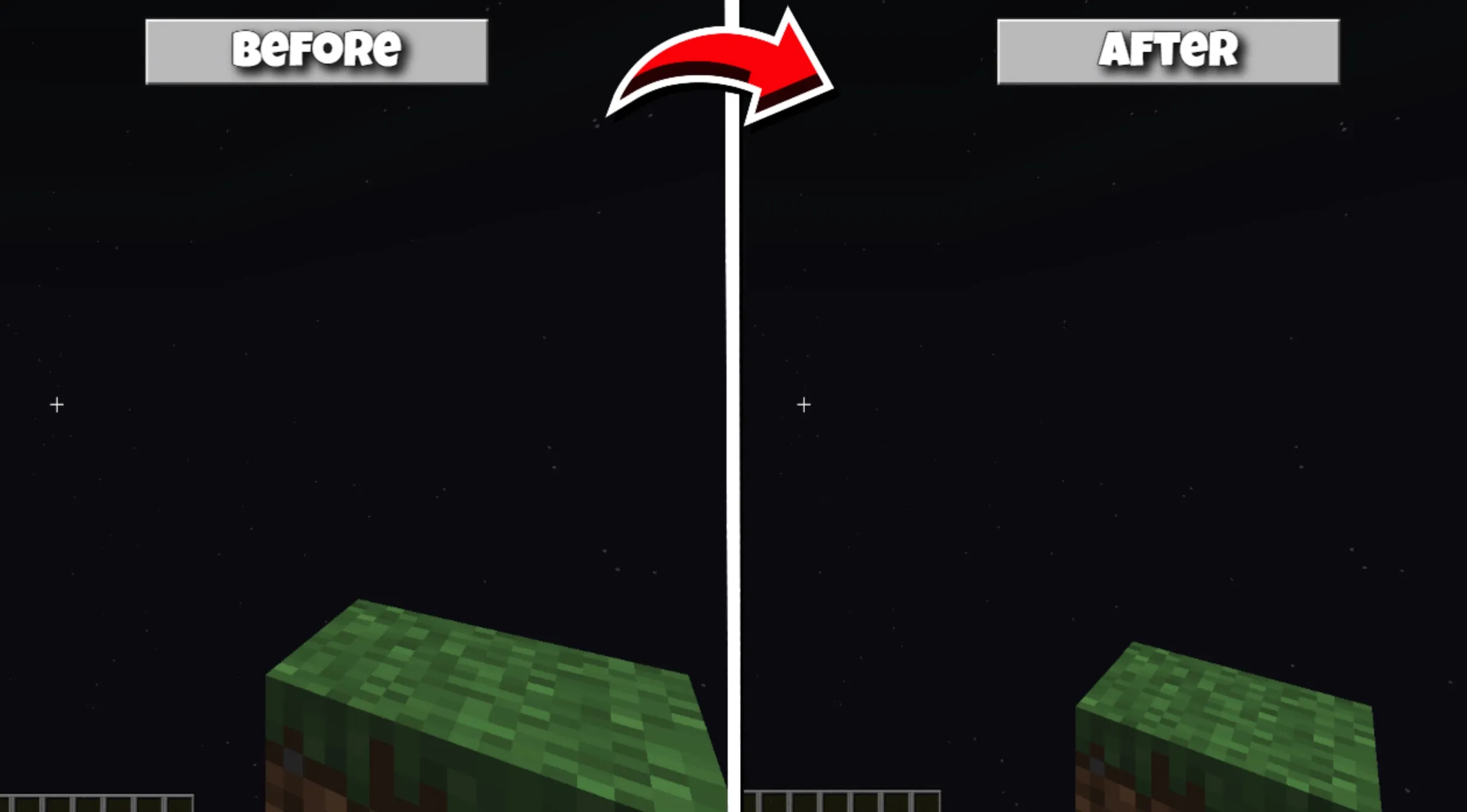
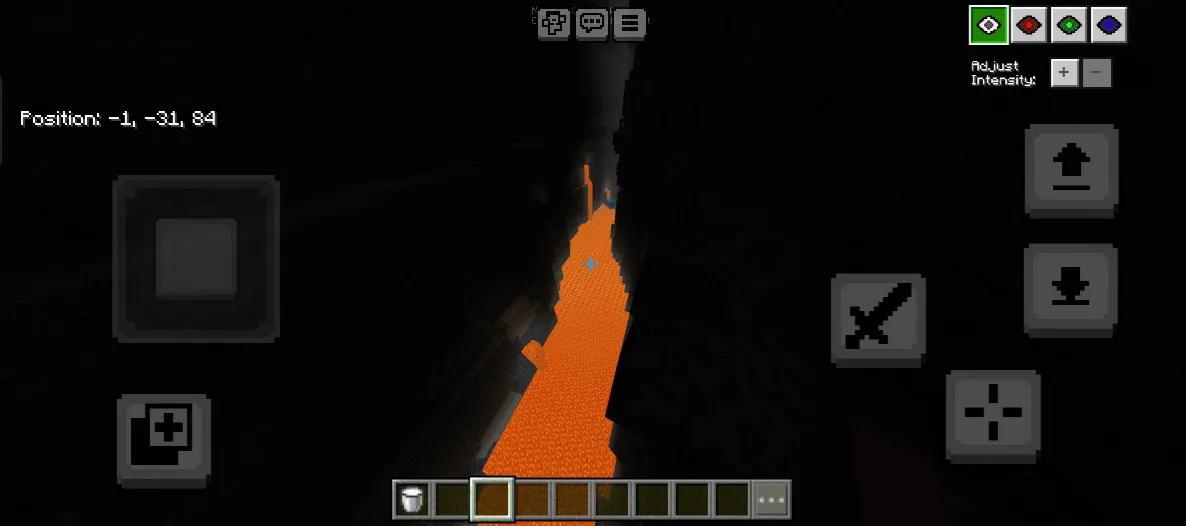
Looking to explore dark caves with ease, but tired of the tedious task of carrying and constantly placing torches? This resource pack is tailor-made for you! It provides clear vision without the need for any light-emitting items, ensuring that all deep, dark areas are fully visible. It significantly simplifies and optimizes your exploration experience.
Installation and Setup Recommendations
To ensure stable performance and the best experience, it is highly recommended to apply this resource pack in "Global Resources." Additionally, please be sure to check and disable the "Anti-Aliasing" setting in the game; if this option is enabled, the pack's night vision effect will not load correctly, so please keep this in mind.
User Guide
Please follow the instructions below based on the device you are using:
Mobile or Touchscreen Users Simply tap the "Eye" icon located in the top-left corner of the interface (next to the pause button) to bring up the night vision control menu.
PC (Mouse and Keyboard) Users Press the F8 key to quickly pull up the control interface. In the menu, you can use the "Up/Down Arrow" keys to finely adjust the brightness level, and use the "Number Keys 1-4" to switch between different night vision color styles.
Custom Settings
This resource pack now features Subpack functionality, allowing you to customize the display position of the menu to better suit different screen layouts.
Note: The instructions above have been updated to reflect the latest version's feature updates.