
Bedrock
Build Structures Instantly with Quick Craft 3.0 Constructing elaborate builds in Minecraft is an undeniably fun aspect of the game, yet it frequently demands a
Publisher
DanteGaming
Downloads
47
Top category
MOD
Updated
2026-04-26
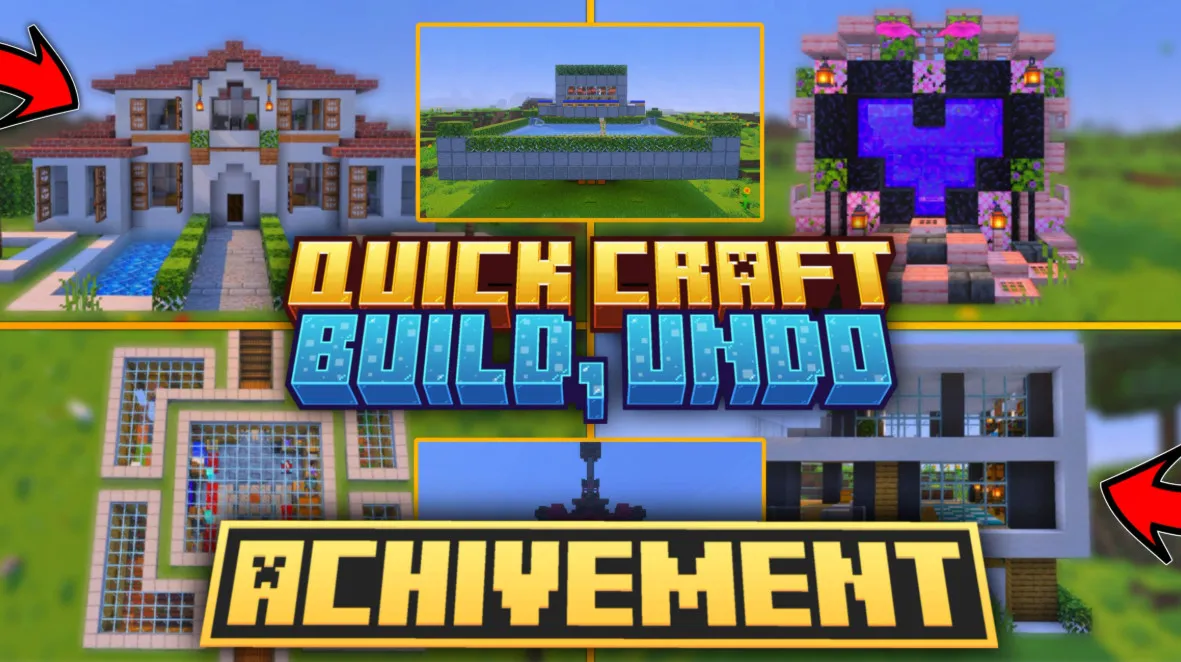
Build Structures Instantly with Quick Craft 3.0
Constructing elaborate builds in Minecraft is an undeniably fun aspect of the game, yet it frequently demands a significant amount of time and effort. Quick Craft 3.0 addresses this challenge by enabling players to generate stunning structures instantly with just a single click, effectively streamlining the building process and enhancing your overall gameplay experience.
Key Features and Benefits
Quick Craft 3.0 offers a high level of convenience, distinguished by the following core advantages:
Usage Instructions
To fully leverage the capabilities of Quick Craft 3.0, please follow the steps outlined below:
Step 1: Crafting the Tool First, you must craft the Hammer item using your crafting table.
Step 2: Accessing the Menu With the Hammer in your hotbar, use it at any location to open the main menu screen.
Step 3: Selecting Categories Within the interface, select the appropriate category for your needs, such as houses, farms, portals, underground bases, and more.
Step 4: Placing the Structure Browse the provided list, select the design that suits your preference, and click the button; the structure will instantly materialize directly in front of you.
Step 5: Undoing Actions Should you find yourself unsatisfied with the result or wish to reposition the build, simply use the Hammer again and select the Undo button within the menu to immediately remove the most recently placed structure.