Java
Reflexa Shader Reflexa is a performance-optimized shader pack for Minecraft, meticulously crafted to elevate your visual experience through dynamic volumetric c
Publisher
laeb
Downloads
12
Top category
SHADER
Updated
2026-04-26
Reflexa Shader
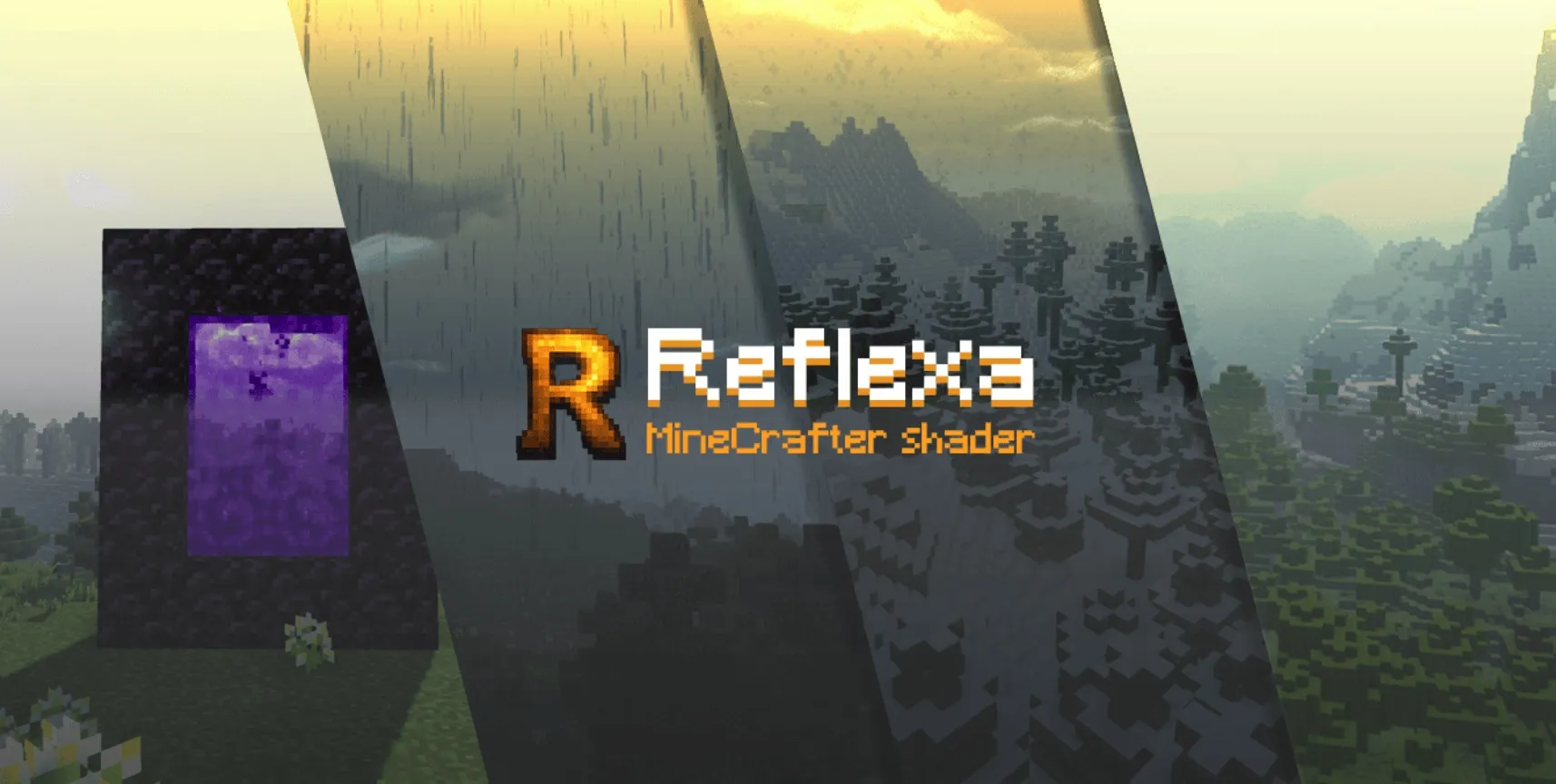
Reflexa is a performance-optimized shader pack for Minecraft, meticulously crafted to elevate your visual experience through dynamic volumetric clouds, realistic water simulations, enhanced lighting, and sophisticated atmospheric effects. Built upon the foundation of MakeUp - Ultra Fast, Reflexa provides a perfect equilibrium between high-fidelity graphics and smooth gameplay, catering specifically to players who desire improved aesthetics without demanding excessive system resources.
Key Features Overview
Water & Reflections Experience realistic water physics powered by advanced refraction algorithms. Enhanced underwater clarity facilitates better visibility during exploration. Furthermore, the shader renders dynamic wave animations and realistic surface reflections, bringing the liquid elements of your world to life.
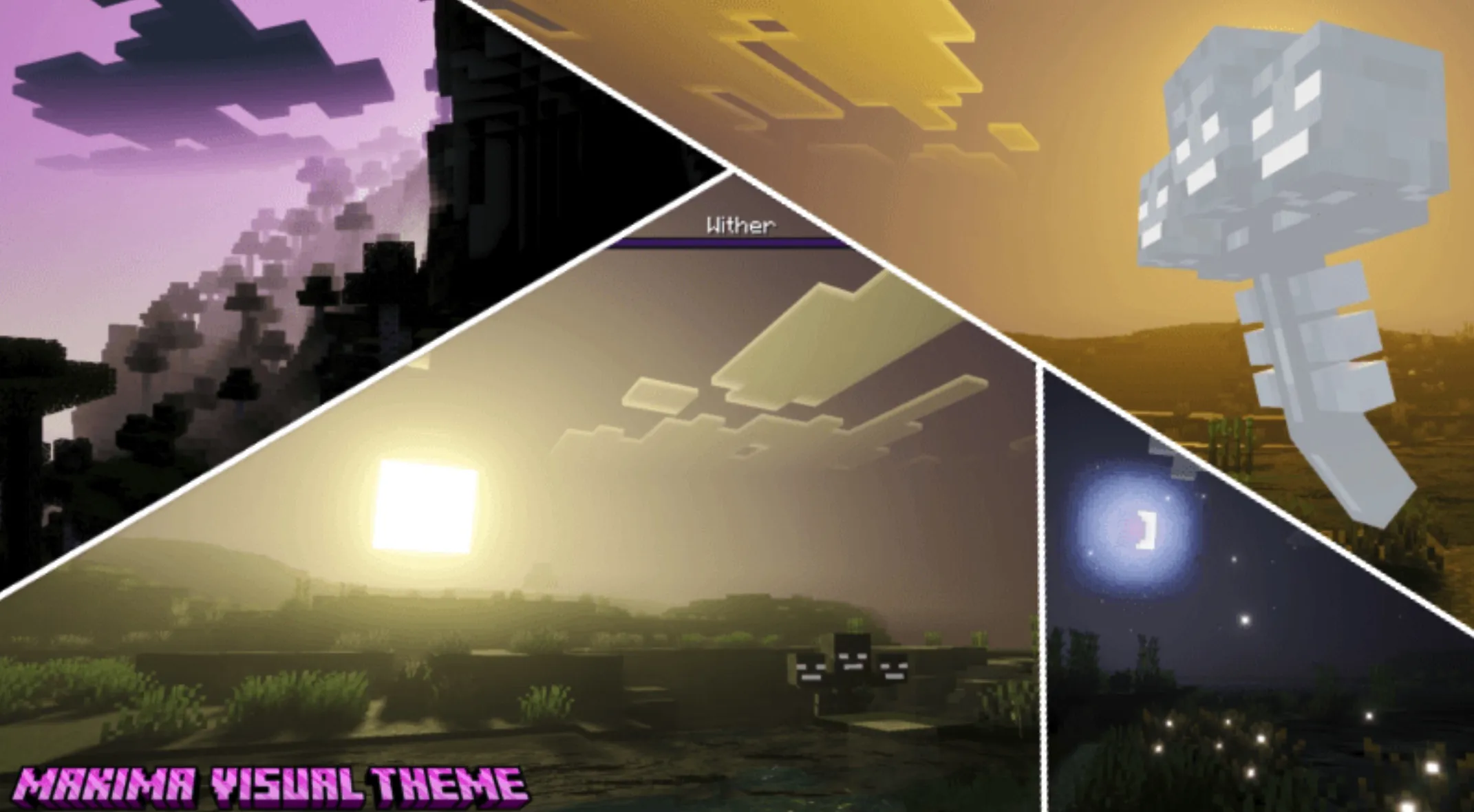
Advanced Sky System The shader introduces a three-dimensional volumetric cloud system, ensuring natural movement and soft transitions. Integrated with real-time weather effects and atmospheric shifts, the system casts natural cloud shadows across the landscape, heightening immersion.
Lighting & Shadows The upgraded lighting engine supports colored shadow casting, adding depth and richness to the game world. Ambient occlusion enhances volumetric depth, while material-based reflections specifically target metallic and glass textures. Additionally, the sun and moon are rendered with perfect circular geometry and smooth edges.
Post-Processing Effects Natural bloom effects surround light sources, creating a softer and more inviting glow. Cinematic motion blur provides a smooth visual flow. Players are granted full control over depth of field settings for high-quality photography, alongside highly customizable color palettes to suit personal preferences.
Multi-World Support Comprehensive adaptation across all dimensions is provided: the Overworld features a robust light and weather system; the Nether benefits from increased visibility and enhanced fire visuals; and the End is transformed with a unique purple starfield that replaces vanilla cloud layers.
Performance Profiles
Installation Guide