Bedrock
No Particles FPS If you frequently encounter frame drops, screen clutter, or lag caused by excessive visual effects while playing Minecraft Bedrock, this resour
Publisher
HoneyStudios
Downloads
57
Top category
RESOURCEPACK
Updated
2026-04-27
No Particles FPS
If you frequently encounter frame drops, screen clutter, or lag caused by excessive visual effects while playing Minecraft Bedrock, this resource pack is your ultimate solution. No Particles FPS is designed to remove all non-essential particle effects, providing you with a cleaner screen, smoother gameplay, and significantly improved performance, especially on low-end PCs or mobile devices. Whether you are focused on PVP, survival progression, or large-scale exploration, this pack helps you achieve a distraction-free gaming environment.
Core Functionality
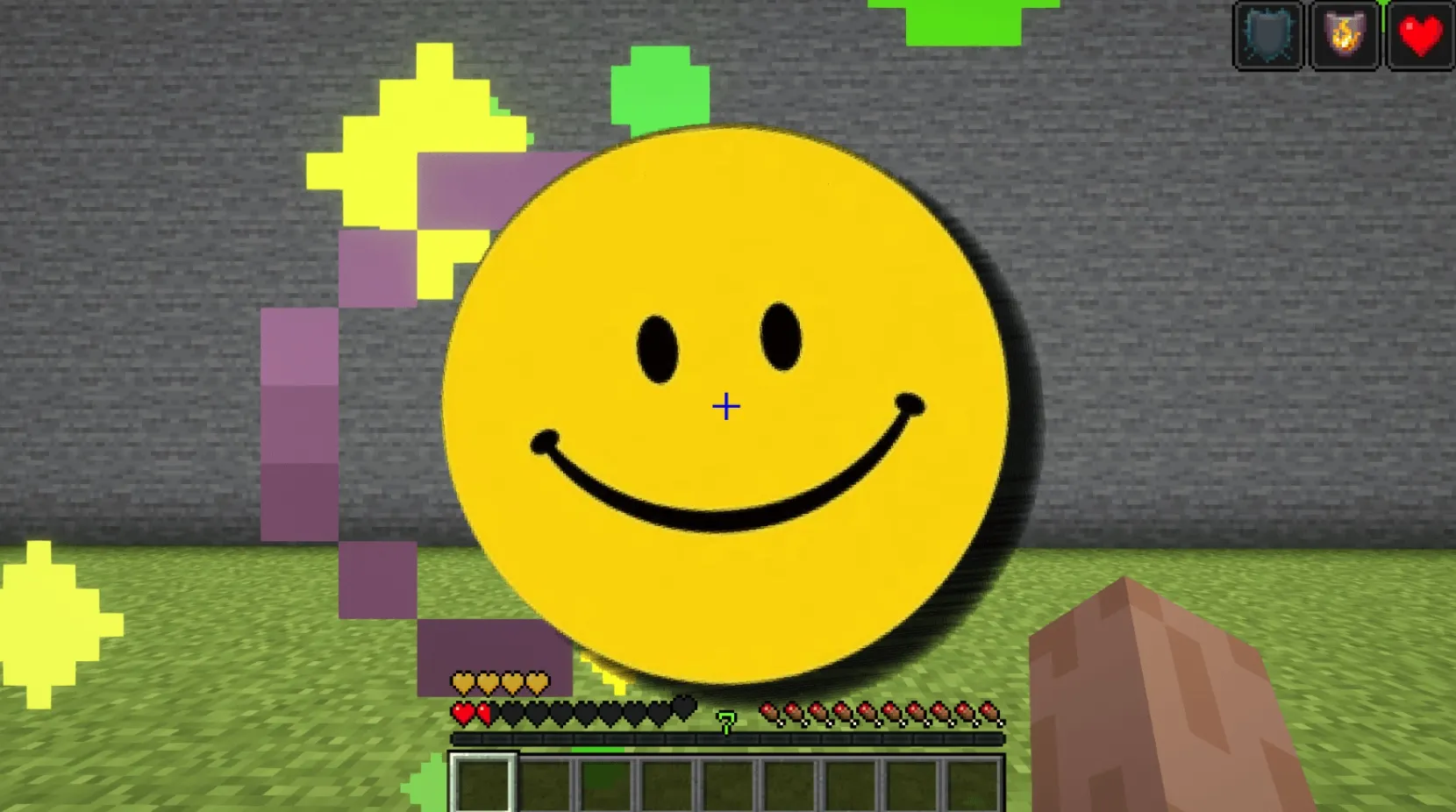
Once this resource pack is active, all unnecessary particle effects will be completely removed, including:
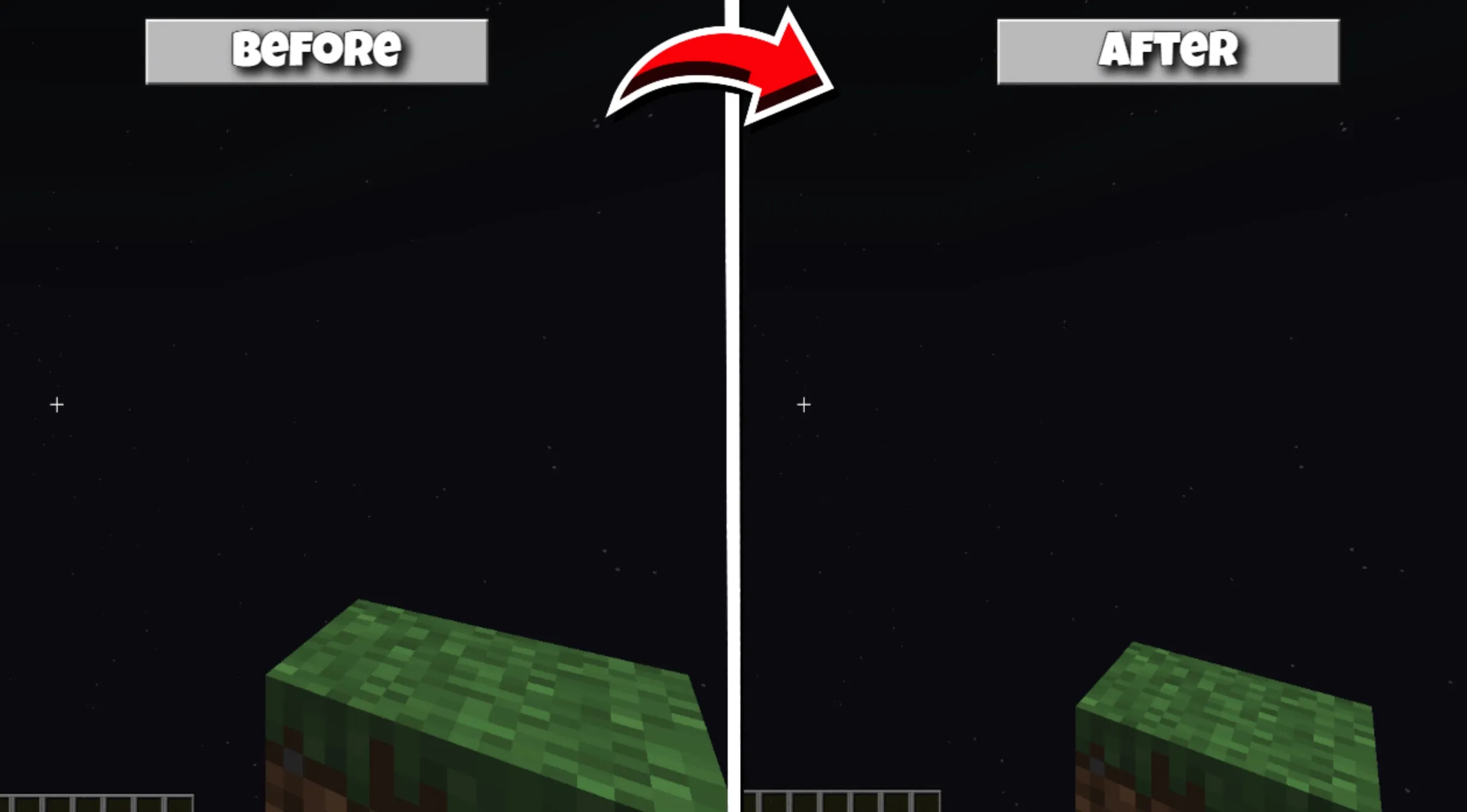
By eliminating these redundant visual elements, you can effectively reduce GPU and CPU load, making the game run more smoothly without negatively impacting the core visual style of the game.
New Feature: Subpack Settings
You can now select the level of particle removal directly within the resource pack settings. Navigate to Settings -> Global Resources -> No Particles FPS -> tap the Gear icon, and you can switch between the following three modes:
Maintain a Clear View
With redundant particles removed, your game screen will be cleaner than ever:
This is an ideal choice for PVP players chasing peak performance, speedrunners, and those playing on lower-end devices.
Maximum FPS Boost
By eliminating thousands of particle draw calls, this pack provides the following benefits:
You will gain higher frame rates and more consistent performance.
Excellent Compatibility and Performance
No Particles FPS utilizes an ultra-lightweight texture design that does not consume additional RAM or VRAM. It is perfectly compatible with the following platforms:
This resource pack contains no scripts or behavior packs; it performs pure performance optimization through resource replacement.
Full Compatibility
No Particles FPS is fully compatible with:
When installing, ensure it is placed above other resource packs in your list to ensure that the particle filtering overrides load correctly.
There are no changes to gameplay and no damage to visual effects—just cleaner visuals and higher frame rates.