Java
Intro: Newb x Unwind Newb x Unwind is an aesthetic and chill-vibes shader pack designed specifically for Minecraft Bedrock Edition. It features a calming color
Publisher
Hazelntz
Downloads
748
Top category
SHADER
Updated
2026-04-26
Intro: Newb x Unwind
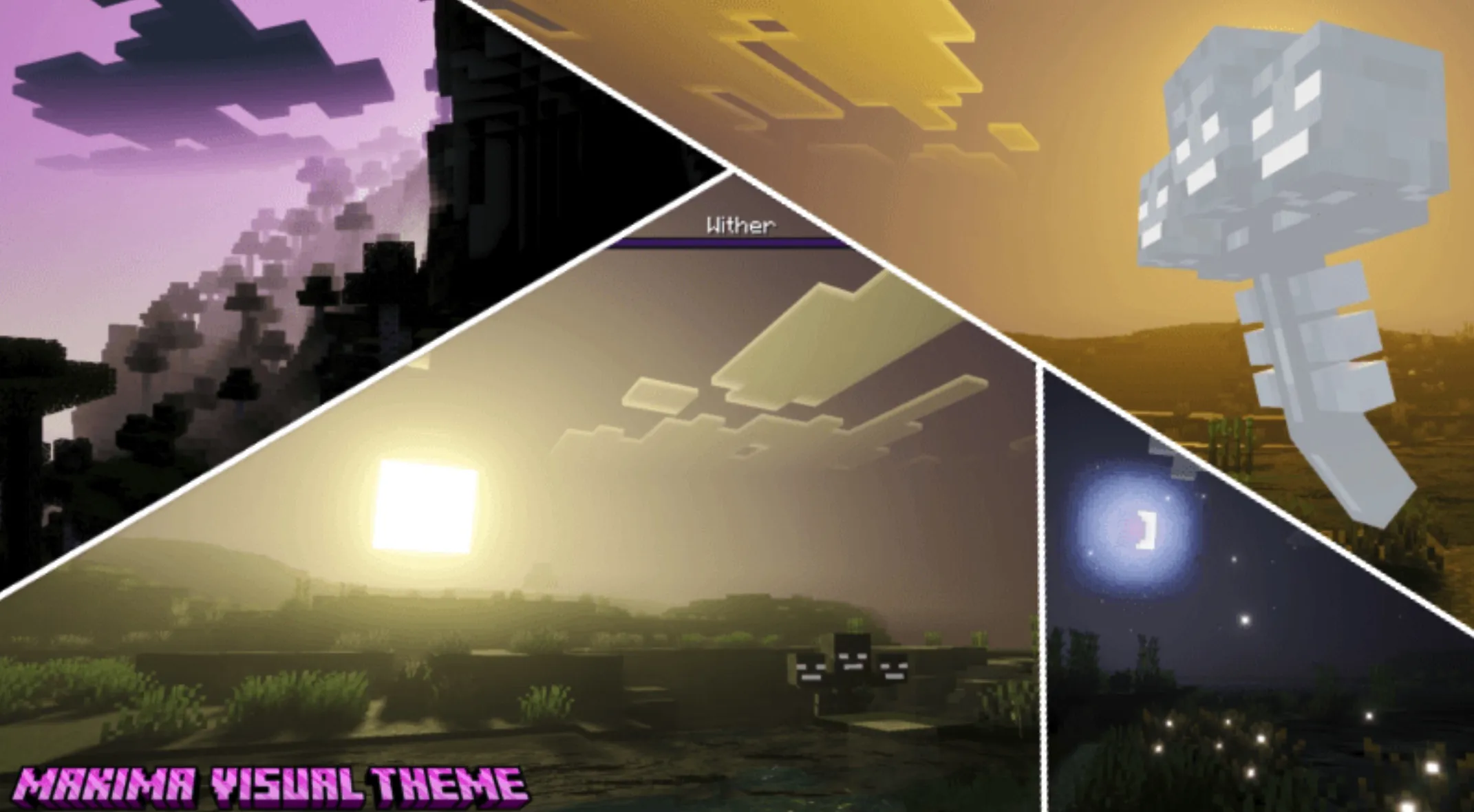
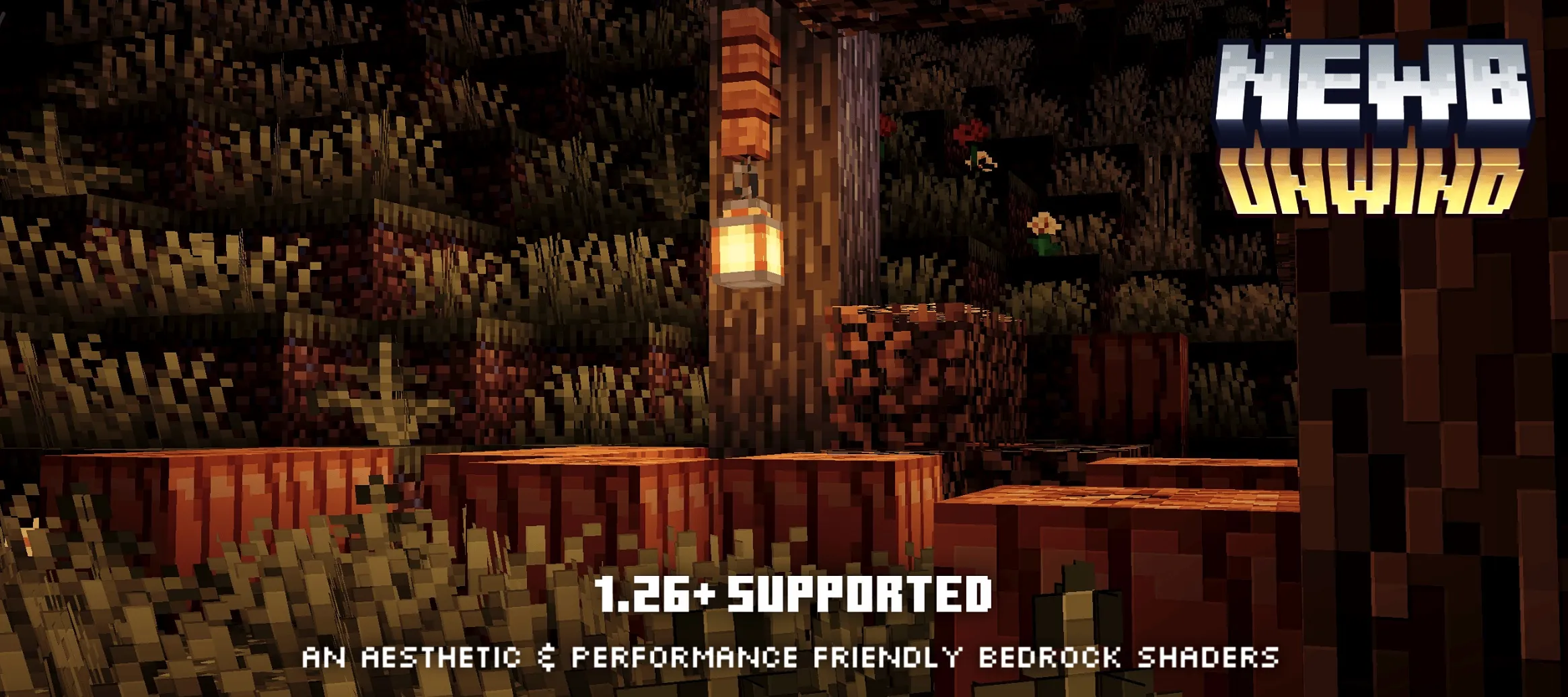
Newb x Unwind is an aesthetic and chill-vibes shader pack designed specifically for Minecraft Bedrock Edition. It features a calming color palette, cozy night lighting, and refined weather particles. This pack ensures a pleasant visual experience and is compatible with versions 1.21.21 and above (with latest updates for 1.26+).
Please note that this is not Vibrant Visuals, and it cannot be used with the default Minecraft app. You will need to utilize a launcher that supports Render Dragon shaders, such as MB Loader or MC Patched.
Subpacks
Choose from the following variants to suit your preference:
Platform and Version Support
The latest update includes significant improvements in compatibility:
Changelog – Version 5.5
Shaders Installation Guide
Follow these steps to set up your game:
Optional Heightmap Effect
This shader pack does not include the Heightmap Effect by default. If you wish to enable this feature, you must download a specific renderchunk.material.bin file that includes the heightmap implementation. This file is distributed via the developer's Discord server.