Java
Newb Shader Newb Shader is an enhanced vanilla shader that prioritizes lightweight performance and soft aesthetics. It provides comprehensive support for Minecr
Publisher
devendrn
Downloads
152
Top category
SHADER
Updated
2026-04-26
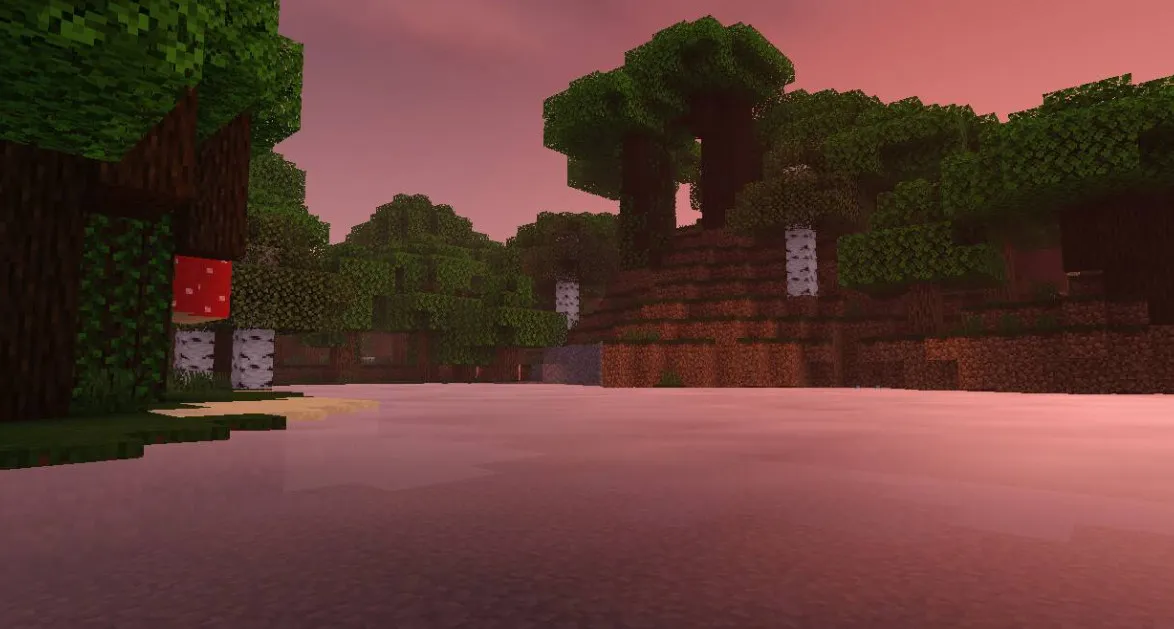
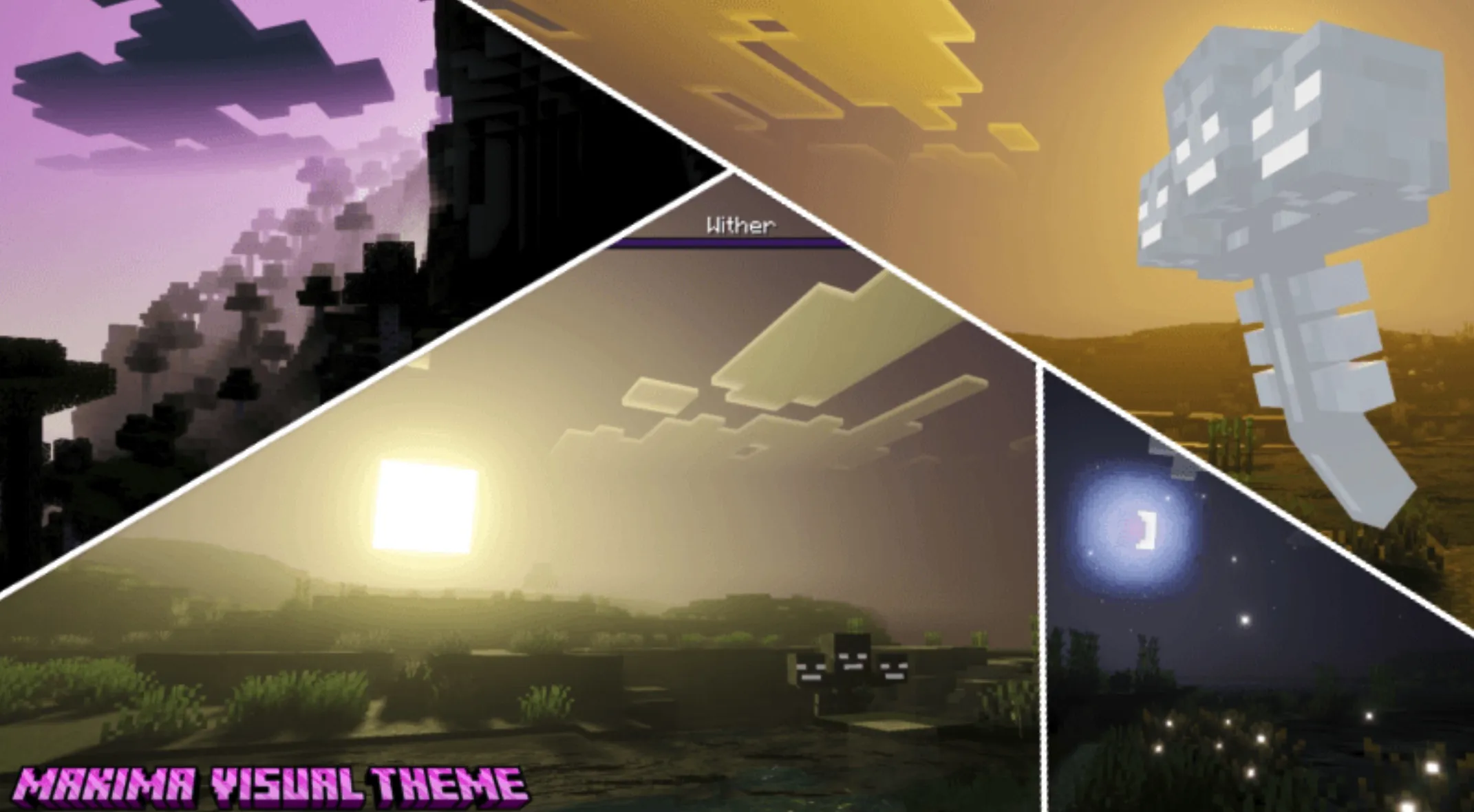
Newb Shader is an enhanced vanilla shader that prioritizes lightweight performance and soft aesthetics. It provides comprehensive support for Minecraft Bedrock 1.21+ (Windows, Android, and iOS).
As a vanilla-styled, lightweight Minecraft Bedrock shader, it masterfully enhances the core aesthetics of the game. Through specifically crafted technical implementations, it flawlessly adapts to Android, Windows, and higher versions of Minecraft.
Note: v16 will be the final release of the "Newb X Legacy" series. As the developer, I (devendrn) no longer possess the motivation or time to dedicate to this project. However, this project still holds a profound place in my heart! I am deeply grateful to everyone who has supported me along this journey. Any future updates, if any, will be carried out by members of the community.
Please be aware: This shader will not function without the required patch tools. Ensure you read the installation guide before downloading.
Disclaimer: Minecraft Bedrock does not officially support loading custom shaders. The following methods are unofficial.
Intended for mcpelauncher-manifest.
Unfortunately, there is no easy method to install shaders on iOS devices. It typically requires a jailbreak or installing an untrusted IPA file.
If you encounter difficulties following these steps, feel free to seek assistance on our Discord server.
The following graphics settings are recommended for the best experience:
The resource pack contains multiple subpacks. Use the "No wave, No Fog" subpack for improved performance. Always ensure the shader pack is placed at the top of your resource pack list to prevent conflicts with other visual add-ons.