Java
I Like Vanilla Shader Pack This shader pack is designed to optimize the visual presentation of Minecraft, rather than simply replacing or refactoring it. About
Publisher
What42
Downloads
29
Top category
SHADER
Updated
2026-04-26
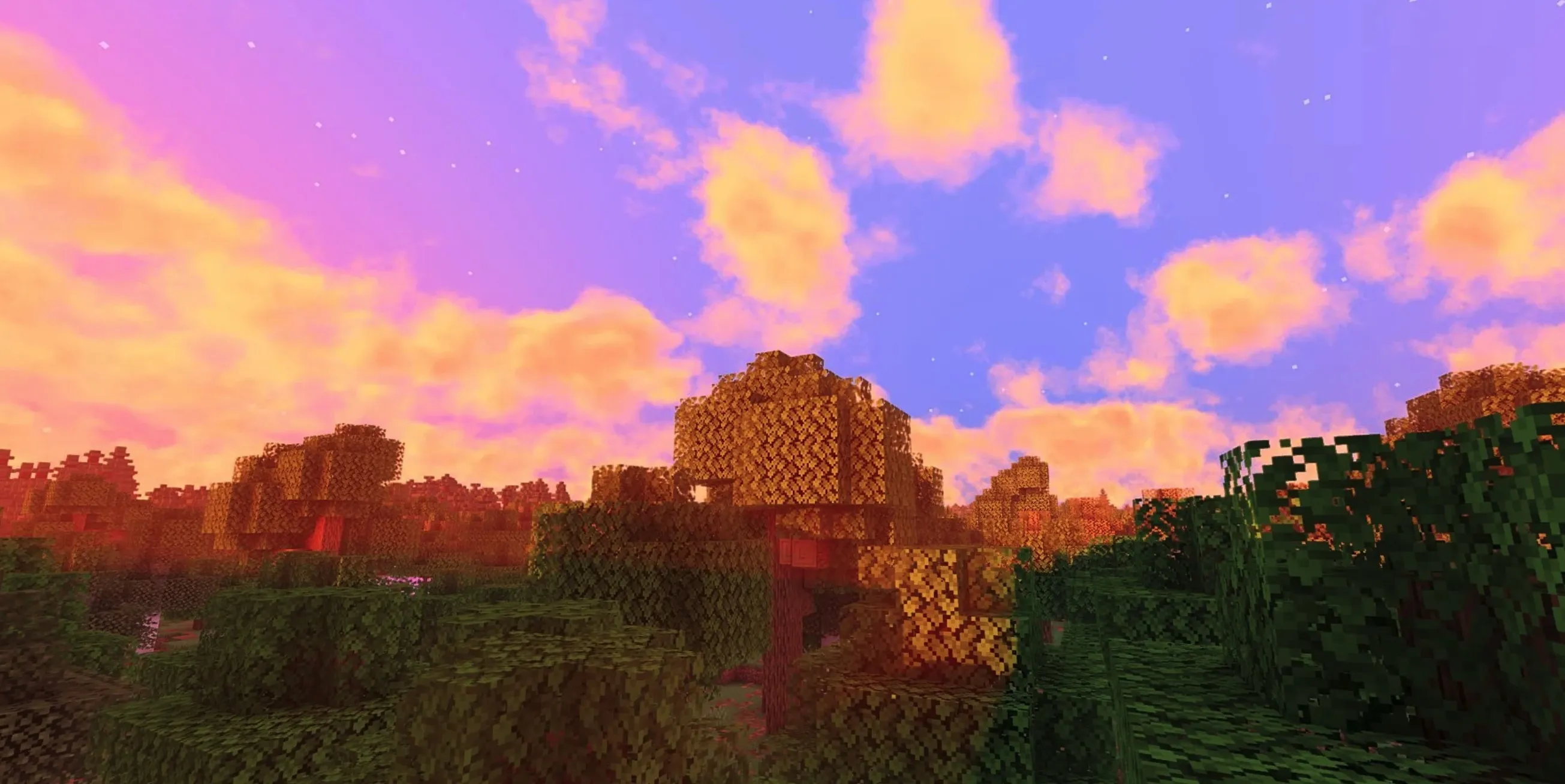
I Like Vanilla Shader Pack
This shader pack is designed to optimize the visual presentation of Minecraft, rather than simply replacing or refactoring it.
About This Shader
Shaders on the market often exhibit a polarized nature: they either completely upend the overall art style of Minecraft or slavishly replicate the vanilla look. The core intention behind this shader's design is to significantly improve graphical quality while ensuring the player feels right at home. It strictly follows my personal aesthetic standards for visual quality and is committed to achieving the following goals:
Compatibility
This shader is perfectly adapted for mods such as Voxy, Distant Horizons, Colorwheel, and many more.
Note: Optifine currently only supports partial features. If you feel that strengthening compatibility with it is necessary, please feel free to provide your feedback.
Installation Guide
To ensure stable operation, please follow these steps for configuration:
Performance Benchmark
The following performance test data is intended to provide you with a rough baseline for reference. Due to variances in testing environments, results are for reference only. You can compare your device against my test hardware specifications (GTX 1070 GPU + 16 chunk render distance + 1080p resolution + using Distant Horizons mod + Fabulously Optimized modpack + Linux system + default shader settings):