Bedrock
Fresh Moves Resource Pack Documentation Overview Fresh Moves is an advanced player entity animation resource pack designed to bring fluid and detailed motion to
Publisher
IthanMendoza
Downloads
15
Top category
RESOURCEPACK
Updated
2026-04-26
Fresh Moves Resource Pack Documentation
Overview
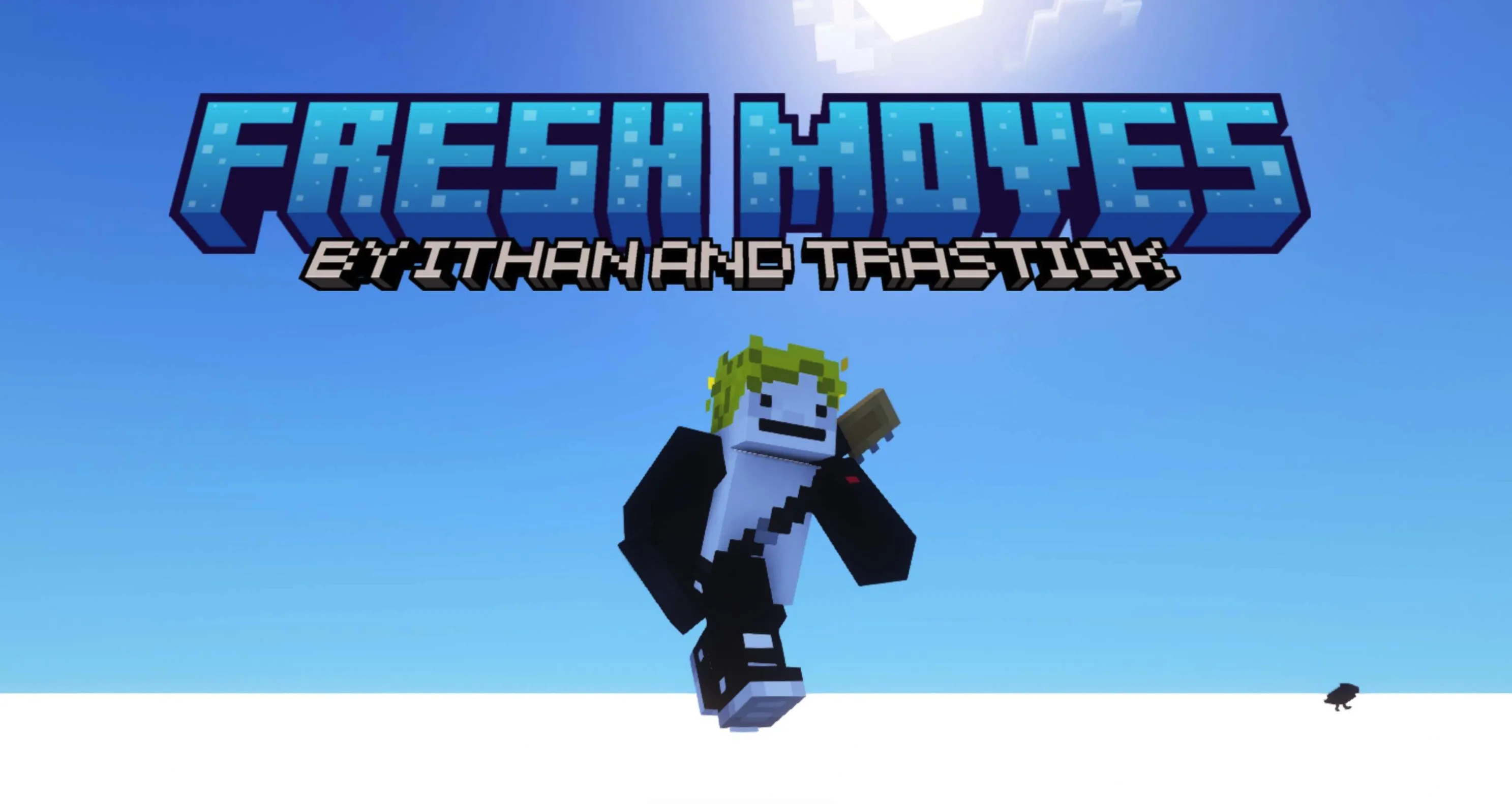
Fresh Moves is an advanced player entity animation resource pack designed to bring fluid and detailed motion to your Minecraft character. It enhances default animations such as idle, walking, and swimming, while maintaining exceptional compatibility with other mods, including Quark's emotes and Parcool's parkour techniques.
Core Prerequisites
To ensure this resource pack functions correctly, you must have the latest versions of the following client-side mods installed:
These mods are available for both Forge and Fabric platforms.
Important Notice: OptiFine Compatibility
At this time, OptiFine does not support custom player models. Please ensure you are using the version of this pack that is compatible with your specific Minecraft version and desired eye animation settings.
Troubleshooting and Configuration
If you encounter graphical issues (such as black eyes) or wish to adjust first-person hand movements, please follow the guidelines below. For video demonstrations and in-depth tutorials, refer to the official Wiki.
Fixing Black Eyes If your character's eyes appear black, please follow the detailed troubleshooting guide available on the Fresh Moves Github Wiki.
Disabling First-Person Hand Animations If you prefer your hand to remain static in the first-person perspective, instructions for disabling the movement are provided on the dedicated wiki page.
Required Configuration Steps To enable the full features of this pack, verify the following settings within the EMF and ETF menus:
Advanced Feature: Animated Eyes
To utilize eye animations, you must modify your skin file with additional pixels. In short, add these specific pixels to your skin file and upload the modified version. The exact positioning of these pixels and a list of supported eye styles can be found on the wiki.
Once these pixels are added to your skin.png, your animated eyes will be visible to other players who have this resource pack installed in multiplayer. While the eye-whites may appear to be missing/incomplete during the editing process, they will expand to the appropriate size in-game. Please note that eyebrows should be placed in the third designated position.
For reference, the "Expressive Fresh Moves" version of this pack includes these extra pixels applied to the default Minecraft skins (Steve, Alex, Makena, Efe, Noor, Kai, Ari, Sunny, and Zuri).
Mod Compatibility
Fresh Moves is specifically designed to be compatible with:
The resource pack does not overwrite arm animations, so external animations should function as intended. For Parcool, we recommend disabling the "Fast Running" and "Fast Swimming" animators within the "Configured" menu to ensure seamless animation integration.