Java
Perfectly interprets the native essence of Minecraft with extraordinary quality, exquisite detail, and superior performance. About This Project Complementary Sh
Publisher
EminGT
Downloads
870
Top category
SHADER
Updated
2026-04-26

Perfectly interprets the native essence of Minecraft with extraordinary quality, exquisite detail, and superior performance.
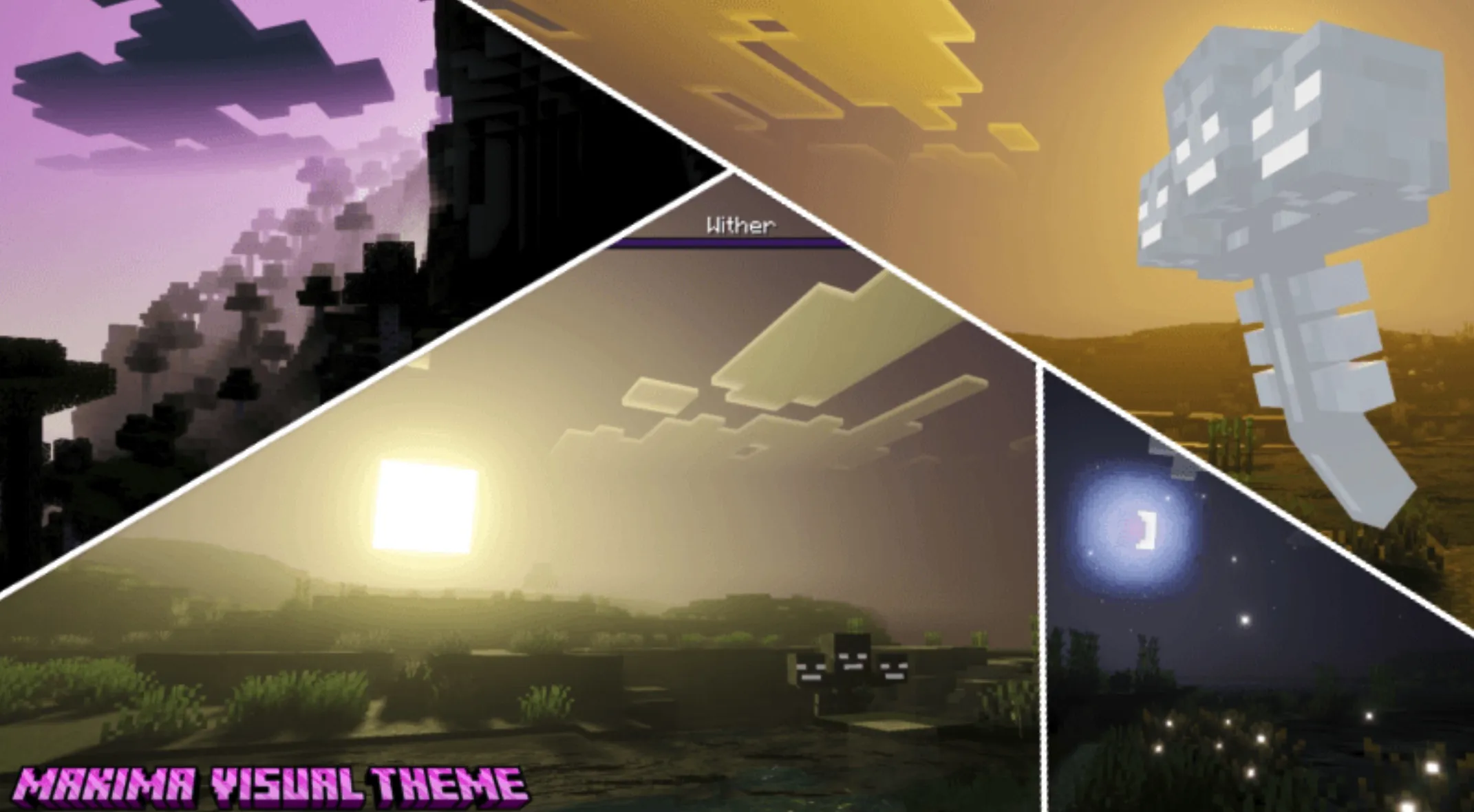
Complementary Shaders is a heavyweight shader pack designed for Minecraft Java Edition. Its core competitiveness lies in the meticulous crafting of details, strict control over visual fidelity, and industry-leading optimization. Beyond providing a massive array of high-quality visual effects and two distinct default visual styles, it notably features custom visual effects for almost every block in the game.
To accommodate players with varying hardware configurations, the pack offers several performance profiles ranging from "Potato" to "Extreme." Its design philosophy consistently prioritizes "never overshadowing the gameplay," ensuring that while visual quality is enhanced, the core survival and building experience remains undisturbed. The project originated in 2018 as a modification of BSL Shaders; after years of development and countless major updates—including a complete code rewrite to meet the high standards of the community—Complementary remains committed to user feedback as its highest guiding principle, maintaining an active update cycle to this day.
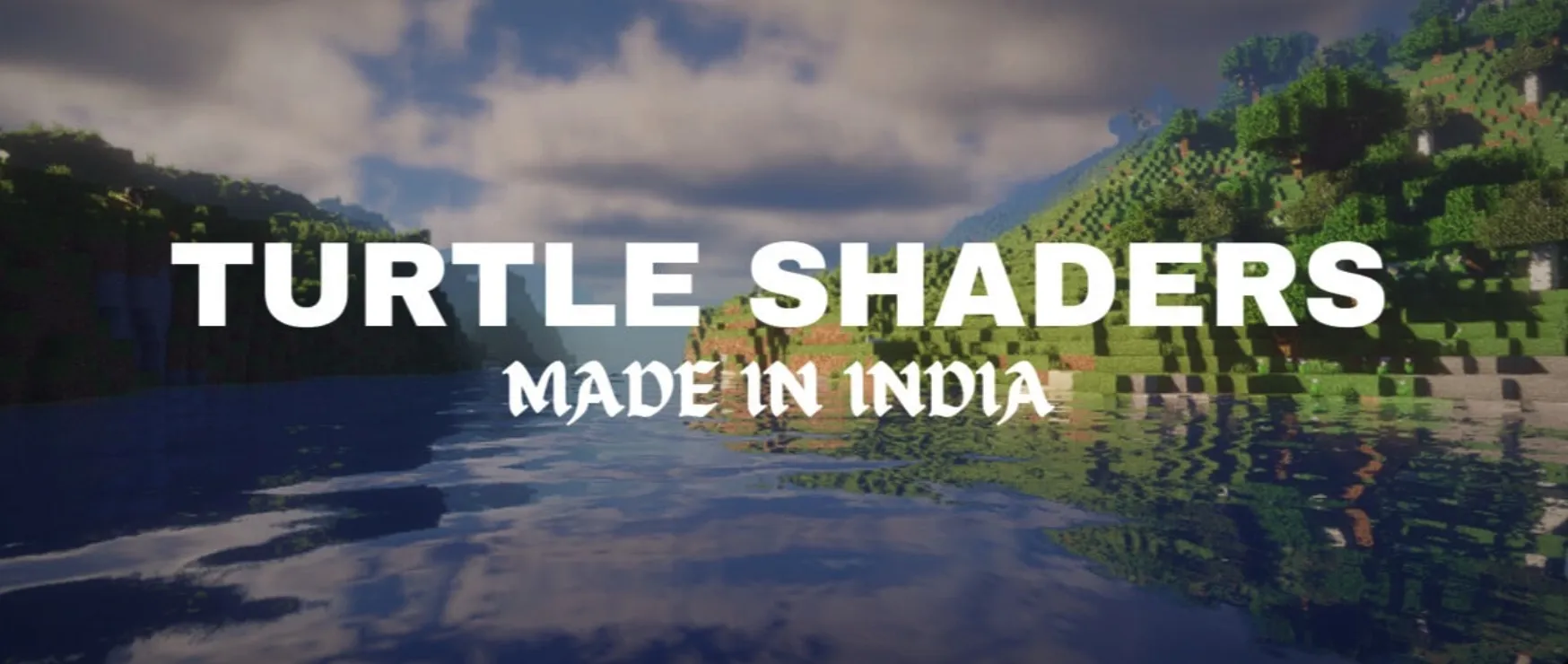
"Reimagined" is one of two default styles included in Complementary Shaders r5. Its core mission is to faithfully preserve Minecraft’s unique visual elements and block aesthetics while utilizing modern graphics technology to provide a polished, fresh "vanilla-plus" experience.
Complementary Shaders offers two distinct visual styles for explorers to choose from. It is important to emphasize that both styles share the same underlying technology; the only difference lies in their default settings:
Please note that regardless of which style you download, you have total freedom to adjust every parameter. You can easily switch the clouds back to vanilla blocky clouds in "Unbound," or enable highly realistic water simulations in "Reimagined." All these fine-tunings await your exploration in the "Shader Options" menu.
New & Convenient Method: You can now download the Complementary Installer and run it; the program will automatically handle all the tedious steps for you.
Manual Installation Steps: