Java
Chocapic13 Shaders High-Performance Shaderpack with Superior Visuals Chocapic13 Shaders is renowned for striking an exceptional balance between high-fidelity vi
Publisher
Choca_13
Downloads
81
Top category
SHADER
Updated
2026-05-06
Chocapic13 Shaders
High-Performance Shaderpack with Superior Visuals
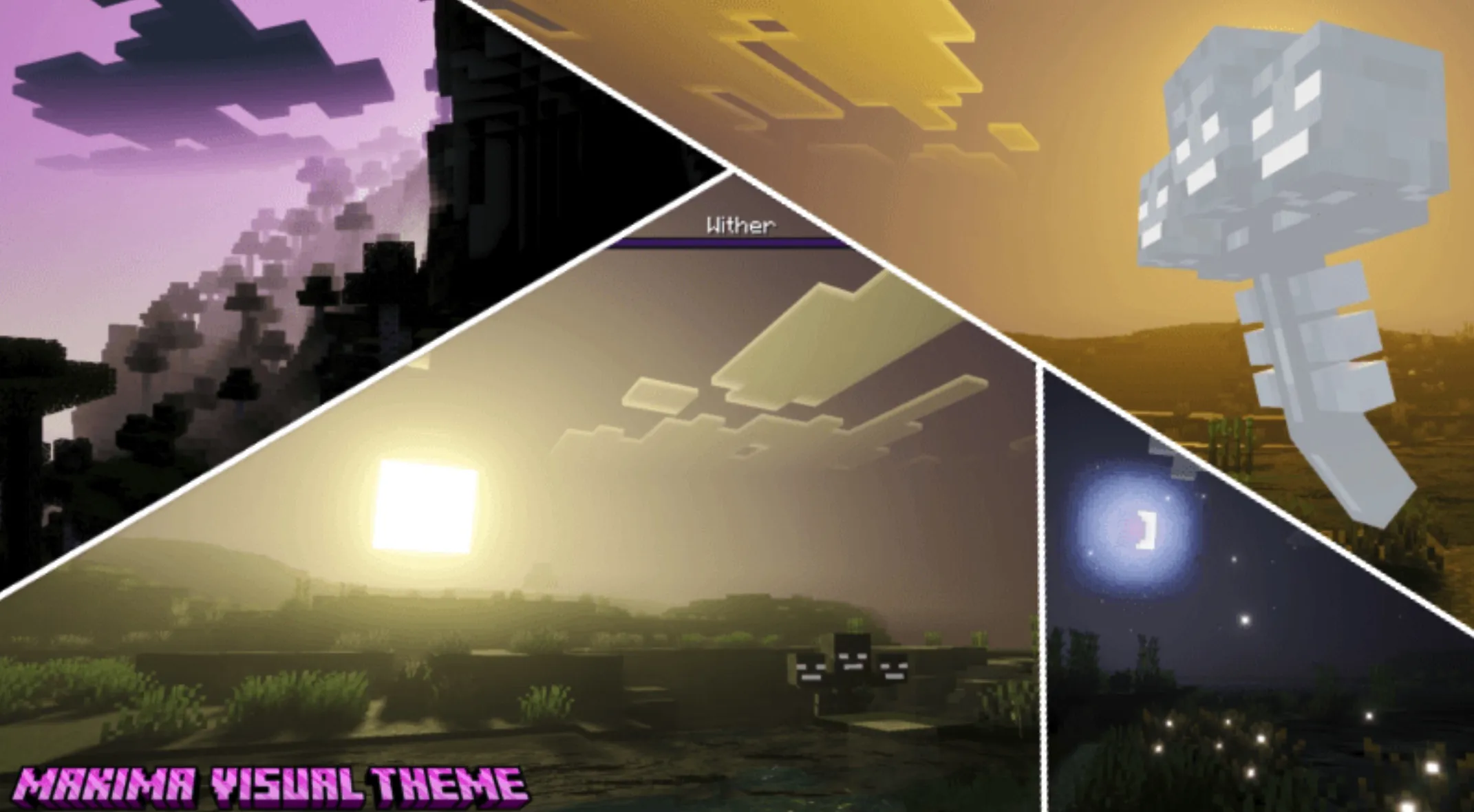
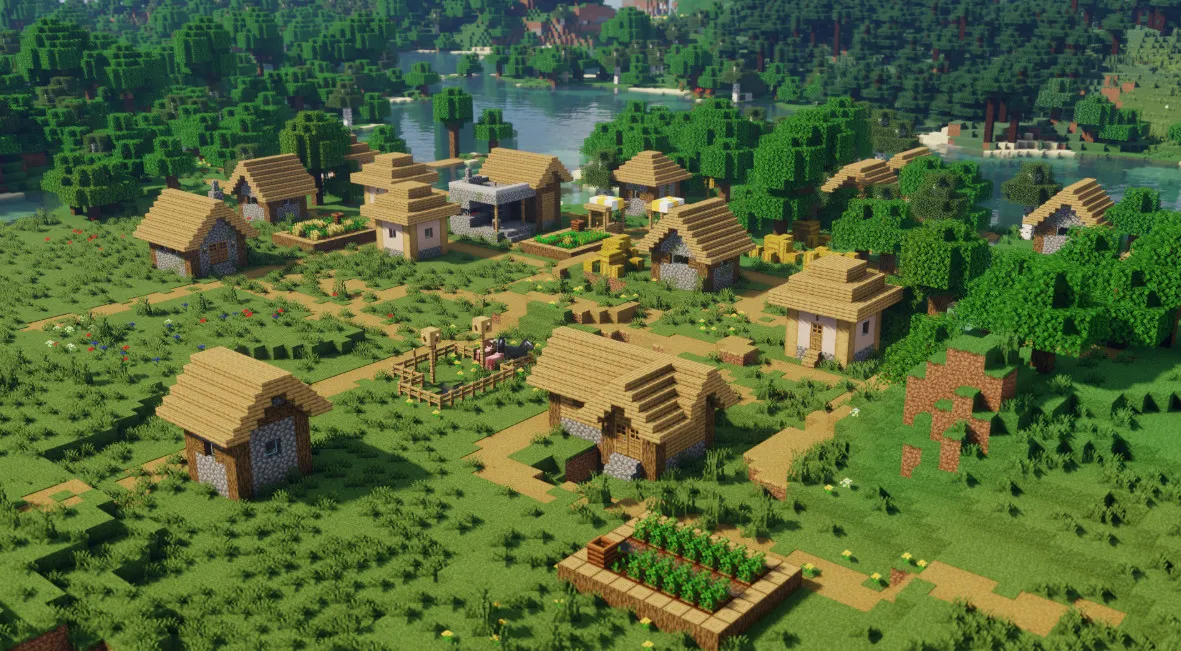
Chocapic13 Shaders is renowned for striking an exceptional balance between high-fidelity visuals and optimized performance. This shaderpack is distinguished by its high scalability, making it an ideal choice that caters to a wide spectrum of hardware configurations, ranging from modest entry-level setups to high-end enthusiast rigs.
Unlike many lightweight shaderpacks that compromise visual fidelity to maintain frame rates, this pack is designed to uphold a respectable quality standard across the board. Even when operating at its lowest preset, the visual output remains impressive. For users equipped with mid-range graphics cards, such as the RX 570 or the GTX 1060, the high-end presets are capable of delivering a smooth experience, typically ranging between 80-100 fps. In simpler in-game environments, performance can even exceed 120 fps, effectively bridging the gap between graphical excellence and technical efficiency.
Key Features (V9)
This iteration features a suite of advanced rendering techniques designed to breathe life into your Minecraft world:
Installation Guide
For proper functionality, please ensure that your Optifine installation is up-to-date and compatible with your current version of Minecraft. Follow these steps for installation: