Java
**BVS - Best Vanilla Shader Hello everyone, I am LoLip_p, and I am delighted to showcase my work. My original intention in developing this shader pack was to re
Publisher
LoLip_p
Downloads
14
Top category
SHADER
Updated
2026-04-26

**BVS - Best Vanilla Shader
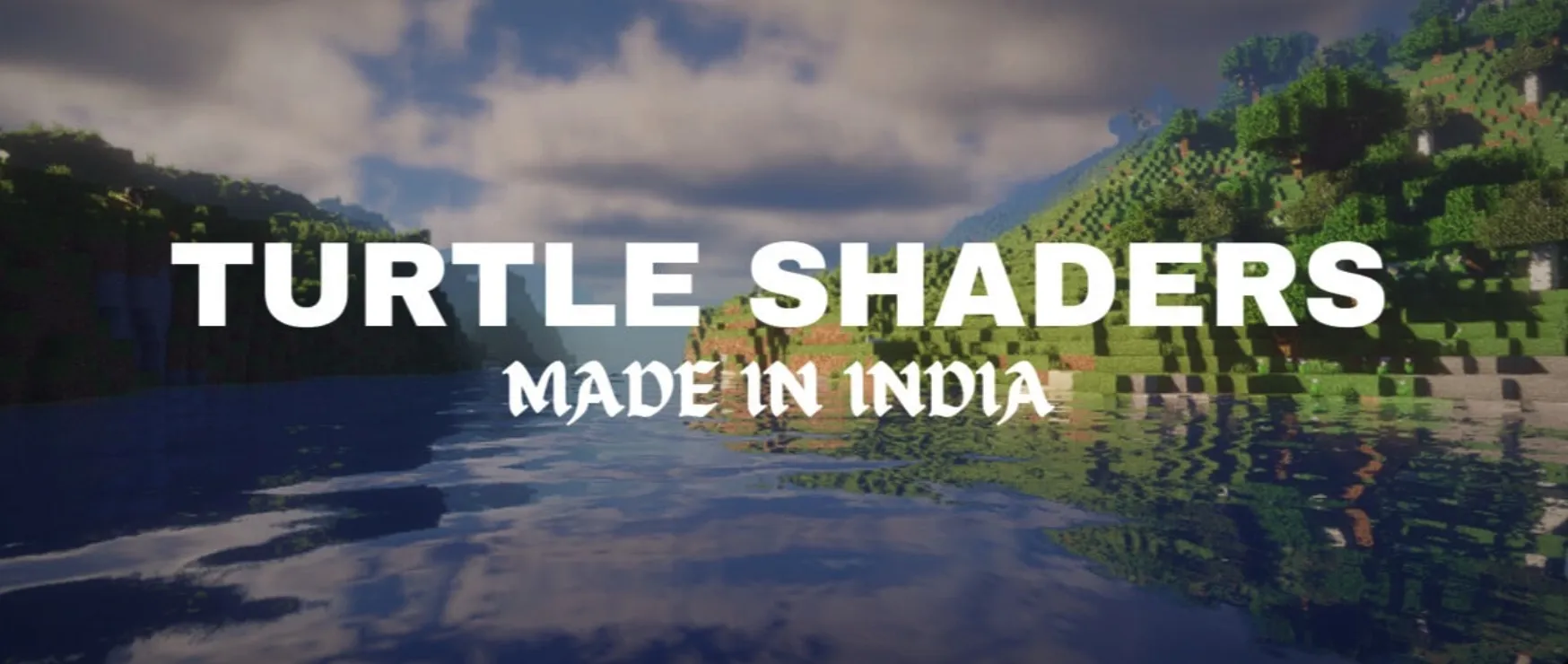
Hello everyone, I am LoLip_p, and I am delighted to showcase my work. My original intention in developing this shader pack was to revitalize Minecraft’s visuals with subtle enhancements while preserving its core vanilla essence. I am well aware that every player has different hardware capabilities and aesthetic preferences, which is why I focused heavily on the flexibility of customization options from the very beginning. You can easily enable or disable various features according to your specific needs. Additionally, considering those who seek maximum frame rates, I have released a high-speed version called BVSF, which balances visual quality while minimizing hardware load.
Performance and Hardware Requirements
In performance testing, BVS has shown remarkable results. Using a 2K resolution (2560x1440) and a render distance of 10 chunks as a baseline, a test platform equipped with an RX 580 (8GB VRAM) and a Ryzen 5 1500X processor was able to consistently maintain over 200 FPS. This means that whether you are using a mainstream configuration or a high-end setup, these shaders provide a smooth and stable gaming experience.
Core Functions and Visual Features
This shader pack empowers the game with powerful visual enhancements, covering all the essential features mainstream players look for. Regarding environment rendering, it offers full support for "Better Clouds" and "Distant Horizons," significantly expanding your visual boundaries. As for texture details, LabPBR support has been fully integrated, greatly enhancing the texture of blocks.
Furthermore, in terms of visual effects, the shader includes Depth of Field and Motion Blur, giving gameplay a cinematic quality. Through advanced shading techniques for light-obstructed areas and backlighting, the three-dimensional depth of scenes is significantly enhanced. To further optimize visual quality, it integrates FXAA anti-aliasing, Screen Space Reflections (SSR), auto-exposure adjustment, and color correction. Overall, these technical details work together to build an incredibly immersive game world. To serve players worldwide, this shader pack currently includes native support for 7 languages: English, Russian, Ukrainian, French, German, Chinese, and Portuguese.
Installation Instructions
Installing BVS is simple and convenient. First, please ensure your Minecraft client has a shader-compatible mod loader installed, such as OptiFine or Iris. Copy the downloaded shader file directly into the shaderpacks folder located within your game directory. Then, launch your game, and navigate to "Options," "Video Settings," and then the "Shaders" menu. Select "BVS - Best Vanilla Shader" from the list, and your visual exploration journey can begin immediately.