Java
BSL Shaders - Classic Project Status: Discontinued This is a shader pack designed specifically for Minecraft: Java Edition. Its core design philosophy is to pre
Publisher
CaptTatsu
Downloads
19
Top category
SHADER
Updated
2026-04-27
BSL Shaders - Classic
Project Status: Discontinued
This is a shader pack designed specifically for Minecraft: Java Edition. Its core design philosophy is to preserve and enhance the unique aesthetic style of the original game.
About This Project
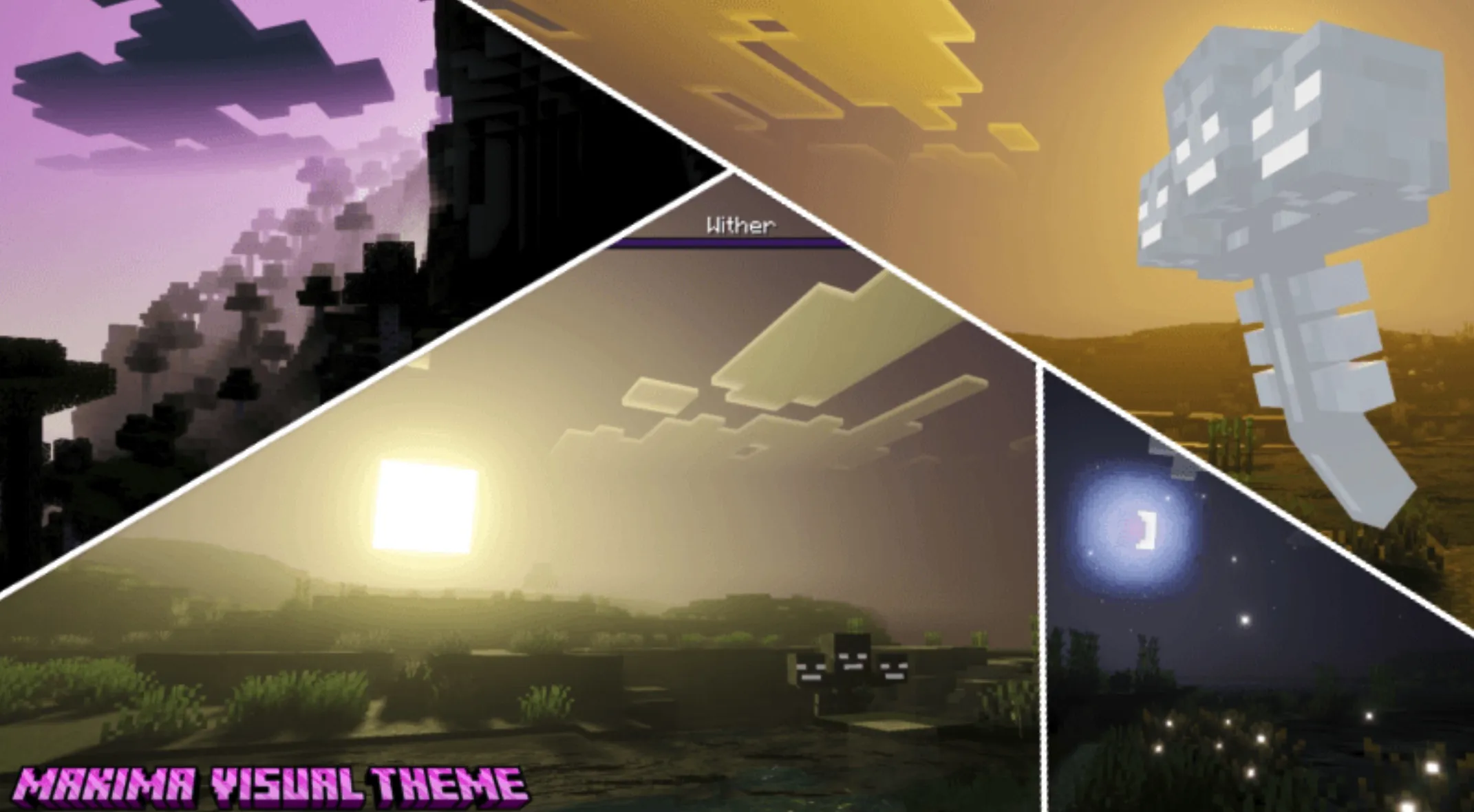
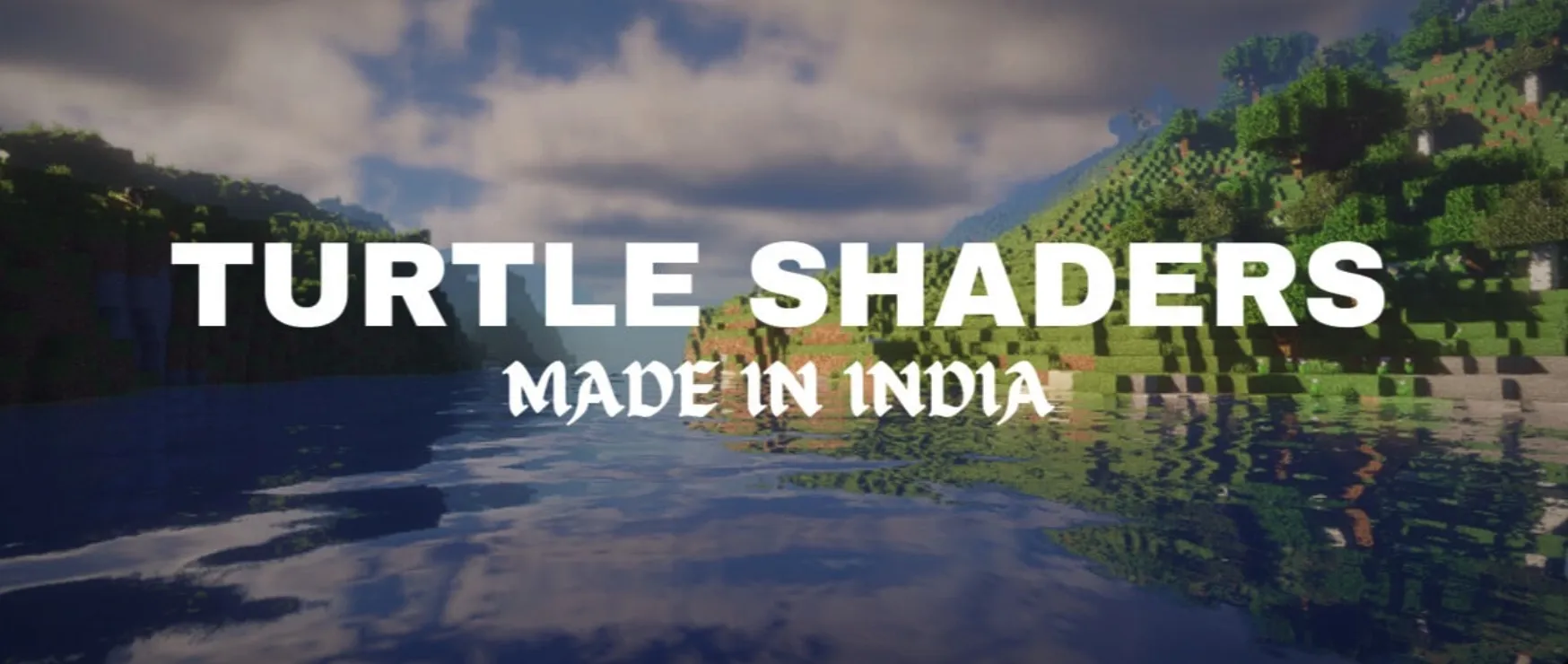
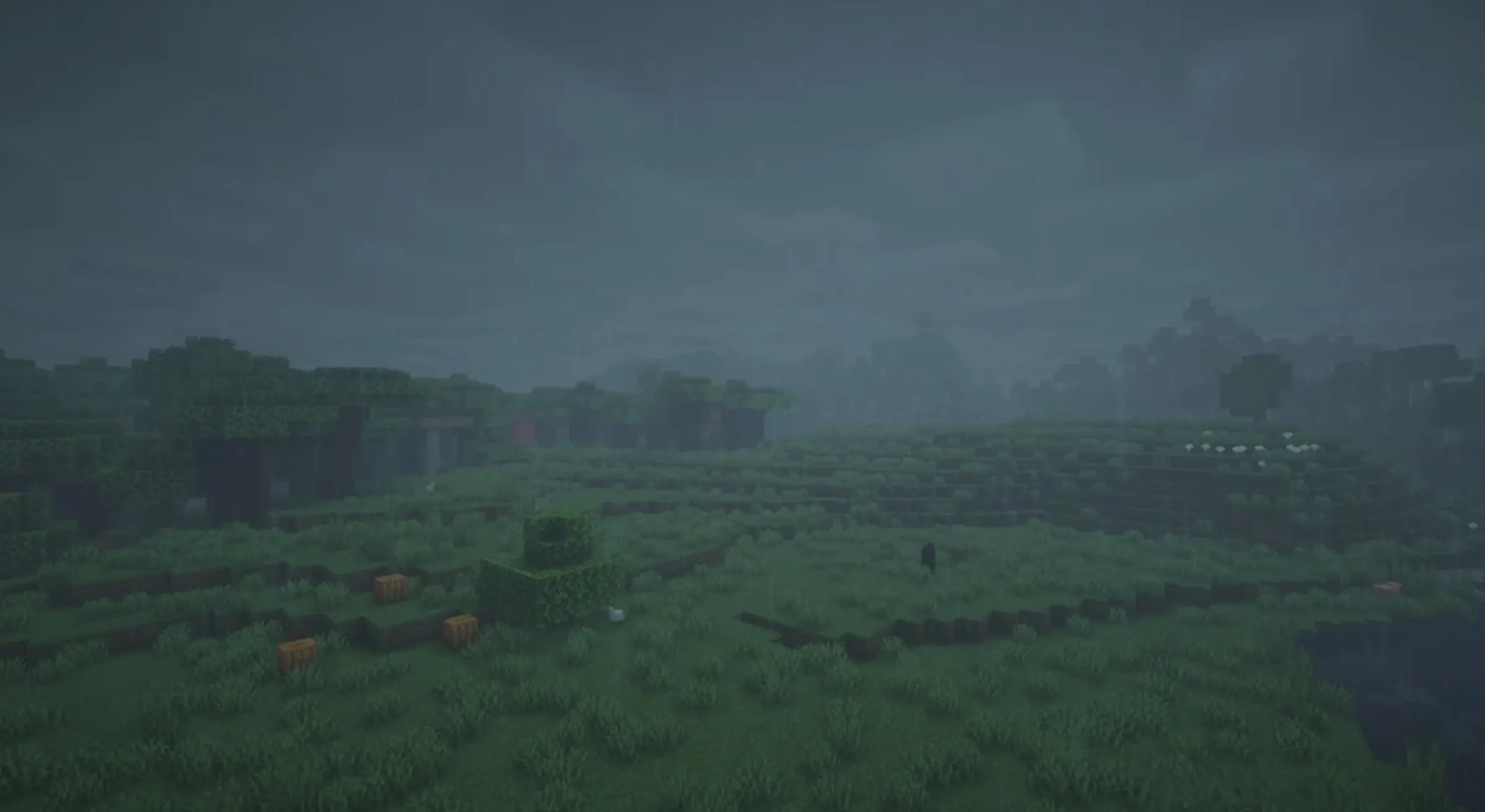
BSL Shaders - Classic is an exclusive visual enhancement component for Minecraft: Java Edition. Unlike shaders that attempt to completely transform the game’s appearance, this pack focuses on polishing and refining the "vanilla style." It includes a suite of advanced graphics technologies: dynamic real-time shadows, atmospheric volumetric lighting, Ambient Occlusion (AO) for added depth, soft bloom effects, and a highly customizable cloud and water rendering system. Additionally, it features built-in anti-aliasing to ensure smooth, high-quality visuals.
Beyond these core features, this shader pack provides a rich array of additional effects to satisfy various visual preferences, including: Depth of Field (DoF) for a cinematic look, motion blur for a realistic sense of speed, specular reflection and normal mapping support for enhanced material textures, a unique cel-shading style, and even a world-curvature effect that alters the appearance of the horizon.
Official Channels
If you would like to learn more about this project or seek resources and community support, please follow the official channels below:
License Agreement
Please read the following license terms carefully before using this shader pack:
Permitted Actions (What you CAN do):
Prohibited Actions (What you CANNOT do):
Notes:
Installation Guide
Please follow these steps to correctly install BSL Shaders - Classic:
.minecraft\shaderpacks folder in your game directory (do not unzip the file).