BRAZZ SHADER
BRAZZ SHADER: A Visual Overhaul for Minecraft Bedrock
BRAZZ Shader is a comprehensive visual enhancement pack meticulously crafted for Minecraft Bedrock 1.21 and beyond. Featuring a variety of integrated visual filters (subpacks), this pack completely transforms the game's aesthetic, granting you the creative freedom to select a visual style that perfectly suits your gameplay experience.
Key Features
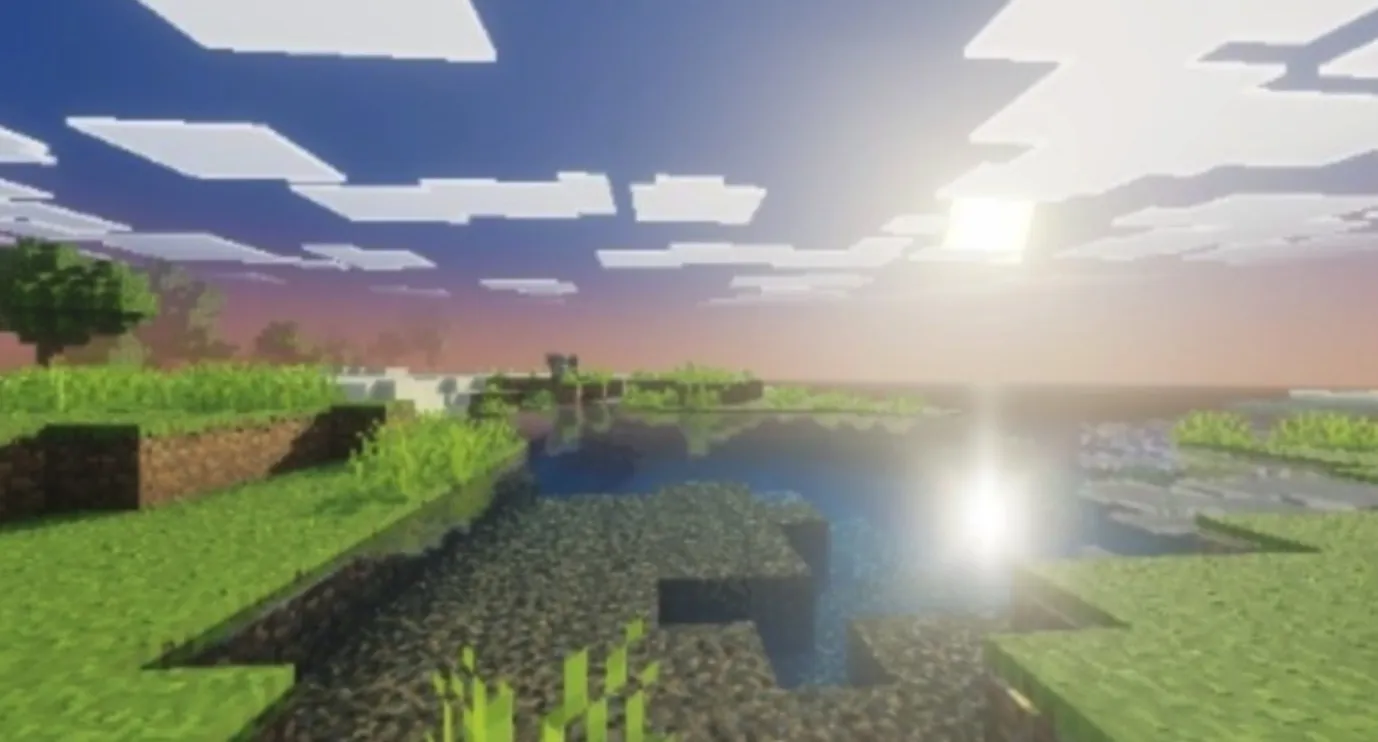
- Custom Lighting and Realistic Hues: Implements refined light calculations to deliver a vivid and authentic color palette for your worlds.
- Simulated Visual Effects: Includes Bloom, Grain, Lens Flare, and a dynamic fog system to heighten immersion.
- Reflective Water: Features optimized water rendering with realistic reflective properties.
- Dynamic Day Cycles: Experience smooth color transitions in the sky for a natural flow between day and night.
- Enhanced Compatibility: Designed for seamless integration with Vibrant Visuals.
Available Visual Filters (Subpacks)
- Cinematic: Captures a film-like aesthetic with film grain, subtle light flares, and softened color tones.
- Vivid: Boosts saturation and brightness for a striking appearance, ideal for survival adventures.
- Retro: A nostalgic look defined by desaturated tones and vintage lighting characteristics.
- Cartoon: Delivers a clean, streamlined aesthetic perfect for creative builders.
- Standard: A balanced, neutral visual profile optimized to complement any gameplay style.
- Noir: A dramatic black-and-white filter featuring high-contrast lighting for a moody atmosphere.
- Frozen: Imprints a chilling, bluish hue upon the world, evocative of an eternal winter biome.
- HDR: Enhances color depth with dynamic contrast and brightness, bringing out intricate details.
Compatibility
- Minecraft Bedrock: 1.21.80 and higher.
- RenderDragon: Fully supported.
- Platforms: Compatible with Android and Windows 10/11.
- System: Designed for compatibility with Vibrant Visuals.
Installation Guide
- Download the .mcpack file.
- Double-click the file to import it into your Minecraft game.
- Navigate to World Settings > Resources > BRAZZ Shader.
- Click the gear icon on the pack to select your preferred subpack filter.