Bedrock
Introduction to Bare Bones Texture Pack Have you ever dreamed of transforming your Minecraft landscape to reflect the aesthetic brilliance seen in the game's of
Publisher
RobotPants
Downloads
23
Top category
RESOURCEPACK
Updated
2026-04-26
Introduction to Bare Bones Texture Pack
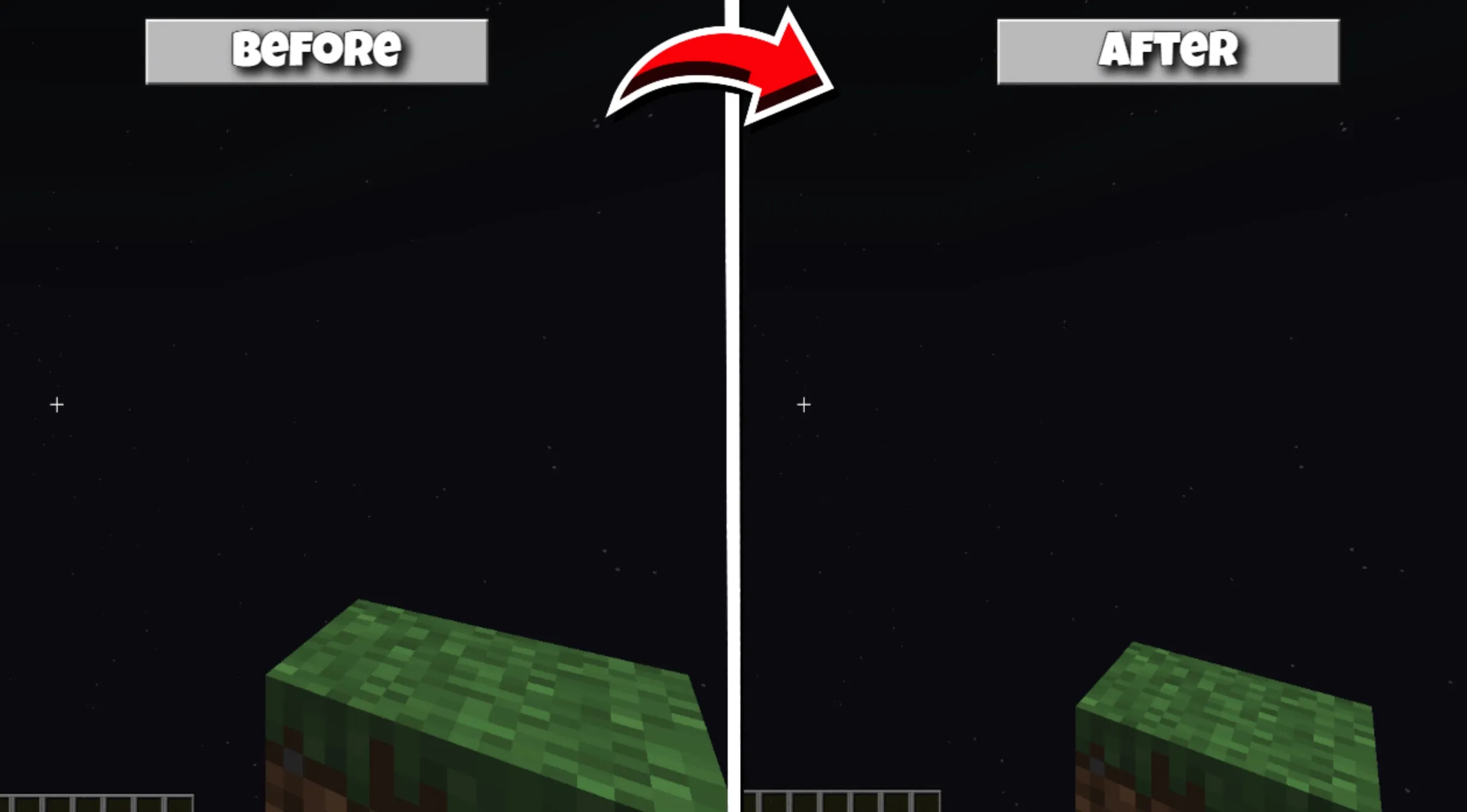
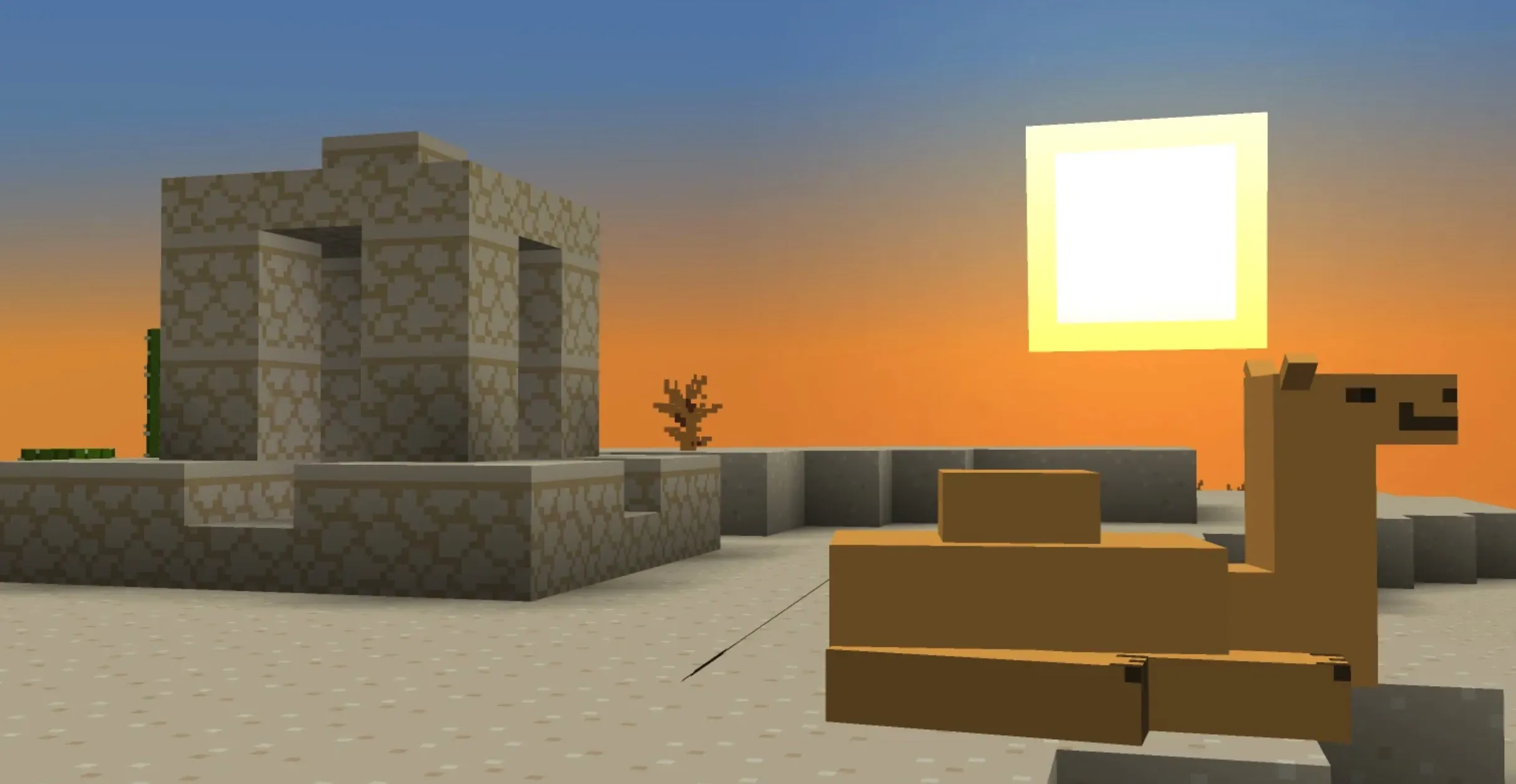
Have you ever dreamed of transforming your Minecraft landscape to reflect the aesthetic brilliance seen in the game's official trailers? The Bare Bones texture pack is meticulously crafted to turn that vision into reality. Its core objective is to strip away unnecessary visual complexity, effectively revealing the "bare bones" of the game's environment.
By adopting a philosophy that prioritizes minimalist design, Bare Bones removes overly intricate details from the default textures while preserving the essential color palette. The result is a remarkably clean and lively visual experience. Whether you are constructing massive fortresses or braving the depths of unexplored caverns, this pack ensures your blocky world appears vibrant and refreshingly colorful, turning every moment of gameplay into an absolute visual delight.
Installation Guide
To seamlessly equip this stunning visual enhancement in your game, please follow these systematic instructions:
Begin by downloading the Bare Bones compressed file. Next, access your computer's %appdata% system directory and navigate to the "resourcepacks" folder located within the .minecraft directory. Once there, copy and paste the downloaded archive into this destination. If you have an outdated version of the pack already present, we recommend deleting it to ensure optimal compatibility and display quality. Finally, launch Minecraft, navigate to the game’s options menu, and select the Bare Bones texture pack to complete the installation process.