AstraLex: Astral Phantasm Shaders
This is a top-tier shader pack featuring extreme personalization and customization options. If you are a player with a passion for visual effects, yearning to reshape your blocky world through rich post-processing, this shader pack is tailor-made for you.
About the Shaders
AstraLex Shaders is designed specifically for Minecraft Java Edition and is renowned for its stunning high customizability. Rather than being just a standard shader file, it serves as a visual reconstruction toolbox. While maintaining a robust foundation of high-quality lighting, it integrates a vast array of unique artistic style options.
Core Visual Technologies:
This pack includes a suite of modern graphical rendering techniques that provide a solid foundation for your game's visuals:
- Real-time Dynamic Shadows: Precise algorithms that render realistic, time-evolving projections.
- Extreme Water and Cloud Rendering: Reshapes the textures of the sky and ocean.
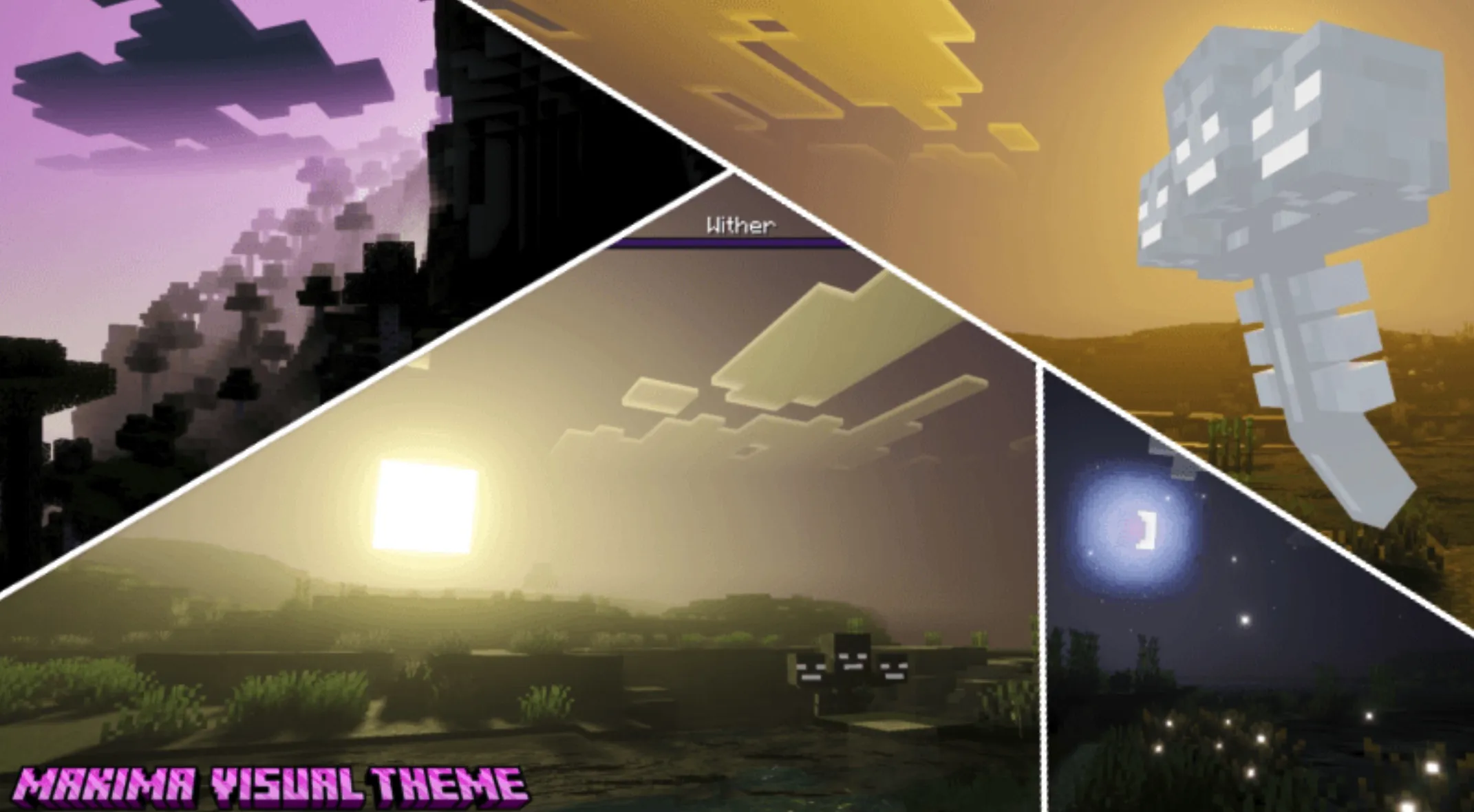
- Volumetric Lighting: Creates atmospheric "God Rays."
- Ambient Occlusion (AO): Enhances shadow detail in corners and crevices, adding depth.
- Bloom: Adds a soft, radiant glow to bright areas.
- Cinematic Post-processing: Integrates Depth of Field (DoF), Chromatic Aberration, and distance blur to simulate real camera lens effects.
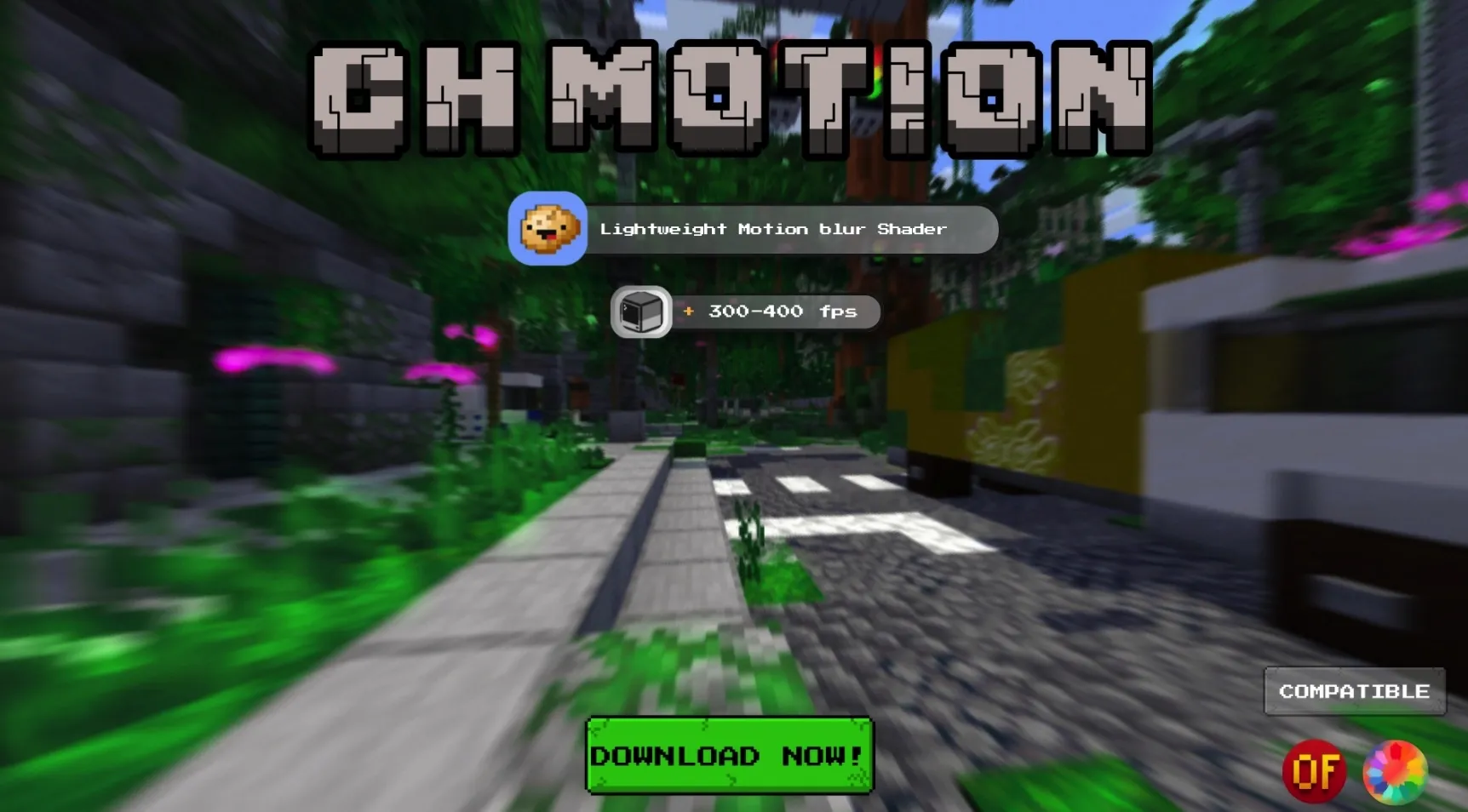
- Motion Blur: Provides a smooth sense of speed when turning the camera.
- ACES Tone Mapping: Utilizes cinematic-grade color management for natural, expressive visuals.
- Anti-Aliasing: Supports TAA and FXAA to effectively eliminate jagged edges.
Special Artistic Effects:
What AstraLex is most proud of is its collection of creative effects rarely seen in other shaders, capable of transforming your gaming experience into a visual spectacle:
- Celshading: One-click toggles for anime-style outlines and cell-shaded colors.
- Brilliant Star System: Features not only connected constellations but also shooting stars streaking across the night sky.
- Whimsical Hand-drawn Birds: Adds charming, hand-drawn bird patterns to the sky for a touch of fantasy.
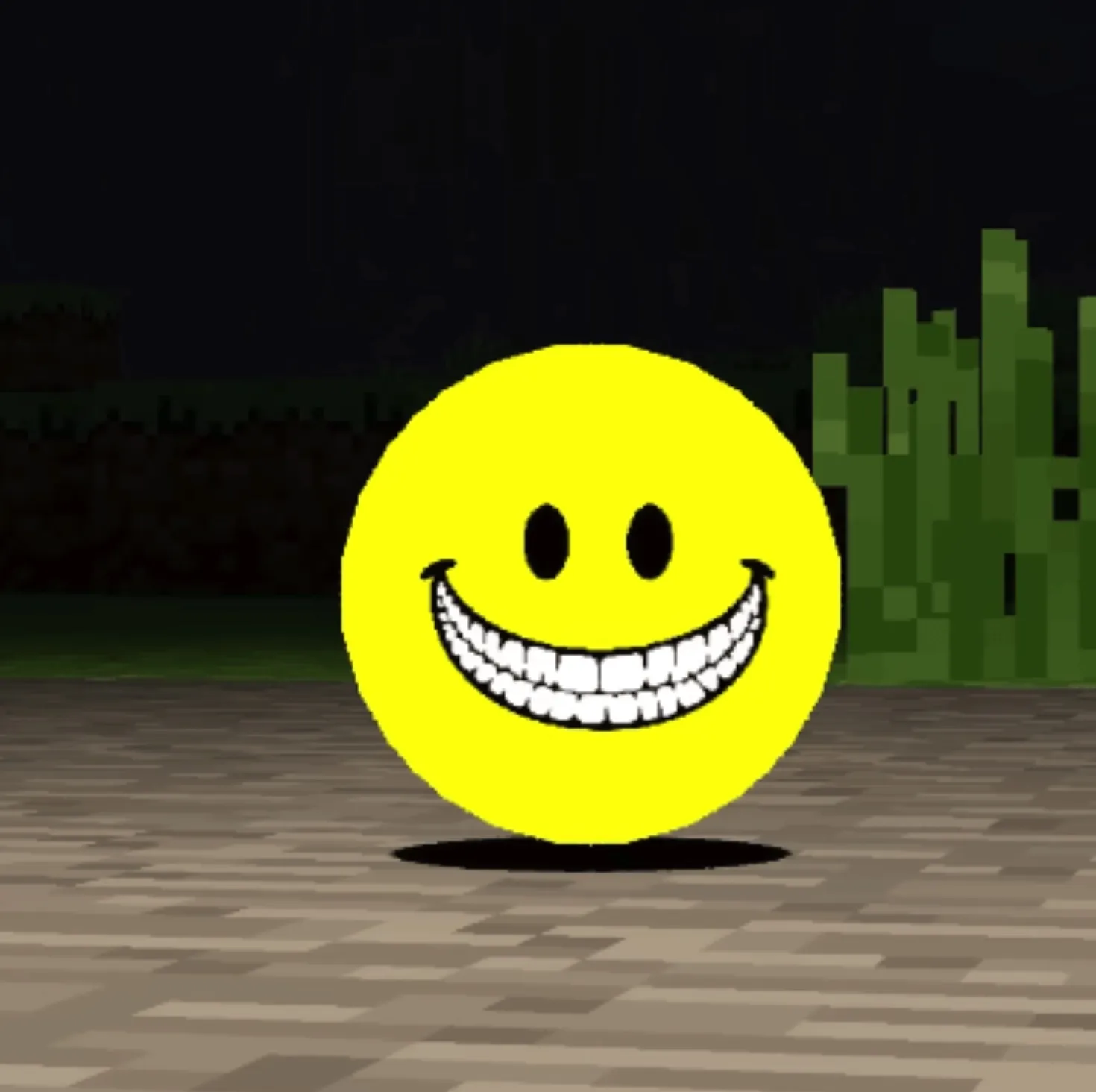
- Planets and Celestial Bodies: Supports custom planets and even includes options to summon the "Majora's Mask" moon from The Legend of Zelda.
- Deep Space Nebulae: Fills the night sky with gorgeous, colorful nebula backgrounds.
- Crosshair Enhancements: Offers a wide variety of selectable crosshair styles.
- Entity Hit Feedback: Enhanced visual feedback for mobs and entities when taking damage.
- Retro CRT Effect: Simulates the scanlines and curvature of vintage monitors for a nostalgic atmosphere.
- Biome Refraction: Unique light refraction effects tailored to different biomes.
- Realistic Screen Raindrops: When it rains, the screen displays highly realistic raindrop streaks and refraction effects.
This is only the tip of the iceberg—there are many more details waiting for you to discover in-game!
Installation Guide
To ensure a smooth experience, please follow these steps:
- Prepare the Environment: Download and install OptiFine or Iris Shaders (Iris is recommended for better performance).
- Get the File: Download the AstraLex Shaders pack file.
- Import: Place the downloaded zip file directly into the
.minecraft\shaderpacks folder in your game directory (no need to unzip).
- Launch: Open your Minecraft launcher and enter the game.
- Activate:
- Open "Options".
- Click on "Video Settings".
- Select "Shaders".
- Click on "AstraLex Shaders" in the list to select it.
Now, are you ready to embrace a brand-new Minecraft world?