Bedrock
Advanced Waypoints The Ultimate Navigation Tool: Advanced Waypoints Have you ever found yourself lost in your Minecraft world during an exploration? Your naviga
Publisher
Endermen76428
Downloads
14
Top category
MOD
Updated
2026-04-27
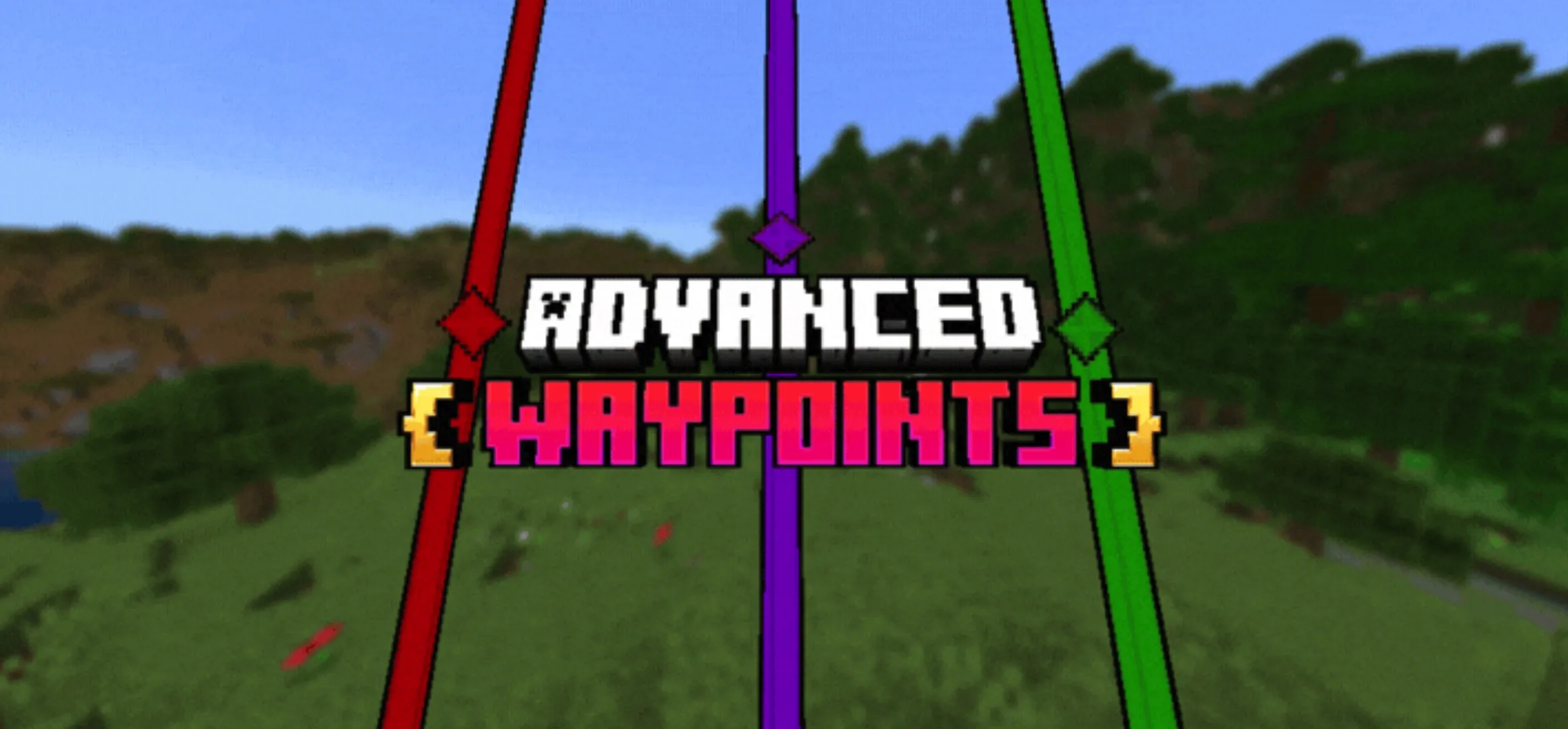
The Ultimate Navigation Tool: Advanced Waypoints
Have you ever found yourself lost in your Minecraft world during an exploration? Your navigation troubles are over with the "Advanced Waypoints" addon, designed to help you create markers in your world to guide you safely back home or to other points of interest.
How to Obtain Waypoints
To get started, you will need to craft the Waypoint item. Go to your cartography table and use two pieces of paper to create it.
Creating a Waypoint
You can access the main menu by clicking while holding the Waypoint item, or simply use the command "/waypoint".
In the menu, click the "Create Point" button to name your waypoint and select your preferred icon and color. By default, the system captures your current location as the waypoint's position, but you can also define specific coordinates manually. Note that each dimension maintains its own separate list of waypoints.
Locator and Visibility
All your active waypoints are displayed simultaneously in your world. The display name shows the first 13 characters of your entered name, and the maximum display distance is 9,999,999 blocks. These waypoints are visible through walls, and each player has their own exclusive list of waypoints.
Death Point System
Did you die? Don't worry. A waypoint will be automatically created at the location of your death, complete with a death counter to help you retrieve your lost items.
Teleportation Functionality
Important: The teleport button is only available when using the specialized "Advanced Waypoint" item; it cannot be triggered via the standard item or direct commands.
If you have sufficient Experience levels, you can teleport between your waypoints. The cost is calculated at 1 XP level for every 500 blocks of distance.
Editing and Management
If you created a waypoint with incorrect details, go to the menu and click "Edit Point" and select the specific entry to modify it.
If you need to manage waypoint visibility, use the "Edit Visibility" button. This list allows you to toggle the display status of your waypoints. When a waypoint is disabled, its corresponding icon will also be turned off.
Deleting Waypoints
If you no longer need a specific waypoint, simply navigate to the menu, click "Delete Point," and select the waypoint you wish to remove.
Sharing Waypoints
You can share your locations with friends. Use the sharing function to select a specific waypoint and choose the player who will receive it.
Configuration Options
Access the "Options" button in the menu to customize your settings:
General Settings:
Recover Waypoints: If a waypoint disappears or the name gets corrupted for any reason, use this option to refresh and reload all visible waypoints. Common issues that may cause disappearance include using commands like "/kill @e".
Commands
Additional Information