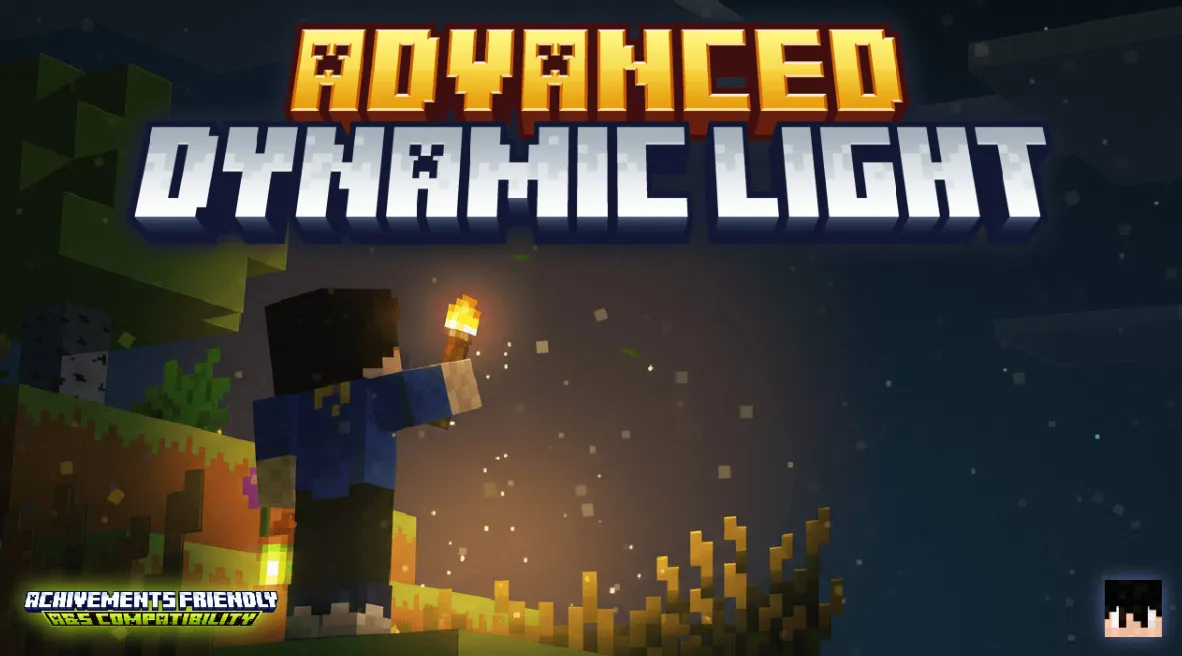
Advanced Dynamic Light
Light up your world! In Minecraft Bedrock, simply hold torches, lanterns, or specific custom items to dynamically illuminate your surroundings in real time.
Functionality
To configure and view all the features of the addon, you only need to obtain this special item:
Advanced Dynamic Light Book
With this book, you can:
- Access all addon configuration options.
- Individually set dynamic light parameters for each item.
- Manage global light behavior settings.
- Add custom items or blocks as light sources.
- Configure server mode and administrator permissions.
How it works:
The addon dynamically places invisible light sources around players based on the light-emitting items they are holding, providing illumination effects.
Features
- Dynamic Lighting: Hold light-emitting items to illuminate your surroundings in real time.
- Offhand Support: Light sources work in your offhand as well, with configurable activation settings.
- Underwater Lighting: Configure items to emit light even while submerged.
- Environment Lighting: Dropped items on the ground can emit light.
- Per-item Configuration: Customize light levels, offhand utility, underwater, and environmental settings for each item.
- Custom Items System: Add any modded items or custom blocks as dynamic light sources.
- Global Settings: Control offhand activation modes and reset all settings at once.
- Server Mode: Permission system for administrators in multiplayer environments.
- Operator Management: Grant or revoke operator permissions.
- Intuitive Interface: Easy-to-use form menus accessible directly from the book.
- Optimized Performance: Designed to ensure no noticeable impact on game performance.
- Achievement Friendly: Works perfectly without disabling game achievements.
How to Get the Item
Use the following command:
/give @s dl_adl:book
Alternatively, you can find it in the inventory while in creative mode (located under the Items category).
Permissions System
The first player to join the world automatically becomes the Original Operator.
- Operators can access all settings and configure the addon.
- The Original Operator can grant or revoke operator permissions to other players.
- When Server Mode is enabled, only players with operator permissions can modify settings.
To become an Advanced Dynamic Light operator, use the tags: operator, op, admin, administrator, moderator.
Compatibility
This addon is fully compatible with other addons and does not require any experimental features.
- Compatible with achievements and various other mods.
- No experimental features required.
- Works in both survival and creative modes.
- Multiplayer compatible (includes server mode).
Installation Process & Support
Correct installation process:
- Download both files, the behavior pack (BP) and the resource pack (RP) (If you only download one, the add-on may not work correctly).
- Import both files into Minecraft Bedrock.
- Activate the add-on in a new or existing world. Activating one will generally trigger the automatic activation of the other (e.g., activating the RP usually triggers the BP).
- Enjoy the experience.
If you encounter issues or have questions:
- Join the official community for quick support.
- Report bugs in the designated section with detailed information.
- Share your suggestions for future updates.