Bedrock
3D Skin Layers Render the player skin layer in 3D to give your character a new dimension! Core Features This mod replaces the typically flat second layer of pla
Publisher
tr7zw
Downloads
29
Top category
MOD
Updated
2026-04-27
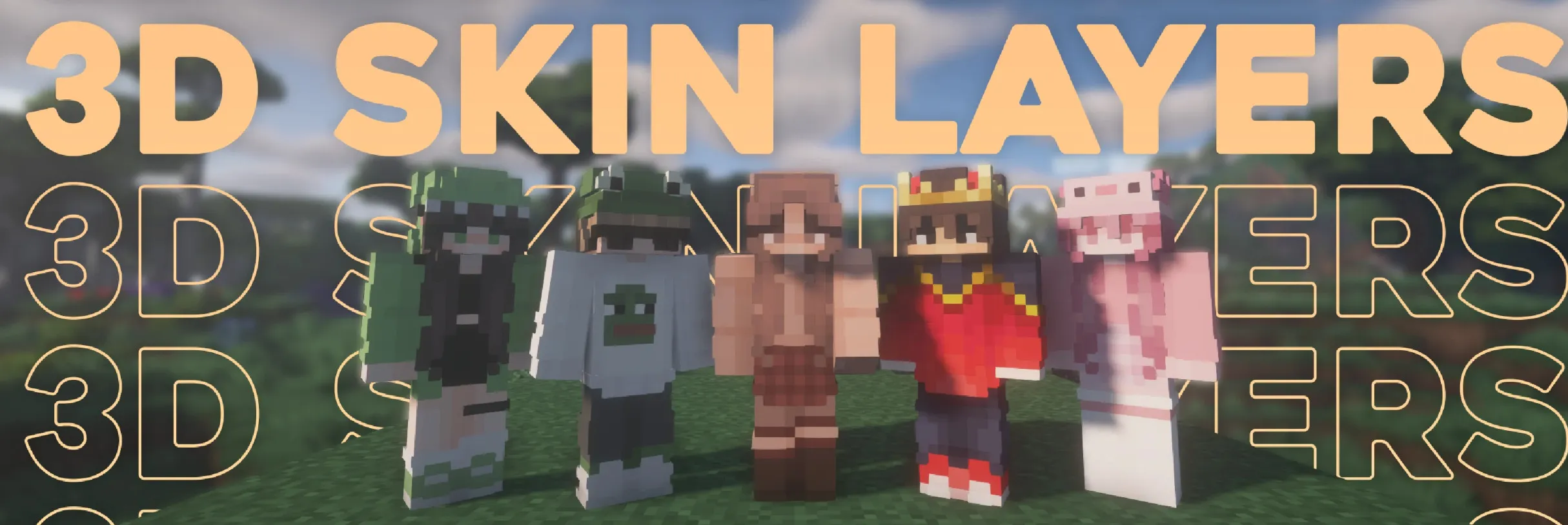
Render the player skin layer in 3D to give your character a new dimension!
This mod replaces the typically flat second layer of player skins with a fully modeled 3D version. To maintain high framerates, the mod automatically switches back to standard 2D rendering when players are more than 12 blocks away. It also fully supports transparent elements, making it perfect for items like glasses, visors, or other cosmetic details.
Since this mod is strictly cosmetic and operates entirely on the client side, it does not need to be installed on servers and works seamlessly in any environment.
Give your player skin the depth it deserves without sacrificing style or performance.
| Minecraft Version | Loader | Status | Note |
|---|---|---|---|
| 1.16.5+ | Fabric/Forge*/NeoForge | Supported | Latest |
| 1.16.5 | Forge | Unsupported | Outdated; pending support for JarInJar mods |
| 1.12.2/1.8.9 | Forge | Unsupported | Outdated; might get updates in the future |
| Mod | Status | Note |
|---|---|---|
| Essential | Supported | - |
| Shoulder Surfing Reloaded | Supported | - |
| Player Animator | Supported | Includes mods using it, such as Better Combat and Emotecraft |
| CustomSkinLoader | Partial support | Requires the designated helper mod |
| Lunar Client | Unsupported | Will never receive support |
Do I need to install this on the server? No. This is a fully client-side mod and does not need to be installed on the server.
Does this work with HD skins? No. This is not possible because the pixels would not conform to the correct shapes.
The skin layers poke through modded armor. Some modded armor is closer to the body than vanilla armor. Simply turn down the 3D size in the mod settings until it fits properly.
The layers appear offset from the body. You are likely using an ETF/EMF resource pack. Ensure you update it to fit your current Minecraft version.
Help! The layers are gone, or the mod doesn't work! Before asking for help, please check the following:
I am having issues with my cracked version of Minecraft. Please purchase the game. Illegal copies of the game are not supported.