Recently, a brand-new Minecraft Viltrumite Mod has been officially released, offering players the incredible experience of embodying a Viltrumite and wielding extraordinary powers. With this mod, you can achieve supersonic flight, grab mobs with your bare hands, gain near-invincible defensive capabilities, and unlock many more exhilarating abilities. Although the mod is currently in its development phase and may contain minor bugs, the gameplay experience it provides is definitely worth a try.
Below is a detailed introduction to the mod's features and an installation guide.
Features and Usage Instructions for the Minecraft Viltrumite Mod
What Superpowers Does This Mod Offer?
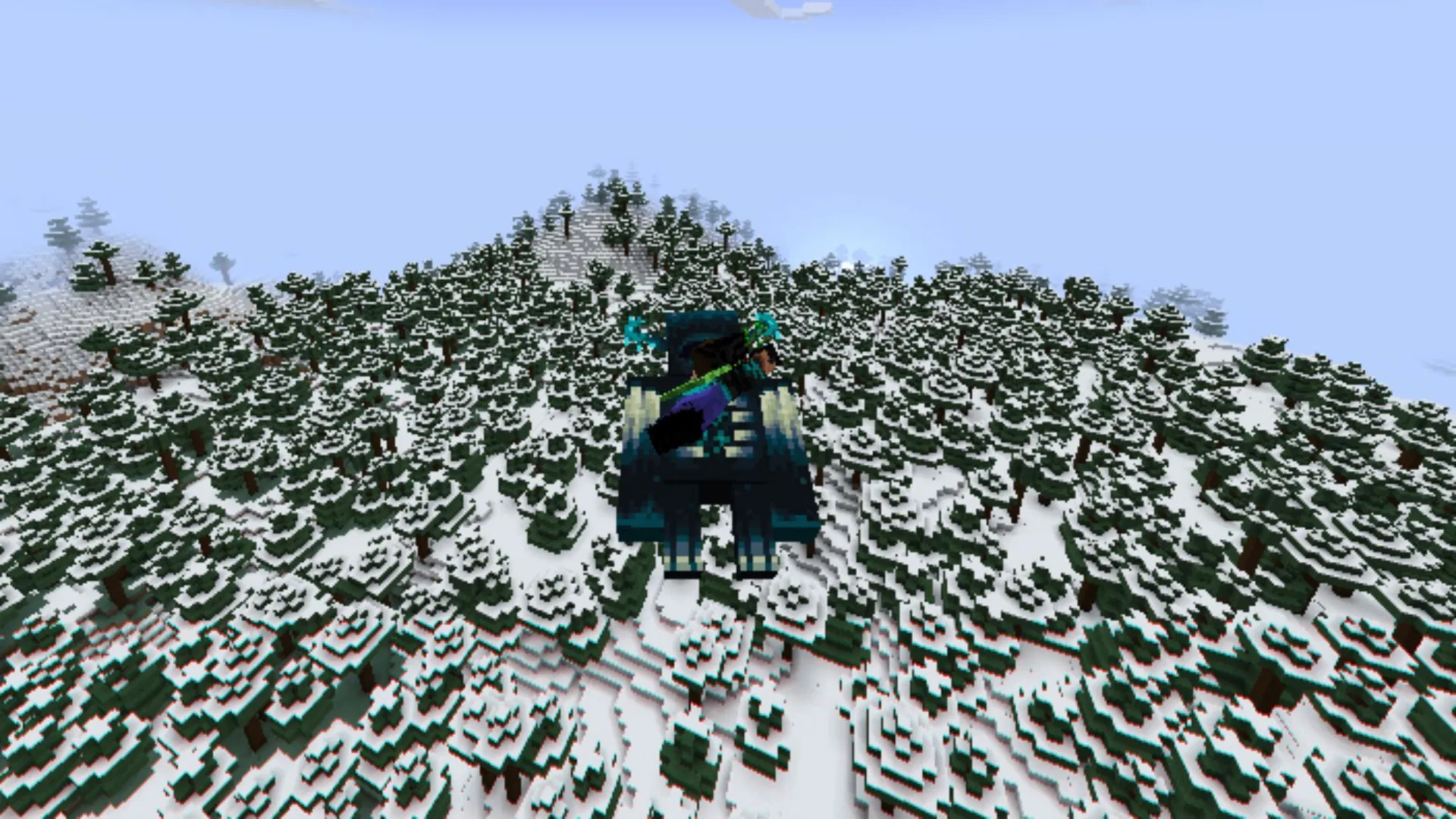
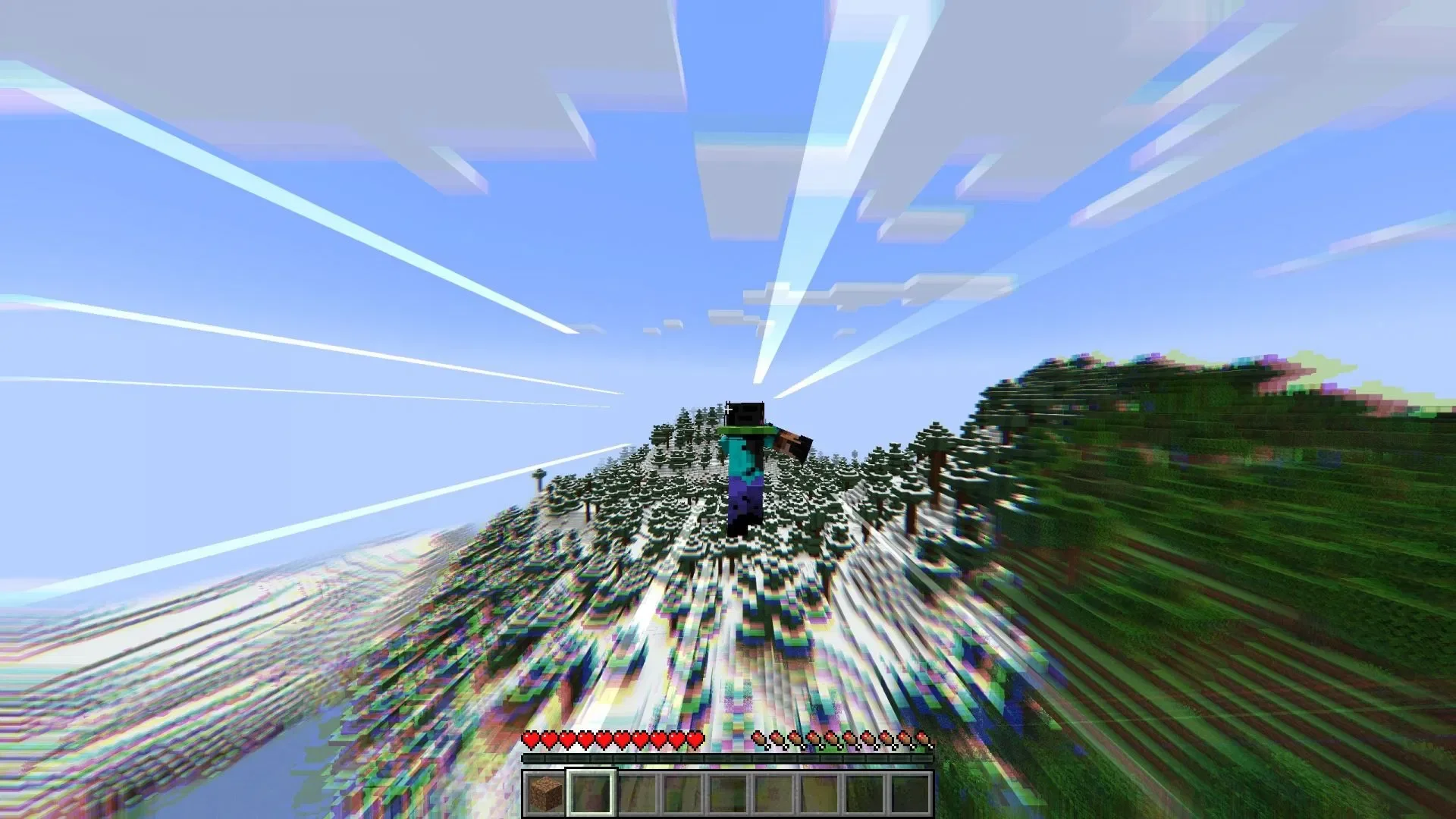
After installing this mod, you will be able to play as a Viltrumite from the popular comic series Invincible. This is a powerful alien race possessing superhuman physical strength, supersonic flight capabilities, and near-infinite stamina. The mod recreates these supernatural combat powers almost perfectly.
Once you have configured the Fabric API environment and installed both the main mod and the flight mod, you can launch the game and create a new save file. Upon entering the world for the first time, the system will ask you to choose whether to become a Viltrumite or remain a normal human.
If you decide to become a superhero, you might not notice significant physical changes at first. However, once you switch to Survival mode, you will find that you have gained flight capabilities similar to Creative mode. Furthermore, when you hold down the sprint key, your flight speed will increase exponentially.
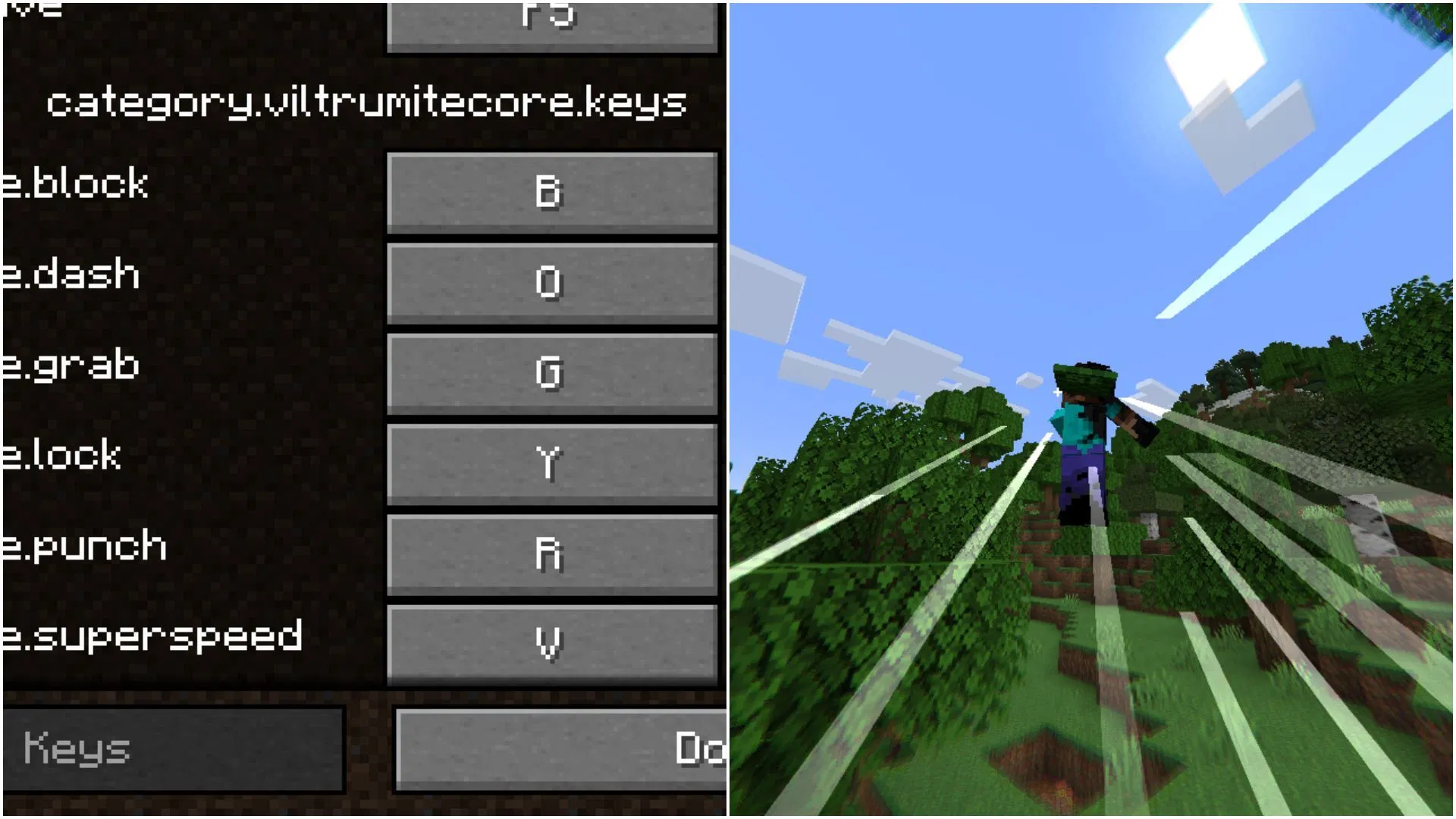
Below are the default keybindings for the remaining abilities:
- Block - B
- Dash - O
- Grab - G
- Lock Target - Y
- Punch - R
- Super Speed - V
The mod author also provides a series of console commands that allow you to switch your character's appearance to various Viltrumite looks, change your cape, or adjust model parameters. You can find the specific command set on the mod's official webpage.
While there are other mods on the market aimed at adding superhero elements, this one stands out for its intuitive control logic and excellent interactive experience.
How to Download and Install the Minecraft Viltrumite Mod?
Here is a brief process for installing the mod:
- Download and install the Fabric Loader for version 1.21.1.
- Search for and find the Viltrumite and Viltrumite Flight mods on this site.
- On the respective mod detail pages, select and download the mod files compatible with Fabric version 1.20.1.
- Copy and paste the downloaded mod files into the "mods" folder in your game installation directory. The typical path is: C:\Users\admin\AppData\Roaming.minecraft.
- Launch the official Minecraft launcher, select the Fabric 1.20.1 modded version from the dropdown menu, and start the game.
- Enter the game, create a new world, choose to become a Viltrumite, and enjoy these powerful super abilities to the fullest.