A Comprehensive Guide to Minecraft Java Edition Friends List Settings
Mojang has recently introduced a highly anticipated new feature to Minecraft Java Edition: the Friends List. Previously, the ability to send friend requests and add friends was exclusive to the Bedrock Edition. The introduction of this mechanism marks a significant step toward socialization for the Java Edition, the most classic version of the game. With this feature, players can not only easily add friends but also seamlessly transform their single-player worlds into multiplayer sessions, inviting friends to play together.
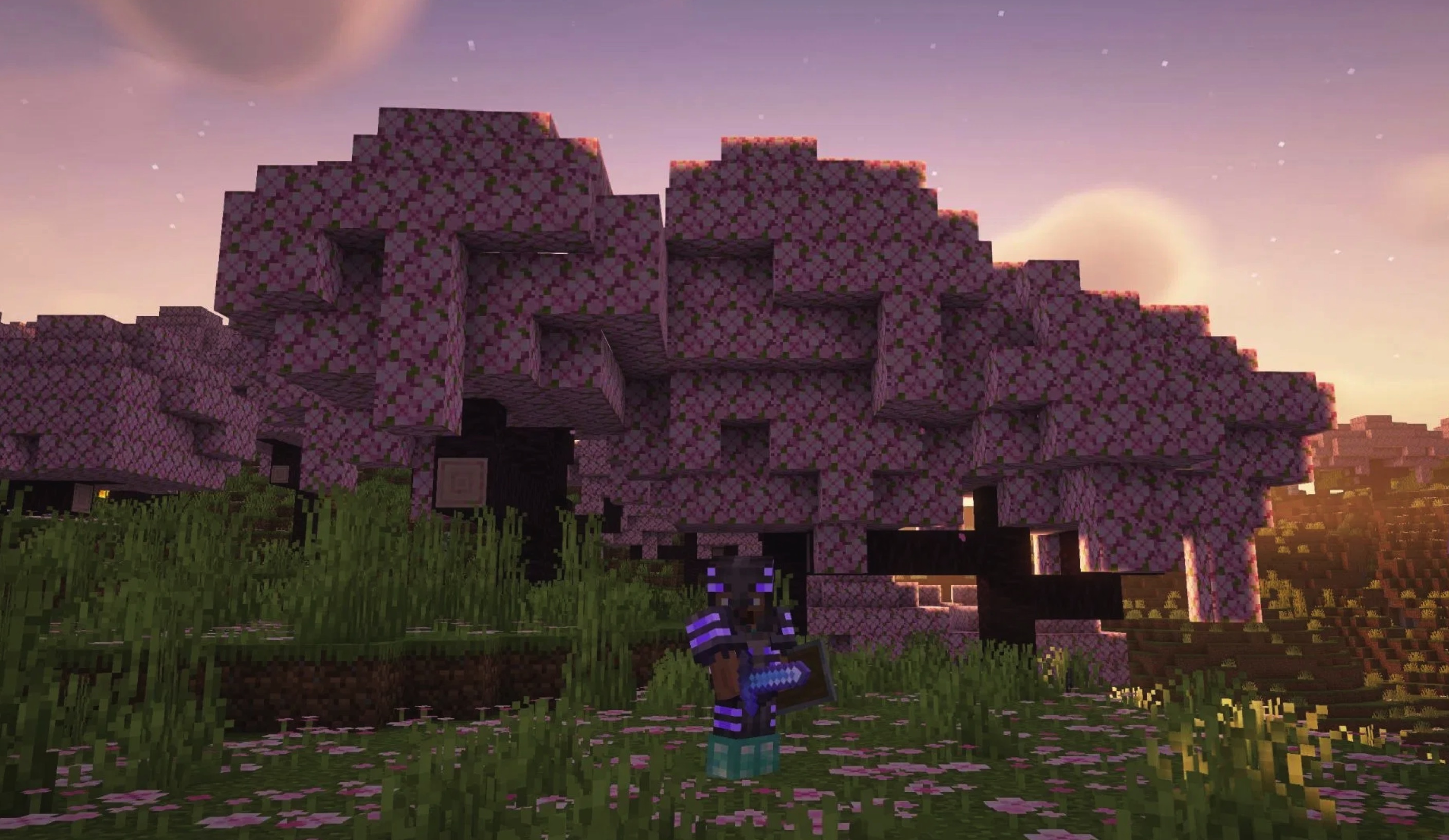
Currently, Mojang has added several new settings related to the Friends List under the "Online" tab in the settings menu. Below is a brief guide to the new multiplayer settings in Minecraft Java Edition.
Please note: This feature is currently in the development and testing phase in Minecraft Snapshot 26.2, 7. Therefore, the content is subject to change before the official release.
Detailed Breakdown of Friends List Features
Friends List
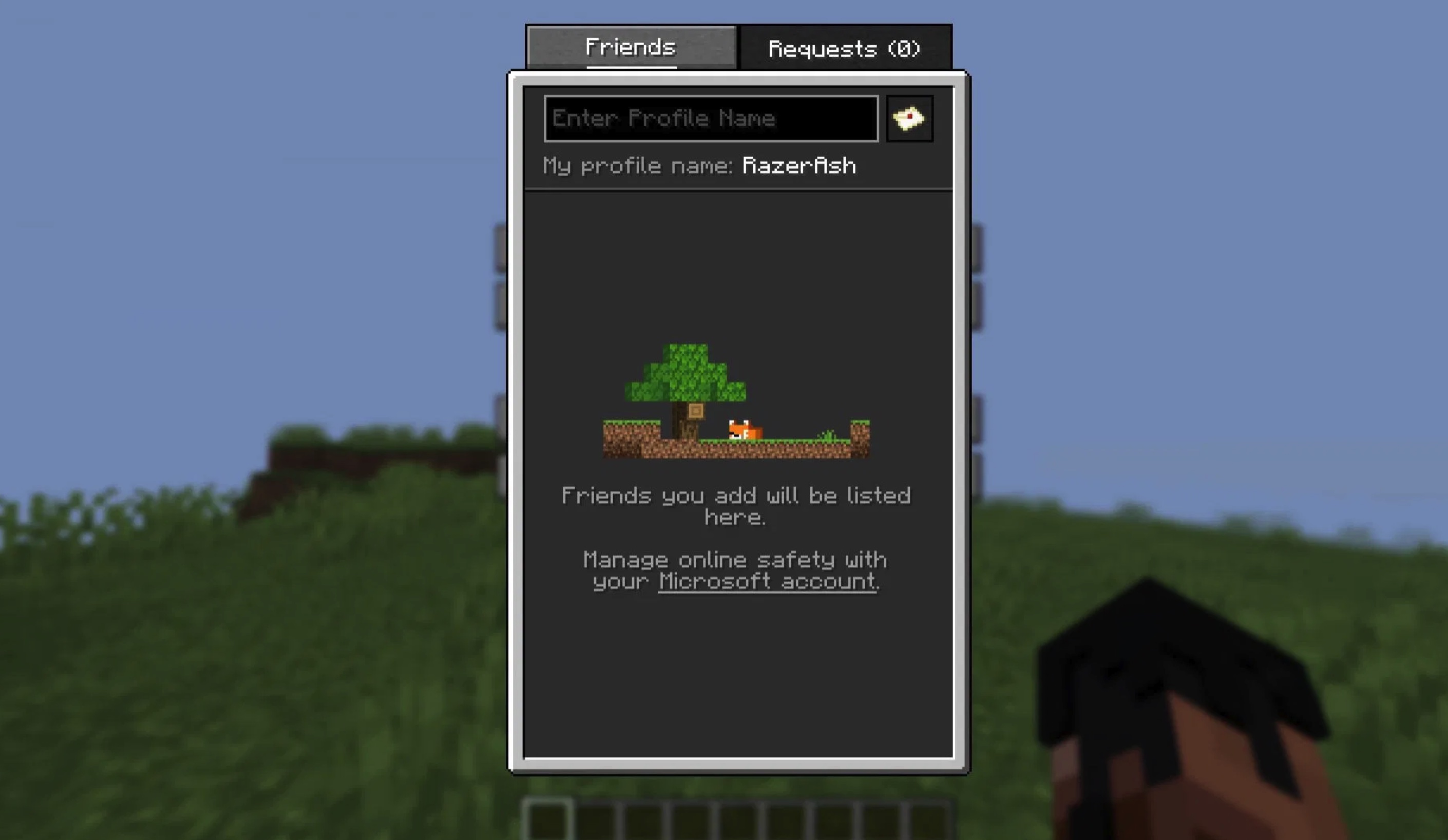
The "Friends List" option is the core switch for controlling this feature. When you enter the "Online" settings page, you will see settings related to "Realms" and "Friends List." This option is primarily used to enable or disable the Friends List feature with a single click.
When you click the "Friends" button in the main menu for the first time, the game will guide you through enabling the feature and provide a brief explanation. If you wish to disable this feature later, simply go to the "Online" settings tab and toggle "Friends List" to off. Once disabled, the Friends List interface will no longer be displayed, and you will not be able to interact with friends or invite them to join your game world.
Allow Requests
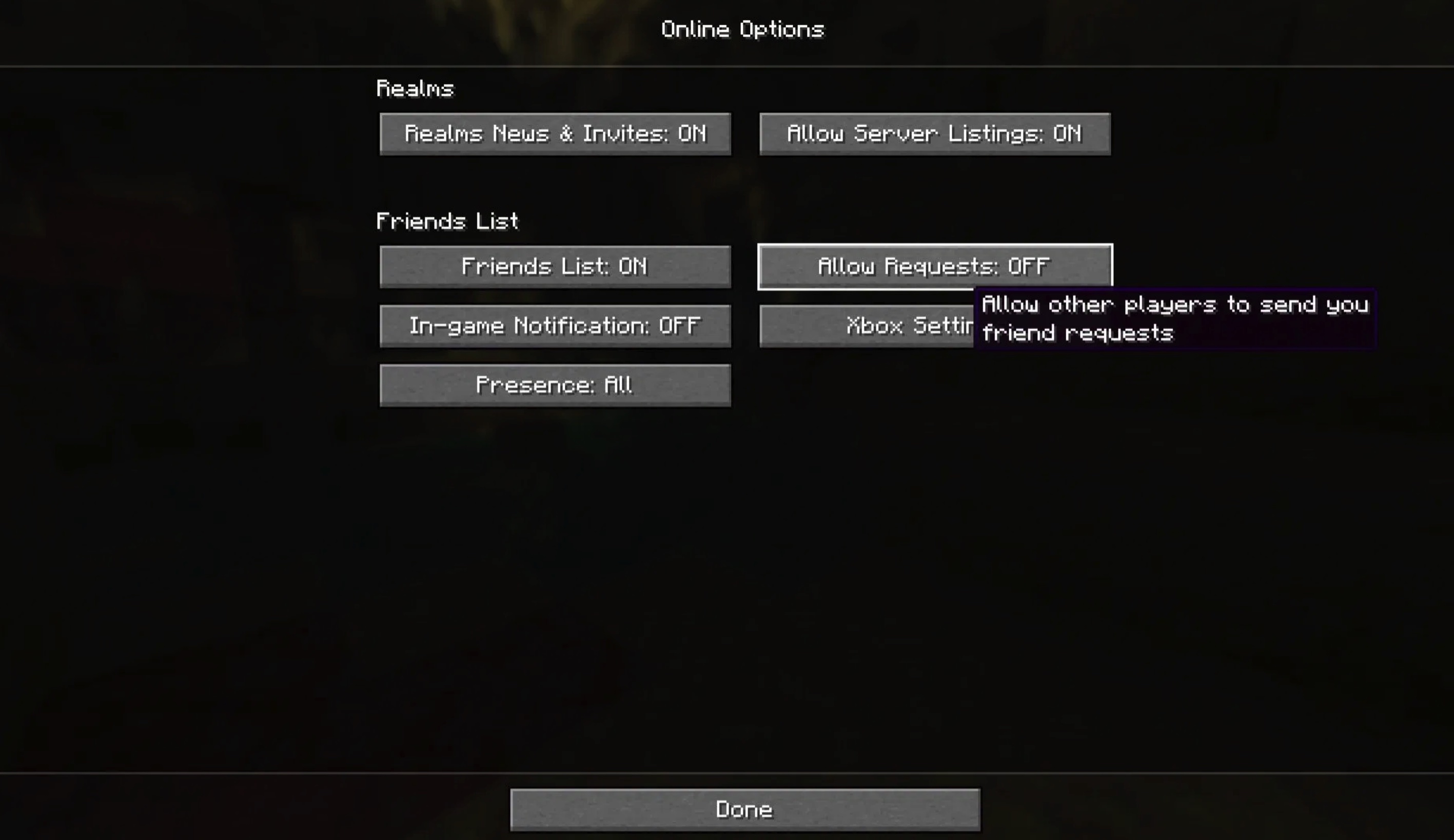
After enabling the Friends List feature in the Java Edition, you can send friend requests to other players. However, you may not receive requests from others immediately because the "Allow Requests" option is disabled by default. To receive requests from others, you must go to the "Online" settings page and manually enable this option.
Once enabled, others can send you friend requests, and you can view and manage these requests in the "Requests" section.
In-game notification
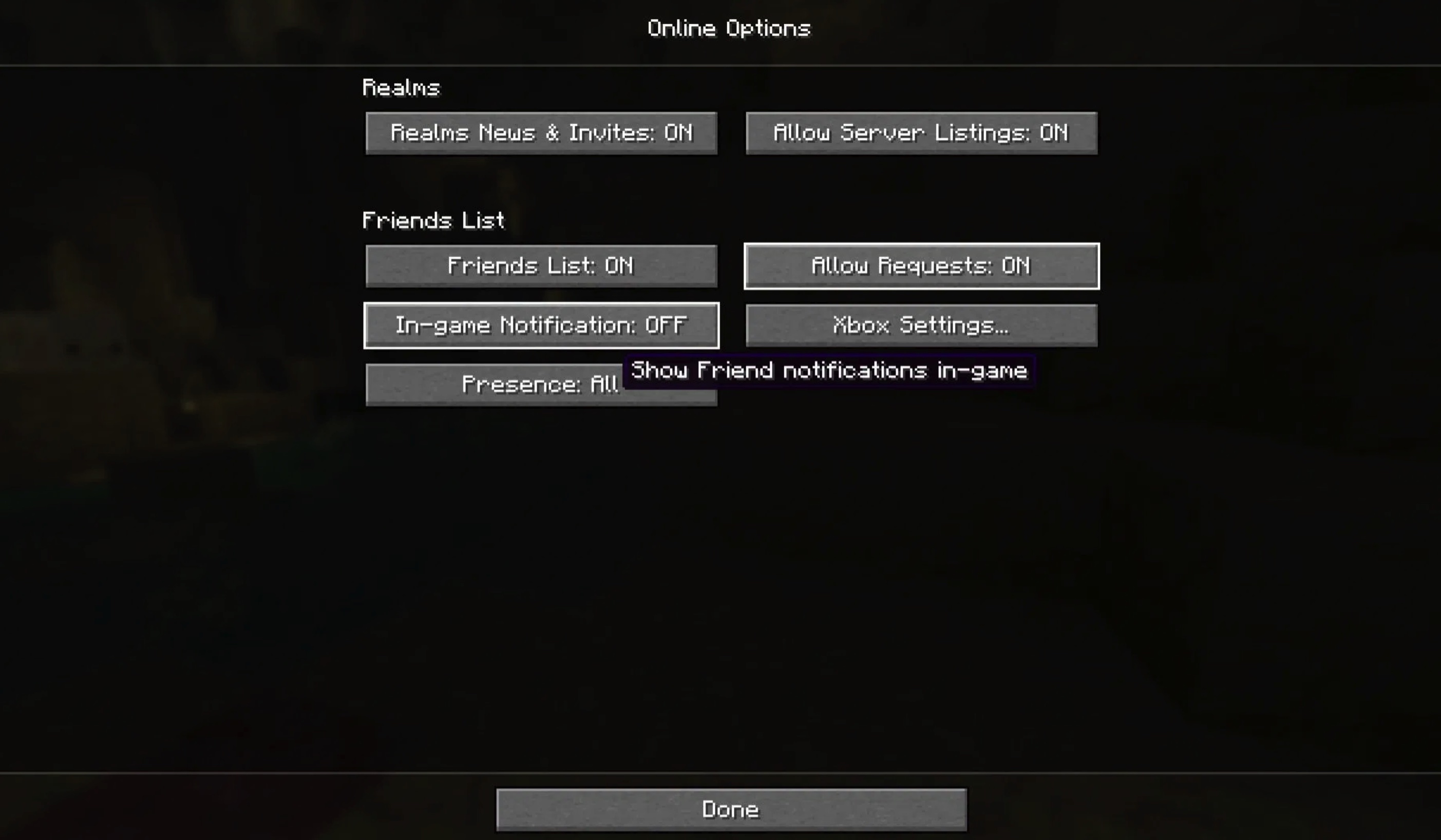
In previous versions of Minecraft Java Edition, the screen only displayed basic game tips and advancement notifications. With the launch of this friends system, you can now receive in-game notifications regarding friend requests sent or accepted.
This notification feature can also be enabled or disabled in the "Online" settings. If you do not wish to be disturbed by such social information during gameplay, you can turn it off. This option is disabled by default.
Xbox Settings
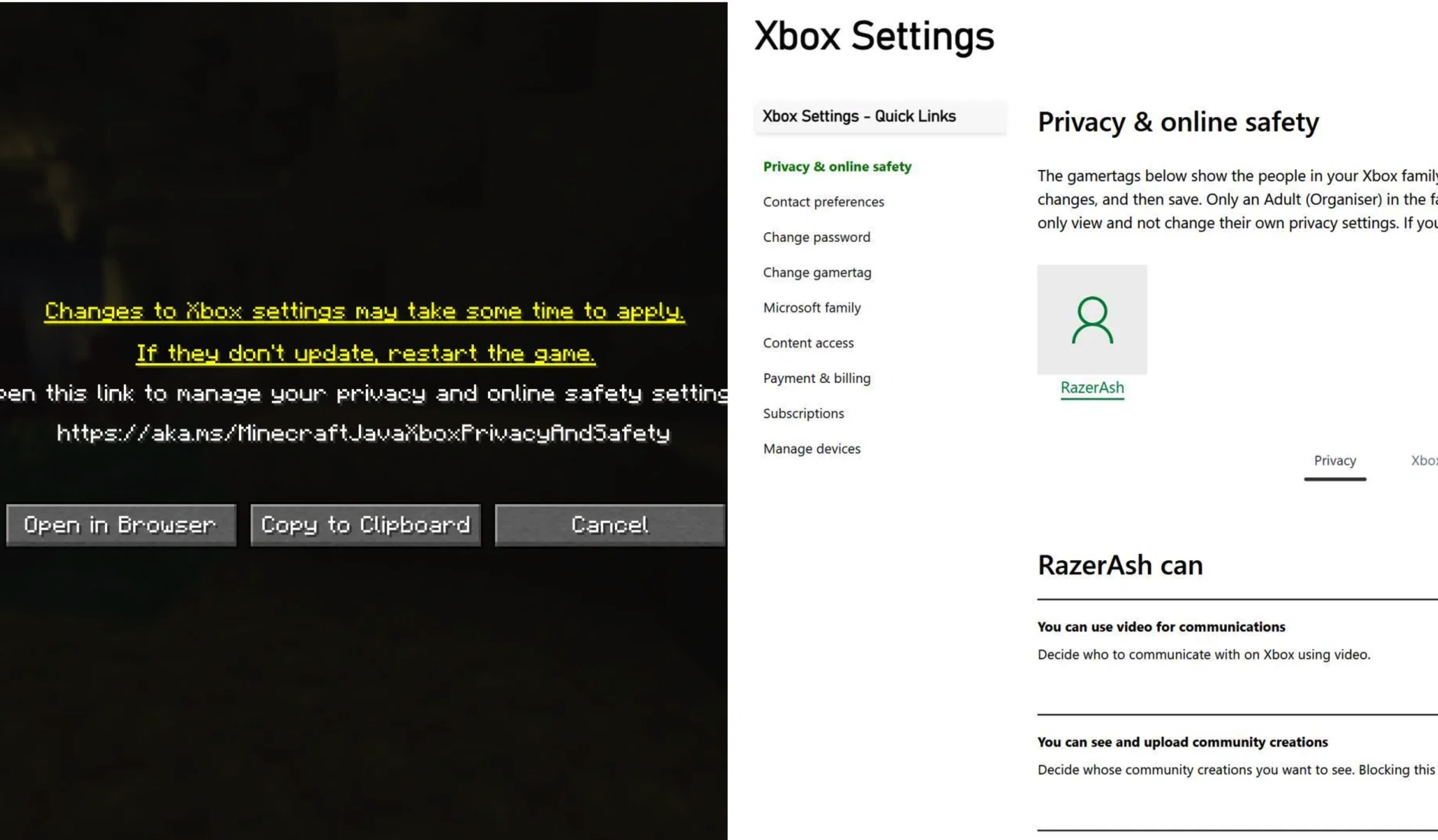
"Xbox Settings" is an important option in the Friends List panel. This feature essentially guides players to a browser to edit their personal Xbox account privacy settings.
In practice, even if you have enabled the Java Edition friends feature, you may sometimes encounter situations where you cannot connect to the game or enter specific worlds. Alternatively, after entering a world, you might find that you cannot chat or interact with