How to Use Peer-to-Peer (P2P) Multiplayer in Minecraft Java Edition
Minecraft Java Edition has finally introduced Peer-to-Peer (P2P) multiplayer, allowing you to easily invite friends to join your single-player world. This mature feature, which has been available in Bedrock Edition for years, has now arrived in Java Edition. With this feature, any single-player save can instantly become a multiplayer server, supporting both LAN mode and remote connections over the internet.
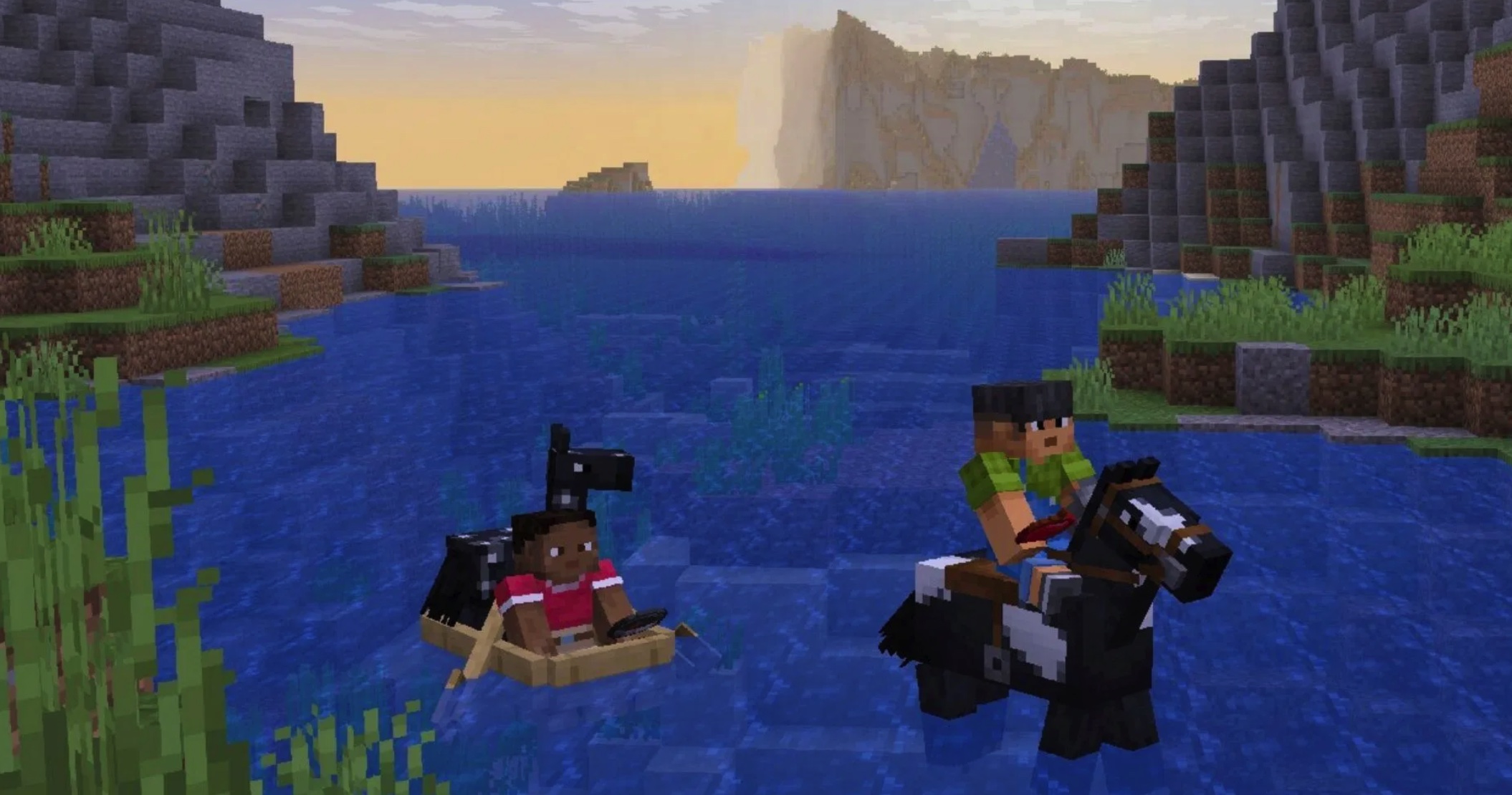
Here is a detailed guide on how to use the P2P feature to play Minecraft Java Edition.
Please note: This feature is currently in Minecraft 26.2 Snapshot 7 and is still in development, so it may be subject to change before the official release.
1. Adding Friends
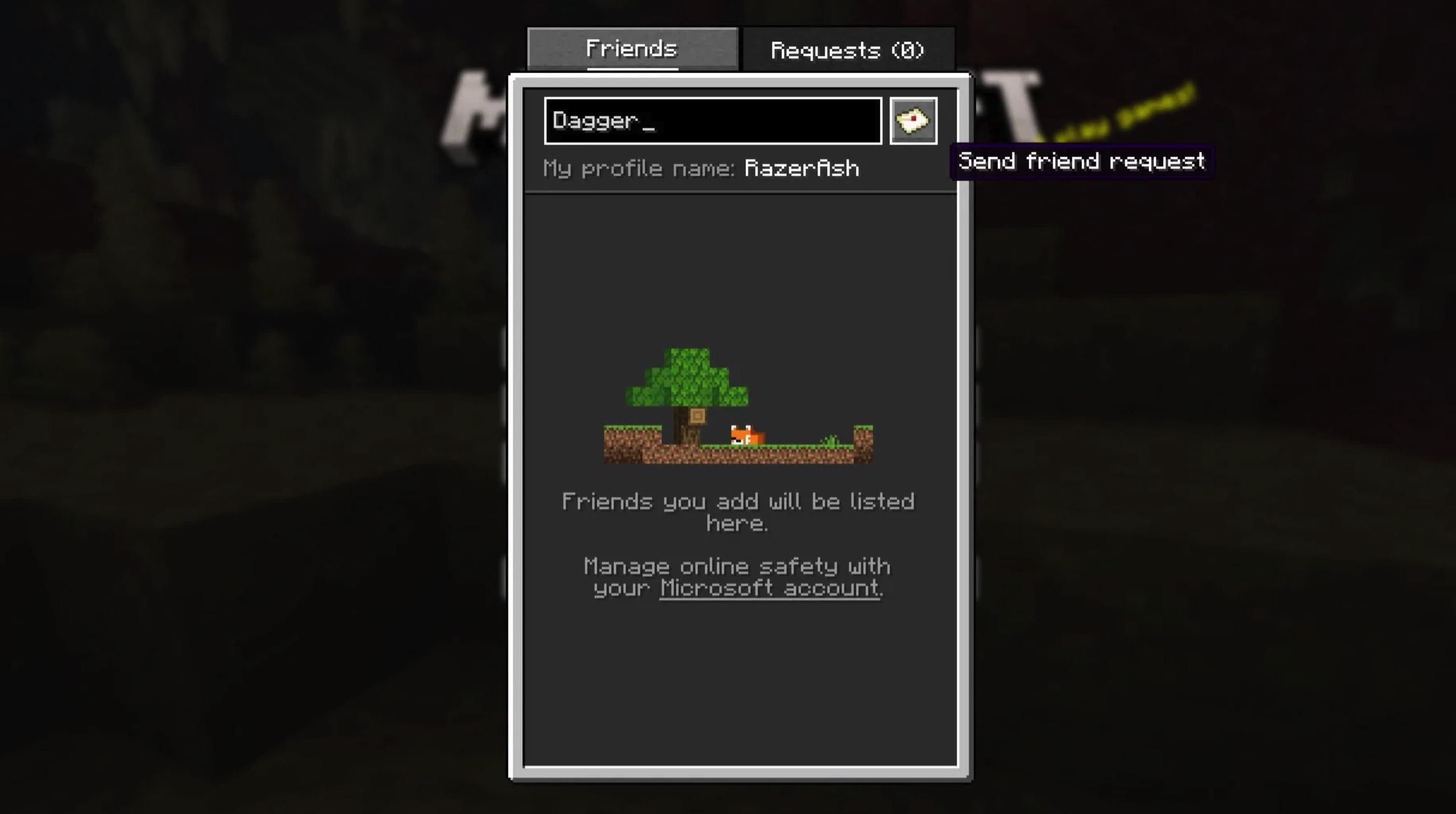
First, you need to activate the new "Friends List" feature and add friends in Minecraft Java Edition. Press the new "Friends" button on the main menu to launch the friends list. Once done, a dialog box will pop up, allowing you to send or receive friend requests from other players.
Simply enter your friend's username and send the request. It is worth noting that to ensure smooth communication, the other party needs to enable "Allow Friend Requests" in the friends list settings under the "Online Settings" tab.
2. Opening Your Single-Player World to Others
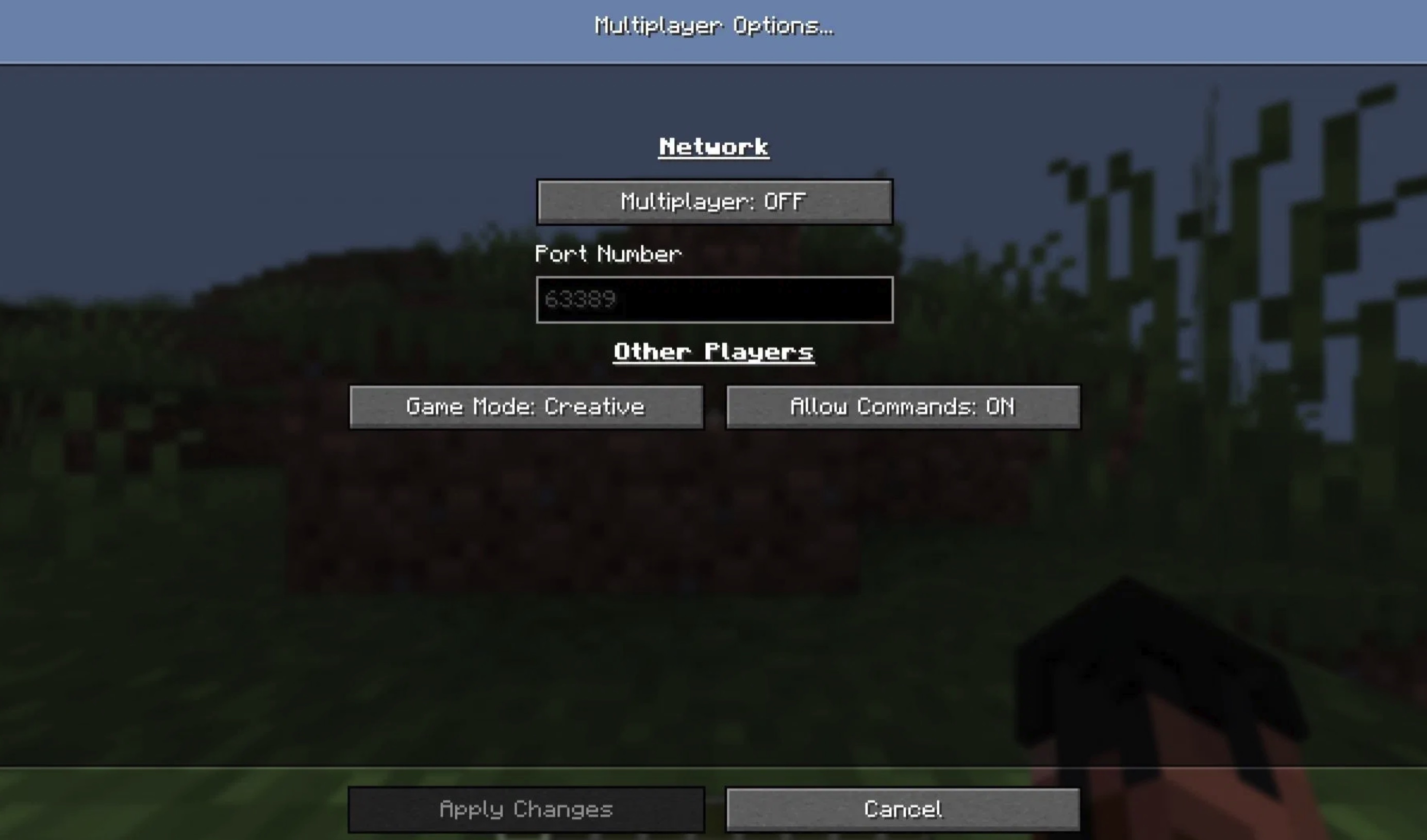
The next step is to enter your Minecraft Java Edition single-player world and make it available for multiplayer. Load your single-player save, pause the game, click the "Multiplayer" tab, and enable the feature. Before confirming the settings, be sure to carefully check and adjust the game mode and the command permissions granted to other players.
This is a new P2P multiplayer feature added by Mojang for Minecraft Java Edition. P2P multiplayer means that game data is transmitted directly between multiple computers without passing through any central server. This is the core advantage that distinguishes it from Bedrock Edition Realms or other third-party dedicated server solutions.
3. Joining Worlds via Invitations or Directly
After completing the settings above, other players will see your world displayed as "Joinable" in their friends list. Of course, you can also send invitations directly to your friends to have them join your save.
However, please keep one key constraint in mind: because this is a P2P-based connection, other players can only enter your world while you are online. Once you leave the game or disconnect, other players will be immediately removed from the world and will not be able to continue connecting.