Welcome to "One Block Wars," an exciting miniature game map that perfectly blends survival challenges with PvP strategy. It draws primary inspiration from the classic One Block Challenge and Bedwars mechanics. In this map, you and your opponents compete on floating islands, all starting from nothing but a single, infinitely regenerating magical block.
Gameplay Overview
- Island Survival: Each player starts on their own floating island, equipped with a "Home OneBlock."
- Resource Mining: Continuously mine your Home OneBlock. It regenerates instantly, dropping various resources, building materials, and even chests filled with loot as you mine.
- Building & Upgrading: Use gathered resources to expand your island and build defenses. Upgrade your Home OneBlock to obtain rarer loot, including iron, diamonds, and even netherite!
- Trading System: Click the emerald icon to open the shop menu. Use gold coins—earned by selling blocks—to purchase weapons, armor, utility items, and various upgrades.
- Decisive Battle: Build bridges to other players' islands or capture the center island for top-tier loot. Only the last survivor standing will claim victory.
Key Game Features
Unique Battle Phases
The game is divided into four phases to maintain constant tension:
- Preparation Phase (10 mins): PvP is disabled. Focus on gathering resources and building defenses. Keep-inventory is enabled.
- War Phase (10 mins): PvP is enabled. The center island mine spawns high-level resources. Keep-inventory is disabled.
- Elimination Phase (5 mins): Brutal sudden-death rules apply. Once you die, you are eliminated and spectate the game.
- Deathmatch: All players' Home OneBlocks are destroyed. Survivors must face off in the center area for final victory.
Blitz Mode
For a fast-paced competitive experience, type !start_b to launch this mode:
- Resource Boost: OneBlock drop rates are increased by 5x (including ores and logs), significantly accelerating progression.
- Speed Up: Phase durations are shortened to one-fifth of their normal time (e.g., Preparation Phase is reduced from 10 minutes to 2 minutes).
Economy & Shop System
- Gold Economy: Sell collected blocks and items to earn gold coins, your primary source of currency.
- Custom Shop: Purchase everything from basic building blocks and tools to powerful maces and Netherite Upgrades.
- Lapis Buffs: Spend Lapis Lazuli to gain permanent status effects like Haste, Jump Boost, and Speed.
Special Items & Mechanics
- Auto-Miner: A mechanical device that automatically mines your Home OneBlock.
- Resource Generator: Provides a steady, passive income of gold.
- Fireball: Launches an explosive projectile, perfect for destroying enemy bridges.
- Bridge Eggs: Throw to instantly spawn a solid wool bridge for rapid attacks.
- Town Portal Scroll: A consumable item that teleports you back to your spawn point.
- Block Upgrading: Continuously level up your Home OneBlock to access higher-tier iron, gold, diamond, and netherite gear.
Admin Commands
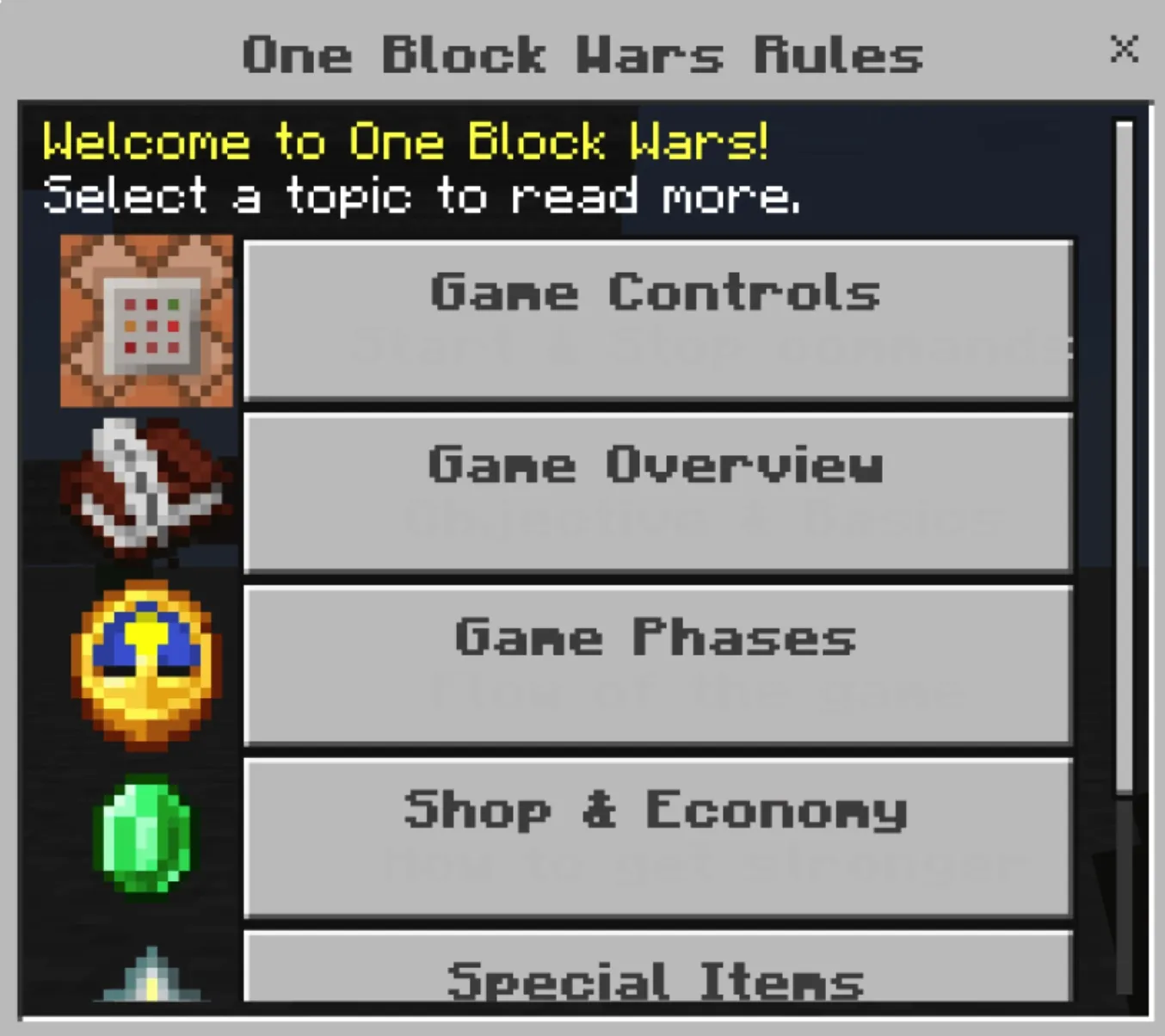
!start: Starts the game and teleports players to their islands.!stop (or !reset): Ends the current game and resets the map.
Installation & Configuration Guide
- Obtain the map file in
.mcworld format.
- Open the file using your Minecraft client to import the world.
- Important: In the world settings menu, ensure Beta APIs are enabled under the "Experiments" section.
Get ready to mine, build, and fight for ultimate victory in "One Block Wars"!