Java
Integration Pack Overview Nemesis of Demons is an immersive, heavily customized RPG modpack built upon high-version Minecraft. The project centers on the fusion
Publisher
魔之逆鳞制作组
Downloads
105
Top category
MODPACK
Updated
2026-05-12
Integration Pack Overview
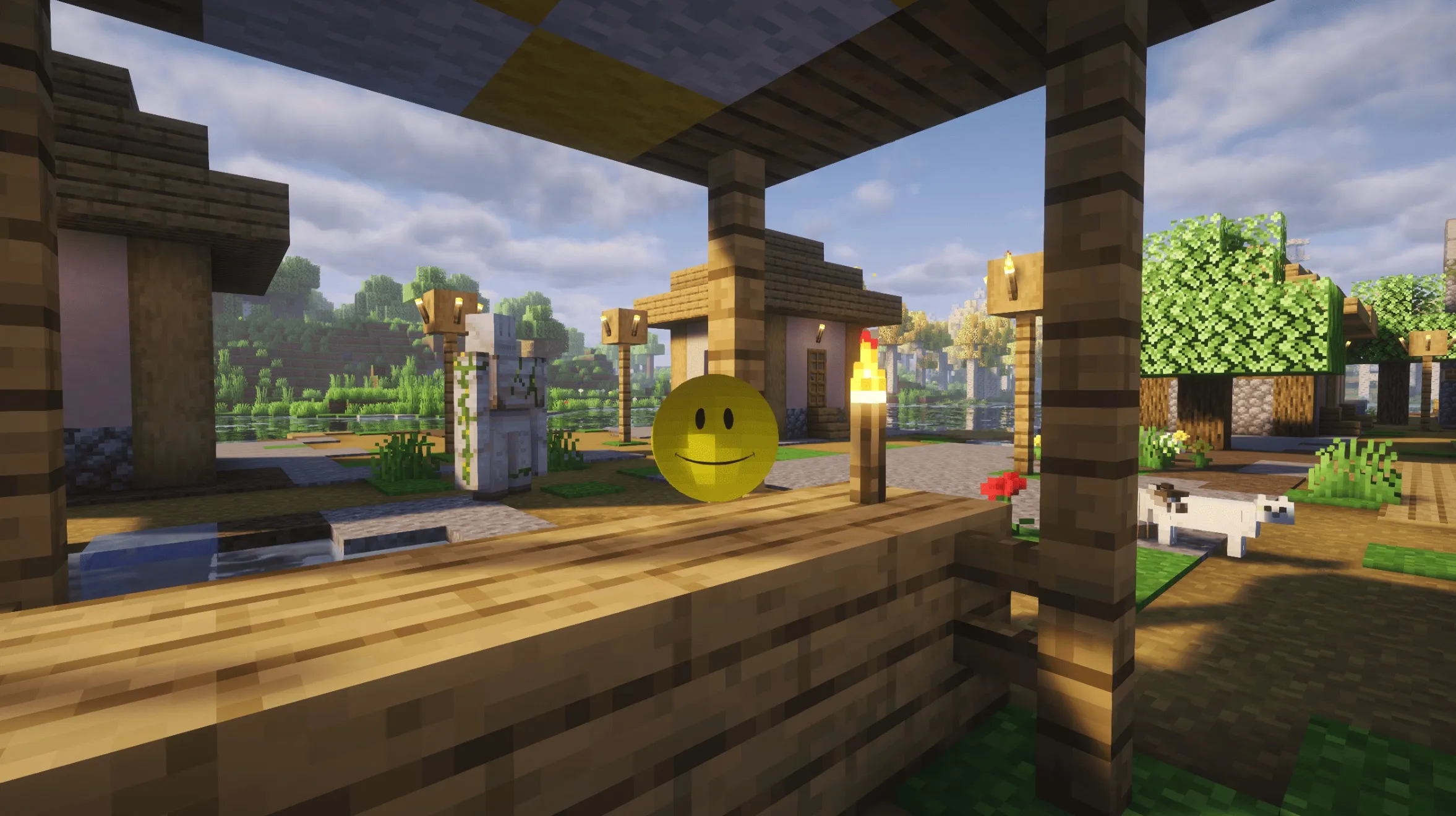
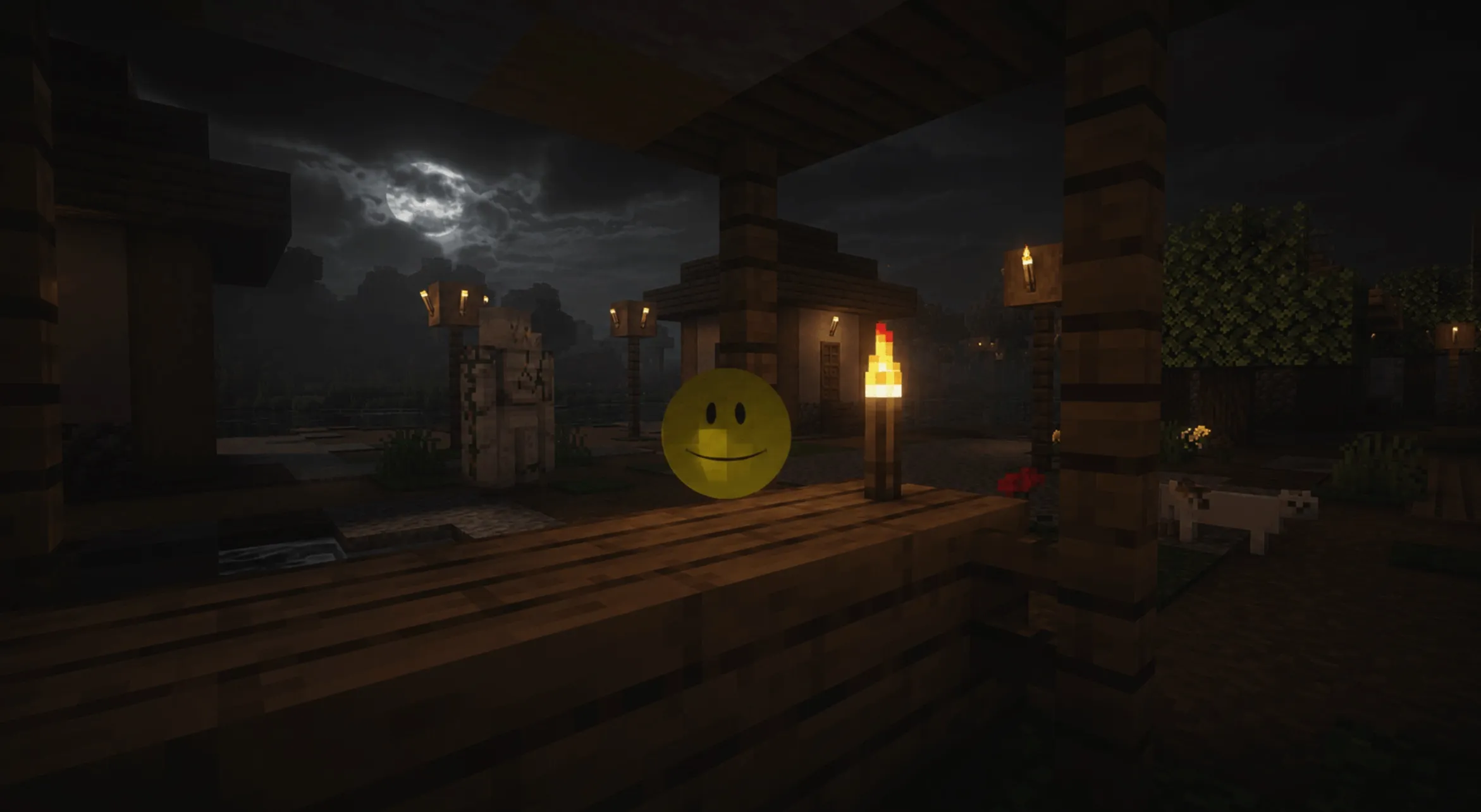
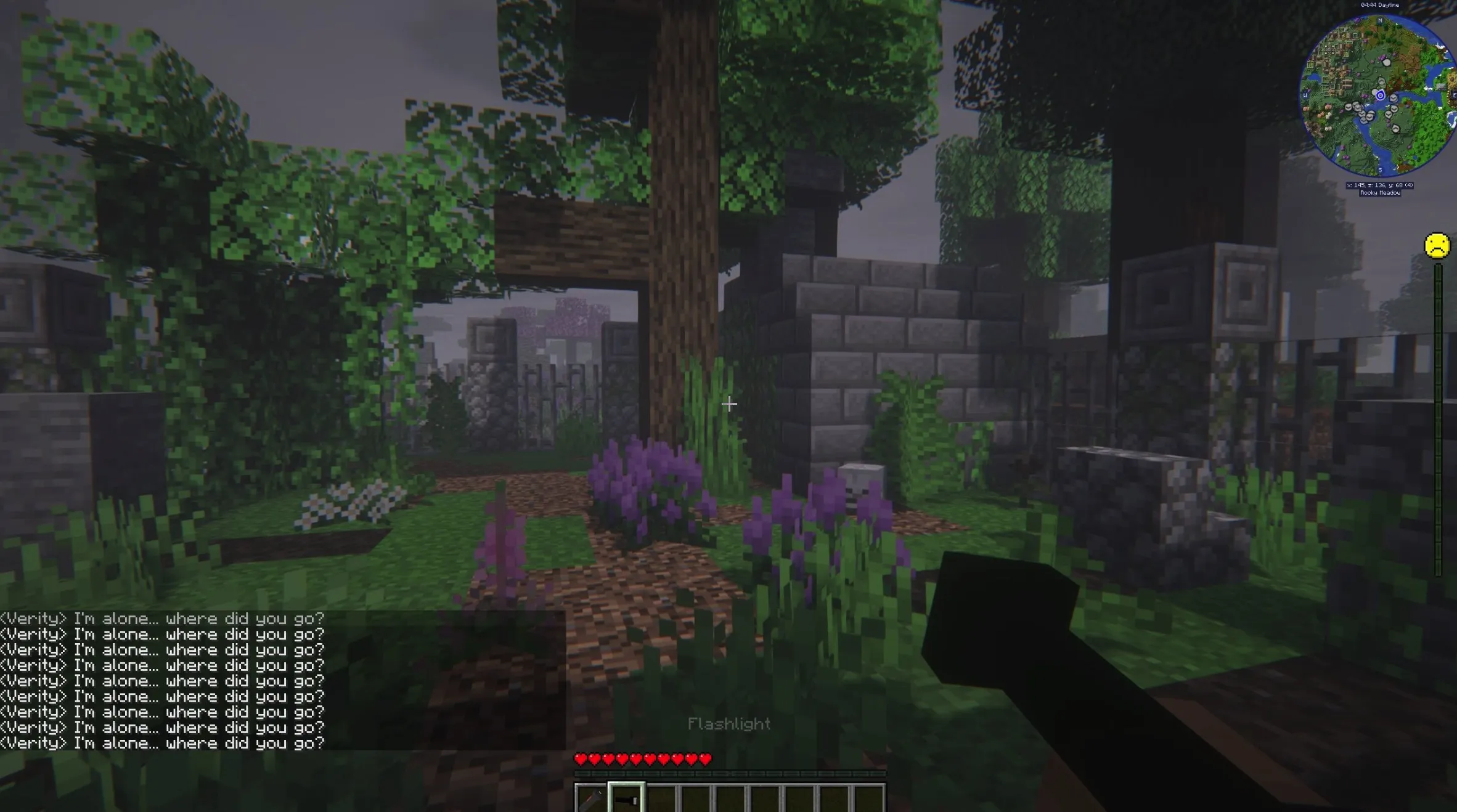
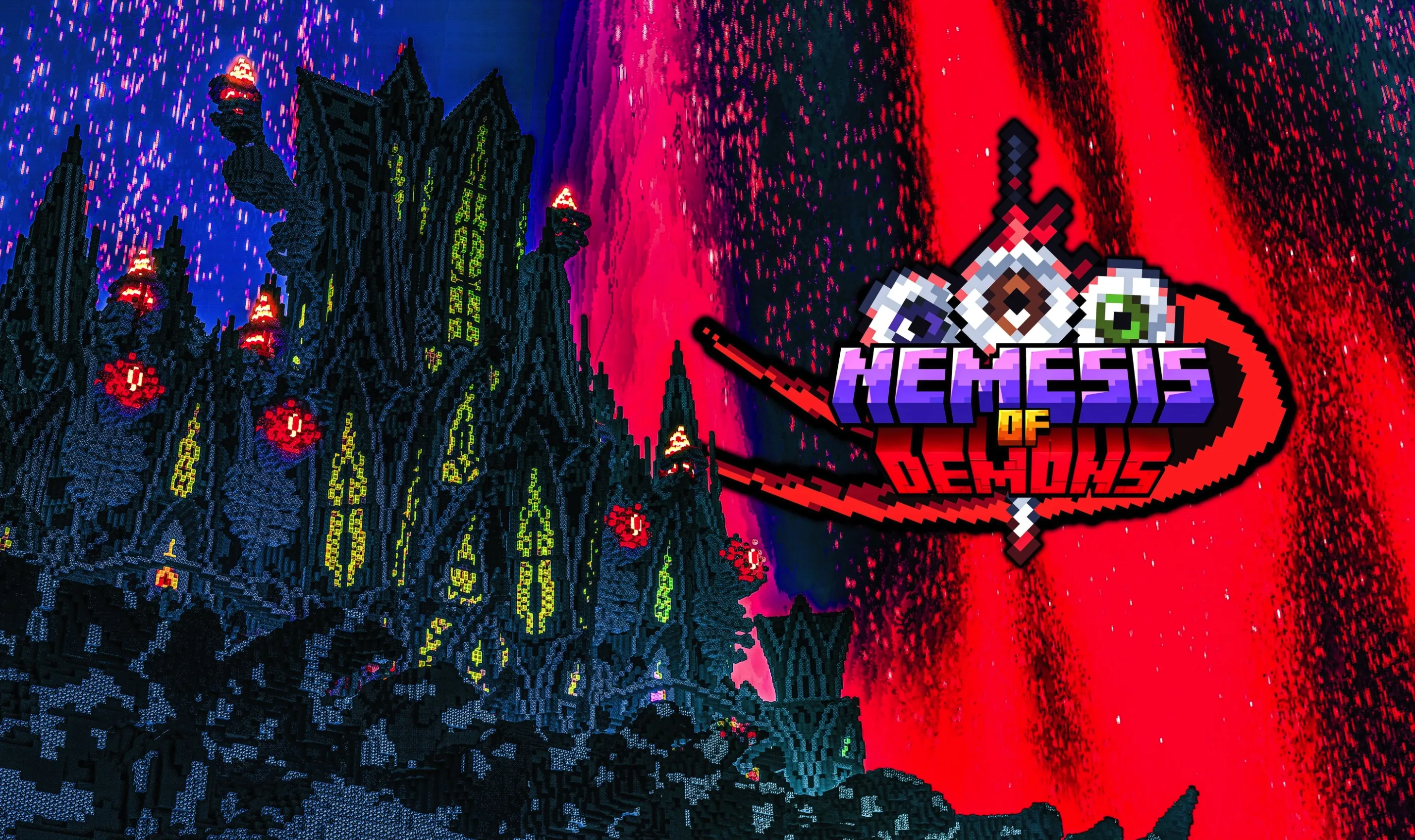
Nemesis of Demons is an immersive, heavily customized RPG modpack built upon high-version Minecraft. The project centers on the fusion of high-speed combat innovation and non-linear narrative, delivering a high-intensity gaming experience. Utilizing deep, code-level reconstruction, the modpack optimizes fundamental combat logic, creature ecology, and world-building architecture. It features a vast ecosystem including multiple custom adventure maps, over 100 custom skill trees, Devil May Cry-inspired combat mobility, and fragmented lore spanning multiple dimensions. Guided by FTB quests and custom NPC interactions, players are immersed in an environment that minimizes survival grind and focuses on maximizing combat satisfaction, epic boss encounter design, and free-roaming exploration of fragmented storylines.
Feature Highlights
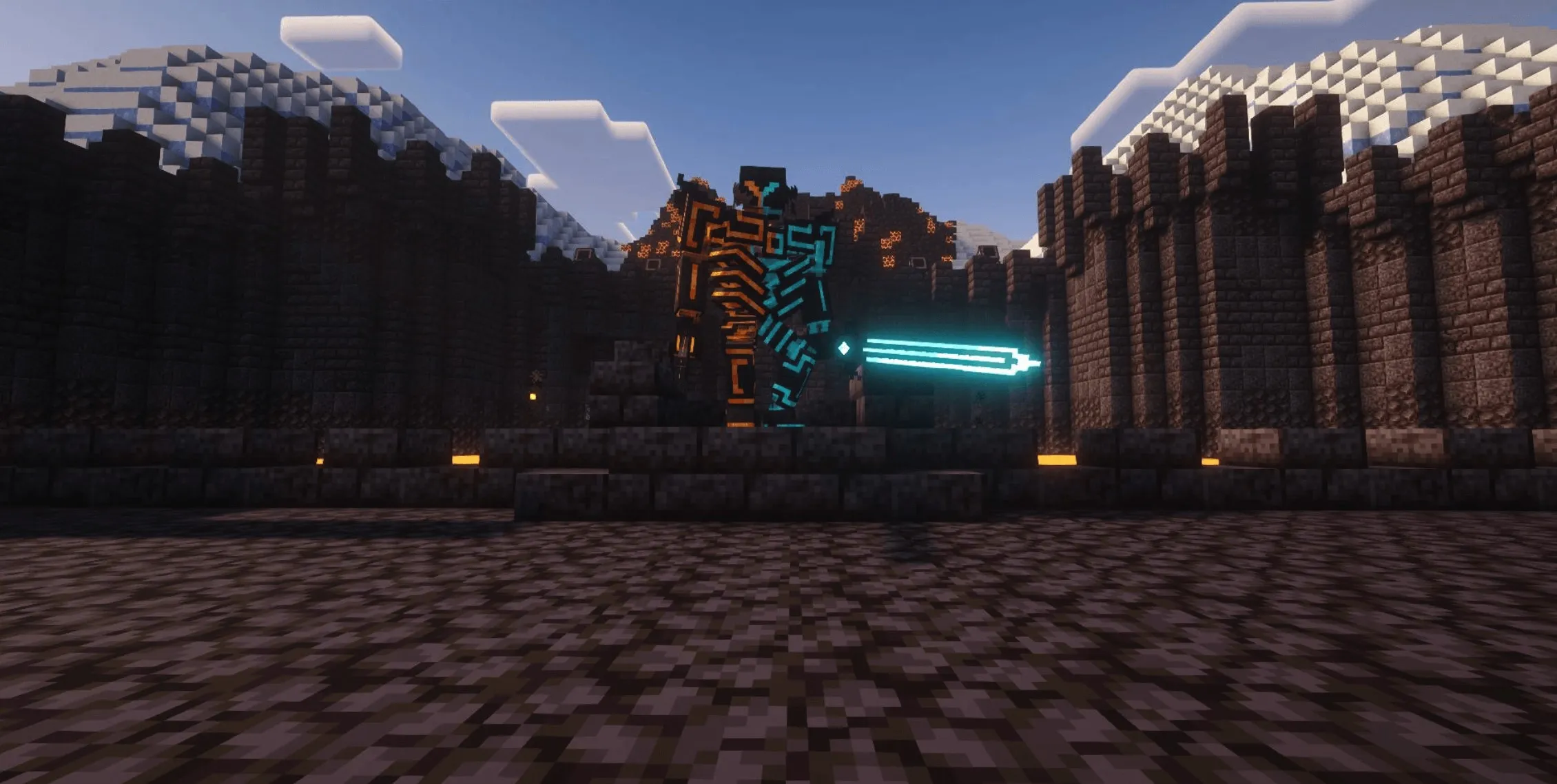
Revolutionary Combat Reconstruction All BOSS parameters, skill sets, and arena mechanics have been overhauled. The pack integrates over 100 self-developed combat elements, including life-steal strikes, energy shields, meteor attacks, magic circles, armor-breaking heavy cleaves, and falling sword strikes. Elite creatures feature area-of-effect abilities, HP linking, and dynamic combat dialogue systems. "Devil May Cry-style" combat mode: Once activated, players gain enhanced movement speed and jump height. It supports high-mobility actions such as slides, dodging dashes, and downward aerial smashes. Combined with the SlashBlade and firearm weapon systems, it revives the high-octane combat experience of DOOM and Devil May Cry.
Dimensional Adventure System Creature ecology is redistributed across dimensions. Custom dimensions, paired with adventure mode, host the core storyline and epic boss encounters. Classic mod structures like Twilight Forest and Cataclysm have been reimagined to dynamically spawn according to the player's story progression. Loot pools include SlashBlade weapons, alien spacecraft mounts, and functional items, ensuring substantial rewards and excitement during exploration.
Deep Balancing The progression of firearms (VPB and TACZ) and SlashBlade weapons is locked through a tech-tree system, ensuring balance across stages. The Training Ground dimension includes BOSS memory stones, allowing for repeatable boss fights and providing a tactical sandbox environment.
Core Systems
Combat System Overhaul Includes adjustable blood-splatter effects to enhance impact feedback and visual intensity.
Weapon and Equipment Balancing Optimized synergy between SlashBlade weapons and firearms for high-mobility combat. Tech-tree unlocks allow for specific weapon configurations. Talent trees provide upgrades in life-steal, shielding, and speed. Integration of the Creative Controller and 16K storage disks allows for efficient mobile base management.
Story and World-Building The setting revolves around the "Demon Invasion of the Ten Realms" chronicle, with fragmented narratives woven throughout all dimensions. NPC merchants provide items exclusive to story milestones, reducing reliance on conventional crafting. Custom maps such as the Demon Nest and Sanctuary of Sin deepen the immersive exploration narrative.
Performance and Compatibility The pack contains 250+ mods, rigorously screened to eliminate redundancy, ensuring smooth performance on mid-range hardware. Auxiliary features include deferred spawn dates for Alex's Mobs, correction of equipment durability decay, and ore vein density adjustments, all designed to enhance gameplay quality.
FAQ and Troubleshooting
Startup Notice: JDK 17 is required. It is recommended to allocate at least 10GB of RAM. Installing unauthorized extra mods may lead to creature generation chaos, terrain errors, or unbalanced difficulty; technical support is not available for issues caused by manual modifications.
Shader Problems: Known issues exist where shaders like Photon or Hysteria cause crashes within minutes of using firearms. Please avoid these shaders.
Difficulty Guide: Normal mode is recommended for single-player. Hard mode features significantly higher creature health and attack scaling, making it more suitable for multiplayer cooperation.
Q: Why do I experience intermittent frame drops and stuttering? A: Moving the modpack and the Java Runtime Environment from a mechanical hard drive (HDD) to a Solid State Drive (SSD) can effectively resolve standard I/O bottlenecks.
Q: Have nuisance creatures from Alex's Mobs, such as seagulls or red mosquitoes, been disabled? A: Seagulls have been removed. Mosquito-like creatures are disabled in the Overworld and the Nether; they appear in specific story-relevant areas that are not mandatory to visit.
Q: How do I fix an "Unknown Error" when opening the Star Gate? A: This usually occurs when chunks fail to load the gate activation properly. Restarting the game or reloading the save file generally resolves this.
Q: Window errors when switching to Fullscreen? A: On multi-monitor setups, using F11 for fullscreen may trigger API errors. Please use the fullscreen toggle within the in-game video settings instead.
Q: Why do item models and blood particles disappear after enabling shaders? A: This is due to shader compatibility issues. Currently, the modpack is optimized and tested specifically for BSL Shaders.
Q: Why text in the chat box appears in red and NPC skins are missing upon entering the Dimensional Fortress? A: Please ensure your Java Runtime Environment is set to version 17.
Q: Why is there a crash involving Fabric ModelLoading API when entering the Dimensional Fortress? A: This is a conflict between the Xenon optimization mod and the block rendering of Refined Storage. Restarting the game will resolve this.
Q: Sudden crash with a Fancymenu error, and character models are missing after relogging? A: This is an intermittent rendering error; restarting the client will restore assets.
Q: How can I disable the visual obstruction from excessive blood effects during high-combo chains?
A: Navigate to the config folder, open ultracraft.json, and set bloodOverlay to false.
Q: How do I install optional mods/files for the modpack?
A: Copy .json configuration files to the config folder, and place .jar mod files into the mods folder.
Q: Why do some SlashBlade weapons crash the game when using their SA (Special Ability)? A: These particular weapons have not been fully implemented and remain unstable. Please avoid using them until they are officially released.