Java
Modpack Overview: Kumo O Tagayasu Kumo O Tagayasu is a comprehensive Minecraft modpack themed around pastoral life and immersive gameplay. Project Background De
Publisher
Polaris_Light
Downloads
10
Top category
MODPACK
Updated
2026-05-06
Modpack Overview: Kumo O Tagayasu
Kumo O Tagayasu is a comprehensive Minecraft modpack themed around pastoral life and immersive gameplay.
Project Background
Derived from Tsuri No Gatsu 5 (created by Tsukimi Seiran), Kumo O Tagayasu has been deeply iterated and reconstructed. This modpack aims to provide players with a balanced environment that integrates peaceful farm life with hardcore industrial progression.
Core Feature: Resource Regeneration
Through meticulous adjustments to the mod list, this pack achieves a closed-loop system for core in-game resources. This design grants players immense liberty: you may choose a secluded life, enjoying a pure and cozy pastoral existence; alternatively, you can take on the challenge of industrialization, aiming for mass production of all items within the pack and embarking on an engineering journey.
Core Feature: Content Expansion
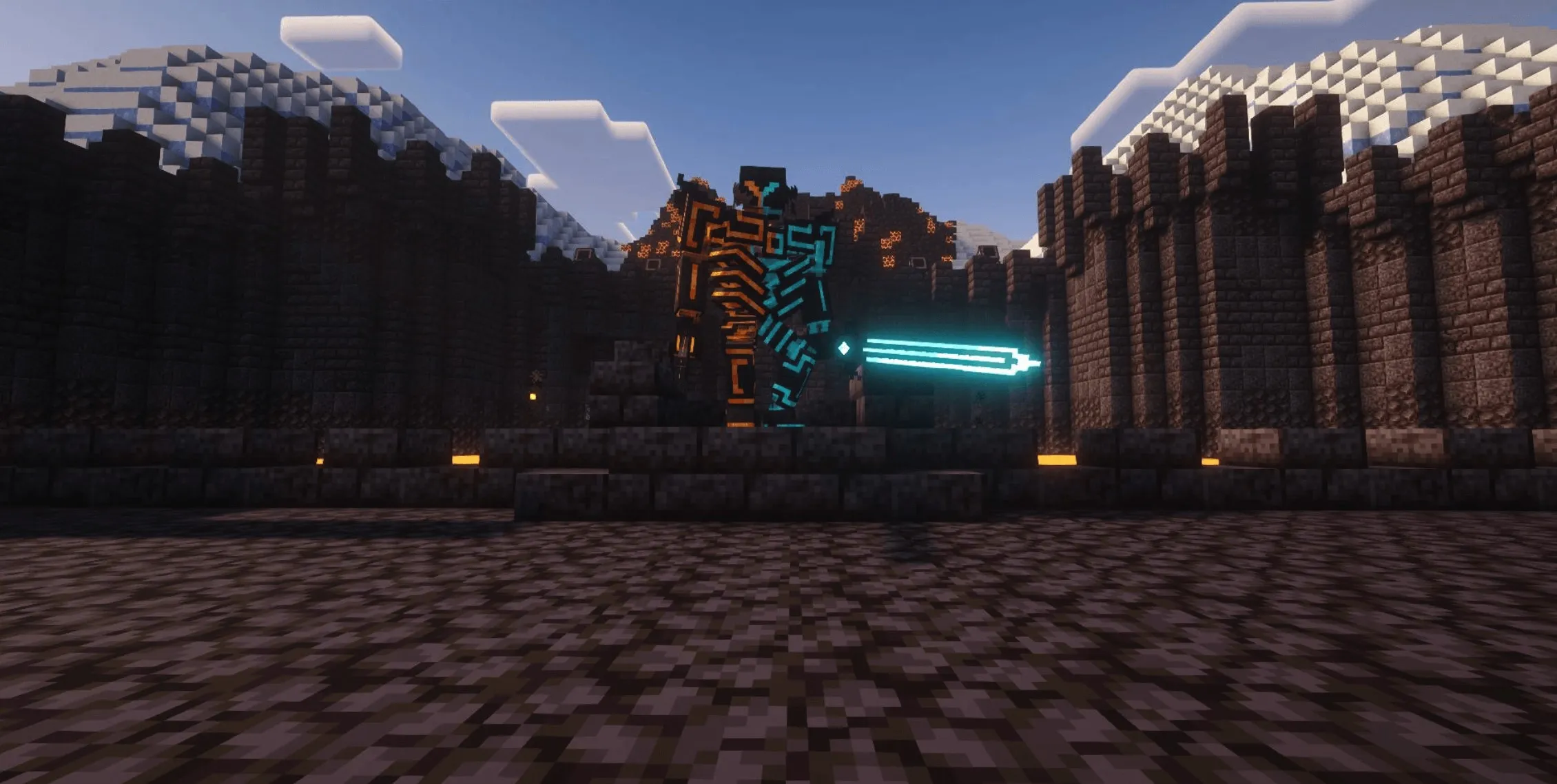
Via the careful addition and removal of mods, we have significantly expanded the boundaries of the gameplay. You can opt to become a skilled magic user, sneaking into eerie abandoned pirate ships for adventure; or transform into a connoisseur, tasting delicacies from all walks of life; or perhaps ride a broomstick to explore a distant milky-white planet, utilizing a camera to capture every unique scene. The choice of playstyle is entirely in your hands.
Core Feature: Multiplayer Optimization
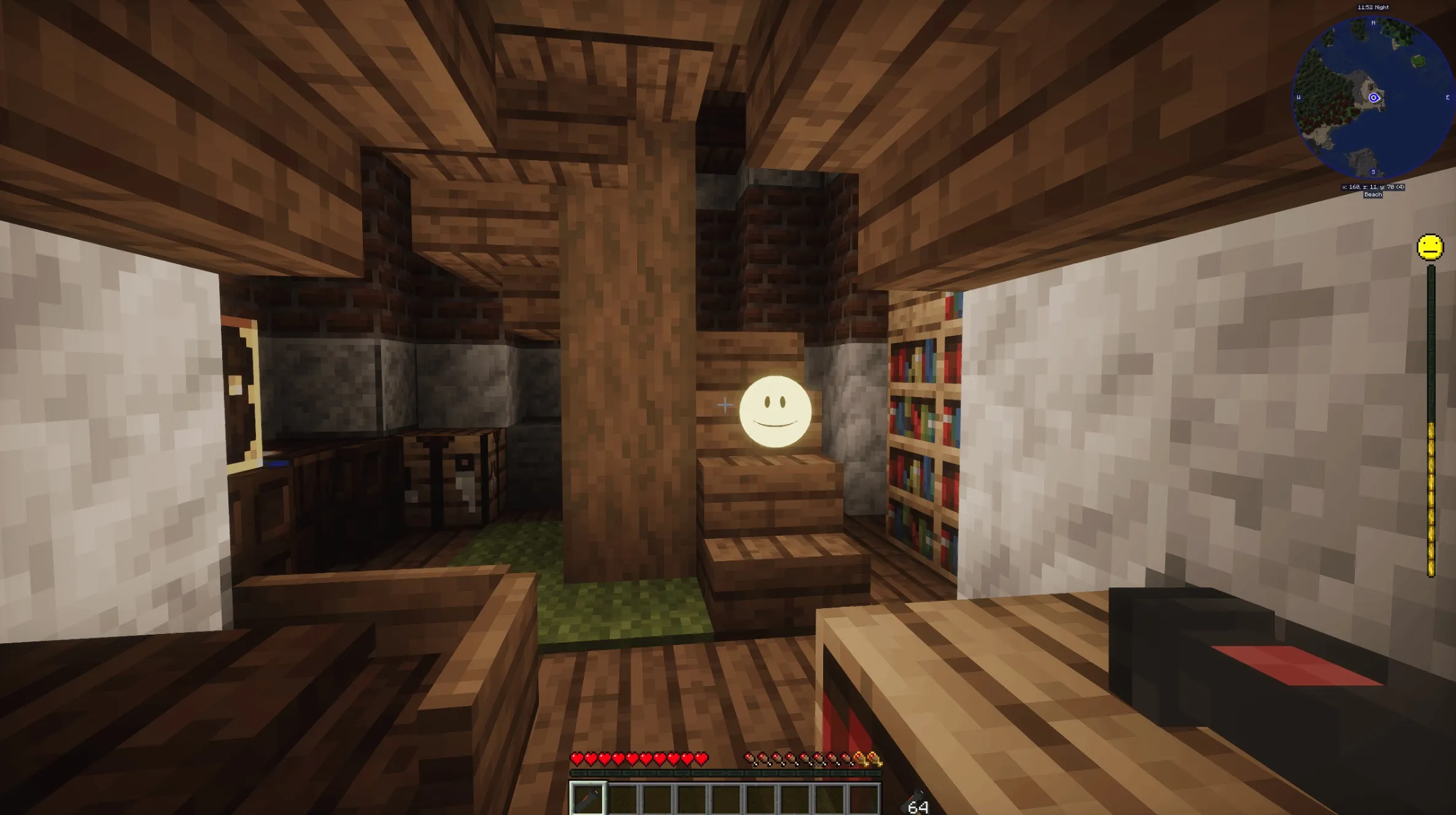
Benefiting from the development team's long-term experience in server maintenance, this pack includes a wealth of Quality of Life (QoL) mods, designed to offer an ultra-smooth multiplayer experience. Whether you are feeling the thrill of "stealing crops" in the server, handing over a homemade meal to a friend, sending emojis in the chat, or queuing a song to express your current mood—your social and interactive needs are fully covered here.
Essential Gameplay Guide
Should you encounter any issues affecting your experience (including recipe errors, lag, etc.), please be sure to submit an Issue via Github. Please note that problems reported on the MCMOD platform are highly likely to be overlooked, so please proceed accordingly.
If you struggle with the survival pressure during the early game, we suggest adjusting the world difficulty to Peaceful or Easy for initial exploration. Additionally, you may manually configure the "Spice of Life" config file (located at kotsconfig\solcarrot-server.toml) to tweak the diet mechanics; however, we advise against removing this mod to maintain game balance.
Credits and Acknowledgements
Special thanks to "Buxingkuangdebai" for creating the "Adventurer's Chest" resource pack, which provides beautiful aesthetic optimization for the Lootr mod. Furthermore, the optional GUI resource packs included are "Mandala's GUI" and its "Mandala's GUI - Dark Mode Mod Compatibility" patch.
Quest System and Development
This modpack includes a built-in FTBQuest system to guide your gameplay progression. If you are interested in the secondary development or maintenance of this modpack, please refer to the documentation provided on the Github project page.
FAQ (Frequently Asked Questions)
Q: Where can I find the server files? A: This pack is packaged in the Modrinth standard format and supports both server and client environments. Please refer to the server installation guide on Github. Note that some content may differ slightly between server and single-player modes.
Q: How much RAM is required? A: Based on testing by the development team, we recommend allocating at least 4GB or more of maximum RAM. To ensure smooth loading, you may need to use the "optimize memory before starting" function in the PCLII launcher, or refer to the tutorial on the modpack encyclopedia page for appropriate JVM arguments.
Q: What should I do if the game crashes after startup? A: This pack requires Java 17 or Java 21 to run; please ensure you are using the correct version. If you have modified the mod list, please prioritize troubleshooting to see if the issue stems from your newly added or removed mods. If you have not made any changes, please provide the crash log and a detailed description of your actions prior to the crash.
Q: What does the red ERROR in the bottom left corner mean after entering the save? A: Please submit an Issue on Github and attach screenshots or logs.
Q: What if the game crashes or indicates invalid player data when entering a save? A: This is usually caused by having non-ASCII characters (like Chinese) in your player name or game file path, closing the game forcefully (e.g., pulling the power/killing the process), or adding/removing mods which corrupts the current save. The only solution is to roll back to the last backup.
Q: What about compatibility for Mac, Linux, and Android? A: Mac & Linux: You need to remove the itlt, IMBlock, and OverResolution mods to start the game properly. Furthermore, if you need to display images and videos for the WATERFrAMEs mod, you need to install VLC additionally. Android: Lacking test devices, we cannot replicate issues on this platform. If you encounter problems, please submit an Issue on Github.