Java
[1.21.11 PVE Adventure Map] Endless Dungeon — A Roguelike Underground Labyrinth Adventurer, welcome to "Endless Dungeon". Here, you and your companion
Publisher
天豹星云
Downloads
38
Top category
MAP
Updated
2026-05-26
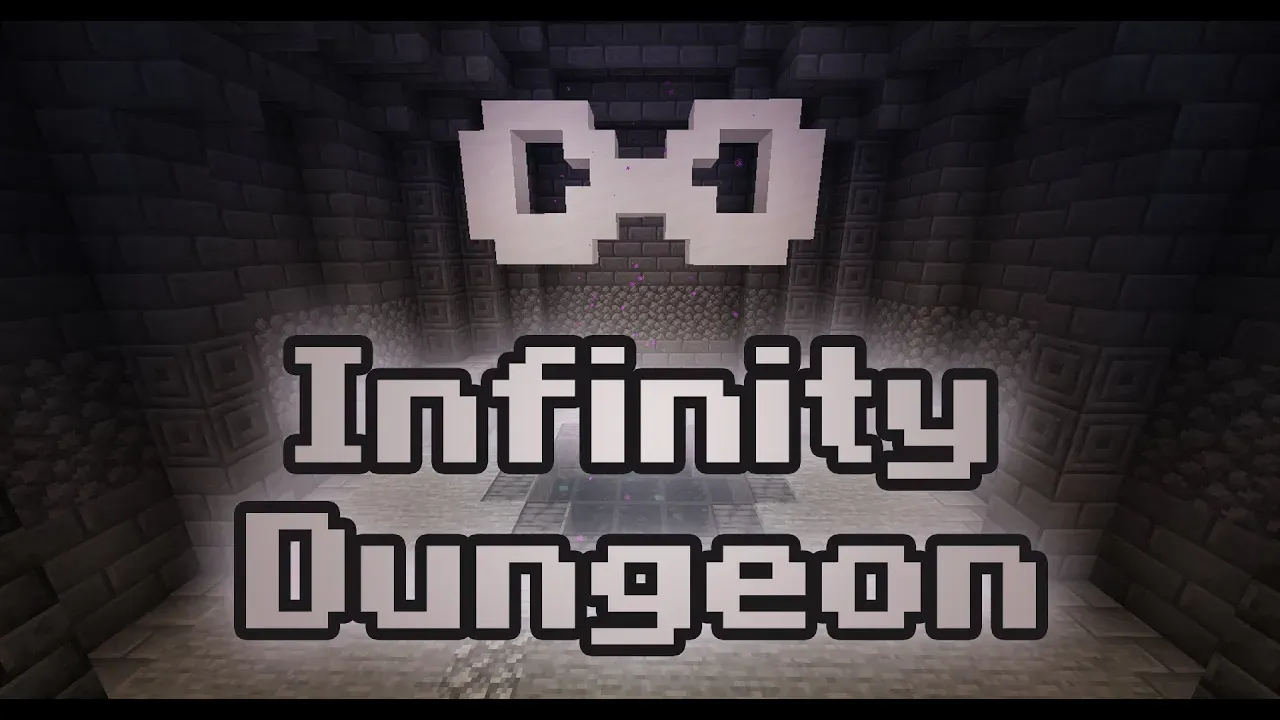
[1.21.11 PVE Adventure Map] Endless Dungeon — A Roguelike Underground Labyrinth
Adventurer, welcome to "Endless Dungeon". Here, you and your companions will venture into an underground maze filled with endless mysteries and no clear end in sight.
In the "Grand Tavern," you are free to recount your daring tales, wait for your adventuring party, or perhaps play a melody to lighten the mood.
Step inside the dungeon, where you will face unpredictable foes and ever-changing environments. Use your wit and experience to overcome the dangers that lie ahead.
Do you find your current gear insufficient for the stronger enemies awaiting you? Take a moment to rest and prepare thoroughly before pushing forward.
Equip yourself with more powerful gear and delve deeper into the labyrinth, where tougher monsters and greater treasures await your discovery.
The deeper you go, the more likely you will encounter mighty guardians blocking your path. You will need the strength of your entire team to defeat these formidable bosses.
If you are intrigued by what you have read, look no further. Endless exploration, unknown dungeon layouts, a brand-new enchantment system, and authentic Minecraft-style combat all await you in "Endless Dungeon."
Map Information:
Creator: Tianbao Xingyun (天豹星云) Assistant: Xuchu (虚樗) Version: Java Edition 1.21.11 Player Count: No limit, though 2-6 players is recommended. Supported Languages: Traditional Chinese, Simplified Chinese, English, and Japanese.
Notes:
The map defaults to English. You may use the following commands to switch languages:
| Language | Command |
|---|---|
| Traditional Chinese | /function _lang:zh_tw |
| Simplified Chinese | /function _lang:zh_cn |
| English | /function _lang:en_us |
| Japanese | /function _lang:ja_jp |
If you are setting up a multiplayer server, please ensure the following configurations in your server.properties file:
Please be advised that using non-vanilla Minecraft versions or alternative server software may result in bugs that the development team cannot address. Please proceed with caution.