beta 26.50.20 (ChromeOS/Android) and Preview 26.50.20 (Windows/Xbox/PlayStation) are the first beta releases for Bedrock Edition 26.50, released on July 21, 2026[1], featuring several adjustments and bug fixes.
New Content
General
Experimental Features
- Added the "Creator World Clocks Features" sub-option.
- Used to enable world clock functionality.
Changes
Gameplay
Nausea
- When the screen distortion intensity is lowered via settings, a green visual effect will now appear at the edges of the screen.
- The lower the screen distortion intensity, the more pronounced the green visual effect becomes.
General
Settings
- Removed the "Device Settings Text-to-Speech Output" option.
Experimental
The content in this section requires enabling the "Update 3 of 2026" sub-option under Experimental Features.
Blocks
Hay Bale
- Changed the side texture to match the Straw Bed.
Poplar Leaves
- Added subtitles for jumping and landing on Poplar Leaves. (MCPE-240465)
Poplar Log
- Changed the top texture.
Poplar Sapling
- Can now be used for composting. (MCPE-240015)
Poplar Sign
- Changed the UI texture to match Java Edition.
Red Bush
- Can now be waterlogged with snow.
Fomitopsis
- Now burns correctly when exposed to lava.
- Players will no longer fall off the Fomitopsis when standing on it while it grows.
- Added destruction particles.
Straw Bed
- Fixed an issue where the mining/cracking overlay would stretch when mining a Straw Bed. (MCPE-240484)
Wool Stairs and Wool Slabs
- Upright Wool Stairs and bottom Wool Slabs are no longer Redstone conductors. (MCPE-240018)
Mobs
Wolf
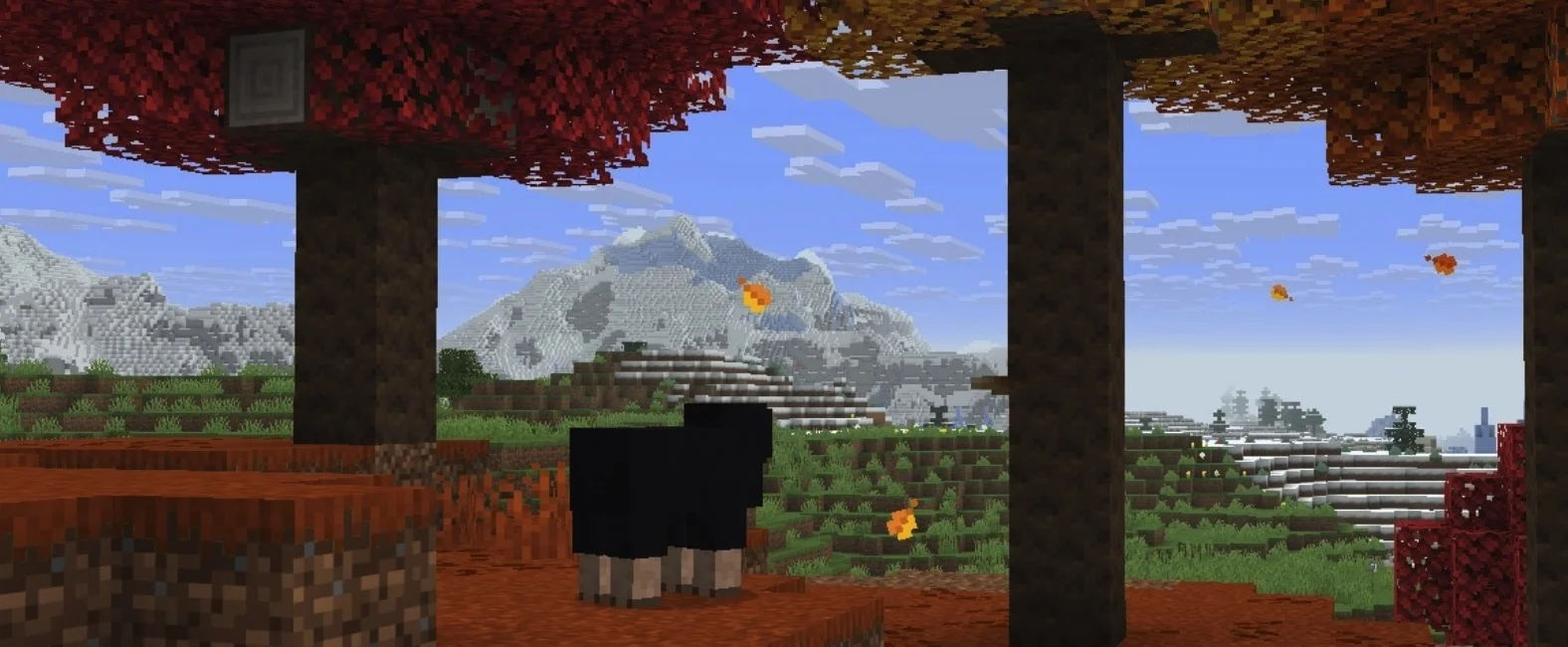
- Wolves spawning in the Mottled Forest are now Pale Wolves instead of Forest Wolves.
Wandering Trader
- Now sells Poplar Logs.
Non-Mob Entities
Cushion
- Players can now place a Cushion in an adjacent position by aiming the crosshair near an already placed Cushion.
- Players will no longer be moved underground when the Cushion they are sitting on is destroyed by lava.
- The recipe for the Cushion is now unlocked in the recipe book upon collecting any of its crafting materials, and a recipe unlock toast will appear.
- Now has an entity name. (MCPE-240461)
- Slightly lowered the attachment position. (MCPE-240468)
- Increased the sitting height on a Cushion by 1 pixel. (MCPE-240499)
World Generation
Abandoned Campsite
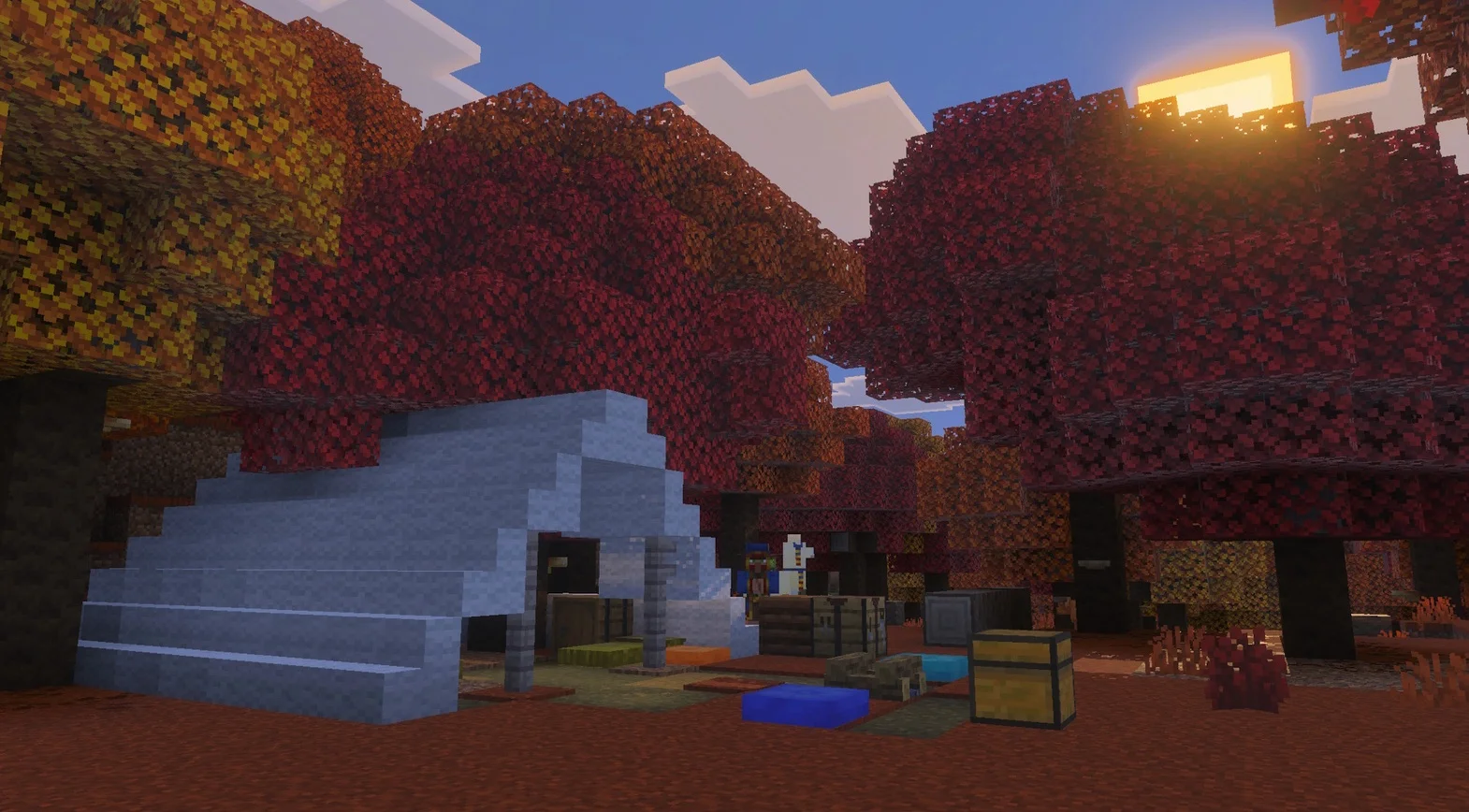
- Campsite structures now include Cushions.
- Now generates matching variants in various forest biomes instead of the standard forest variant.
- Oxidized Copper Chests now generate diamond and potion loot as expected and no longer generate Oxidized Copper Chains. (MCPE-240052)
Fixes
Accessibility
- A green visual effect now appears when the screen distortion effect is turned off via accessibility settings while under the Nausea effect. (MCPE-239554)
Gameplay
- Fixed an issue where hoppers would unexpectedly catch items on their sides at high coordinates. (MCPE-99462)
- Fixed an issue where Dispensers facing East or South would place items into containers below them instead of dispensing them forward. (MCPE-167490)
Graphics
- Fixed an issue where baby foxes were missing their textures. (MCPE-240546)
- Fixed an issue where clouds would render as bright white spots when switching to Deferred Technical Preview with a low cloud render distance.
Items
- Updated the MERS for the Sulfur Mob spawner egg icon. (MCPE-237771)
Mobs
- Reduced audio stuttering that could occur when far away from mobs.
- Endermen will now always attempt to teleport before being hit by a projectile. (MCPE-117298)
Pack Settings
- Fixed a bug where a pack's dependencies would not correctly load pack settings.
Realms
- Fixed an issue where players would sometimes not respawn around their bed or respawn anchor when dying in different dimensions on a Realm. (REALMS-14459)
- Fixed a performance regression in the in-game Realms system.
- The renewal button for expired Realms is now disabled when the current device does not support renewals.
- Users are now warned when applying custom packs to their Realm regarding how they appear when the profanity filter is enabled: custom pack names and descriptions are filtered when viewed in Edit World if the profanity filter is enabled.
- Added management log support for Realm name and description changes.
- Added different default values for some subscription details that could return null from the Realms service, preventing players from seeing subscription-related screens with error modals.
- Added safeguards for cases where callbacks are triggered after certain aspects of the new world creation flow go out of scope.
Performance and Stability
- Fixed a rare crash that could occur when loading block entities.
- Fixed a crash that could occur when failing to parse certain resource pack content.
- Fixed an issue where updates to chunks were sometimes not saved correctly when unloading and quickly reloading the same chunk.
User Interface
- Added new social/friends drawer menu infrastructure, including various performance fixes.
- The achievements screen in Beta versions now mentions "Beta" instead of "Preview". (MCPE-186514)
- Added support for high-resolution Korean fonts and fixed an issue where Korean text appeared as question marks on mobile devices.
- Fixed an issue where mouse wheel input would sometimes fail to register on Windows platforms. (MCPE-234311)
- Fixed a bug where bold text in books would exceed page margins. (MCPE-235450)
- Fixed an issue where players could continue playing after the trial time ended by switching game modes. (MCPE-228663)
- Added missing translated text for the layout buttons on the achievements screen.
- Selecting featured items in the Dressing Room no longer requires double-clicking.
- Ported multiplayer team eligibility checks from JSON to OreUI.
- Added a clear layout cache action to storage settings for cached server tab content.
- Added a grid option for viewing achievements and general UX improvements.
- Updated inventory panels in the Loom, Stonecutter, Cartography Table, Villager, and Wandering Trader screens in Pocket UI to match the header style used in the inventory and crafting screens.
- Added a sort-by-acquisition-date option to the "Owned" tab in "Create from Template," showing recently acquired templates first.
- Migrated the Marketplace favorites flow to the OreUI factory pattern.
- Removed flickering icons and world card textures during layout changes on the Play screen. Additionally, the list layout now alternates between 4, 3, and 2 columns based on screen size.
- Random tick speed can now be changed to 0 in the Game Settings tab. (MCPE-238556)
- Updated the legacy world conversion flow in the Ore UI storage settings tab.
- Ported the modal connected to the "Sync Old Worlds" action in the storage tab to OreUI.