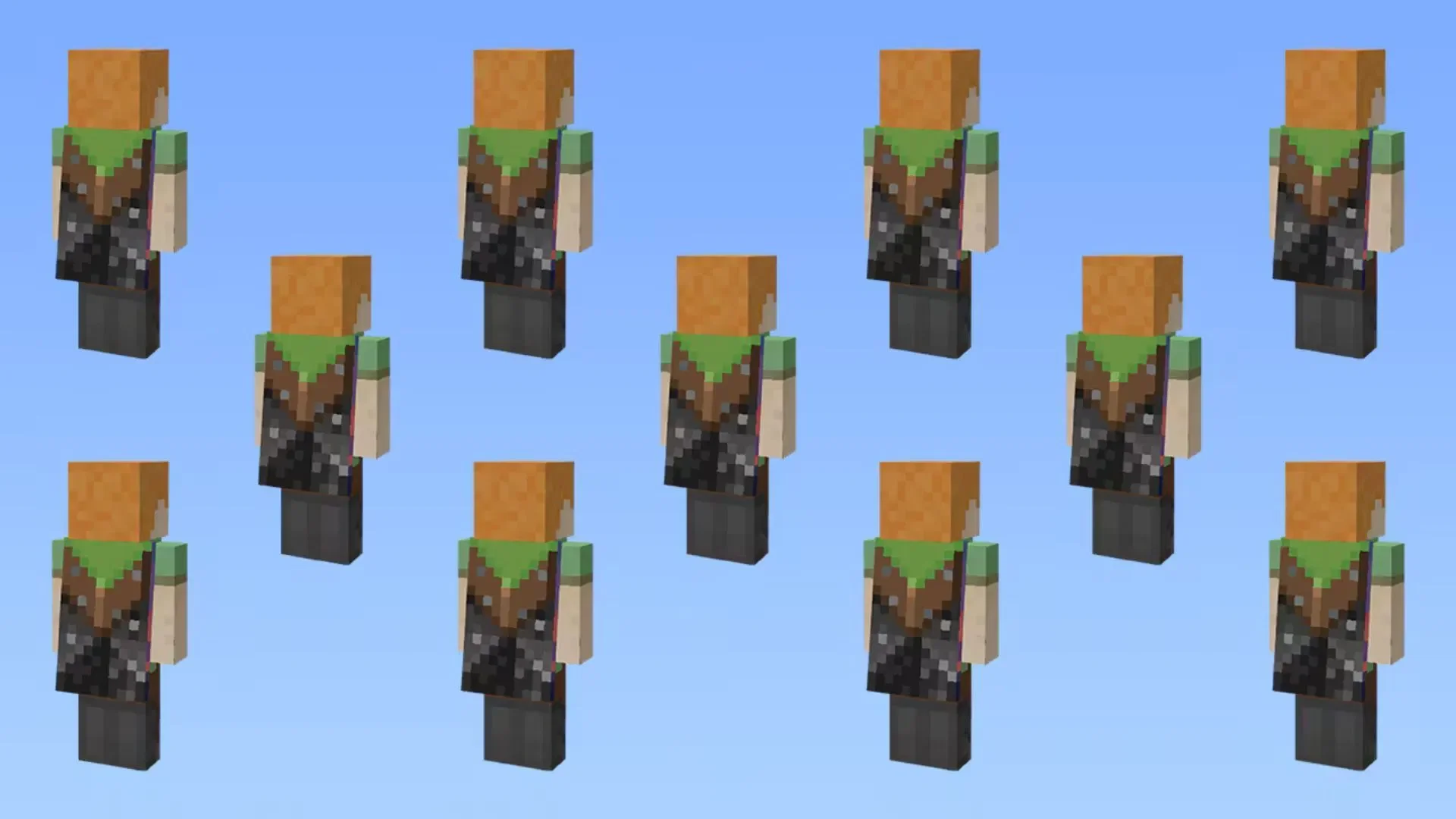
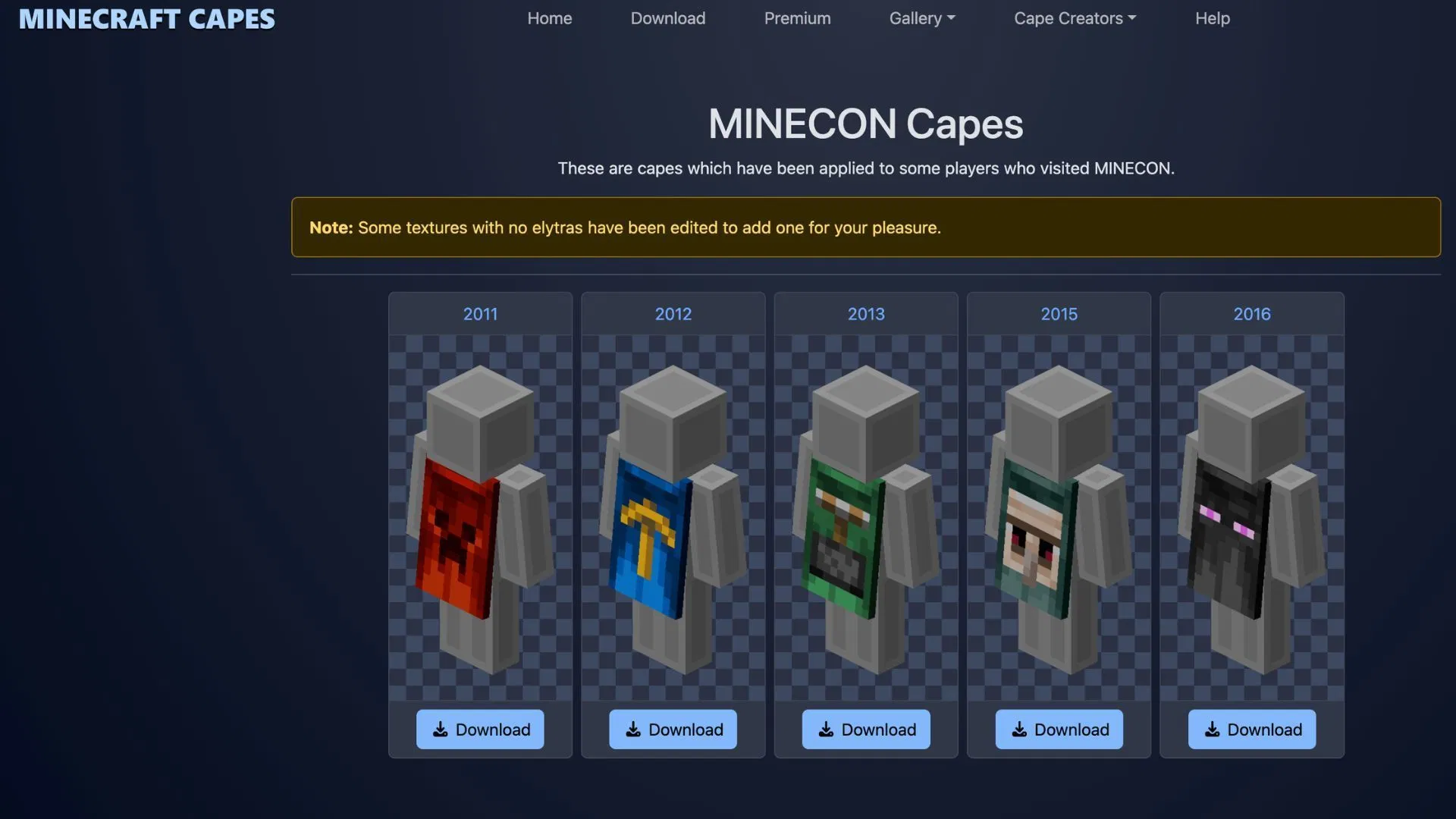
For years, capes have been one of the most significant status symbols in Minecraft. Whether it’s the rare golden commemorative cape worn by veteran Minecon attendees or the purple capes currently available via Twitch drops, having a fluttering piece of fabric on your character's back instantly makes you stand out. The issue is that official vanilla capes are extremely limited in number and are usually tied to time-limited events or specific rewards.
Fortunately, the Minecraft community has long devised ways to bypass these restrictions, allowing you to create and wear the custom capes you want. Due to the mechanical differences between the Java and Bedrock editions, the methods for obtaining them vary. Some are straightforward, while others require a bit more effort; both are explained below.
Free Cape Mods for Java Edition
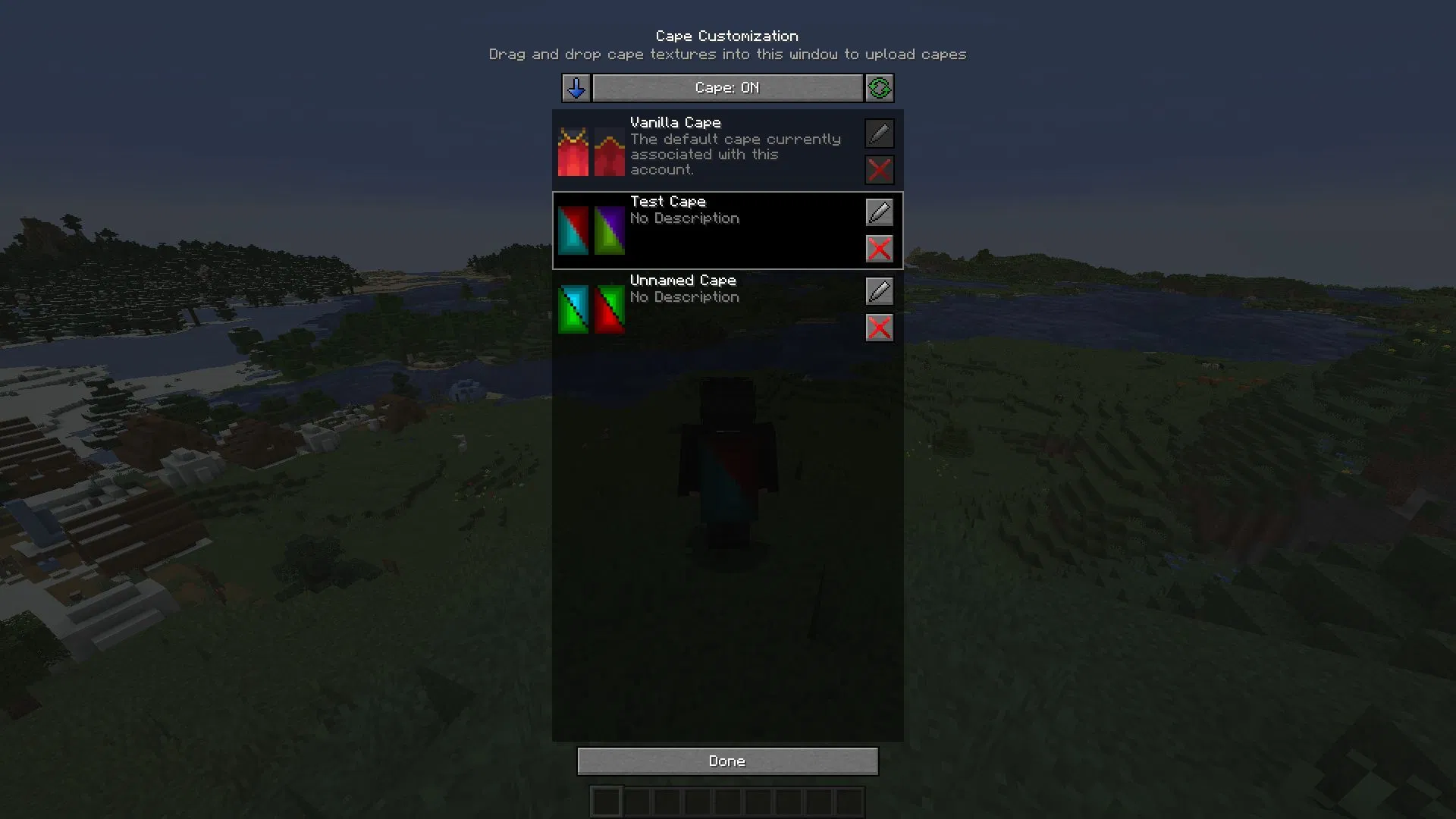
If you play the Java Edition, mods are almost always the most cost-effective and easiest way to get custom capes. The most common choice is to install client-side mods specifically designed for cape support, such as MinecraftCapes or Custom Capes, which can typically be loaded directly via Fabric, Forge, or NeoForge.
Once you have installed the mod, you simply need to visit the corresponding website, log in securely using your Microsoft account, and upload a standard PNG image as your cape design. The process is not complex; the core mechanism involves the mod recognizing and displaying the image you provided.
However, there is one limitation: this method is client-side only. In other words, only you—or other players who have the same mod installed—will be able to see your custom cape on multiplayer servers.
Third-Party Clients and Custom Networks
If you want your cape to be visible to more people, there is another path for the Java Edition: third-party clients and performance-optimization networks. Platforms like OptiFine, Lunar Client, or the Essential Mod often come with built-in cape support and their own cosmetic editing features.
Obtaining a cape through these networks sometimes requires a small donation or a purchase through their store. The advantage is that once enabled, your designed cape will be directly visible to a large number of players, as many people use these optimized clients for their daily gameplay. Once enabled, you can usually toggle the cape's visibility directly within the in-game skin customization menu.
Methods for Bedrock Edition
The situation is different for the Bedrock Edition. Whether you are on Windows, mobile, or console, you cannot simply drop client-side mods into the game directory as you would with Java Edition. Therefore, players typically rely on custom skin packs to achieve the cape effect. Online tools like the MC-Tools Cape Builder allow you to upload your character skin and overlay the cape texture directly onto it.
The website will package these contents into an .mcpack file. Once you download and run it, it will automatically import into your in-game character creator. Because the cape is essentially bound to the skin file, it is usually visible to friends in your local worlds. However, be aware that large featured servers may sometimes override your custom appearance settings by forcing their own server-side resource packs.
Security Reminder
Finally, always remember: never enter your game password on any website that claims to provide "free official vanilla capes." Legitimate third-party mods and clients will only ever ask you to authorize your account through an official Microsoft login window; they will never ask you to enter your password directly on an insecure website. As long as you keep this in mind, you can avoid most phishing and account theft risks.