Minecraft Cushion Guide: Crafting and Usage
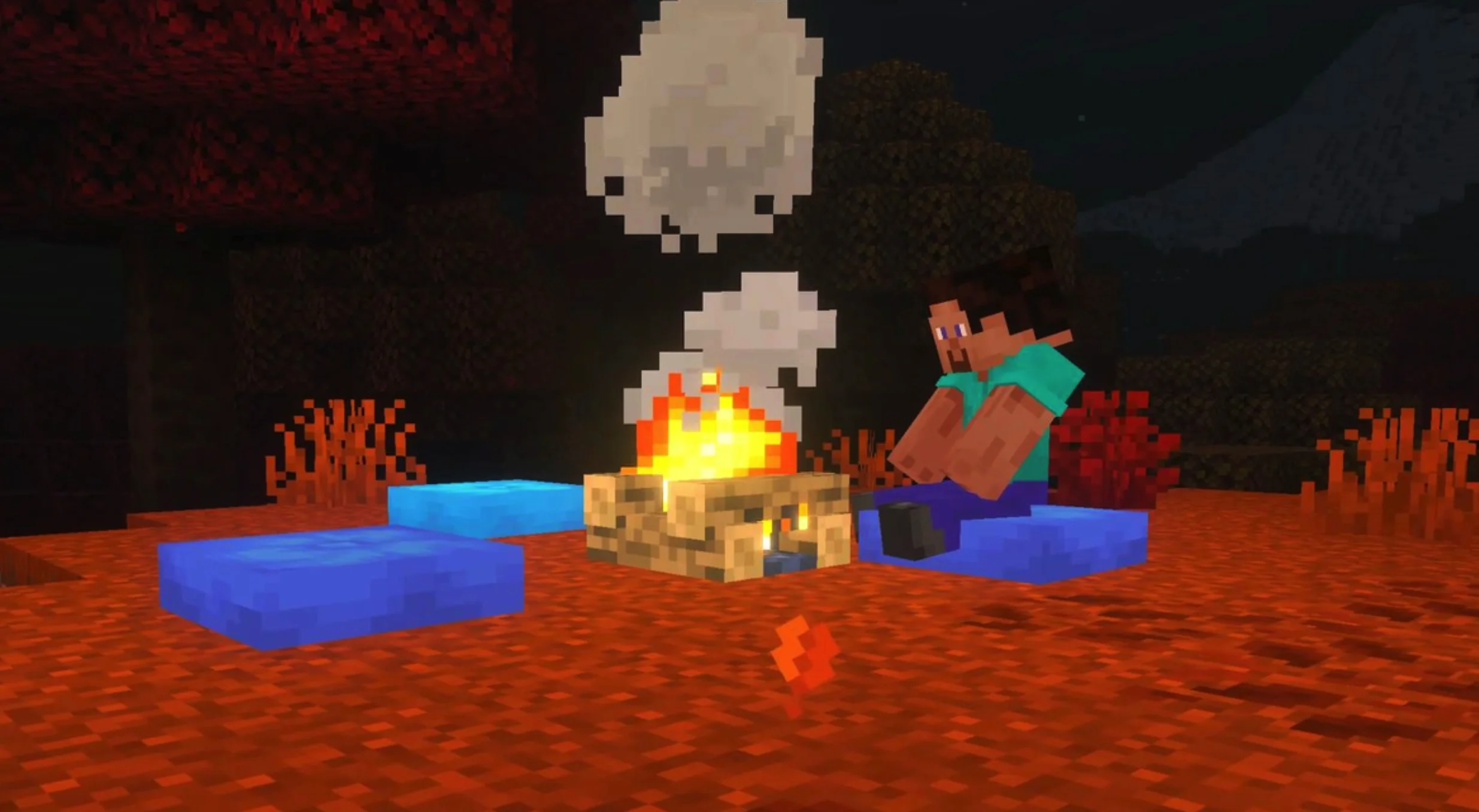
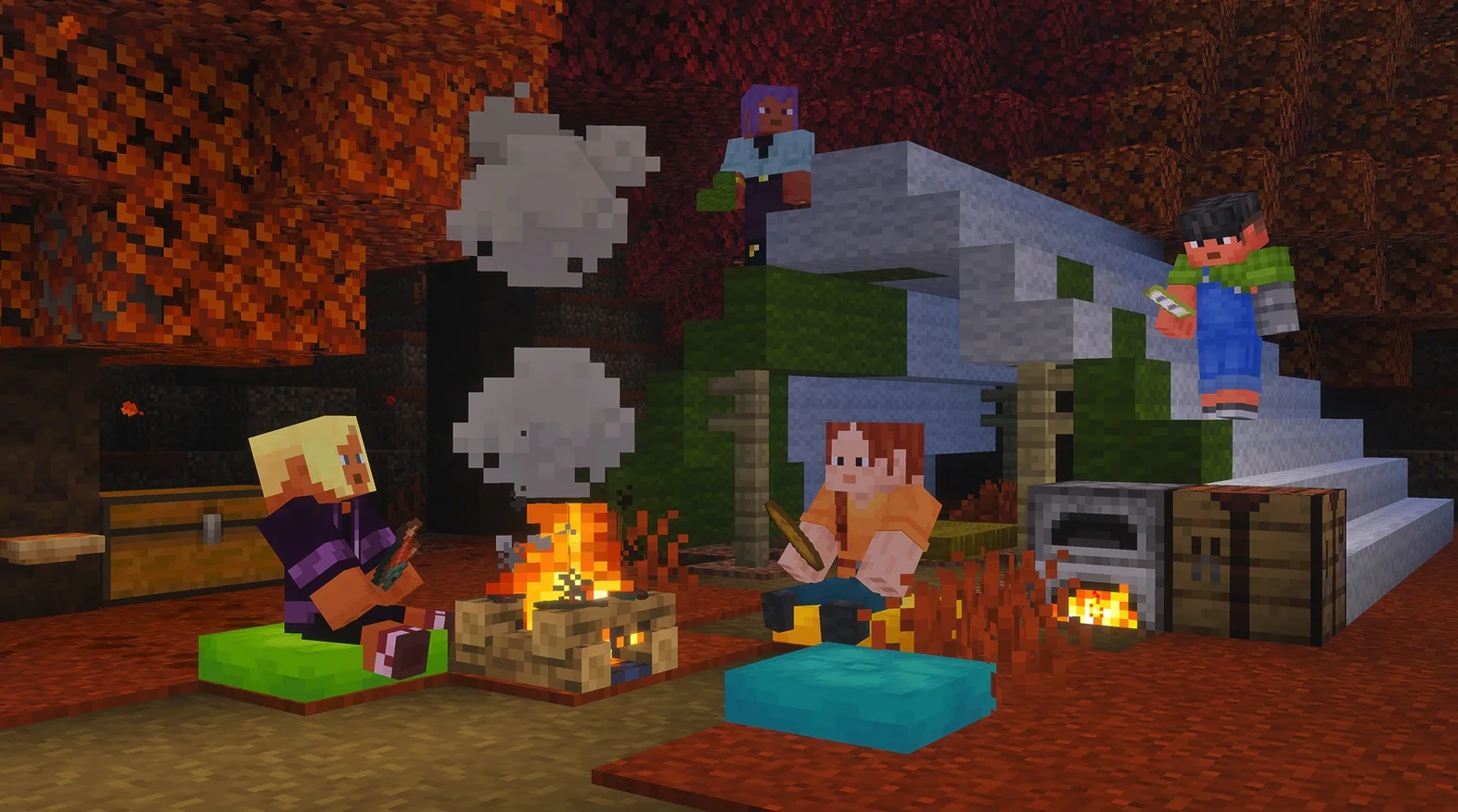
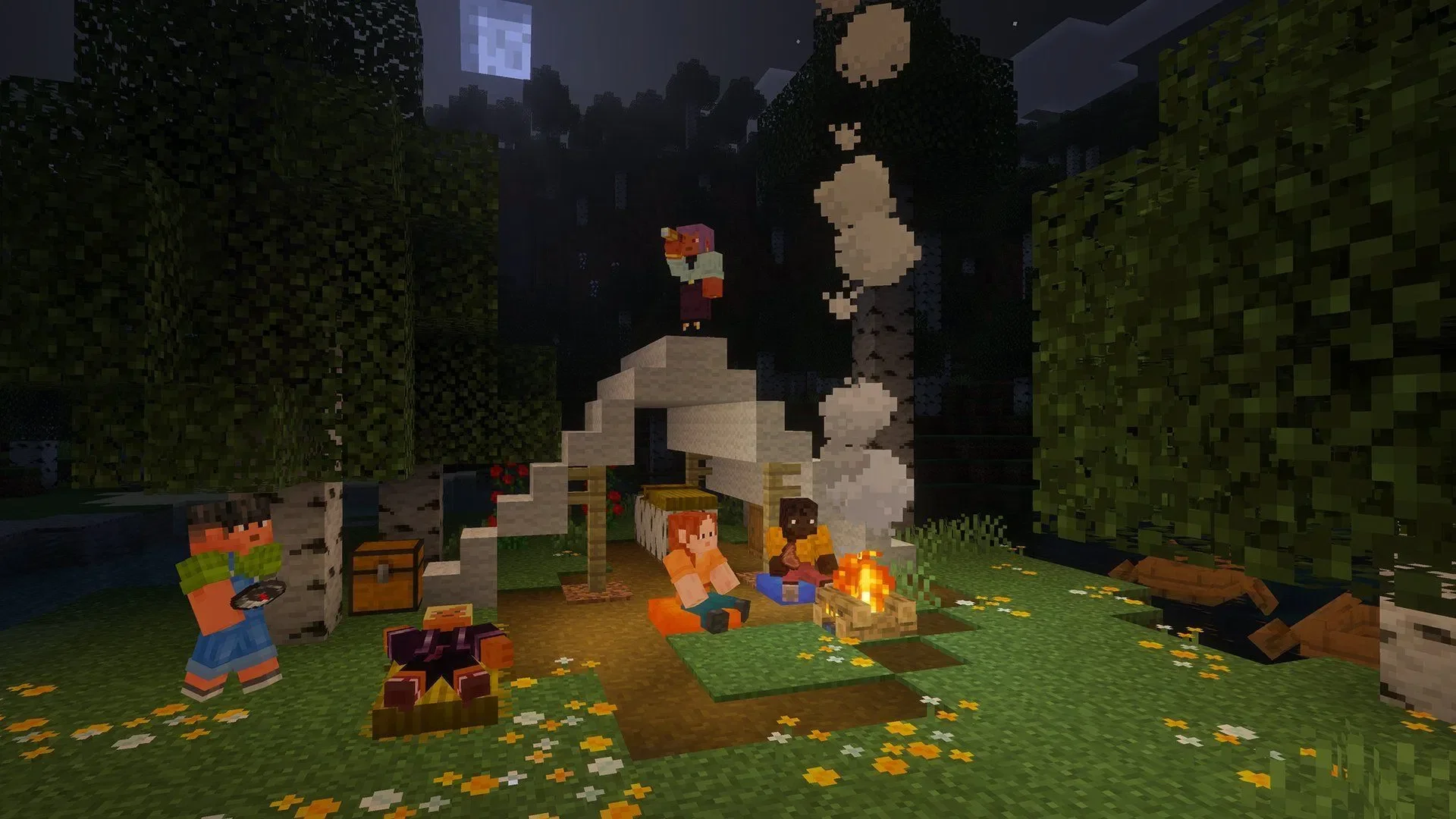
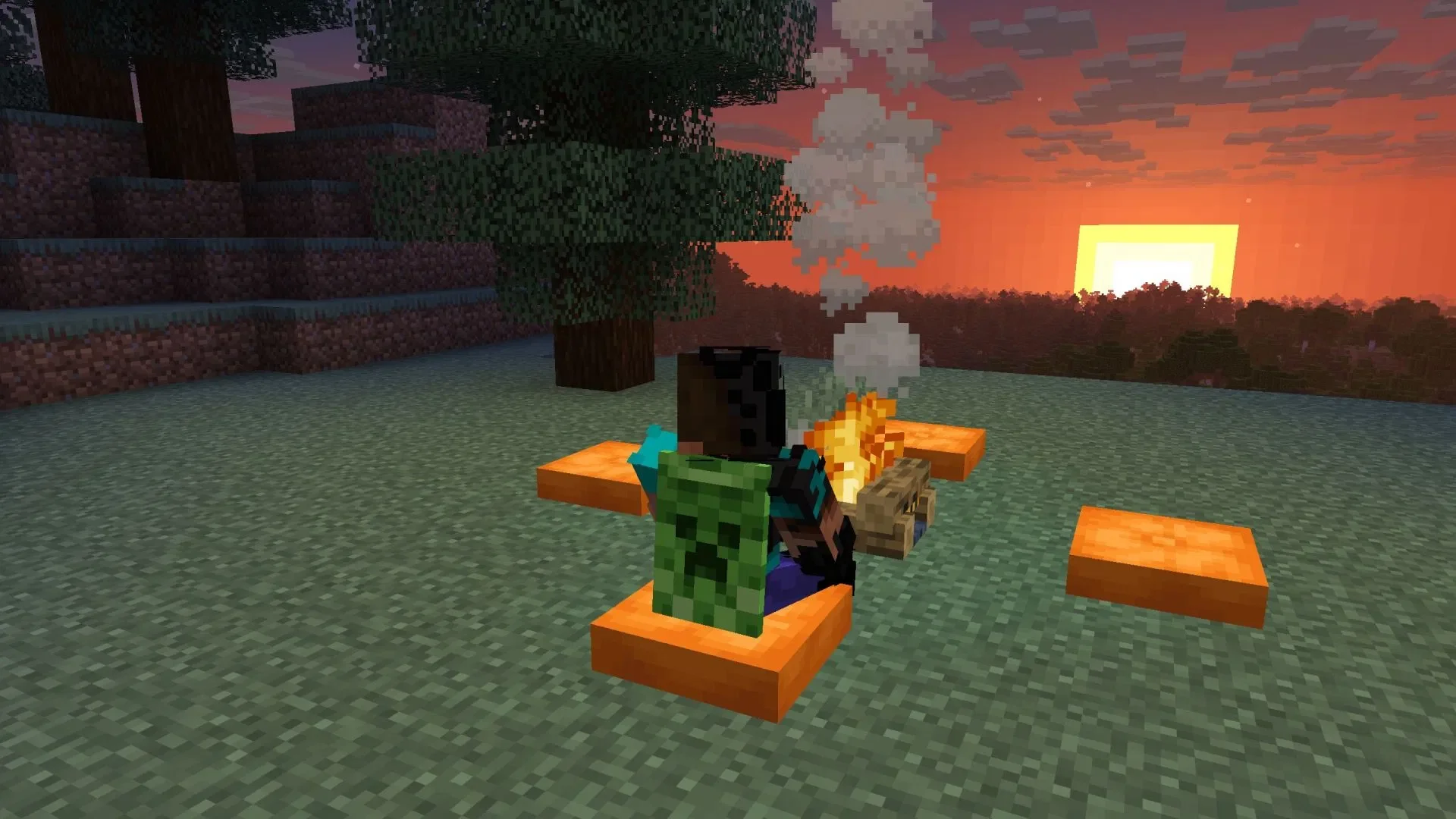
Cushions finally allow players to truly "sit down" in Minecraft. This new block is more than just a decoration; it can be placed on suitable flat surfaces, and players can interact with it to sit, making it perfect for campsites, living rooms, benches, sofas, or lounge areas.
Cushion Crafting Recipe and Purpose
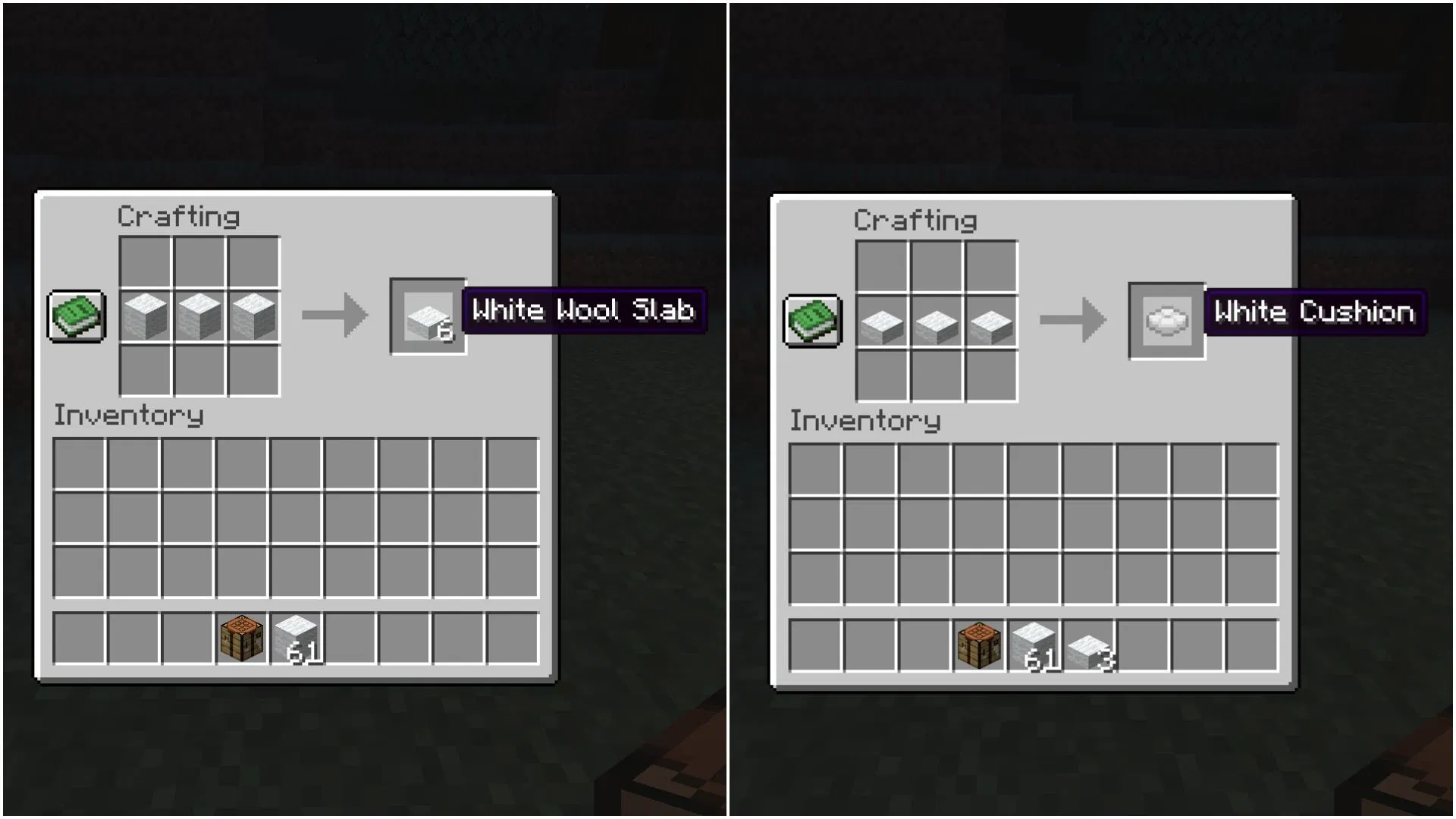
To craft a cushion, players must first craft Wool Slabs. According to Minecraft Preview 26.40.30, cushions come in 16 color variants and require 3 Wool Slabs of the same color to craft. This means if you want to make a red cushion, you must use red wool slabs; if you want a blue one, you must use blue wool slabs.
Wool Slabs themselves can be crafted from wool blocks. By first processing wool into wool slabs and then placing 3 wool slabs of the same color horizontally in a crafting grid, you will obtain a cushion of that color. This process keeps the cushion consistent with the wool color system, making it easy for players to choose different color schemes to match their architectural styles.
How to Use Cushions
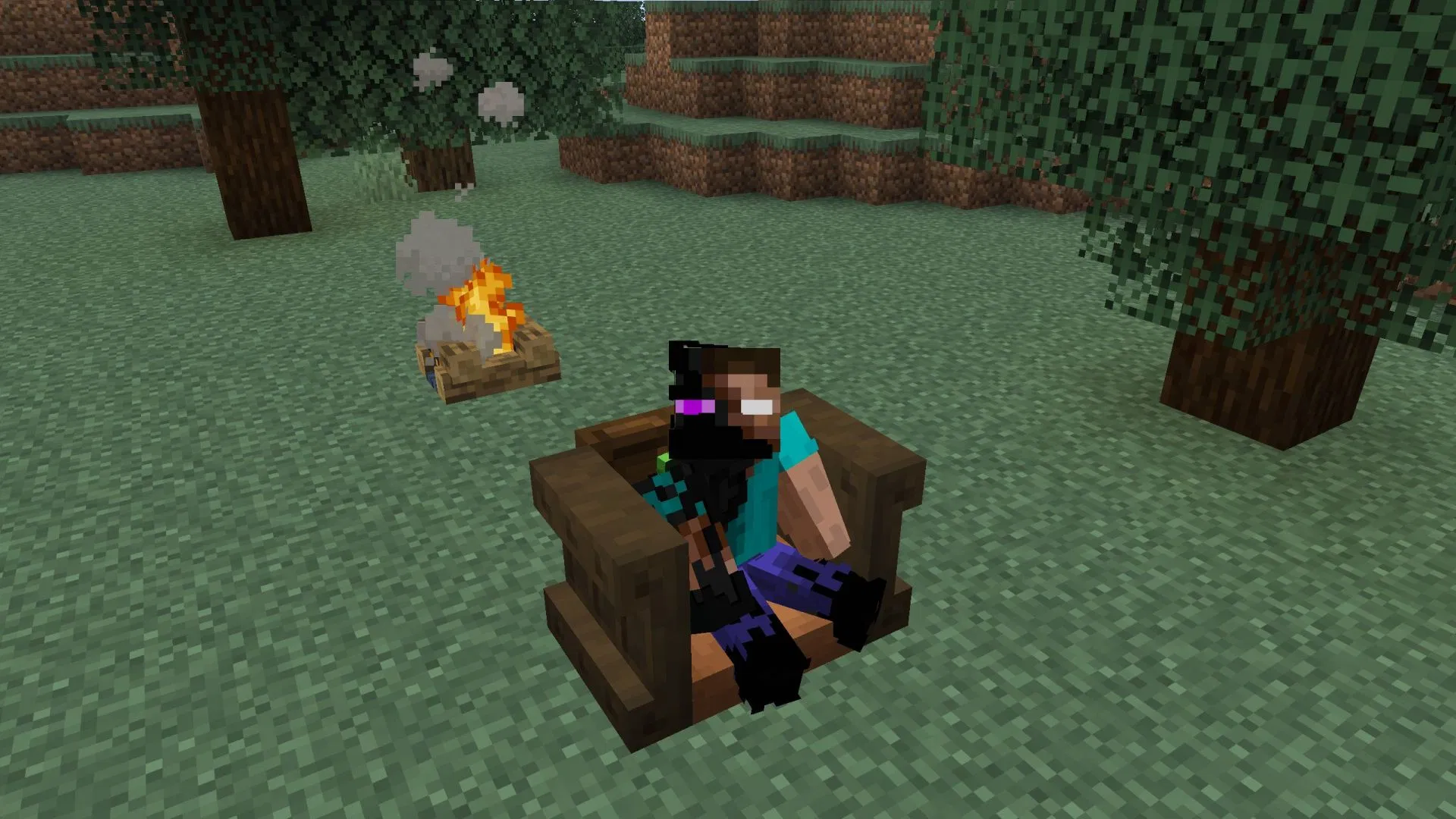
Cushions can be placed on any flat surface. Once placed, players simply need to interact with the cushion to sit on it. For players who enjoy building interior decorations, camping scenes, or role-playing maps, the value of this block is clear: in the past, many "chairs" were purely aesthetic and could not be used; cushions finally give these furniture designs a functional, interactive effect.
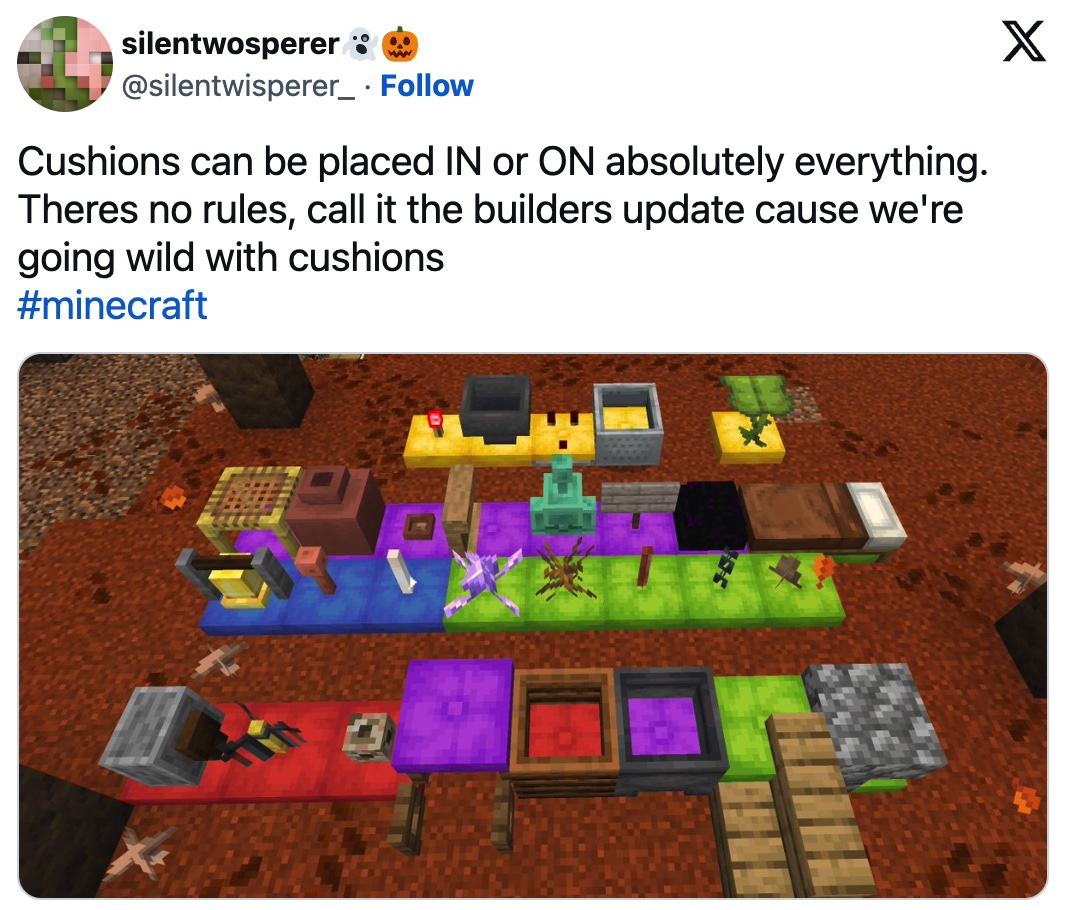
It is important to note that when placed, cushions are always horizontally aligned to the grid and vertically attached to the surface of the block supporting them. They do not move on their own; if the supporting block underneath is removed, the cushion will be destroyed. Additionally, cushions have no collision volume, allowing them to overlap with certain objects, though they cannot overlap with another cushion.
Cushion Placement Rules
- Cushions can be placed on any flat surface.
- Cushions align horizontally to the block grid and attach vertically to the supporting surface.
- Cushions cannot be moved.
- If the supporting block is destroyed, the cushion will drop or disappear.
- Cushions have no collision volume and can overlap with other objects, but not with other cushions.
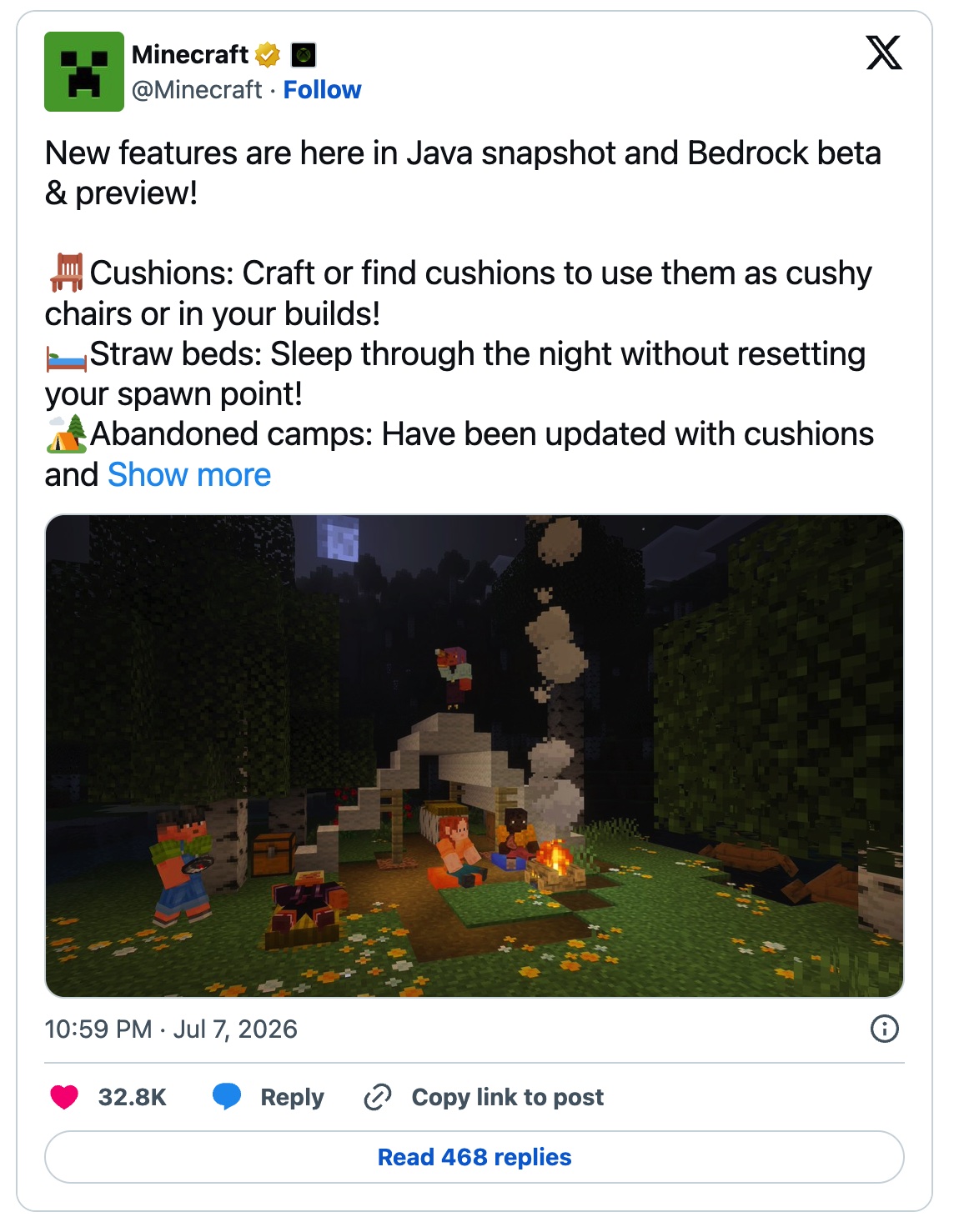
The cushion is a small yet practical new block. While it does not change combat or survival gameplay, it significantly enhances the expressiveness of building and decoration. Whether you are adding a row of seats to a wooden cabin or creating more natural signs of life in an abandoned campsite, cushions make scenes look like places where someone has truly spent time.