beta 26.40.30 (ChromeOS/Android) and Preview 26.40.30 (Windows/Xbox/iOS/iPadOS/PlayStation) are the 5th beta versions of Bedrock Edition 26.40, released on July 7, 2026 [1][2]. This update introduces straw beds and cushions in Experimental Features and fixes several bugs.
Changes
Blocks
Material Reducer
- Can now reduce Glyphed Cinnabar, Glyphed Sulfur, Cinnabar, Cinnabar Bricks, Polished Cinnabar, Polished Sulfur, Volatile Sulfur, Sulfur, and Sulfur Bricks.
Sulfur Spire
- Slightly updated the texture of the upward stone pillar tip.
Gameplay
Motion Effects
- Updated for supported Android devices.
Experimental
The content in this section requires enabling the "Update 3 of 2026" sub-option under Experimental Features.
Blocks
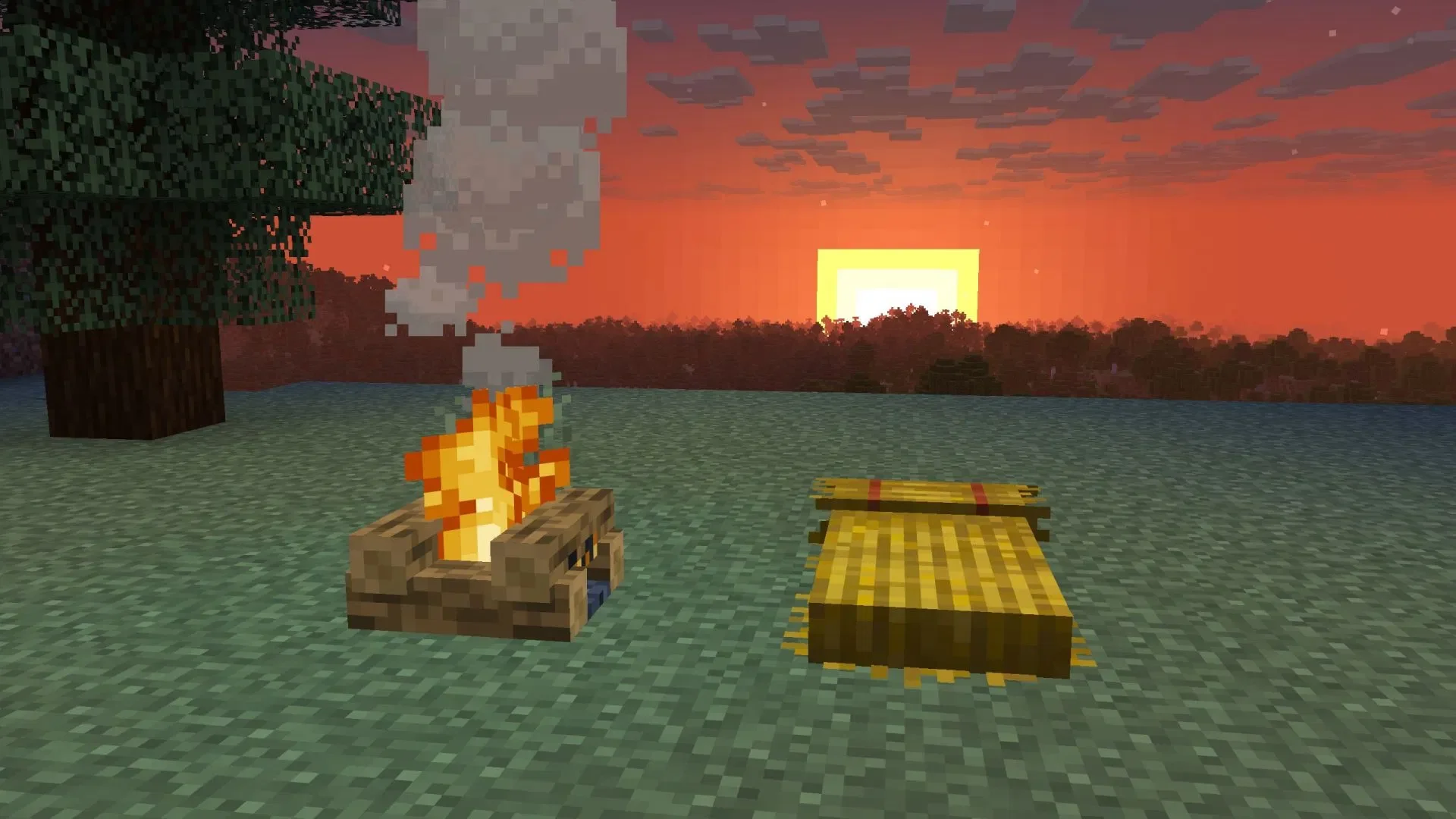
Straw Bed
- Allows players to skip the night by sleeping, but does not set a spawn point.
- Single-use; destroyed after being used.
- Cannot be used in the Nether or the End; it will be destroyed if an attempt is made to sleep there.
- Crafted using 3 Hay Bales to create 4 Straw Beds.
- Can be used for composting, with an 85% chance to increase the compost level by one.
Poplar Leaves
- Updated MERS textures.
- Updated ambient sounds.
- Added custom sound events.
- Added opaque texture versions to fix black background issues. (MCPE-240020)
Poplar Door
- Changed item texture.
Hanging Poplar Sign
- Changed item texture.
Poplar Sign
- Changed block texture.
Red Shrub
- Added custom sound events.
Wool Stairs and Wool Slabs
- Added missing crafting recipes. (MCPE-240040)
- Can now be crafted using Wool.
Non-Living Entities
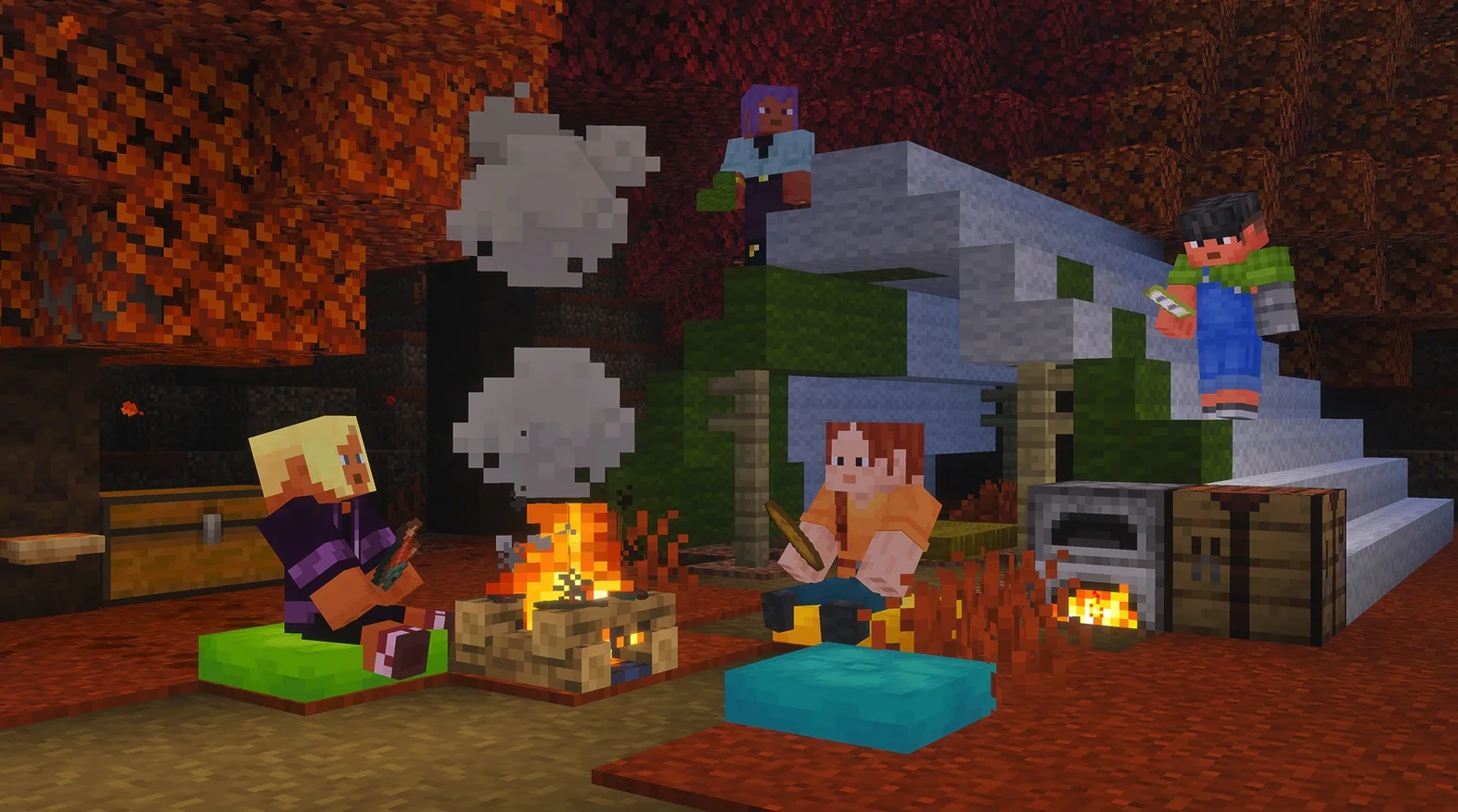
Cushion
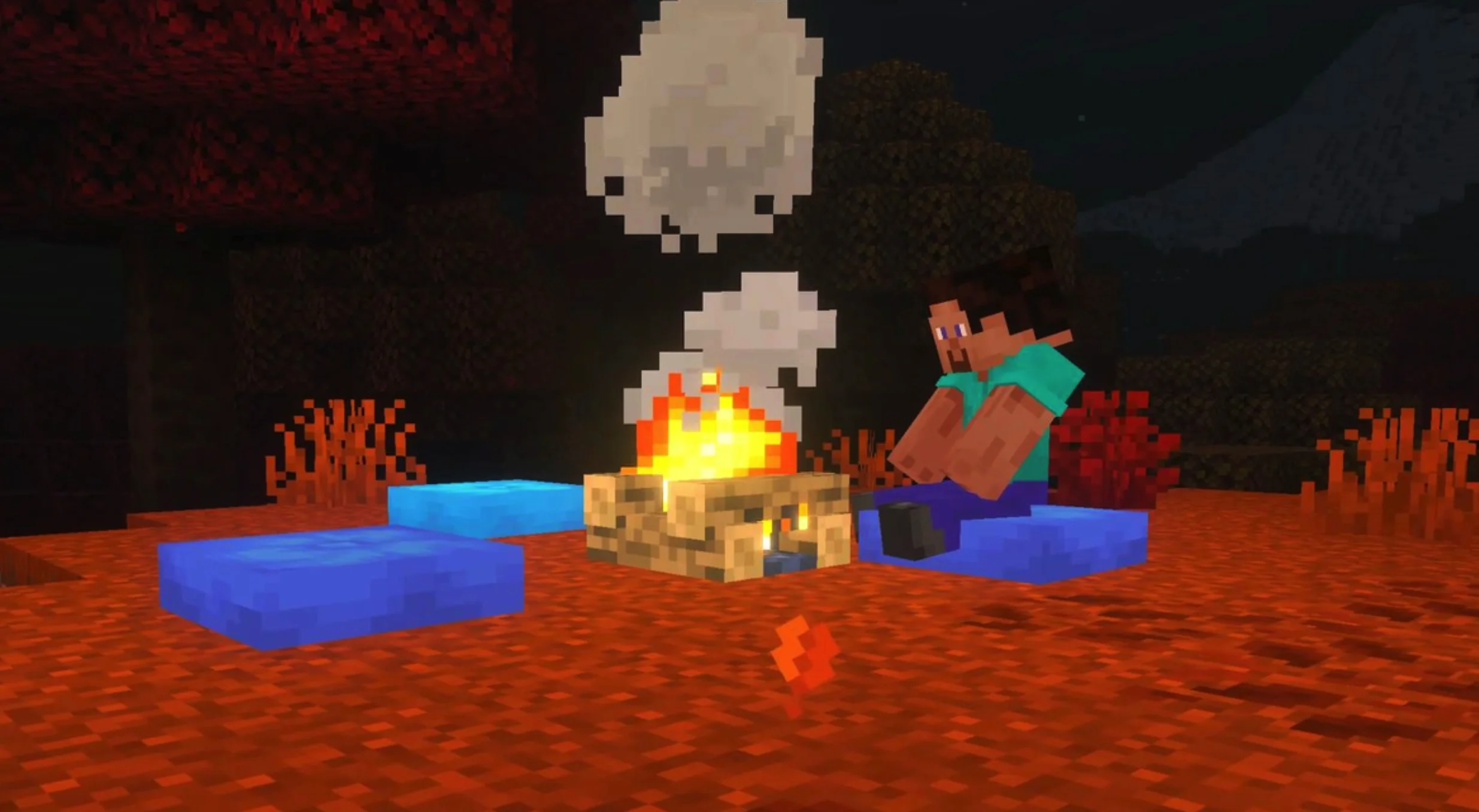
- An entity that can be placed and interacted with to sit down.
- Available in 16 colors.
- Crafted using 3 Wool Slabs of the same color.
- Can be destroyed by pistons.
- Can be destroyed by projectiles that deal damage.
- Can be placed on any upper surface of a block's bounding box and is always centered horizontally within the block space.
- Destroyed after a few seconds if the supporting block is removed or if the entity's bounding box is completely covered by blocks.
- Has no collision volume and can overlap with other non-solid blocks.
- Cannot overlap with other cushions.
World Generation
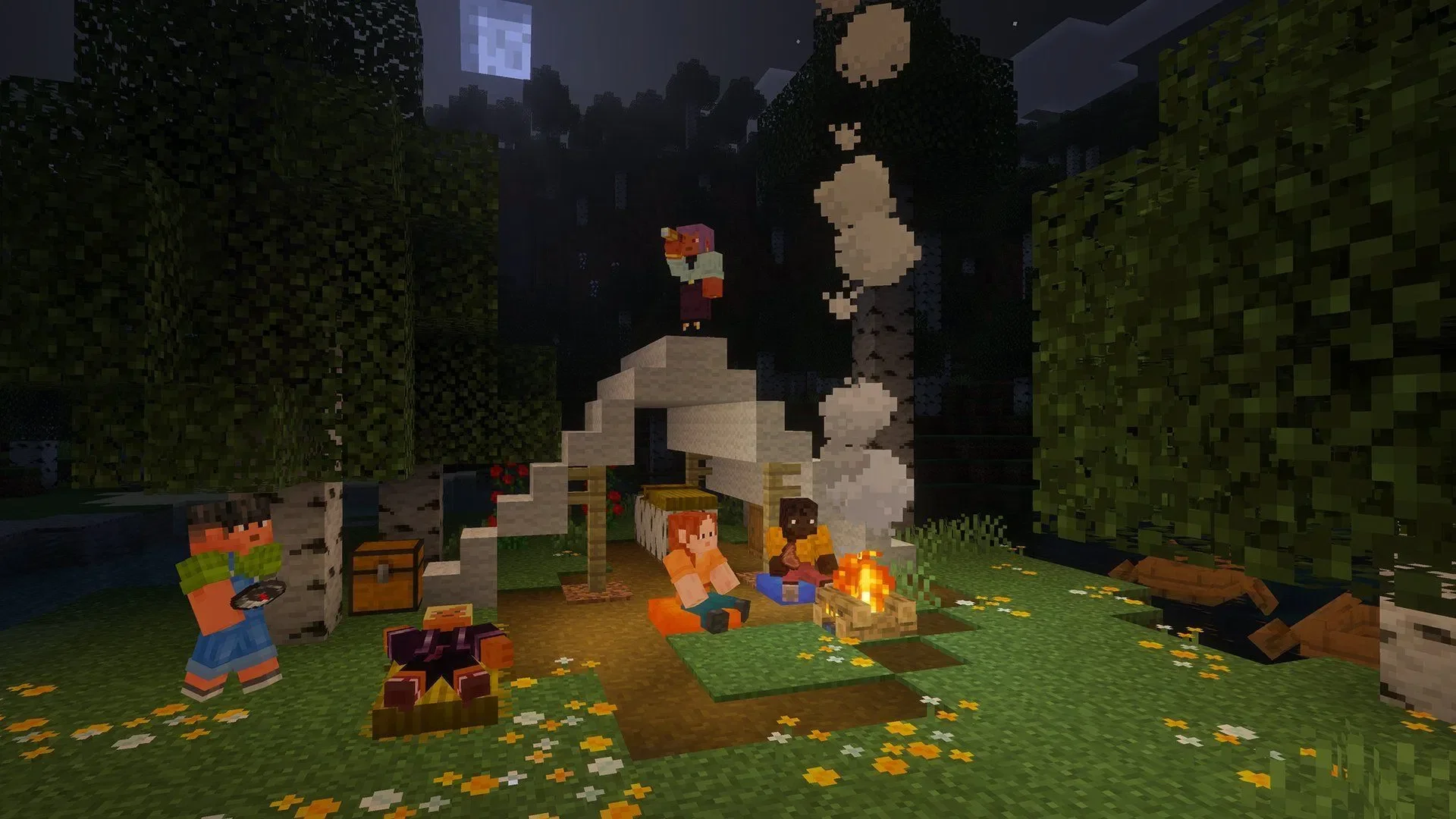
Abandoned Campsite
- Now generates in Pale Garden and Flower Forest biomes. (MCPE-240024, MCPE-240045)
- Significant changes to structure files.
- Most plants in the structures are now spawned via sub-structure calls rather than being embedded directly in the structure.
- Tent structures now contain Straw Beds.
- More campsite structures now contain Oxidized Copper Chests, and these chests are no longer exposed on the surface.
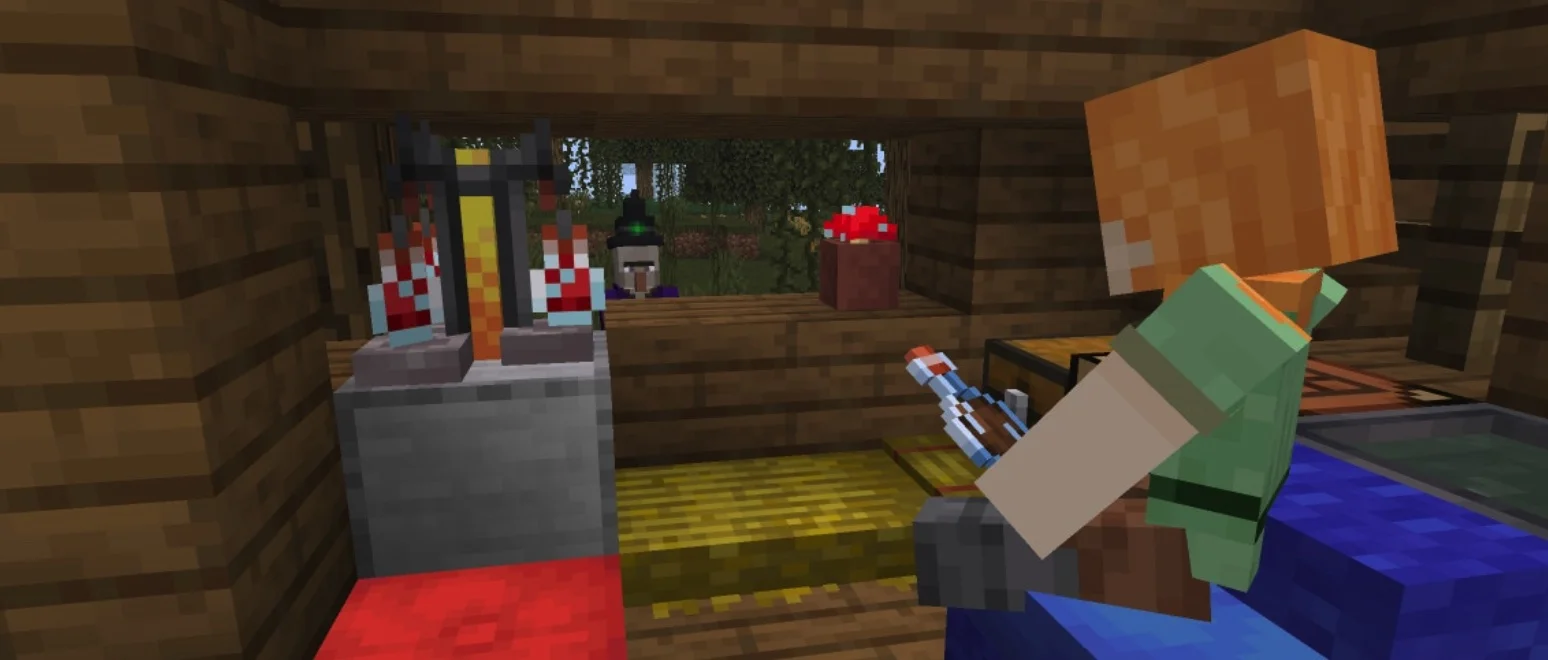
- Fixed incorrect potion names in loot tables.
Mottled Forest
- Changed fog settings to match Java Edition.
- Fog color changed from #44AFF5 to #CCD8E2.
- Underwater fog color changed from #1E97F2 to #375154.
Fixes
Accessibility
- Fixed the focus indicator on the "More Options" button on the start screen so it no longer relies on color, adding an underline when the button is focused.
Blocks
- Azalea and Flowering Azalea leaves are no longer transparent when viewed from below. (MCPE-217896)
- Brown and Red Mushrooms can no longer be placed in open areas at night.
- Charcoal can once again be placed in the crafting table when Education Edition features are enabled. (MCPE-240097)
- Fixed an issue where a texture of the Sulfur Spire contained pixels with incorrect colors.
Gameplay
- Fixed an issue where structure loot could vary for the same seed. (MCPE-239951)
General
- Brown and Red Mushrooms now ignore light levels when generating on Warped Nylium and Crimson Nylium.
Graphics
- Fixed a Motion Effects rendering issue where some items and text might be invisible on certain Android GPUs.
Items
- Fixed an issue where Books and Quills from worlds before 26.30 caused the game to freeze. (MCPE-239753)
- Arrows of Harming no longer bounce off entities and are now correctly removed upon impact. (MCPE-239756)
Character Creator
- The player's character is no longer automatically saved upon exiting the Dressing Room if there are no unequipped color changes.
Performance and Stability
- Fixed a crash that could occur when spawning more than one Iron Golem.
- Game servers now attempt to self-repair certain player connection issues.
- Fixed a crash that could occur when placing structures containing large chests during world generation.
- Fixed a potential crash related to the conversion of Concrete Powder to Concrete.
User Interface
- Fixed a bug where text formatting codes in resource pack names would transfer to the remainder of the pop-up notification when activating or deactivating packs. (MCPE-182130)
- Added missing preview images for the Desert Superflat preset. (MCPE-194395)
- Updated the network disconnection message to guide players to enable "Use Mobile Data" in General settings rather than Profile settings.
- Fixed an issue where button touch areas were misaligned in Android windowed modes with title bars (e.g., Samsung DeX and Pop-up View).
- Pause game settings are now rendered in the main menu. (MCPE-237101)
- The "Game Unpaused" notification now appears on all screens even when the pause menu is open. (MCPE-229796)
- Fixed a soft-lock issue where a captain's experience join being blocked by team eligibility checks would prevent further join attempts.
- Fixed an issue where the "How to Play" button was missing from the Minecraft Education settings menu.
- Fixed an issue with cloud-synced storage banners to prevent redundant "Cloud Storage Full" and "Almost Full" messages when storage is full. (MCPE-240036)
- Fixed an issue where the Beacon screen in Pocket UI would display duplicate headers.
- The world list now loads correctly after deleting a world via the "Manage World" button. (MCPE-239804)
- Updated Nintendo Switch terminology for local wireless multiplayer.
- Fixed an issue where the scroll bar in the Creative inventory would become unresponsive to touch. (MCPE-236783)
- Fixed an issue where split-screen players could not interact with game settings. (MCPE-237830)
- Updated Marketplace badges to use semantic tag styles for bordered and spacious variants, including revamped tag documentation and testing.
- Fixed an issue where the skin pack info button did not work on the expanded skin pack page.
- Characters no longer rotate on their own after entering the sidebar while rotating the character.
- Players with multiplayer-restricted skins can now enter worlds where multiplayer is disabled.
- Removed the empty space between the chat tab and the social drawer. (MCPE-239456)
Marketplace
- Updated Marketplace content cards with new pass and rating icons, revamped Minecoin visuals, and notification badge handling for revealed states.
Storage
- Updated the legacy world conversion process in the Storage settings tab.