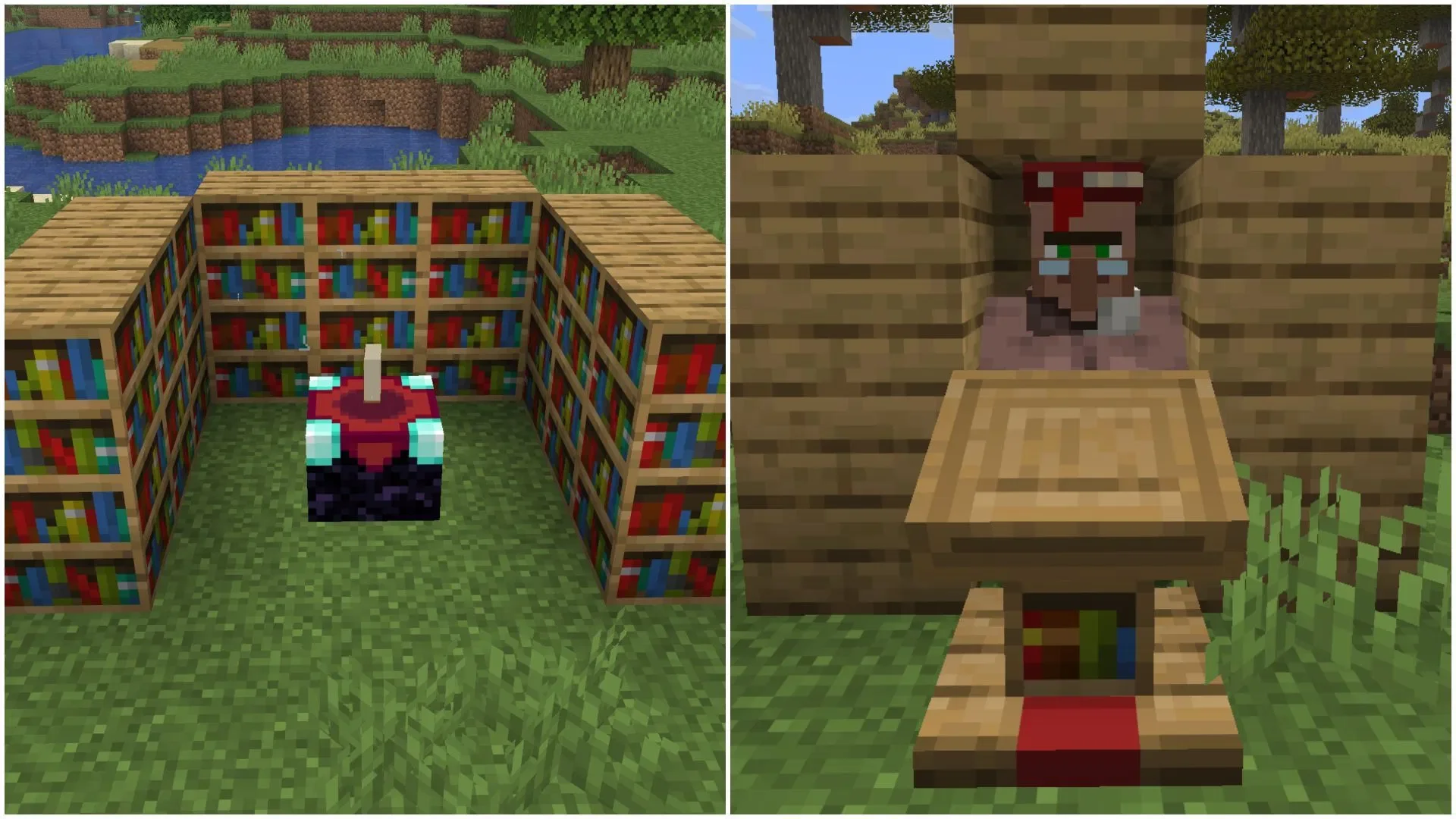
In Minecraft, when you cannot obtain the desired enchantment from an Enchanting Table or a Librarian villager, you can actually "reroll" them using specific methods. Due to the vast variety of enchantments in the game, obtaining your ideal enchantment directly on the first try is often subject to uncertainty. Every time you place a tool into an Enchanting Table or open a Librarian's trade interface for the first time, the game system automatically generates a set of random enchantments.
Fortunately, there are effective ways to refresh these enchantments for both the Enchanting Table and the Librarian. Below is a step-by-step guide.
How to Refresh Enchantments via the Enchanting Table
1. Place the Item to be Enchanted
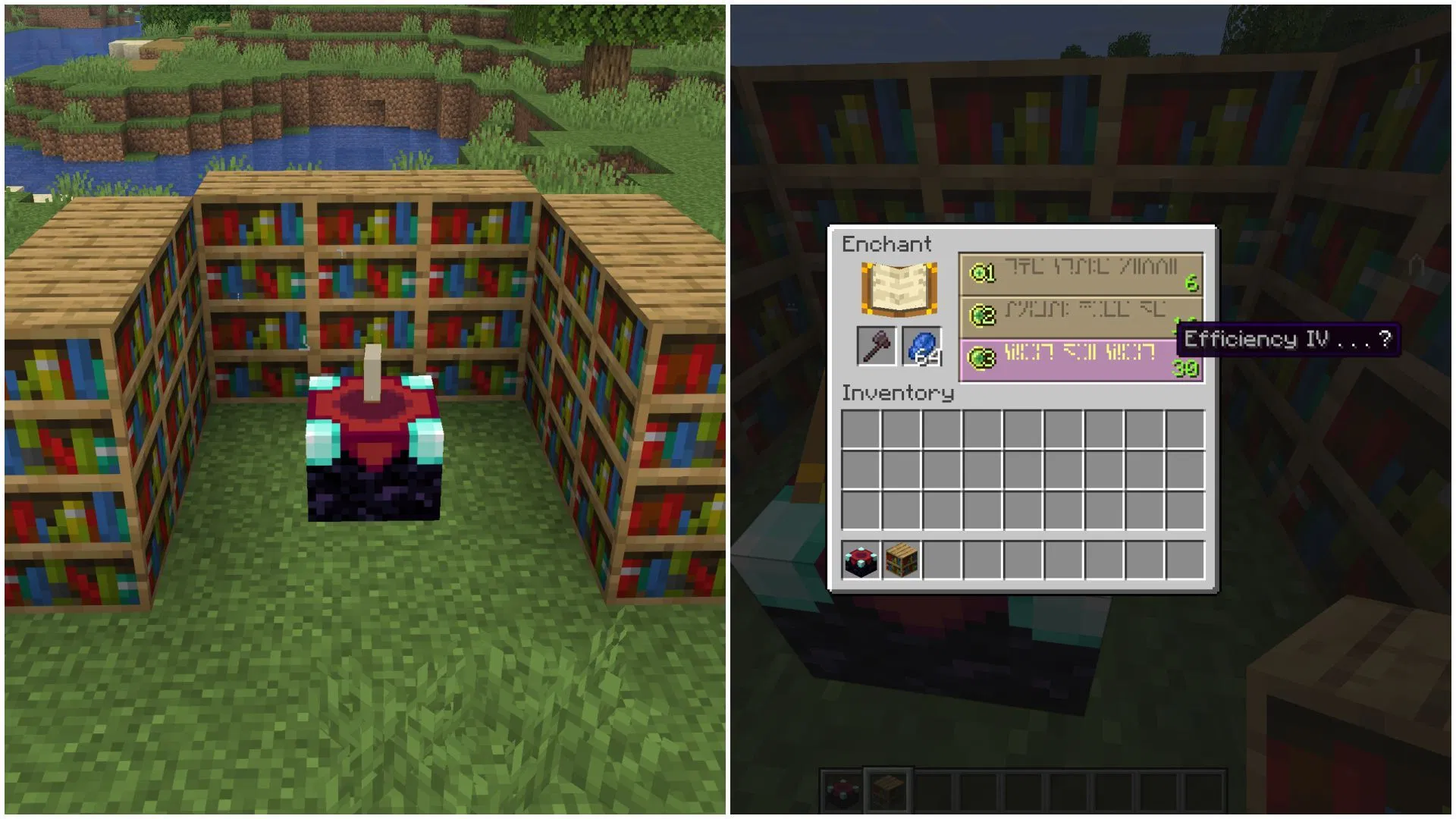
First, you need to set up the basic enchanting facility: an Enchanting Table surrounded by 15 bookshelves, arranged in the standard layout to ensure you can access the highest level of enchantments. Next, place the weapon, tool, or armor piece you wish to enchant and observe the three levels of enchantment previews provided by the table. If none of these enchantments meet your needs, you can initiate the refresh process.
2. Use Cheap Items for Low-Level Enchanting
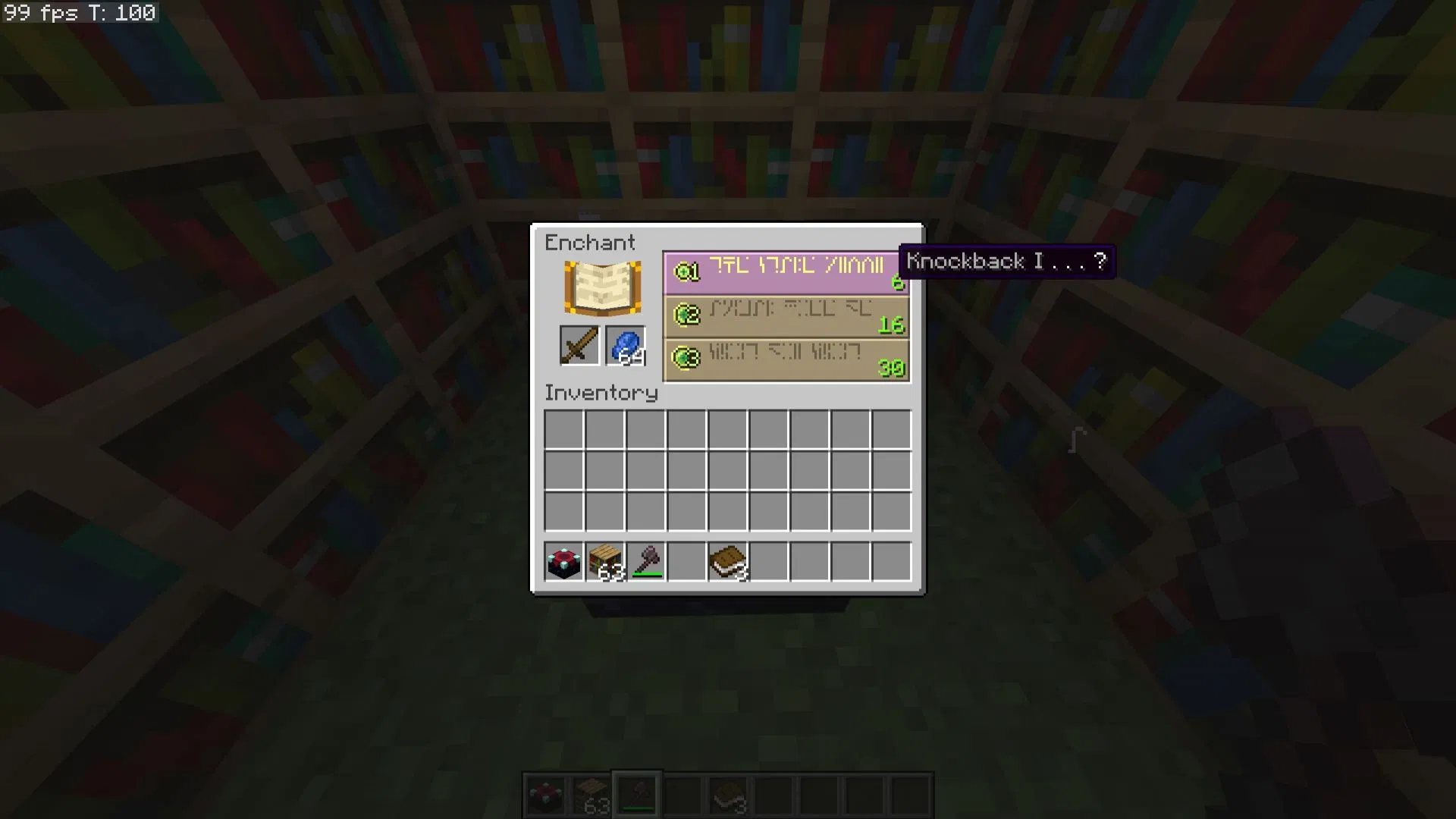
The only way to refresh enchantments on an Enchanting Table is to "consume" the current enchantment result by enchanting another item, which resets the random algorithm. It is recommended to prepare some basic wooden tools and choose the lowest-level enchantment to consume. By doing this, the random sequence in the enchantment list will be updated.
3. Place the Original Item Again to View New Enchantments
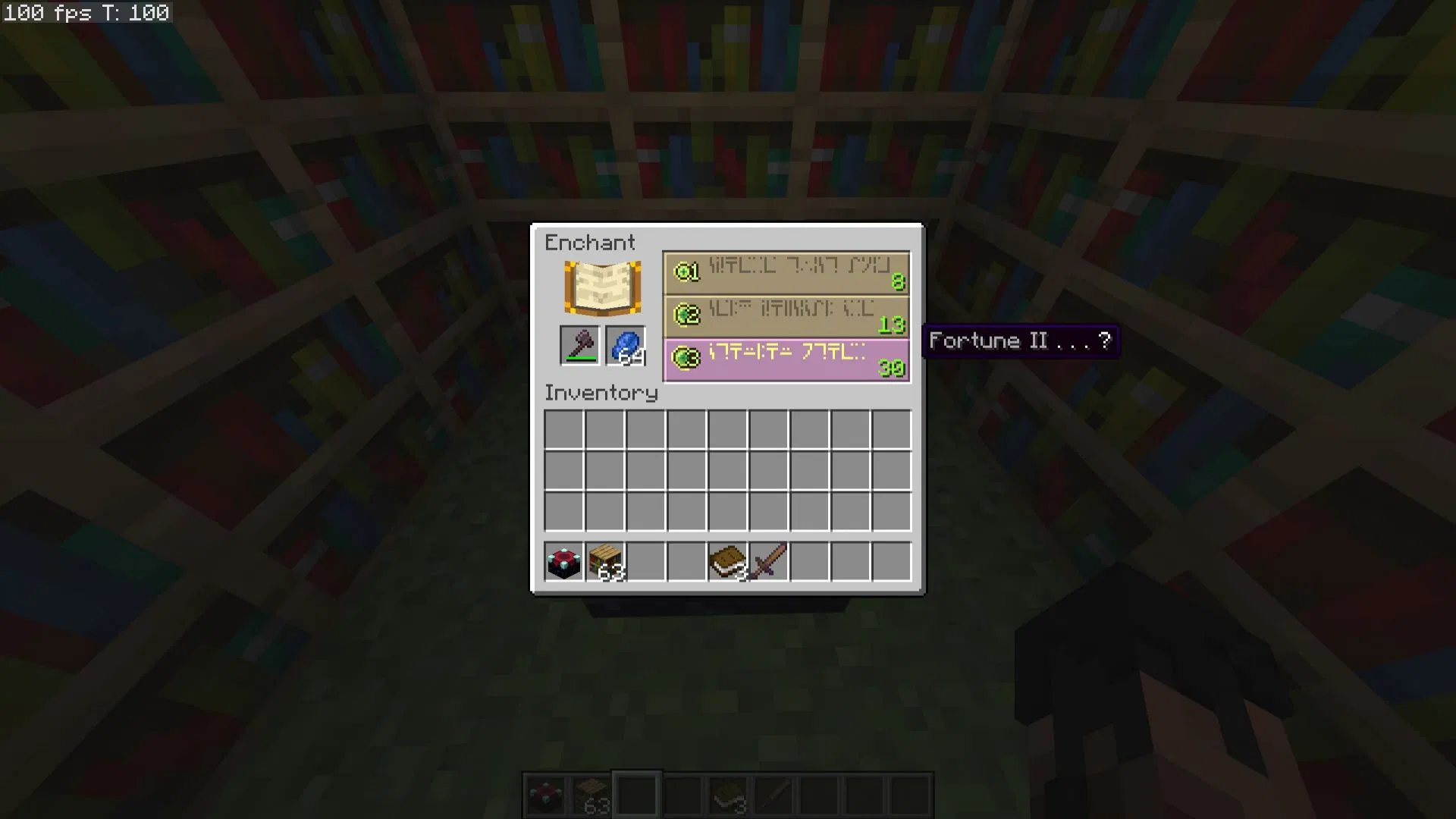
After consuming one enchantment opportunity, place your original item back onto the Enchanting Table. You will notice that the enchantment list has changed. If the desired attribute still does not appear, repeat the steps above until you roll your ideal enchantment.
How to Refresh Enchantments via a Librarian
1. Find or Hire a Librarian
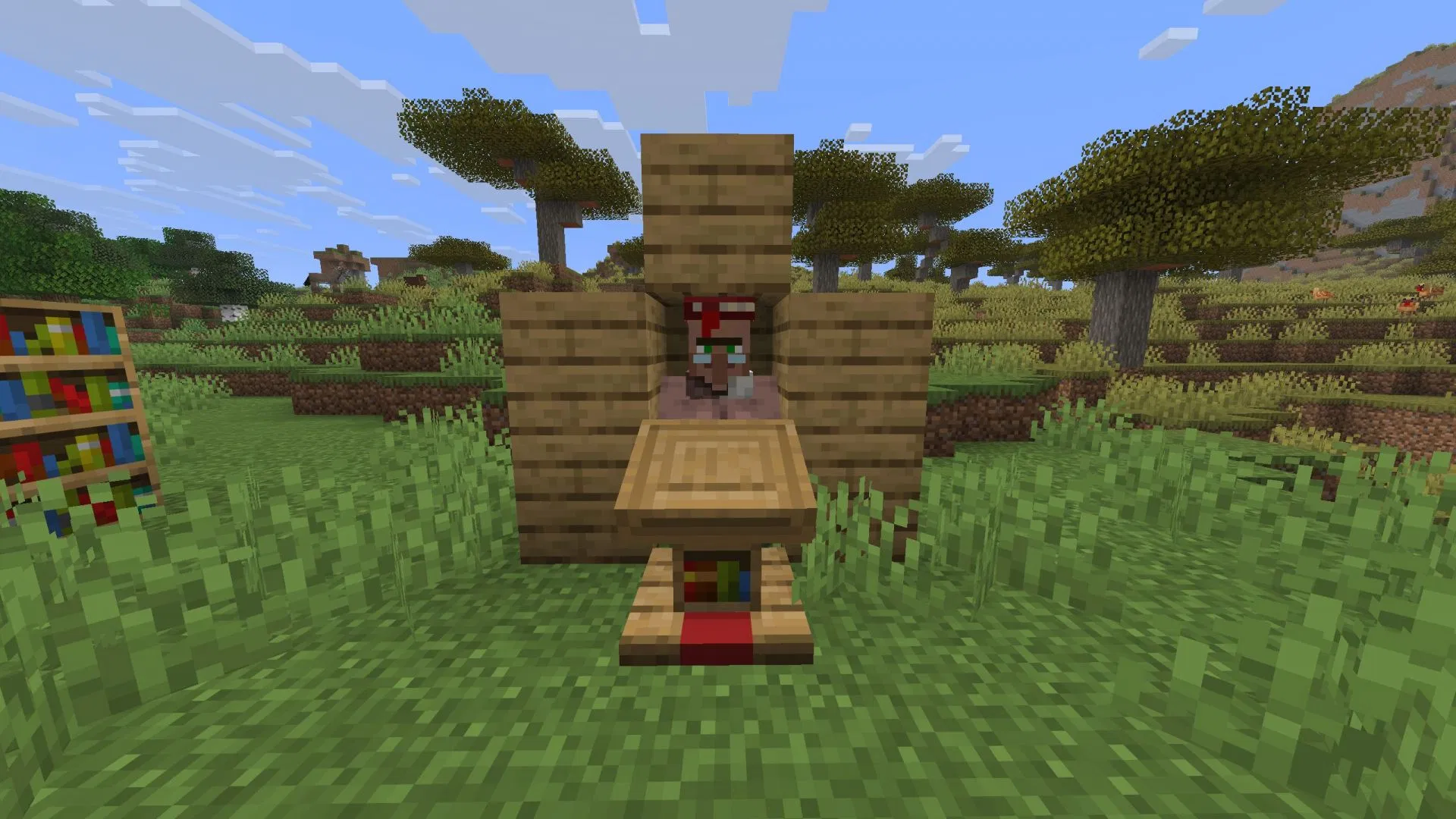
First, you need to find a Librarian in a village, or find an unemployed villager and place a Lectern next to them to lock their profession as a Librarian.
2. View Current Enchanted Book Trades
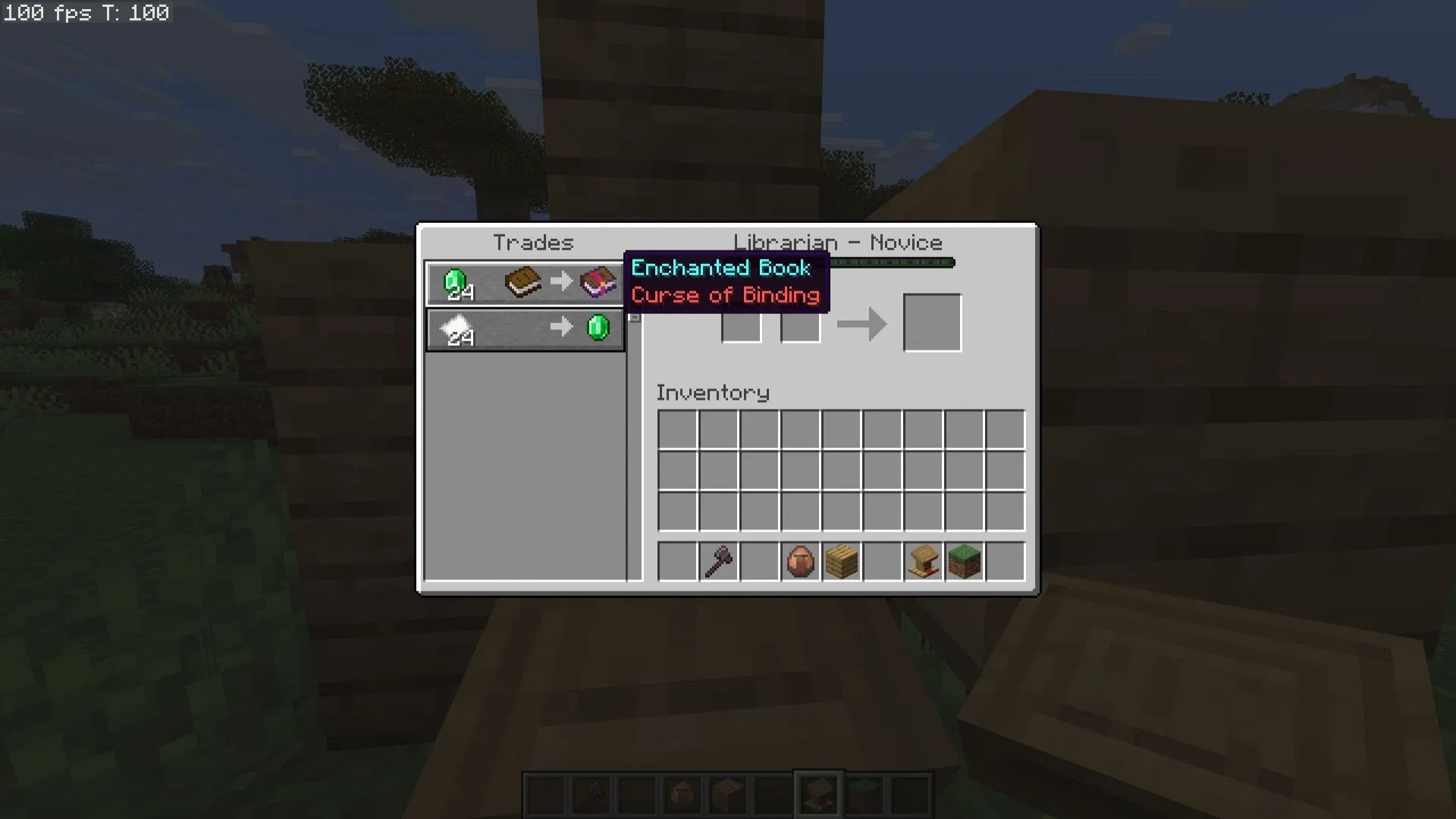
Interact with the Librarian to see the enchanted books they currently offer. If you are not satisfied with the enchantments being sold, you can force a reset of their trade list using a simple mechanism.
3. Break and Replace the Lectern
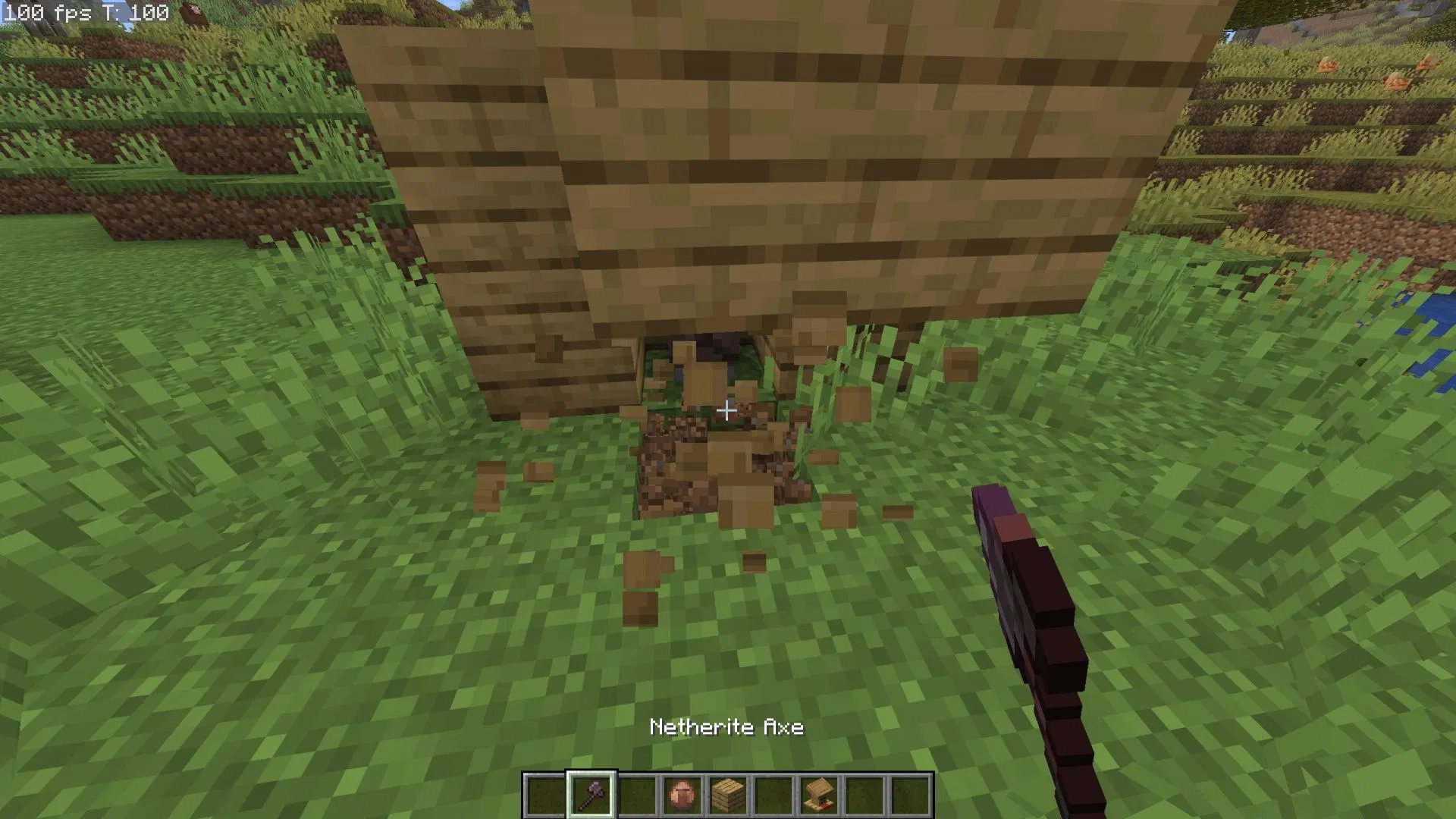
Simply break the Lectern in front of the Librarian; the villager will lose their profession and revert to an unemployed villager. Immediately place the Lectern back in the same spot, and the villager will convert back into a Librarian. Once the conversion is complete, the game will randomly reassign their trade options, including the enchanted book for sale.
4. Check the New Trade List
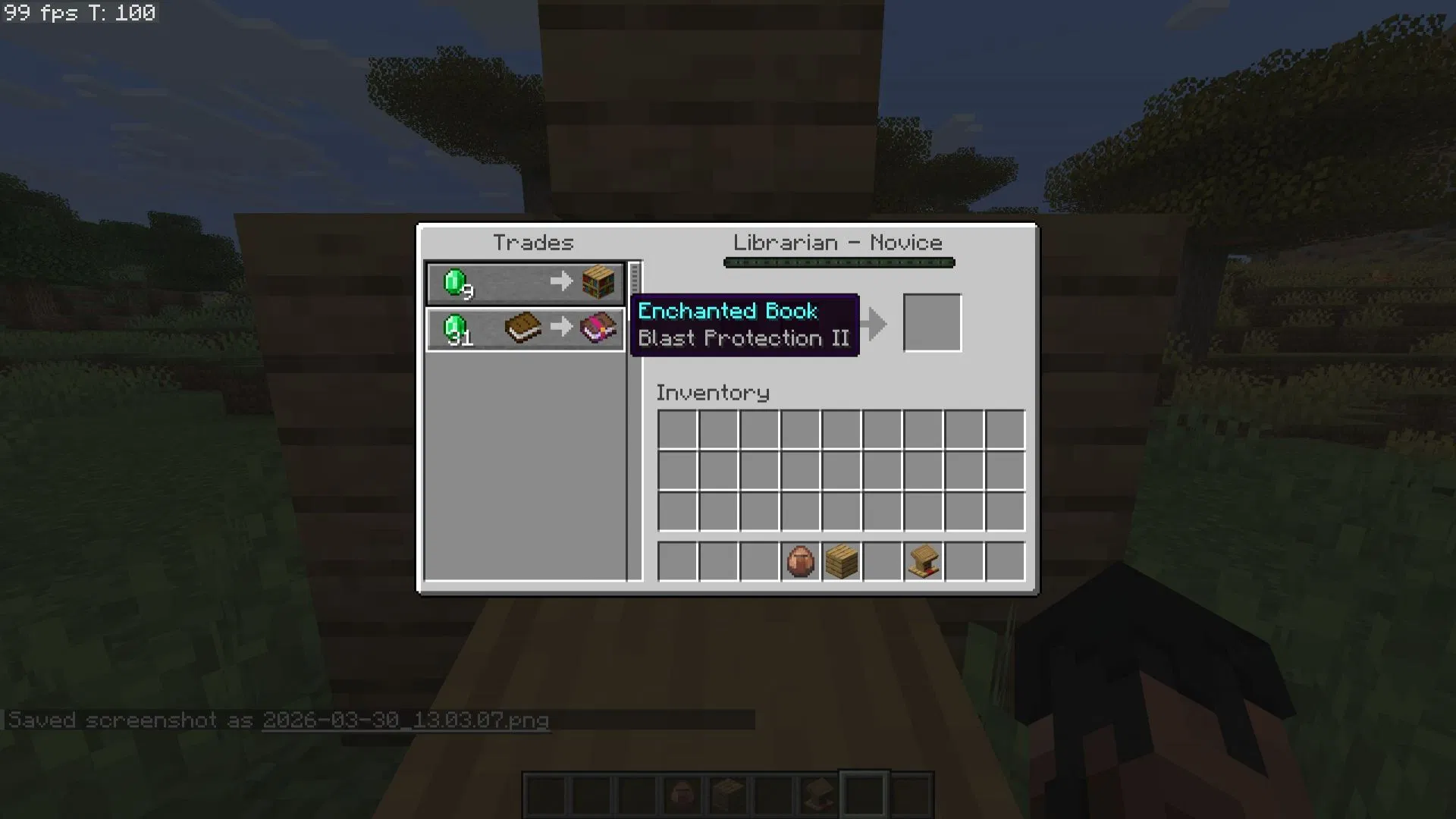
Interact with the Librarian again to view the latest enchanted book. By repeatedly breaking and replacing the Lectern, you can eventually roll any specific enchanted book you desire.
Top Enchantments Worth Prioritizing
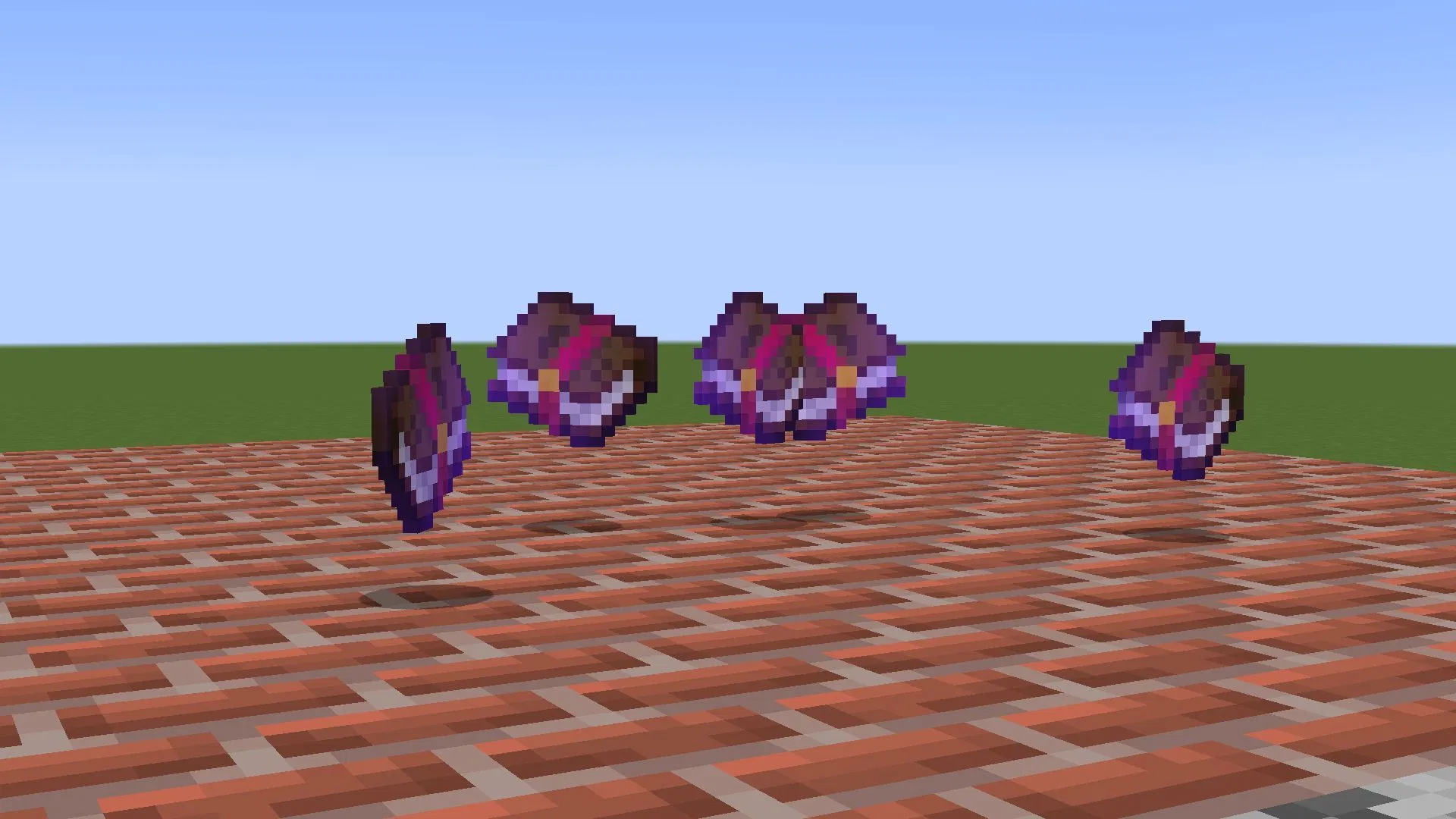
When performing refresh operations, considering the practical value of different enchantments, the following powerful ones are the top choices for players:
- Mending (Villager trade only): Allows your gear to automatically repair its durability by collecting experience orbs.
- Efficiency: Significantly reduces the time required to mine blocks.
- Fortune: Increases the number of items dropped when mining ores.
- Unbreaking: Significantly increases the lifespan of your gear.
- Sharpness: Increases the attack damage of swords and axes.
- Infinity: Allows a bow to fire infinite arrows while only requiring one arrow in your inventory.
- Protection: Reduces various types of damage taken by the player.