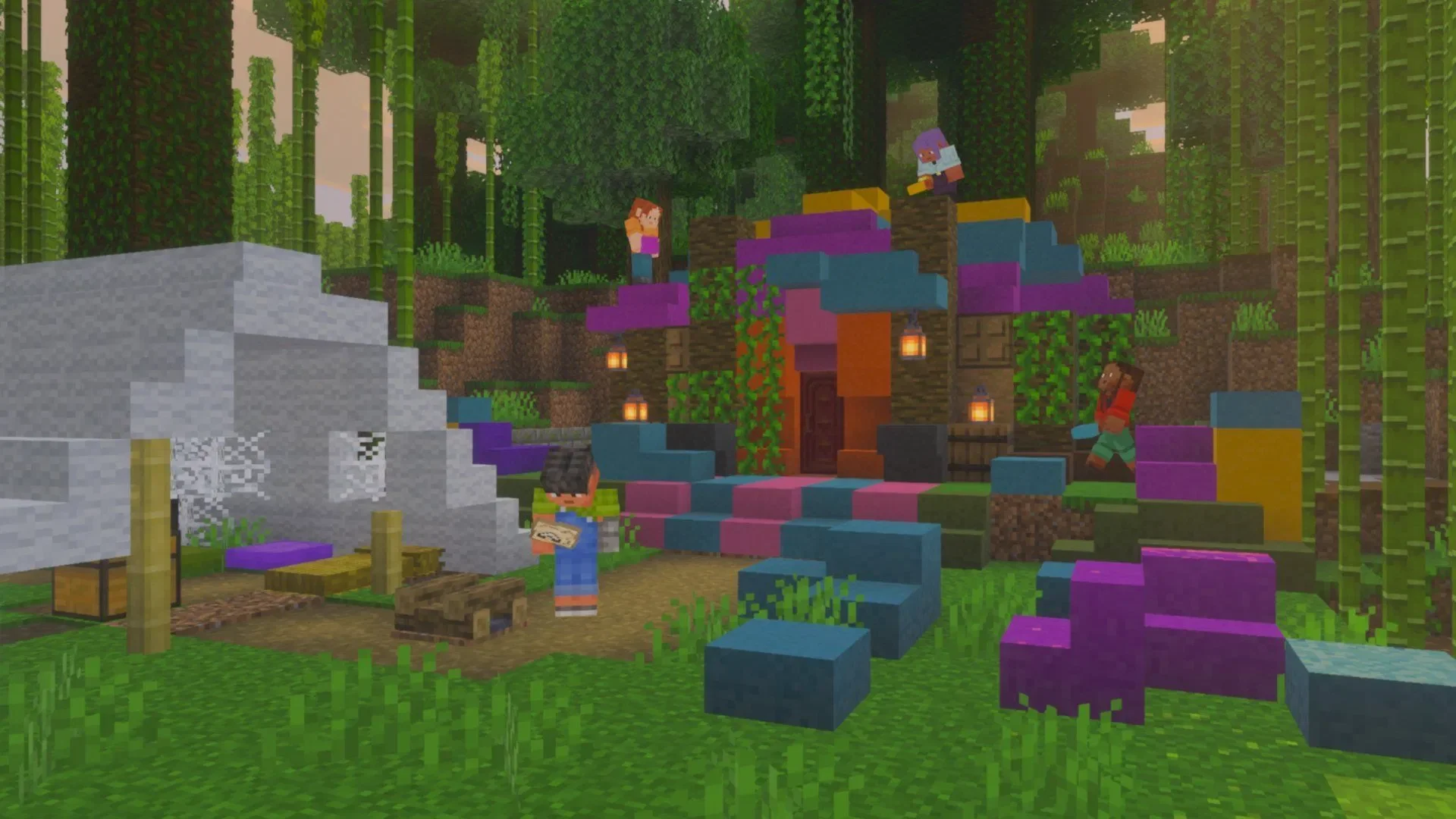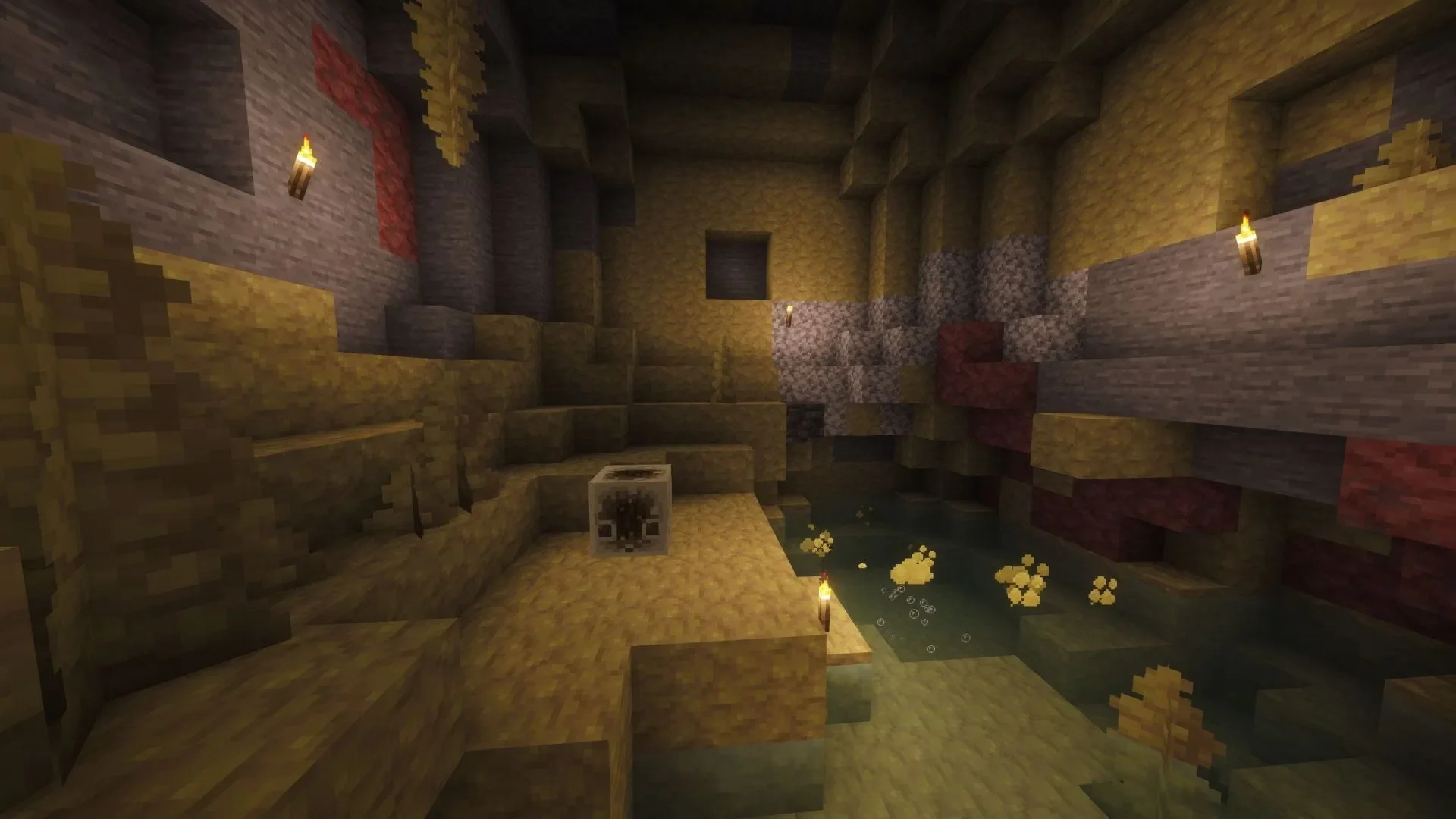
To achieve top-tier graphical rendering in Minecraft 26.2, you can choose to install shader mods. These visual enhancement mods, meticulously crafted by community developers, can completely transform the game's aesthetics and atmosphere. Through them, you can introduce brand-new volumetric lighting, dynamic fog, directional shadows, reflections, and many more compelling visual features to the game.
Below is a detailed guide on how to use mainstream mod loaders to enable shaders in Minecraft 26.2.
How to Install Shaders for Minecraft 26.2
Step 1: Download the Iris Shader Installer
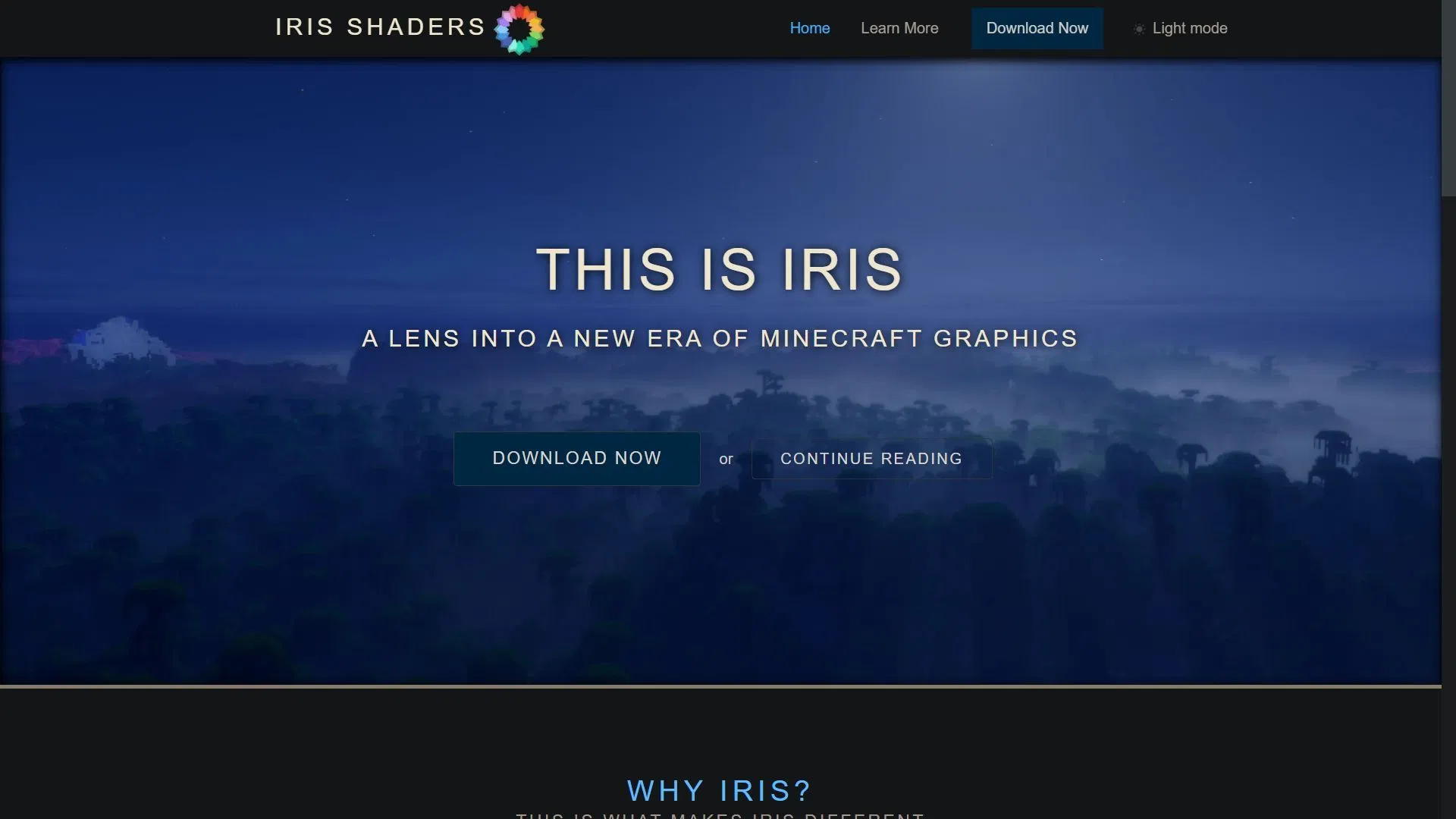
First, you need to visit the official Iris Shaders website to download the corresponding installer. Iris is a mod specifically designed to drive the game's new graphical features. Because it is deeply integrated with the Sodium mod, you can install both mods simultaneously using the official Iris installer.
Once on the website, simply click the "Download Now" button to obtain the installer file.
Step 2: Install Iris and Sodium for Minecraft 26.2
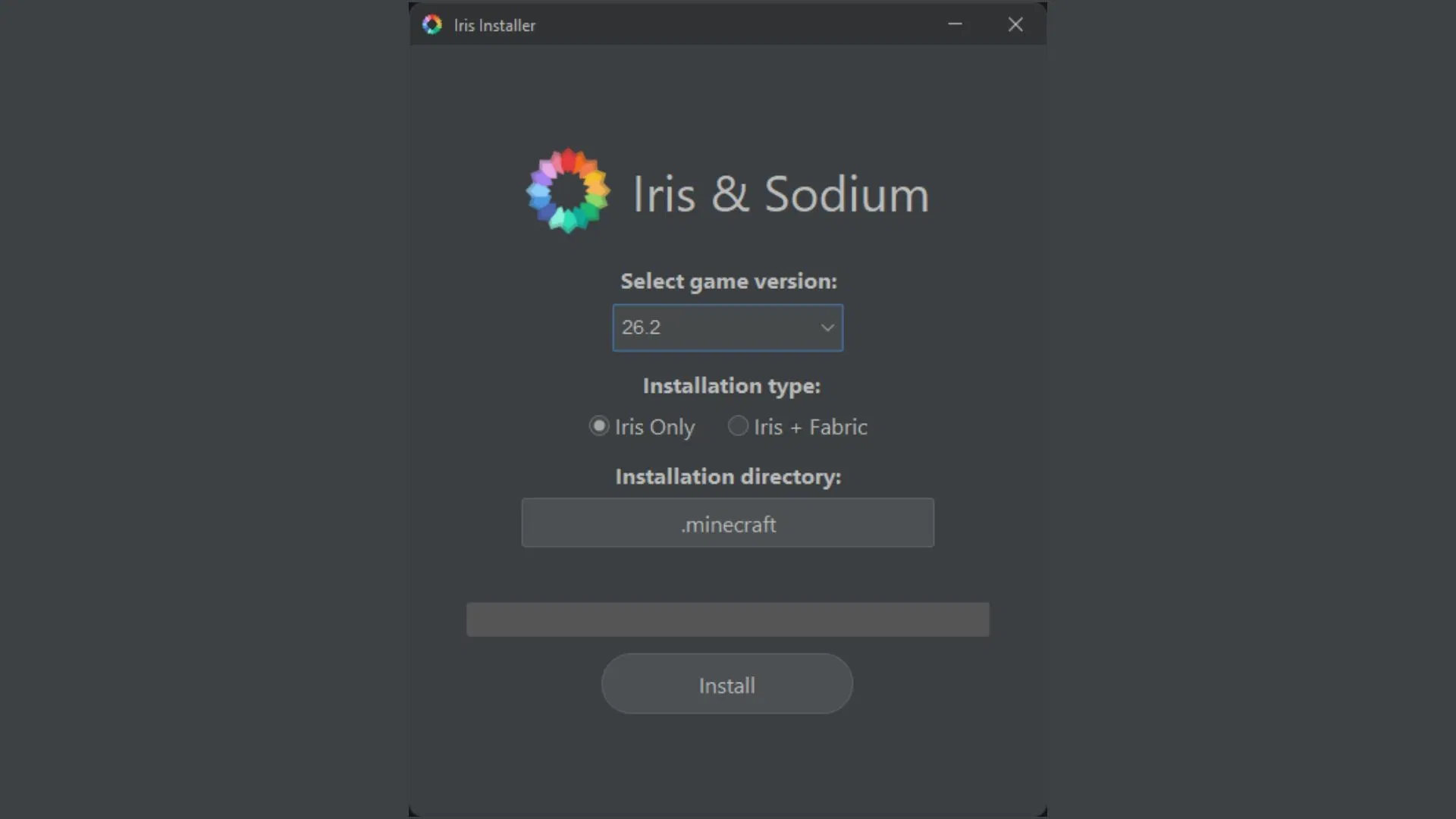
After downloading the installer, run it from your downloads folder. The installer will typically automatically detect the latest game version (26.2) and locate the official game installation directory on your computer. You can choose to install only Iris and Sodium, or also include the Fabric mod loader, which is an essential tool for running most mods and ensures smooth compatibility between them.
Adjust the settings according to your needs, then click the "Install" button to complete the process.
Step 3: Find and Download Shader Packs
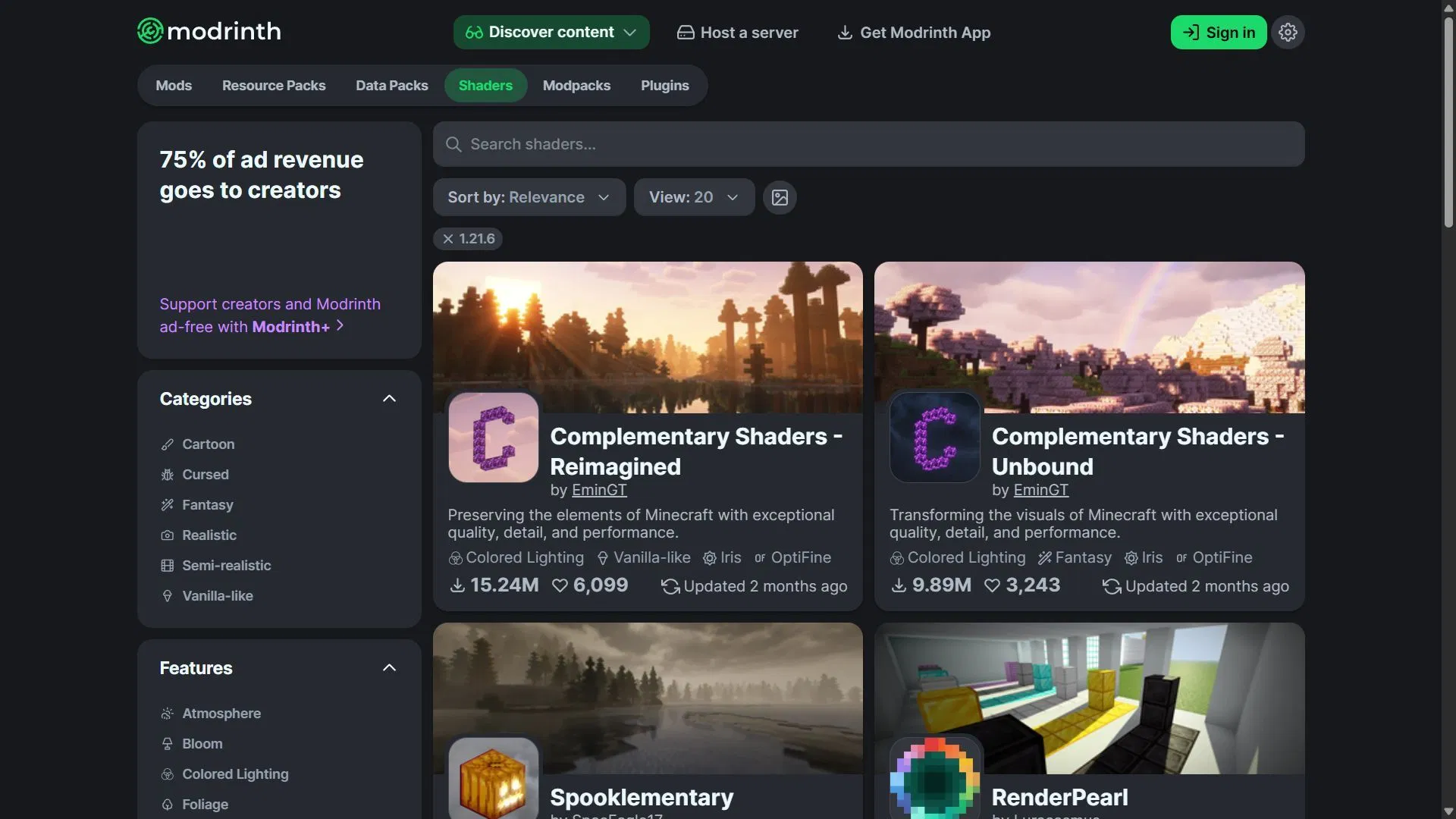
Once Iris Shaders and Sodium are installed, you can visit resource platforms like Modrinth to browse and download your preferred shader packs. These resources are usually provided in compressed archive format; please note that you do not need to manually extract them. Simply copy and paste the downloaded compressed file directly into the specified folder within your game directory.
Although some shader packs may not explicitly state "Compatible with 26.2" in their descriptions, do not worry—the vast majority will still function correctly in the latest version.
Step 4: Launch Modded Minecraft 26.2 and Load the Shader Folder
Once you are ready, open the official game launcher, select Java Edition, find "Iris & Sodium for 26.2" in the version dropdown menu, and launch that configuration to enter the game.
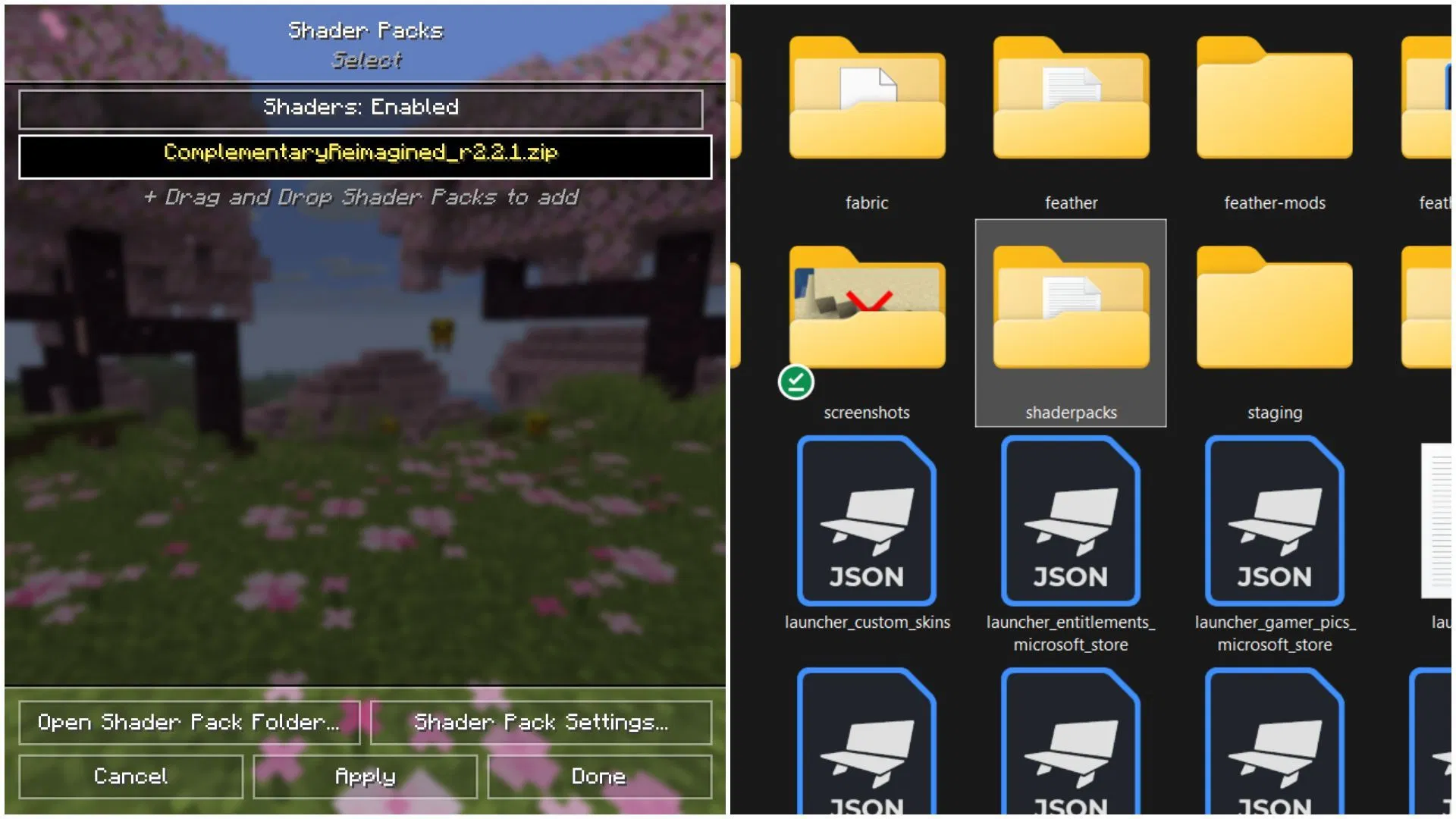
After entering the game, navigate to the Video Settings menu. There, you will see a "Shader Pack" tab. Click on it and select "Open Shader Pack Folder." The game window will temporarily minimize, and an empty folder named "shaderpacks" will pop up. Copy and paste the shader pack archive you downloaded earlier into this folder. Finally, switch back to the game interface, activate the shader pack you just added within the settings menu, and you are ready to enjoy a brand-new visual feast.