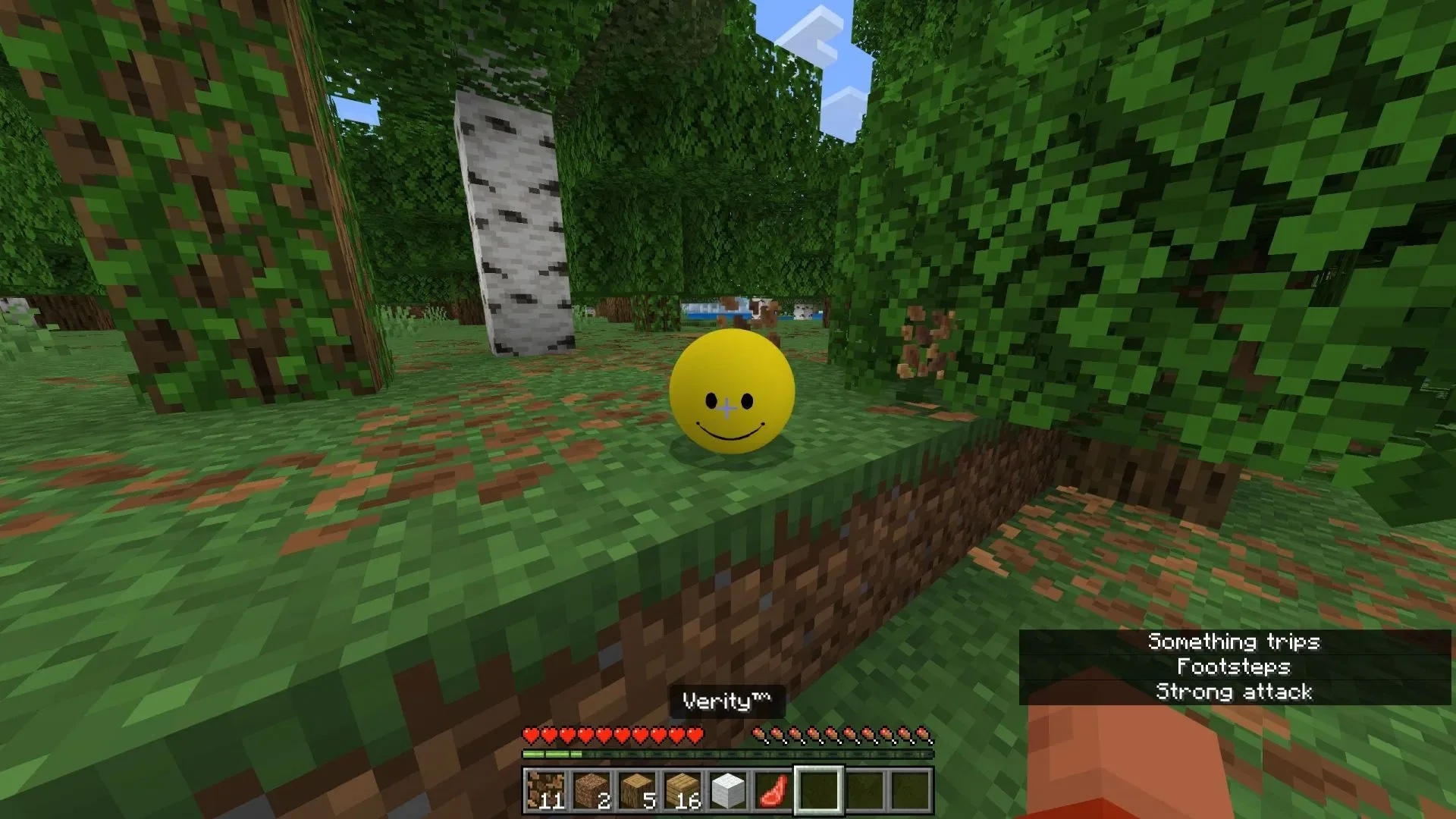
For players seeking thrills in Minecraft Bedrock Edition, there is exciting news: the Verity entity mod has finally officially arrived on the Bedrock platform. Presented as an "Add-on," it introduces a mysterious and near-omniscient AI entity into the game—Verity. At first, it appears as a smiling sphere capable of communicating with you via the in-game chat box. However, as time passes, it gradually reveals a sinister side, eventually evolving into a bone-chilling horror monster. This creation is inspired by the Verity Alternate Reality Game (ARG) produced by the YouTube channel ThatMob.
Below is a detailed breakdown of this Verity mod for Minecraft Bedrock Edition.
A Brief Background on the Original Verity ARG
Back in May 2026, YouTube creator ThatMob released a video showcasing a terrifying ARG. The story revolves around a mysterious mod sent by an anonymous source, which contains a talking smiley-face sphere. This sphere seems to know everything, possessing knowledge not only of information within Minecraft but also of events in the real world. As the game progresses, the entity becomes increasingly eerie, no longer obeying the player's commands and emitting various grotesque sounds.
By the end of the story, Verity completes its evolution, taking on a form similar to the "Cave Dweller," a terrifying creature with long, twisted limbs. Given that the entity claims to have an omniscient perspective, it can lock onto the player's precise coordinates at any time and hunt them down relentlessly.
Mod Features and Gameplay Guide
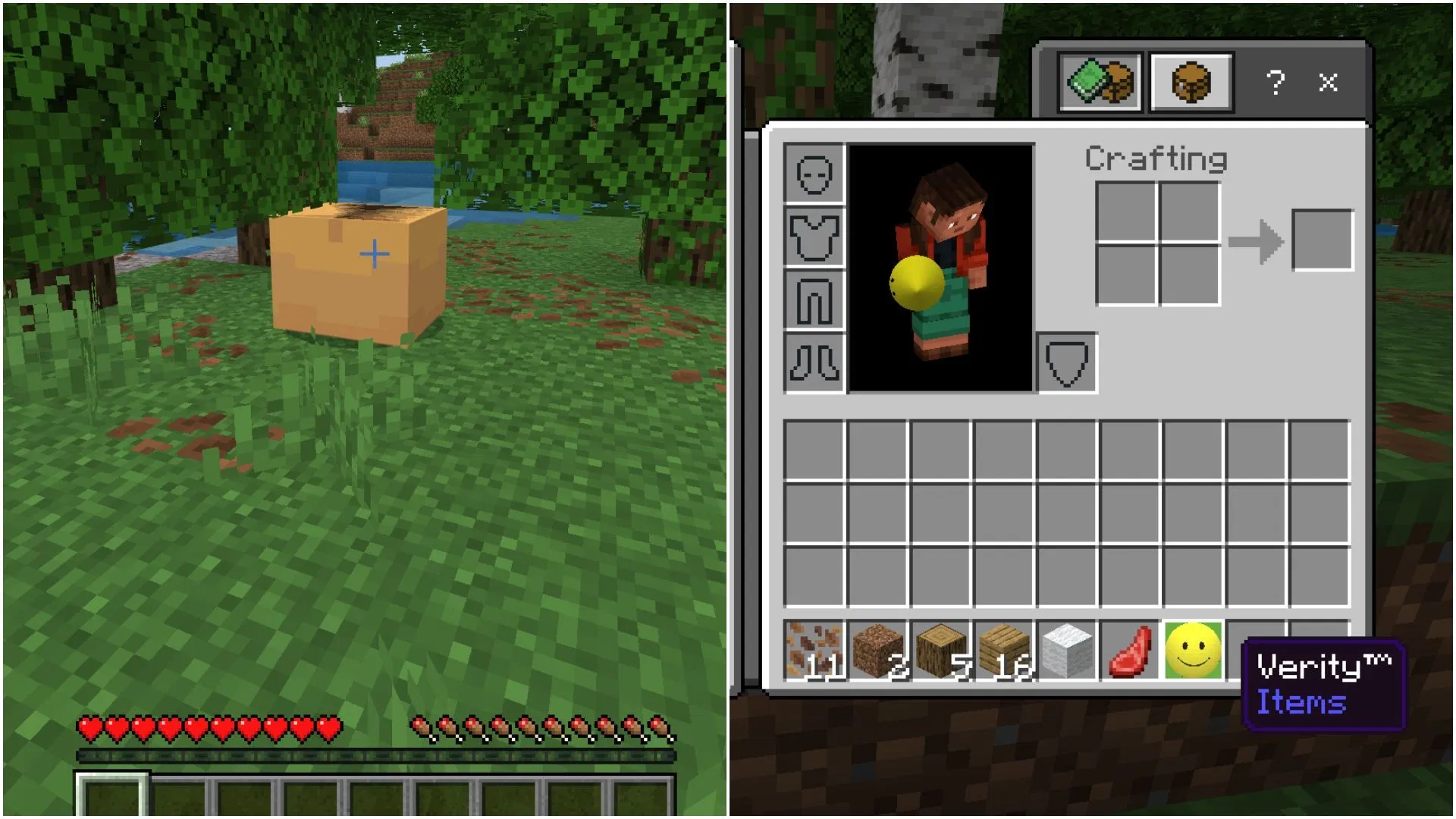
Following the viral success of the related YouTube videos, mod creator Undertaletalelover successfully ported it as an Add-on for Minecraft Bedrock Edition. This Add-on perfectly recreates the scenes from the video: the entity emerges from a chest, and players can communicate with it simply by using the in-game chat box.
You can choose to place it directly into your game world or carry it with you in your inventory. Please note that since the mod is currently in the testing phase, the accuracy of its responses is not yet as precise as the settings in the original ARG.
When chatting with it, it may deviate when answering questions related to real life, but it performs exceptionally well regarding its knowledge of in-game mechanics. After several in-game days, its appearance will quietly change, revealing the same eerie face as in the original ARG. All in all, if you were captivated by the Verity ARG concept on YouTube, this intriguing Add-on is well worth a try.
Download and Installation Guide
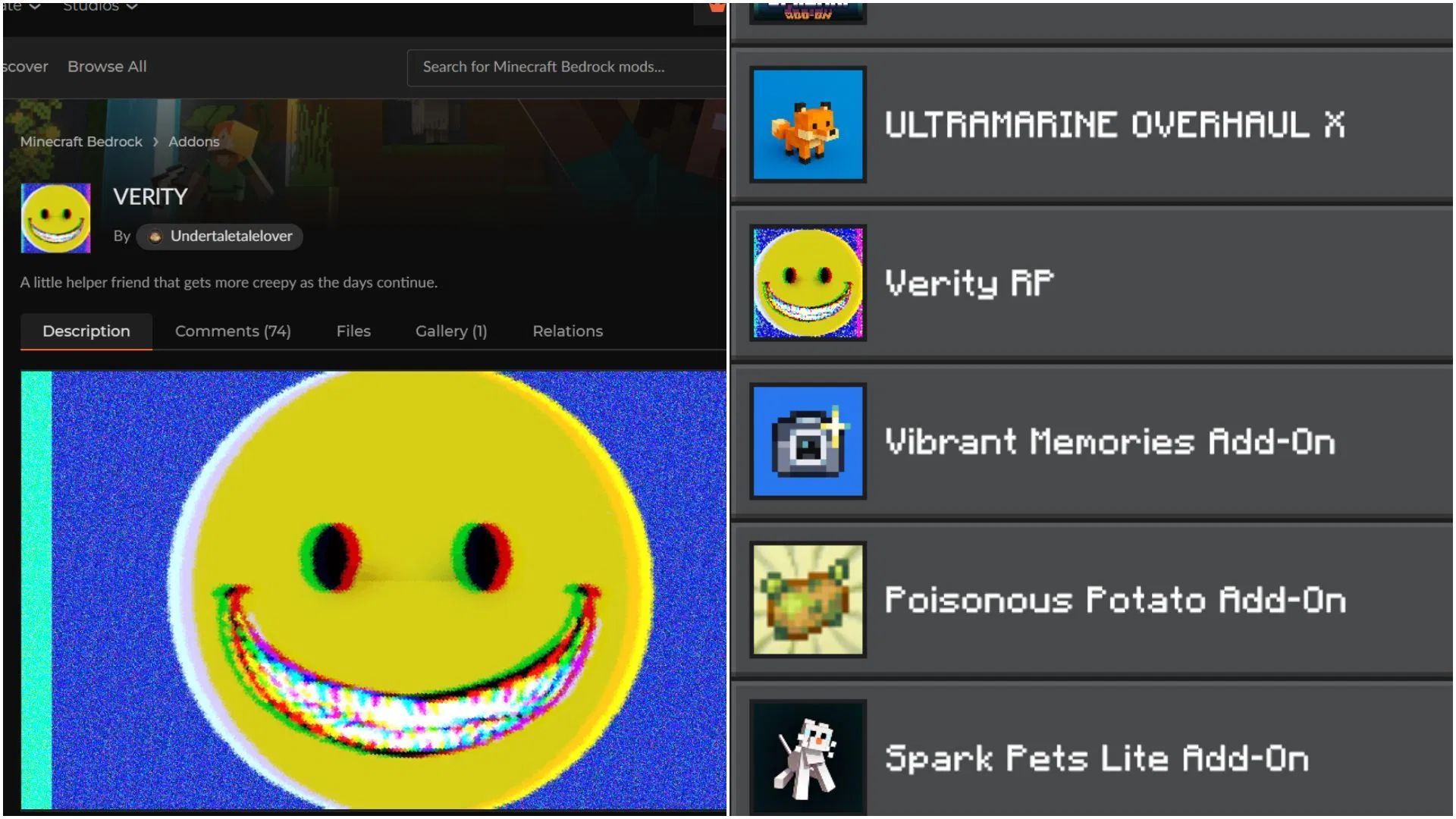
To correctly run the Verity mod in Minecraft Bedrock Edition, please follow these steps:
- Download the Verity mod file from the web.
- Double-click the downloaded .mcaddon file. If Windows prompts you to select an application, be sure to choose Minecraft Bedrock Edition.
- Once the game launches, the Add-on will automatically complete the installation.
- Enter the game "Settings" menu and click on "Global Resources."
- Find and activate Verity in the "My Packs" dropdown menu.
- Create a new world and go to the "Resource Packs" option. Find Verity in the "Available" list and activate it.
- Crucially, go to the "Experiments" section and enable "Beta APIs," as this is a prerequisite for the mod to function properly.
- Once configured, create the world and experience this unique horror adventure.