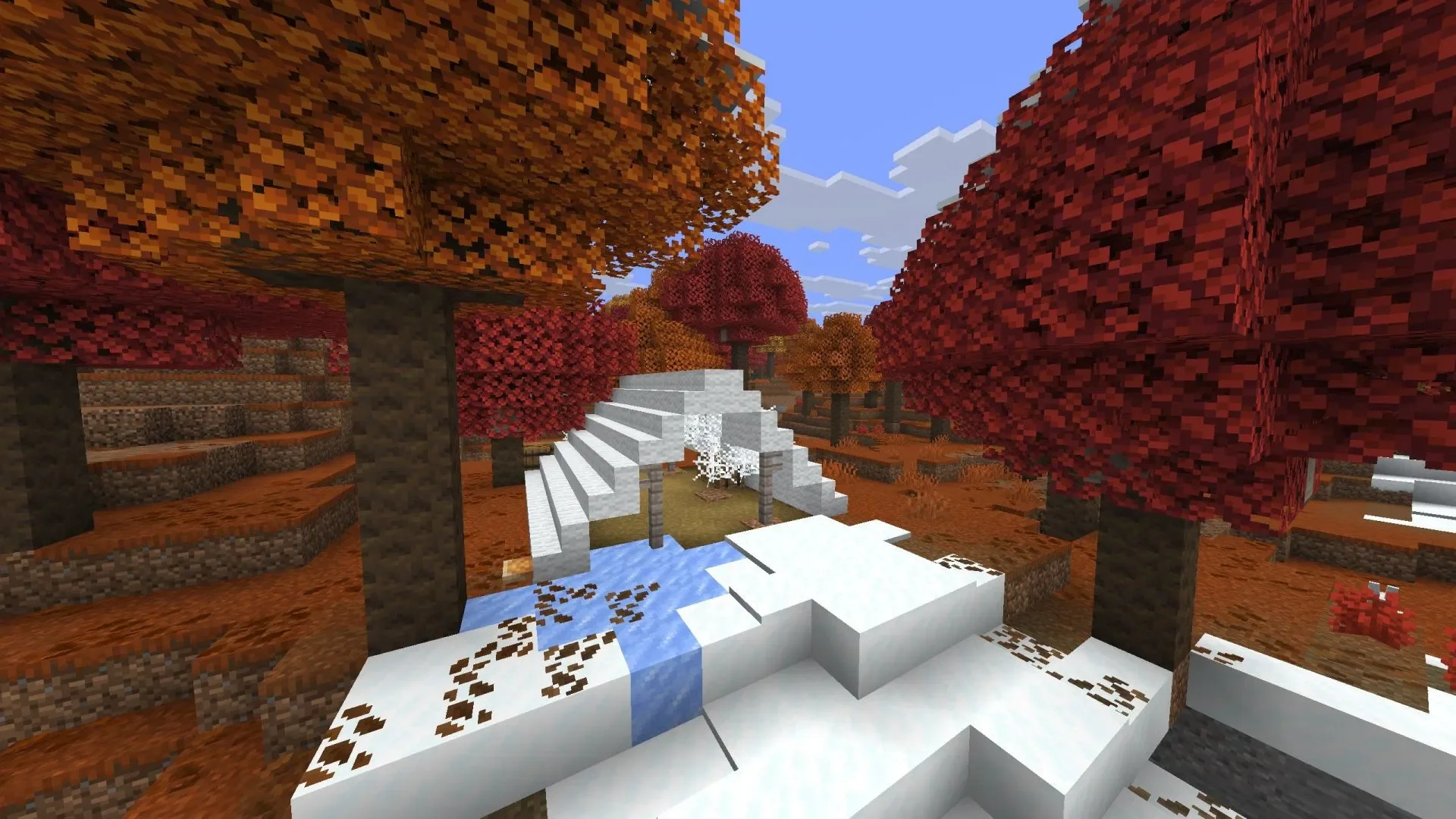
For many players, Minecraft is certainly challenging, especially when playing in Hardcore mode, where death means the world is lost forever. Despite this, few would classify the game as a horror title, as heart-pounding moments are few and far between. For instance, you might be deeply focused on a building project when you suddenly hear the rustle of leaves, and before you can react, a Creeper behind you detonates.
However, some exceptional Minecraft mods can completely rewrite the game's tone, transforming it into a pure horror experience. The "I Heard" mod has recently surged in popularity, with more and more players trying it out and becoming immersed in its atmosphere. So, what exactly makes this mod special? How does it change this blocky world? Below, we will provide a detailed analysis of the "I Heard" mod and how to install it.
Analysis of the "I Heard" Mod
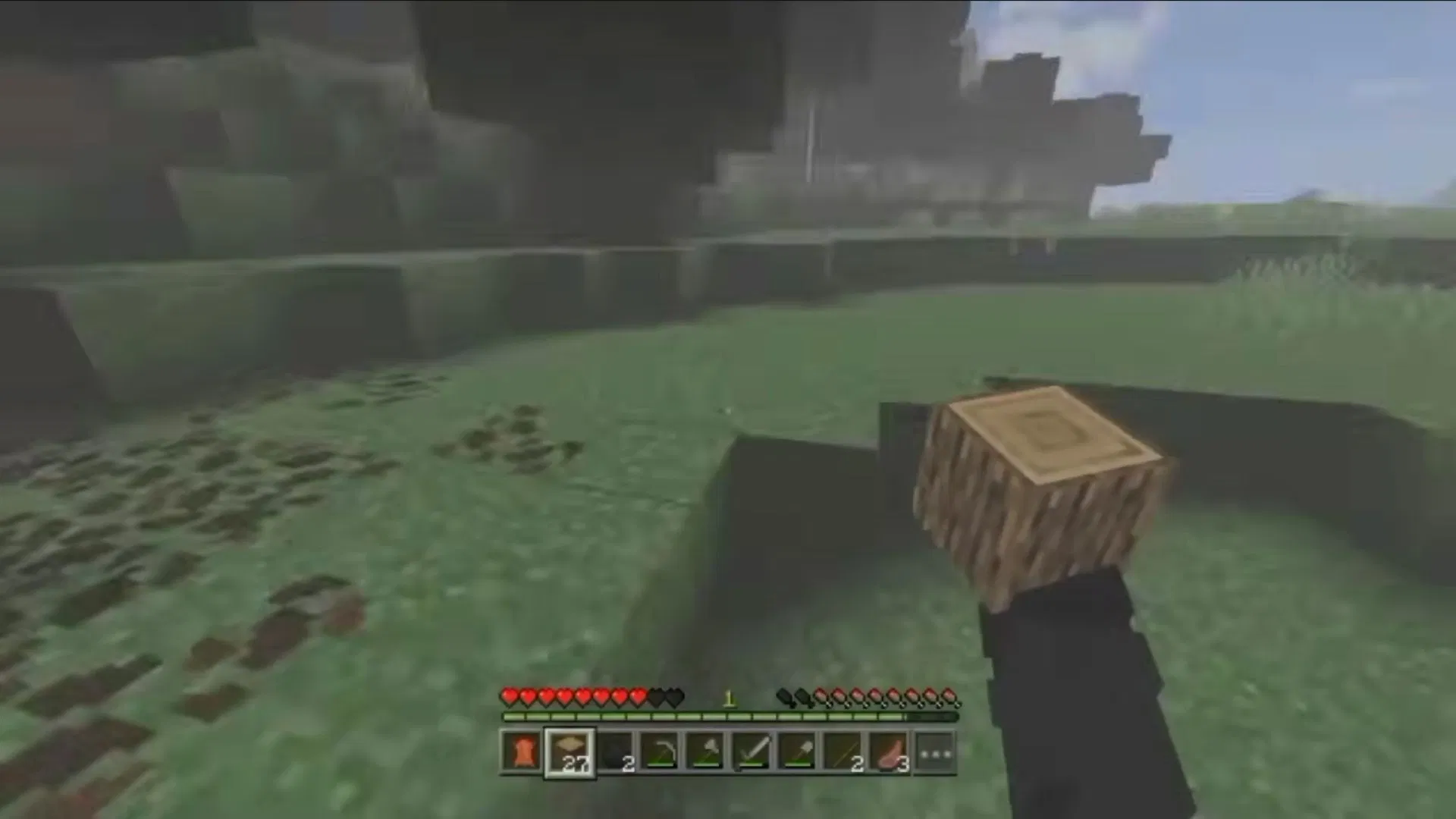
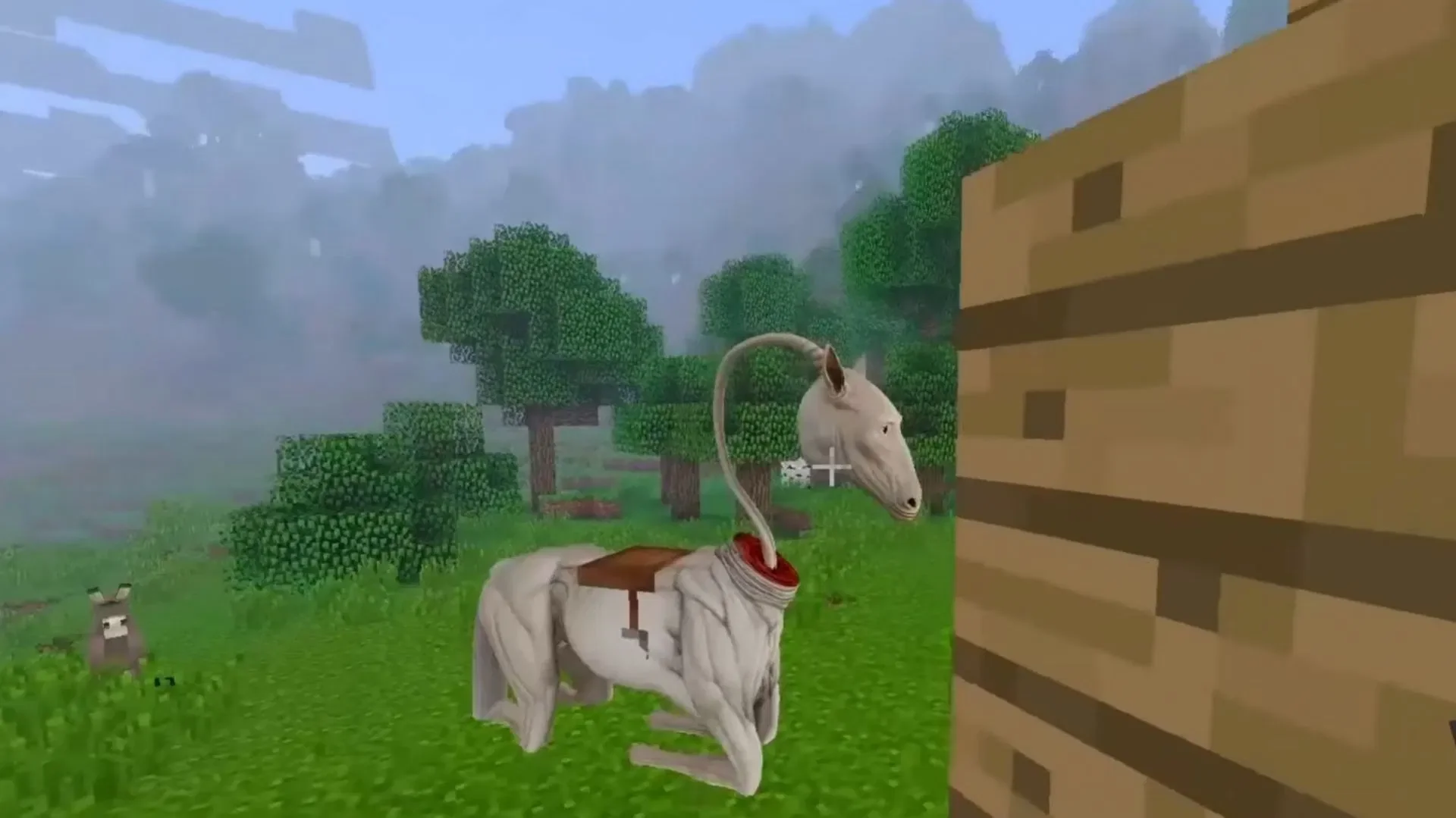
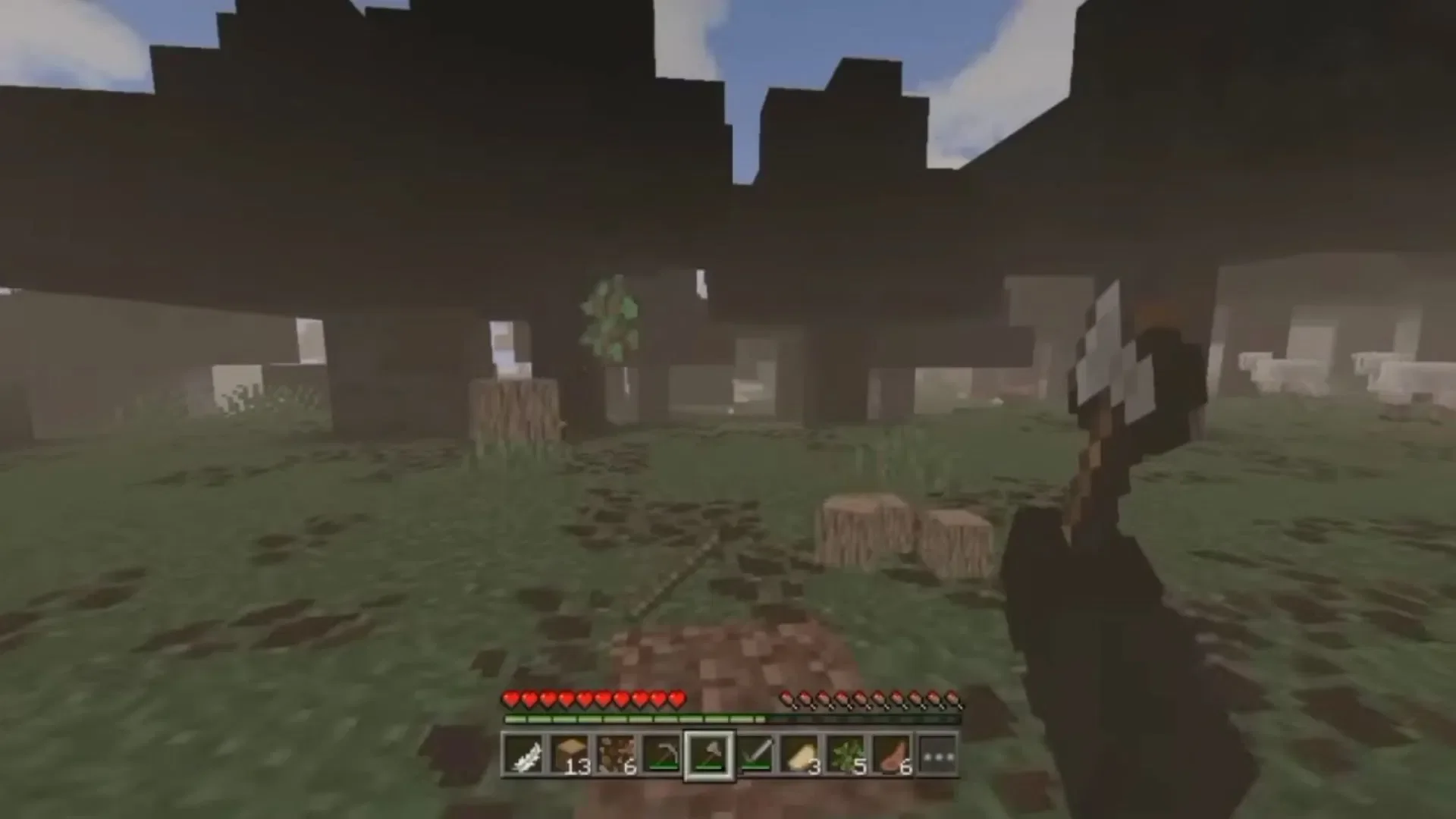
The "I Heard" mod not only introduces many interesting items but also adds a spine-chilling monster.
For those who aren't familiar, "I Heard" is a mod inspired by the horror short film of the same name. It aims to provide an immersive, terrifying experience by completely reshaping the game's audiovisual atmosphere. As you might expect, a truly horrifying monster lurks in the game, and its presence will make your survival journey exceptionally difficult.
Unlike typical horror mods that only add entities, "I Heard" introduces various new blocks and devices, giving you the ability to interact with the monster. For example, you can craft high-tech items such as batteries, power banks, speakers, and motherboards. Additionally, by crafting a mobile phone, you gain access to a flashlight function—when the world plunges into darkness, this light source will be your only reliance.
Another highly innovative feature is the walkie-talkie, which requires materials like batteries, motherboards, and iron ingots to craft. The purpose of this walkie-talkie is not to communicate with other players, but specifically to detect the presence of hostile entities nearby. This clever mechanic significantly increases the game's sense of oppression and fear factor.
Of course, we must mention the "Maternal Wraith," a hunter that spawns in most biomes and will force you to constantly be on the run. Most unsettling of all is that this monster has the ability to evolve and adapt. Since spoilers would ruin the process of experiencing this fear and surprise for yourself, we will not go into detail about its specific behavioral patterns here.
How to Install the Mod
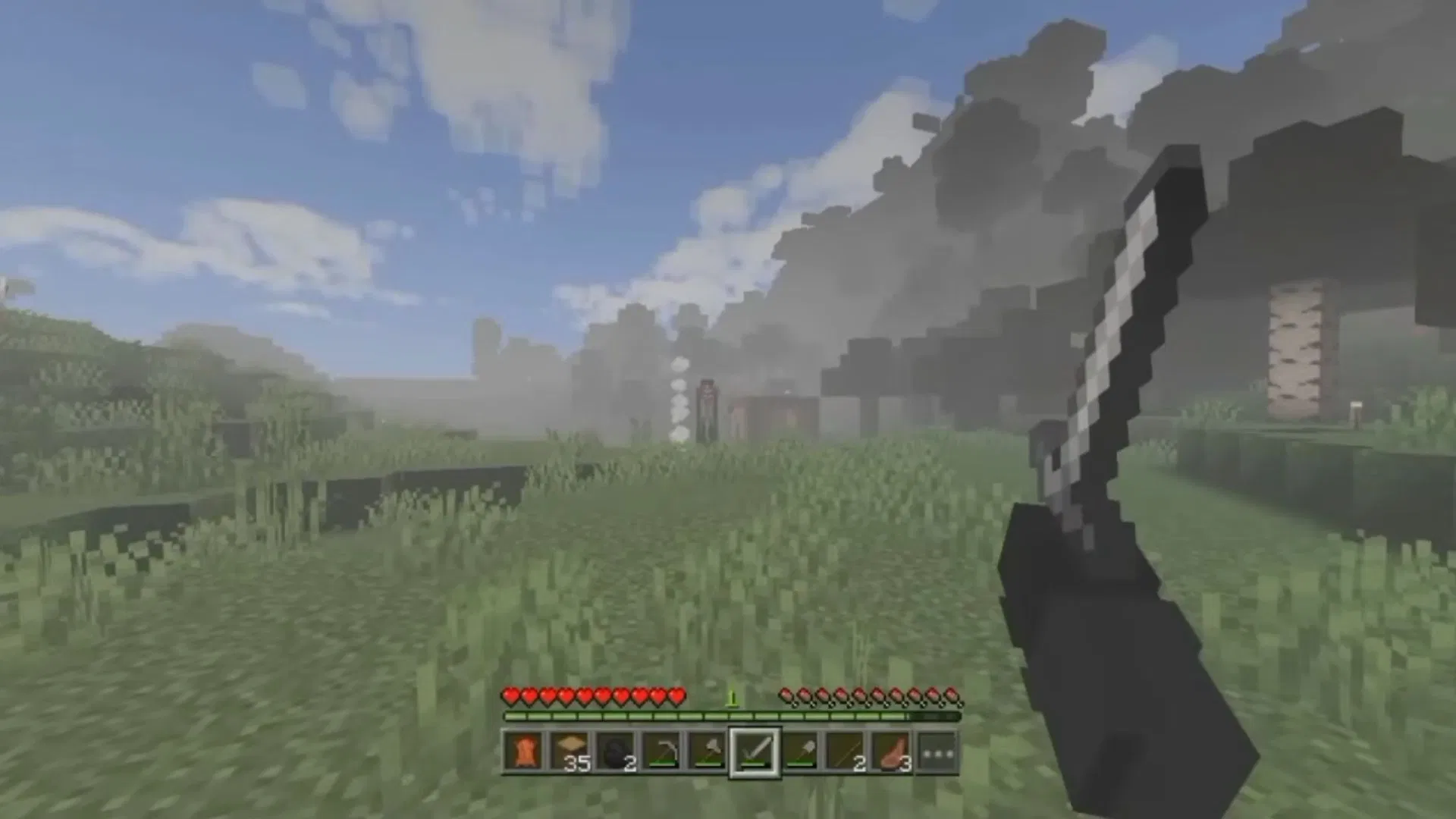
The process of installing the "I Heard" mod is very straightforward. Since it is designed specifically for Minecraft Bedrock Edition, you simply need to obtain the ".mcaddon" file on your smartphone, and once the download is complete, open it directly with Minecraft. After a successful import, go to the game settings menu, find it under the "Behavior Packs" section, and enable it manually.
Once you have completed these steps, create a new world, and you will soon be able to experience the horror atmosphere brought by this mod. Please note that if you have other add-ons or shader packs pre-loaded, they may conflict with this mod, causing it to malfunction. If you encounter such issues, try disabling other mods and troubleshooting one by one to ensure "I Heard" runs stably.