Bedrock
DeadWire By: ATLIIN Experience 4 maps in 1. Raid, Sneak, Escape, and Survive with firearms while discovering hidden easter eggs. Description DON'T DOWNLOAD UNTI
Publisher
ATLIIN
Downloads
30
Top category
MAP
Updated
2026-06-09
By: ATLIIN
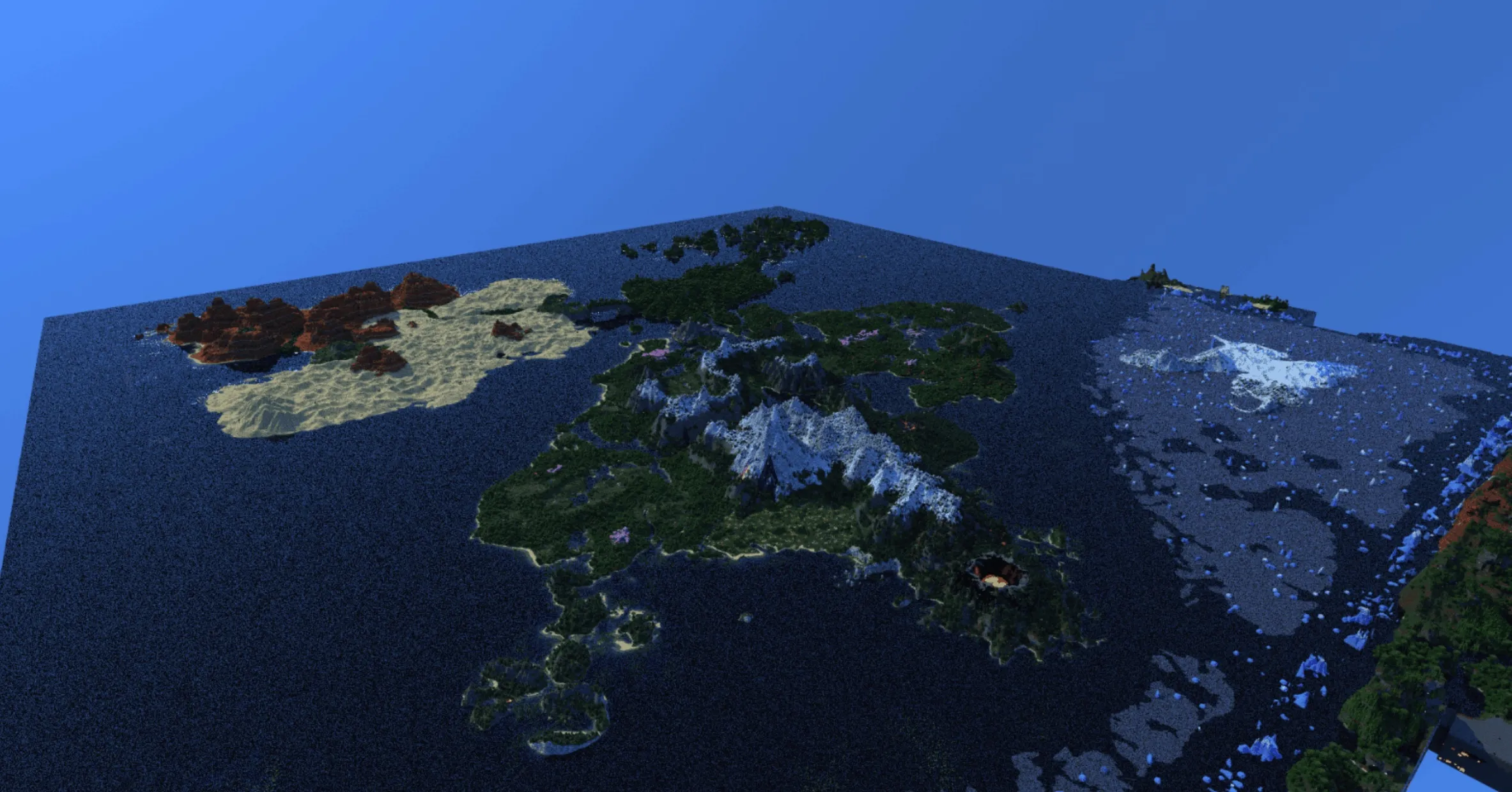
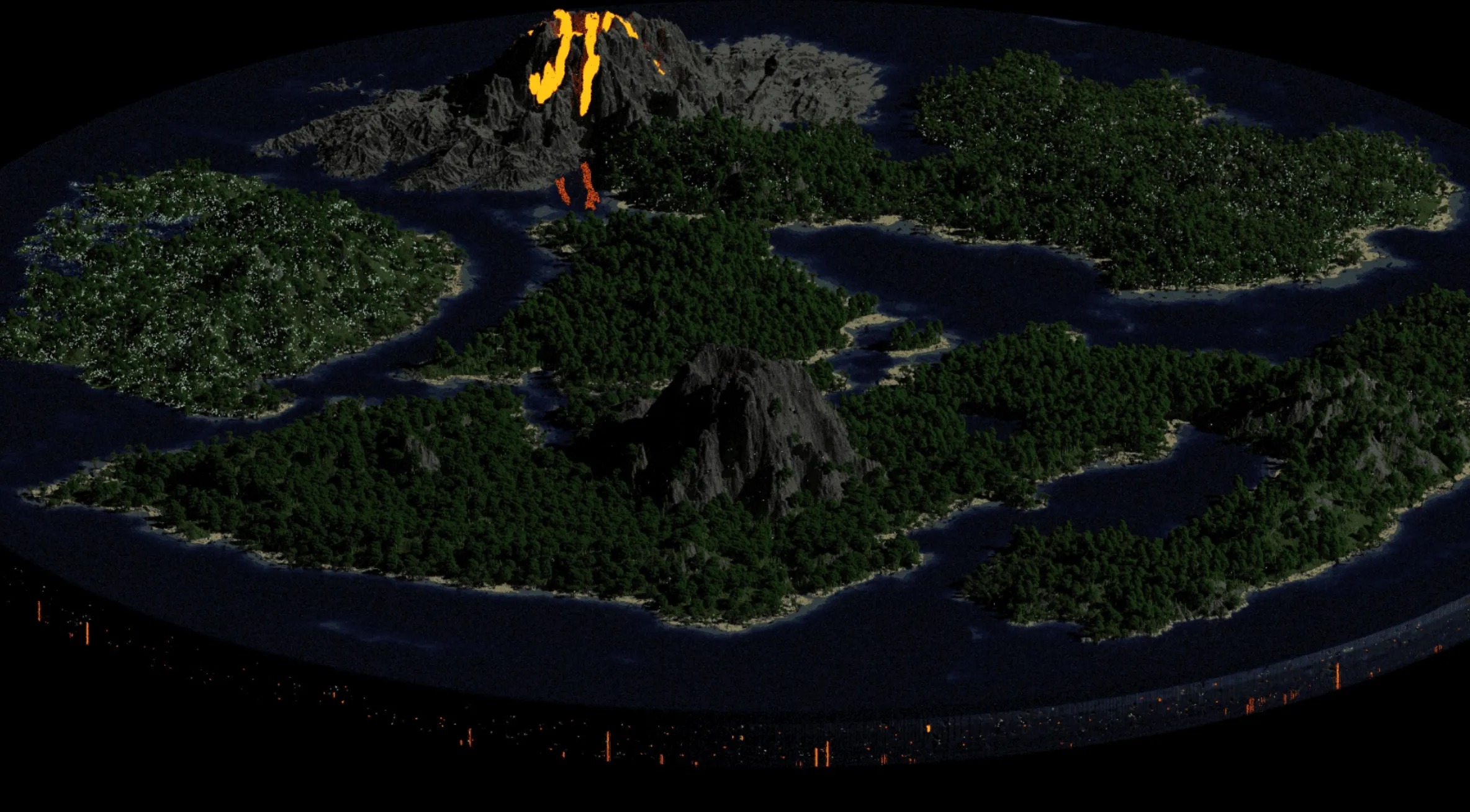
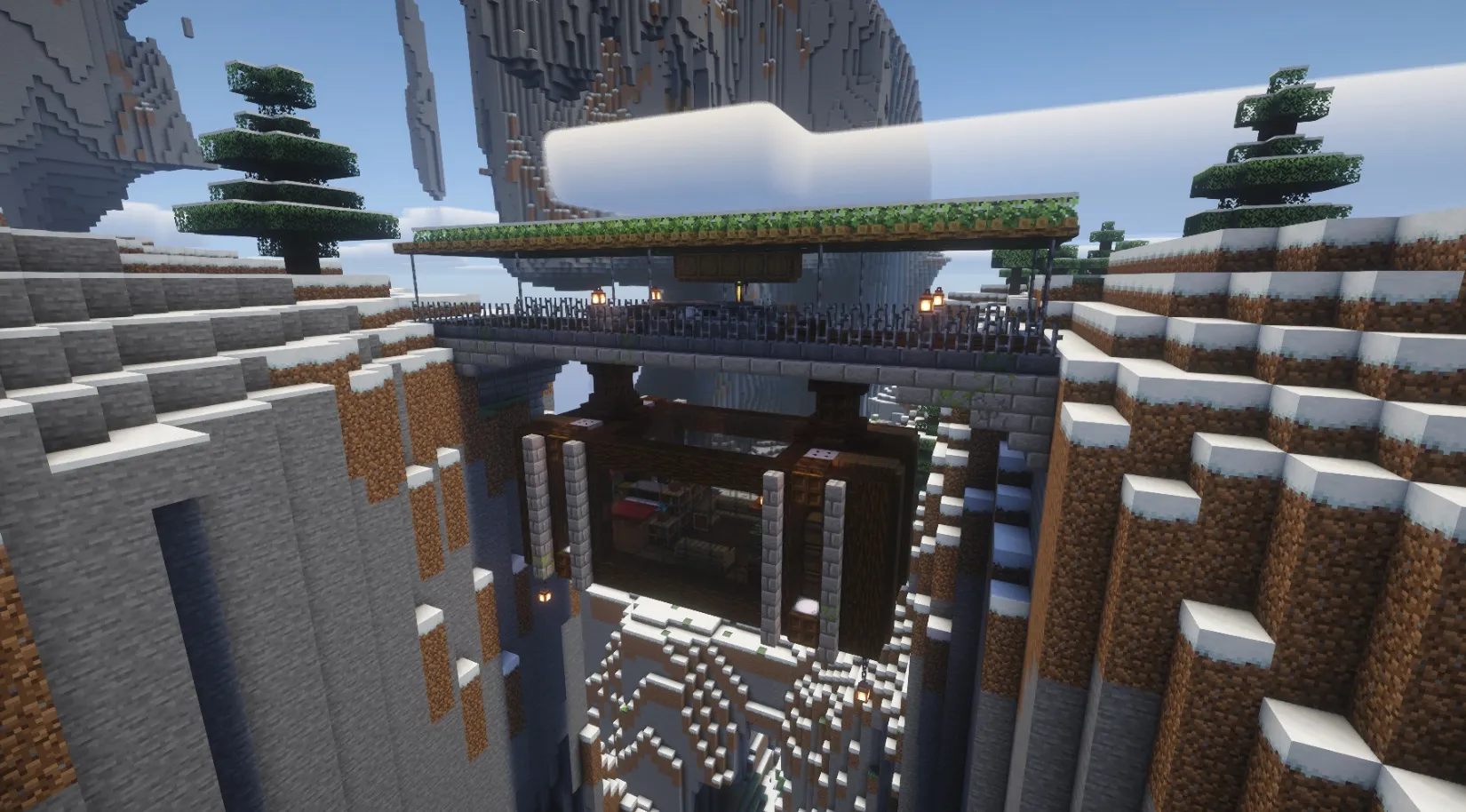
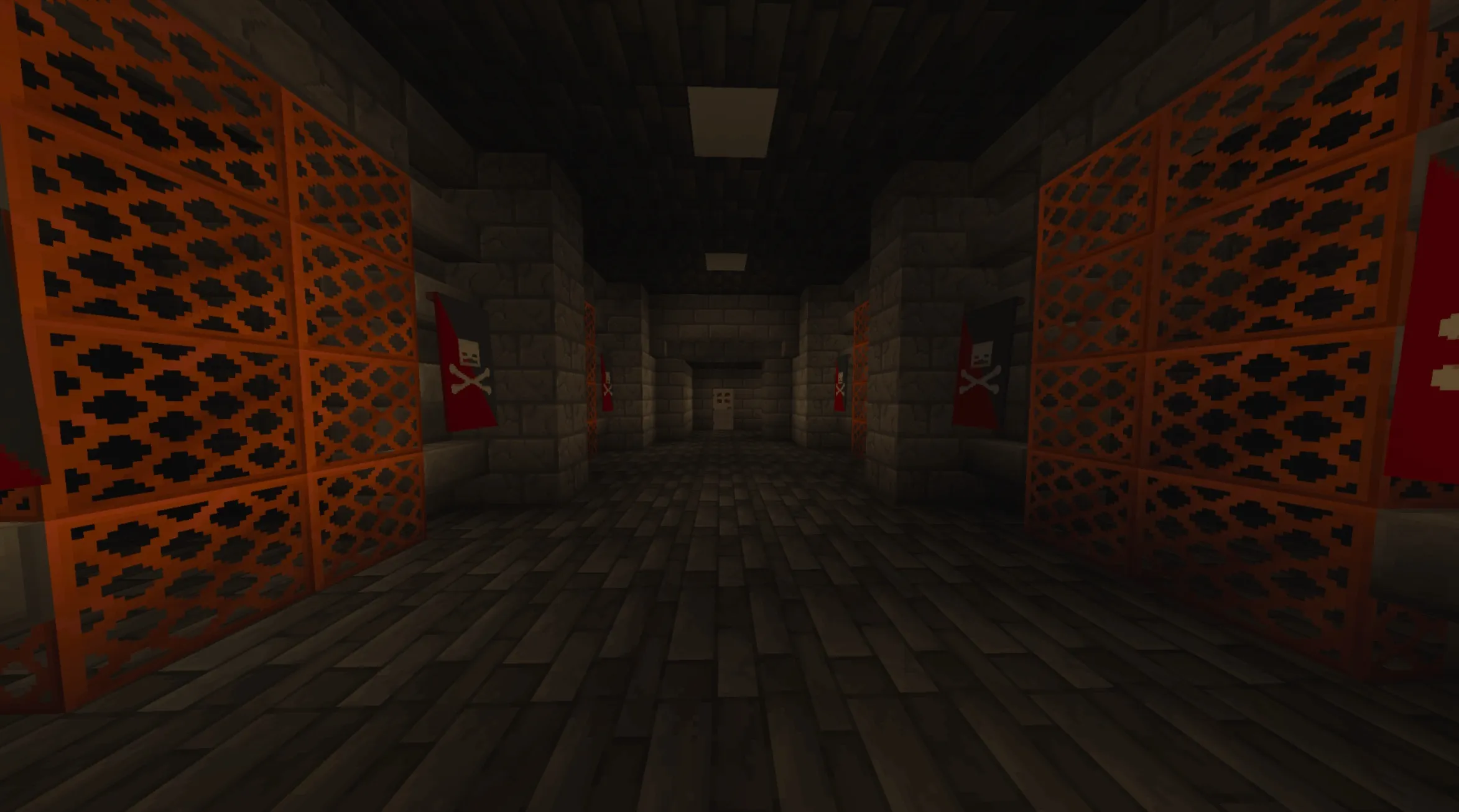
Experience 4 maps in 1. Raid, Sneak, Escape, and Survive with firearms while discovering hidden easter eggs.
Description
DON'T DOWNLOAD UNTIL YOU READ
If you are NOT willing to visit a GitHub page for the required DLC and addon, you can NOT play this game.
If you are NOT willing to download the necessary addon from another CurseForge creator, you can NOT play this game.
If you are NOT willing to manually paste the DLC into the Behavior and Resource packs of "Absolute guns 3," you can NOT play this game.
If you ARE willing, I promise that I have delivered an experience to the best of my ability and provided all the necessary steps to get it running. This map was created by Atliin & Arotize.
You must follow every single step carefully to avoid any technical issues. If you have any questions, please leave a comment, and I will respond.
Courtesy of AzozGamer936: His addon, "Absolute guns 3," made this experience possible. We agreed that you must download his addon to play DeadWire. This directs traffic to the original creator, while I host the supplemental DLC separately.
On the DeadWire CurseForge page, there is a "Relations" tab. I have added "Absolute guns 3" as a required dependency there, so you can click it to download. There is also an optional "Multipixel texture pack," which is excellent and highly recommended.
Once you have installed "Absolute guns 3," you need to visit my GitHub. It is a simple process; you can find the link to the YouTube channel and the GitHub repository in the links section of the project page.
Installation Process:
If you get lost, I have a video on the ATLIIN YouTube channel demonstrating the entire process on Windows.