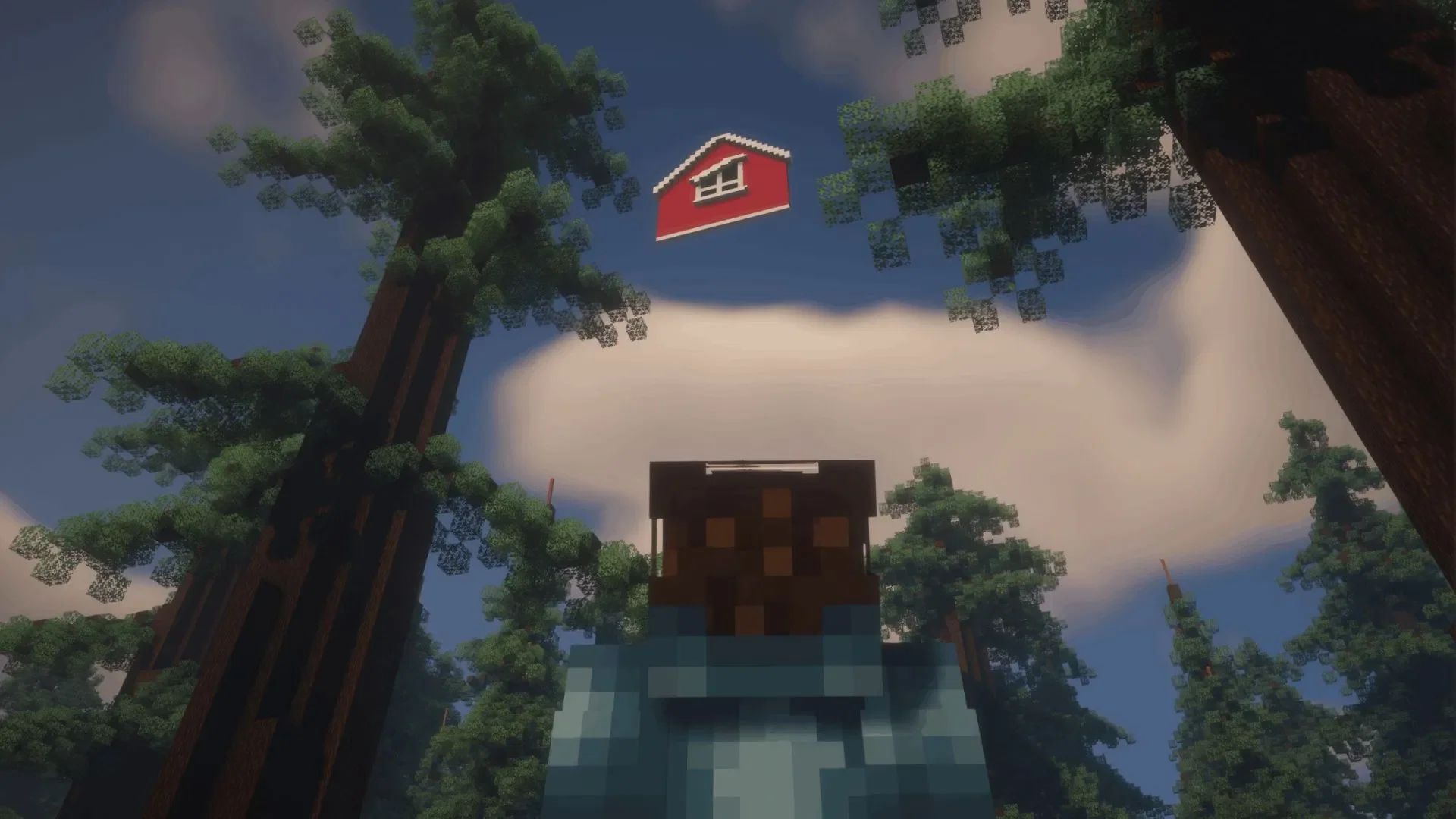
This mod focuses on atmospheric horror. While many horror-themed Minecraft mods tend to throw terrifying creatures at the player, Dreamshift takes a different path. Instead of focusing on a single monster, it layers liminal spaces, eerie dimensions, and a sense of unease, allowing the dread to seep out from the environment itself.
What does the Dreamshift Minecraft mod offer?
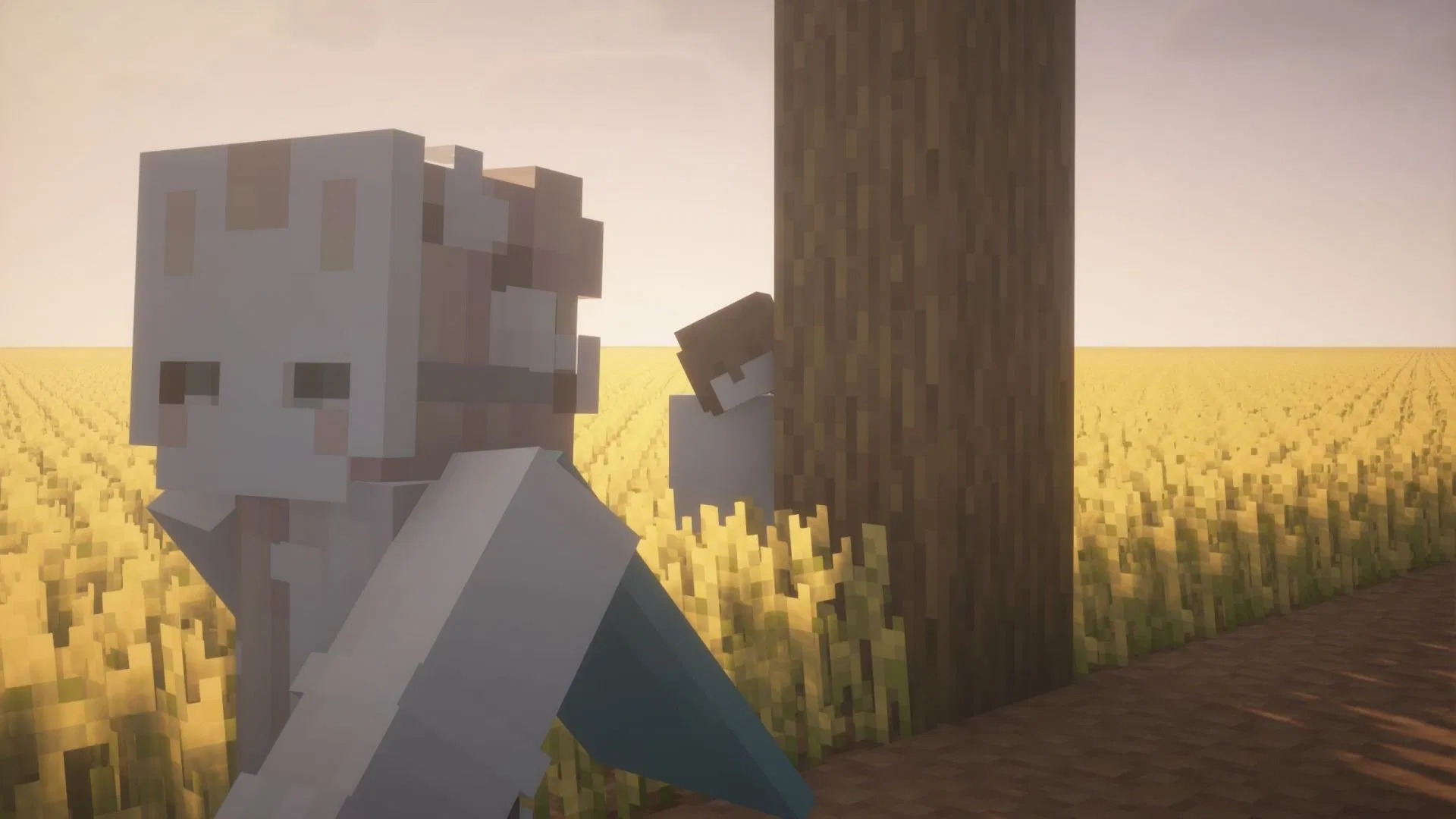
Dreamshift is a recent Minecraft mod for version 1.20.1 by multision. The author, known for previous works like Alpha Below and Mo’ Creatures: Nostalgia Edition, shifts the focus here toward a more psychologically oppressive horror experience.
The most unique aspect of this mod is the inclusion of numerous accessible liminal spaces. As players explore the world, they may encounter thin, elongated fissures known as "slippages," which offer a chance to be pulled into another dimension. These fissures are often narrow, appearing like anomalies stuck to the surface of blocks; initially, you might only catch a glimpse of what lies inside, but once you cross the threshold, you are fully transported to the corresponding space.
Upon entering a fissure, you won't find the Nether or the End, but rather a completely different "Dreamspace." Each Dreamspace is an independent mini-world with its own weather, time, sounds, and rules. In other words, you aren't just changing maps; you are being thrown into a place with entirely different logic.
The atmosphere in these Dreamspaces is intense, and most are handcrafted by the author. Abandoned highways, architecture that defies common sense, cold skies, dilapidated interiors, and desolate corridors combine to create corners of Minecraft that feel like places the game should have forgotten, yet you’ve stumbled upon them by accident. The official documentation emphasizes that there are over 20 handcrafted Dreamspaces, which are not merely decorative but come with their own unique rules for time, sound, weather, and events.
Some Dreamspaces are quiet, others are filled with scripted events, and some feel like strange, instruction-less locations. The longer you stay, the more you feel the oppressive sensation that "this place shouldn't exist." If you trigger the right event, the system will return you to the Overworld, where you can continue searching for new fissures to enter the next Dreamspace.
Dreamshift does not rely on the cliché of "monsters chasing you." It is more concerned with why you are there, why the space allows you to enter, and whether you can leave before the rules change. The official website puts it quite directly: this is not a mod about a specific monster, but about spatial displacement, unbalanced rules, and the process of slowly losing your sense of direction in a strange world.
Current Dreamspaces you can encounter in the mod include:
- Angelic Station
- Dystopic Ruins
- Familiar Eye Exam
- Floating Barn House
- Frutigo Aero
- Journeys Station
- Level 7: Flooded
- Lone Theatre
- Lost Homes
- Mosaic Meters
- Mossy Rooms
- Offices Neighborhood
- Overgrowth
- Pink Lone House
- Retired Wish
- Route 66
- The Ungate
- Timezones
- Unauthorized Church
- What’s Above Is Blue
- Whirl Gap
If you want to get a feel for the mod's overall vibe, you can visit its official site to see the introductory animations and visual showcases. They convey the feeling of "a familiar world suddenly starting to warp" much better than text alone.
How to download and install the Dreamshift Minecraft mod?
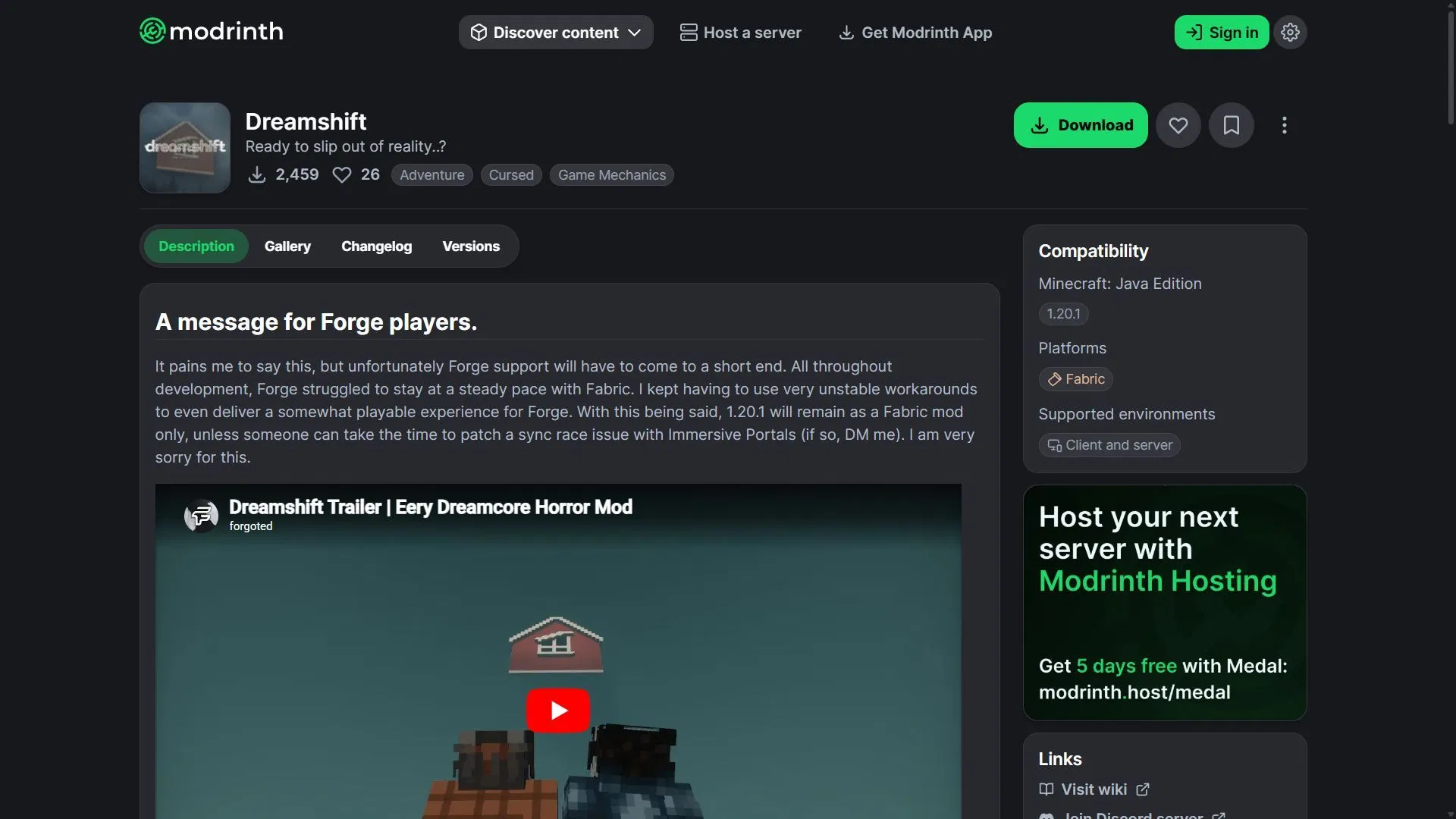
According to official information, Dreamshift supports Minecraft Java Edition 1.20.1 and is compatible with both Fabric and Forge. Below is the installation process using Fabric 1.20.1 as an example.
- Install the Fabric environment for Minecraft 1.20.1 and ensure Java 17 is available.
- Go to the mod platform Modrinth, search for "Dreamshift," and download the mod file matching your Fabric 1.20.1 version.
- As per official requirements, install the necessary dependencies: Fabric API, Architectury API, Cloth Config API, and Immersive Portals.
- If your environment supports it, you can also install Sodium and Mod Menu, which are optional extensions.
- Place the mod file and all dependencies into the
modsfolder in your game directory, then select the Fabric 1.20.1 configuration in your launcher to start the game. - Create a new world and start exploring; when a fissure appears nearby, walk into it, and the Dreamspace will transport you to another layer of reality.